
Snapz Pro X 2.6.1
With Snapz Pro X, picture-perfect screenshots are just a keystroke away.
Share your Mac experience with friends and family by capturing screenshots and videos in a wide variety of formats.
Smarter image and video sharing
Whether you're a business manager leading a meeting, a teacher developing a lesson plan, or a home user with an idea you want to capture, you'll love having the advantage of sharing screenshots and videos from your Mac.
Easy editing
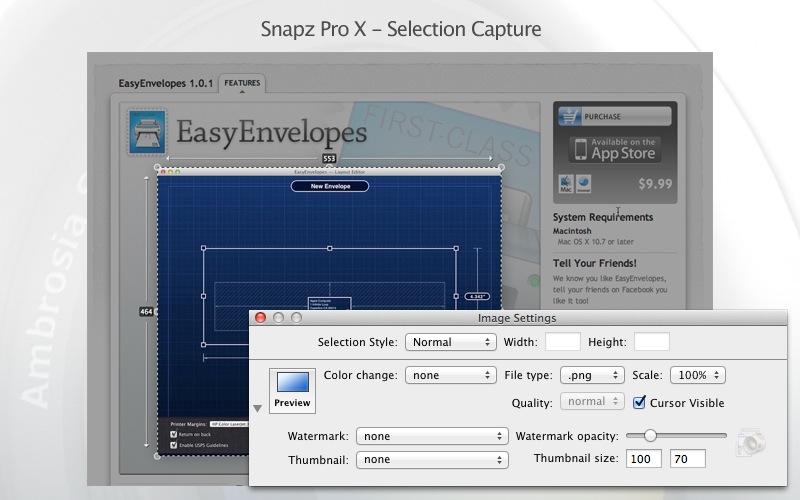
Scale, crop, and dither your screenshots, or add customized borders and watermarks. Snapz Pro X offers countless ways to stylize and and tailor your images for any occasion.
Flexible formats for your finished product
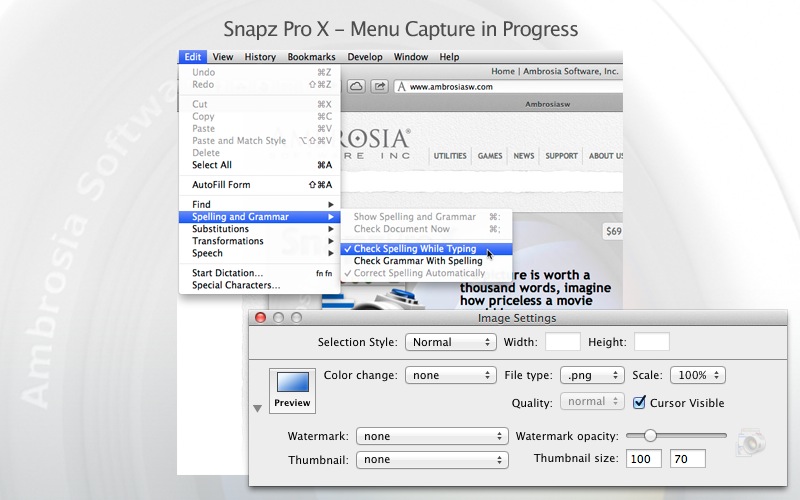
Snapz Pro X lets you export your images as a wide variety of file types: bmp, pict, gif, jpg, png, tiff, pdf, and PhotoShop files. You can even record your actions as helpful QuickTime movies.
Mac-native power, for smoother performance
Snapz Pro takes full advantage of its Mac-native design, giving you access to of-the-minute features like extended file names, automatic icon previewing, Unicode support, and more
WHAT’S NEW
Version 2.6.1:
- Fixed the 'kext' to be signed and work properly with OS X Sierra
- Added multiple fixes for Sierra support
- Numerous bug fixes and enhancements
SCREENSHOTS

Frequently asked questions
How do I install the app?
Mount the image, drag the app into the "Applications" folder and launch it. If the system blocks the launch, allow it in "System Settings → Privacy & Security".
The app is damaged or won't launch
Reinstalling from a fresh image usually helps. Make sure your macOS version matches the one listed in the compatibility specs.
How do I update?
Download the new version from the site and install it over the current one — your settings will be preserved.
The download link doesn't work
Try a mirror or a download manager. For large files the browser often drops the connection.
How do I completely remove the app?
Use an uninstaller utility — it cleans up the service files that remain after moving the app to the trash.
VersionSnapz Pro X 2.6.1
DeveloperAmbrosia Software
CompatibilityOS X 10.8 or later, 64-bit processor
LanguageEnglish
IncludesSerial





Choose a download source
Snapz Pro X 2.6.1 · 16.53 MB
Comments 1