
Intensify CK (Pro) 1.2.3
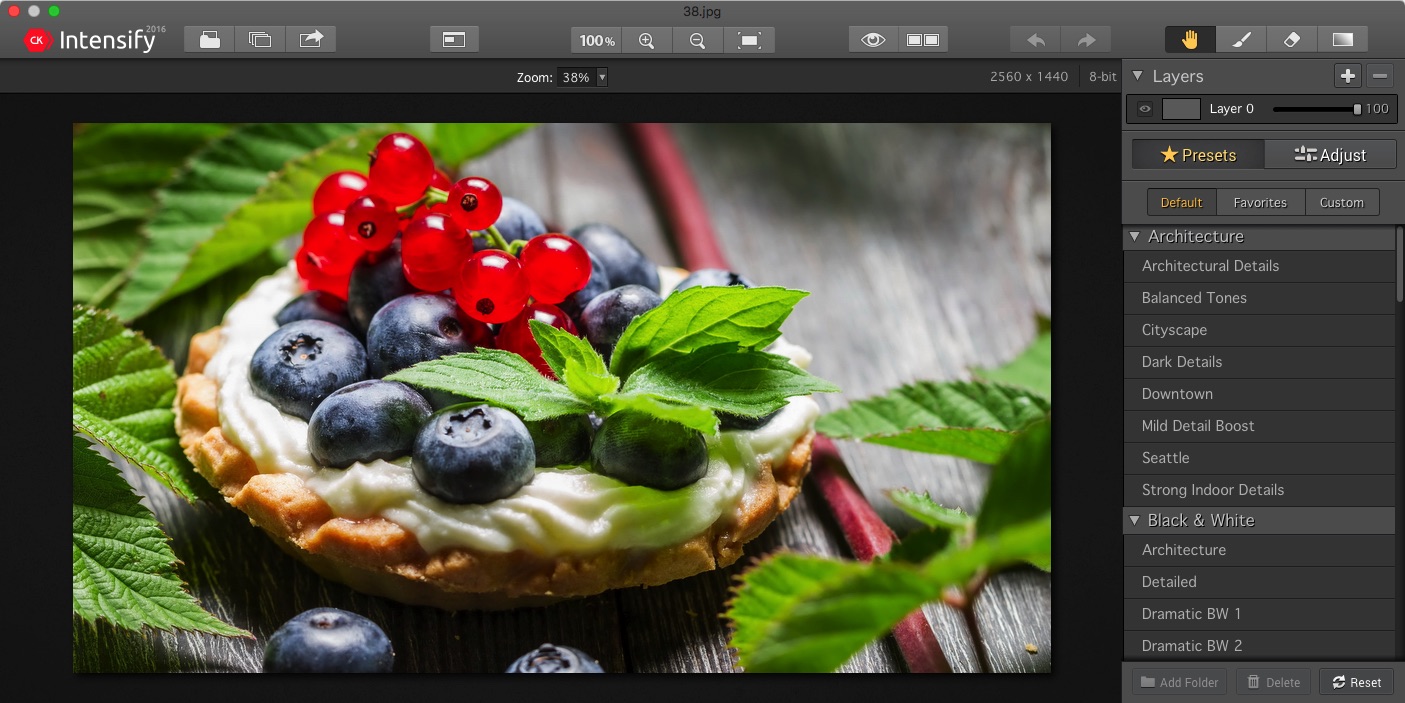
Intensify CK (was Intensify Pro) lets discerning photographers of all skill levels create powerful photographic images with unprecedented drama and detail. Precise control of contrast, structure, detail and sharpening across different tonal ranges delivers high quality results every time.
Special algorithms to prevent image artifacts, image layer stacking with opacity control, dozens of professionally created presets, adjustment brushes, RAW image support, vignettes and the ability to run as a standalone or as a plug-in for popular host applications all make Intensify Pro an essential part of your photo editing toolbox.
While the core features of Intensify and Intensify CK are the same, Intensify Pro brings a number of advanced add-ons that will be mostly appreciated by professional photographers, who will use Intensify Pro as part of their daily image editing activity. Here's what you get in Pro version.
- Run Intensify CK as either a standalone app or as a plug-in to Adobe Photoshop, Adobe Photoshop Elements, Adobe Photoshop Lightroom and Apple Aperture.
- Several tools in Intensify Pro contain additional capabilities. For example, Micro Sharpness gains a Dehalo feature and Structure adds a Softness feature.
- Vignettes are upgraded in Intensify Pro, adding a Luminosity control and the ability to "place" the center point of a Vignette -- very handy!
- You’ll love the improvements to navigation -- with Intensify CK, you can use the Navigation Window for simple navigation, even while in zoom mode!
- Intensify CK also supports a number of shortcuts to make workflow even faster. Histograms can now show tonal range clipping, pixel saturation and more.
WHAT’S NEW
Version 1.2.3:
- This update fixes a number of bugs reported by our users.
SCREENSHOTS
Frequently asked questions
How do I install the app?
Mount the image, drag the app into the "Applications" folder and launch it. If the system blocks the launch, allow it in "System Settings → Privacy & Security".
The app is damaged or won't launch
Reinstalling from a fresh image usually helps. Make sure your macOS version matches the one listed in the compatibility specs.
How do I update?
Download the new version from the site and install it over the current one — your settings will be preserved.
The download link doesn't work
Try a mirror or a download manager. For large files the browser often drops the connection.
How do I completely remove the app?
Use an uninstaller utility — it cleans up the service files that remain after moving the app to the trash.
VersionIntensify CK (Pro) 1.2.3
DeveloperMacPhun Software
CompatibilityOS X 10.9 or later, 64-bit processor
LanguageEnglish
IncludesK





Information
Visitors in the group Guests cannot leave comments on this publication.
Choose a download source
Intensify CK (Pro) 1.2.3 · 37.69 MB