
Lyrical 1.8
Lyrical displays your iTunes lyrics and various song information like artwork, artist, and song name. It even lets you control the playback, sound, and set ratings for the song, right from the Notification Center! This is incredibly useful if you are using multiple apps and you just don't want to switch to iTunes. You can also choose to view or hide the current song's lyrics. You can toggle lyrics with just a click, and Lyrical will elegantly expand and collapse to fit the song lyrics.
WHAT’S NEW
Version 1.8:
- Supports macOS Sierra's Notification Center look, but maintains El Capitan compatibility.
- Larger album art.
- Tweaked album art shadow to be more subtle and have it blend more with macOS Sierra's look.
- Remove 'launch at login' feature. This never really worked because of sandboxing.
SCREENSHOTS
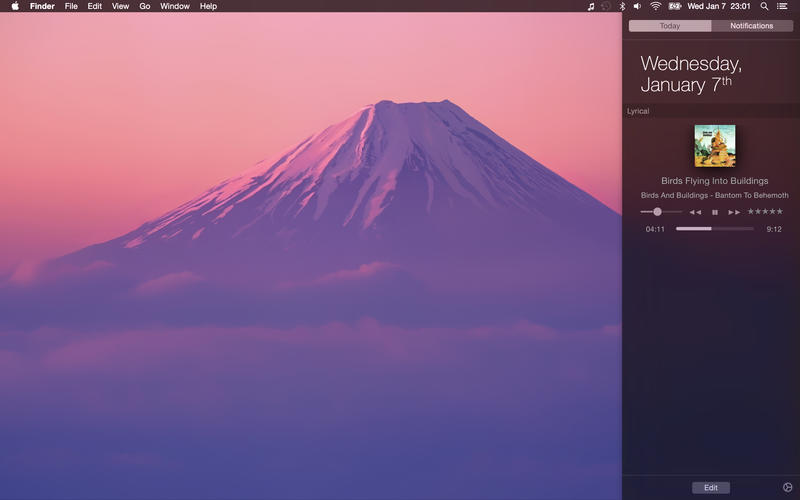
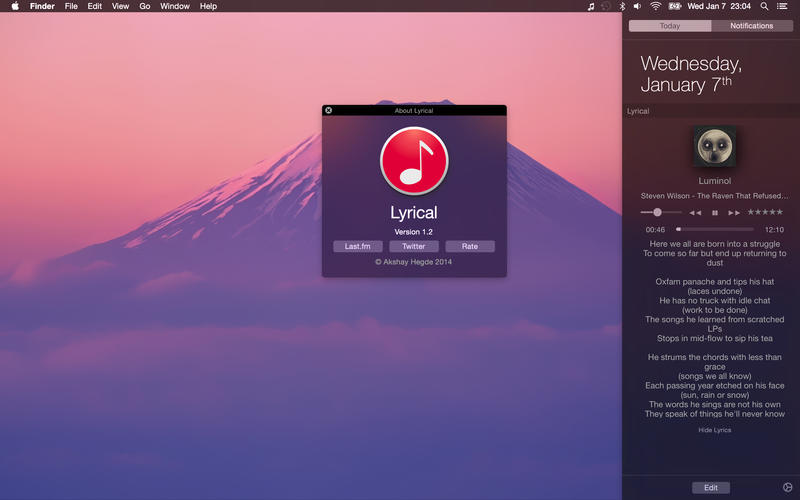
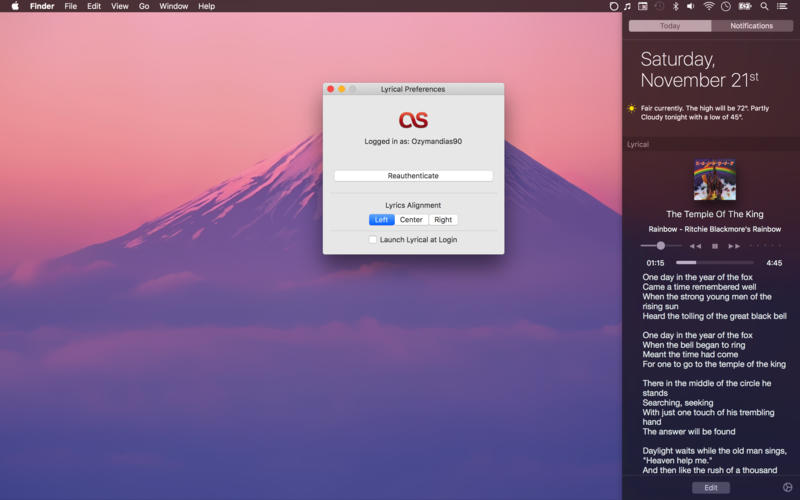
Frequently asked questions
How do I install the app?
Mount the image, drag the app into the "Applications" folder and launch it. If the system blocks the launch, allow it in "System Settings → Privacy & Security".
The app is damaged or won't launch
Reinstalling from a fresh image usually helps. Make sure your macOS version matches the one listed in the compatibility specs.
How do I update?
Download the new version from the site and install it over the current one — your settings will be preserved.
The download link doesn't work
Try a mirror or a download manager. For large files the browser often drops the connection.
How do I completely remove the app?
Use an uninstaller utility — it cleans up the service files that remain after moving the app to the trash.
VersionLyrical 1.8
DeveloperAkshay Hegde
CompatibilityOS X 10.11 or later, 64-bit processor
LanguageEnglish, Japanese
IncludesPre-K'ed





Information
Visitors in the group Guests cannot leave comments on this publication.
Choose a download source
Lyrical 1.8 · 5.4 MB