
Denied 1.4.2
Screenshots
Click to enlarge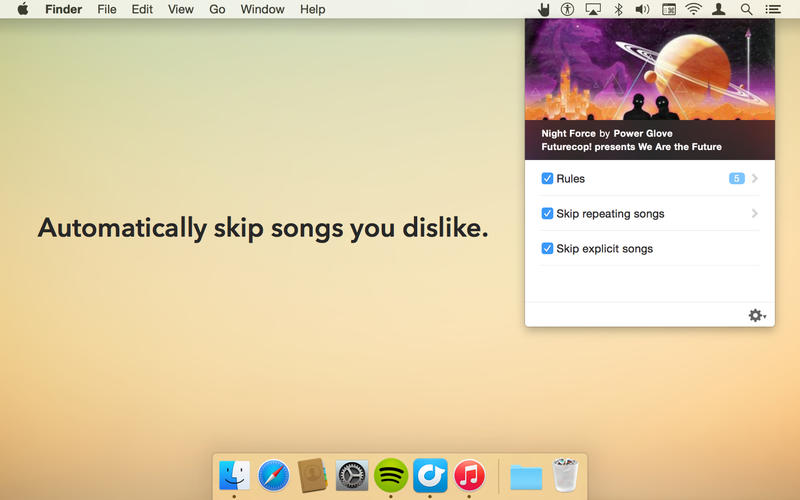

Denied sees what you're playing in Spotify and iTunes and automatically skips songs that you dislike.
Tracks can be skipped by their artist, title, album, whether they contain explicit lyrics*, or if you’ve heard them before in the past few hours.
Denied allows you to truly enjoy Top 40 playlists, the Christmas season, Spotify Radio and iTunes Radio.
Works with the Spotify desktop app and iTunes.
Features
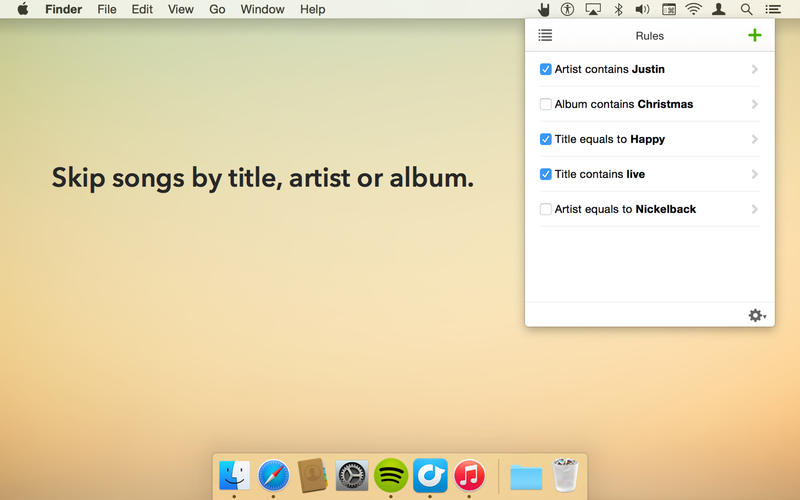
- Create rules to skip songs by their title, artist or album.
- Specify match criteria: starts with, ends with, contains or equals to.
- Skip songs that contain explicit lyrics.
- Skip songs that you've heard before in the past few hours.
- See which song is currently playing and..
- Add rules straight from the Now Playing information.
- Optionally display notifications when a song is skipped.
Version 1.4.2
- Denied's ability to skip tracks that are labeled explicit has been restored!
- Album art is displayed properly again.
- Rdio no longer exists, so all references to it have been removed.
Comments
No comments yet. Be the first.
Information
Visitors in the group Guests cannot leave comments on this publication.