
12C Financial Calculator 2.4.0
12C Financial Calculator is the most powerful emulator of HP 12C RPN financial calculator on Mac. Built with identical mathematics and algorithms of the original, it gives you exactly same capabilities with BETTER performance and MORE functions.
Features include
- Time value of money TVM
- Cash flow analysis NPV, IRR
- Amortization
- Bonds
- Depreciation
- Loan payments calculation
- Statistical analysis
- Date arithmetic
- RPN entry
- Programmable
- In app user manual, quick start guide, and online support
- Option to enable/disable audible key clicks, and
- Easily switch between US and EU data format/period or commas as the decimal point
- Automatically save/restore settings
- Keyboard shortcuts on all keys for fast input
- More ...
WHAT’S NEW
Version 2.4
- fix a bug in state saving. Now the app is able to restore the state/last entry when launching.
SCREENSHOTS
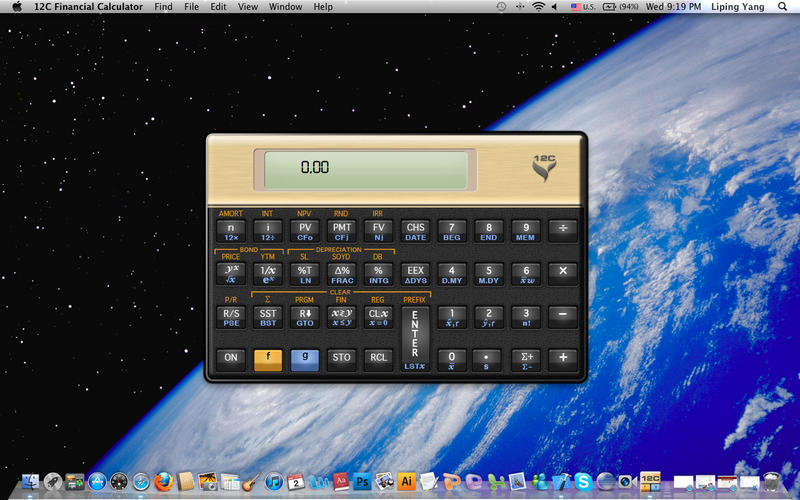
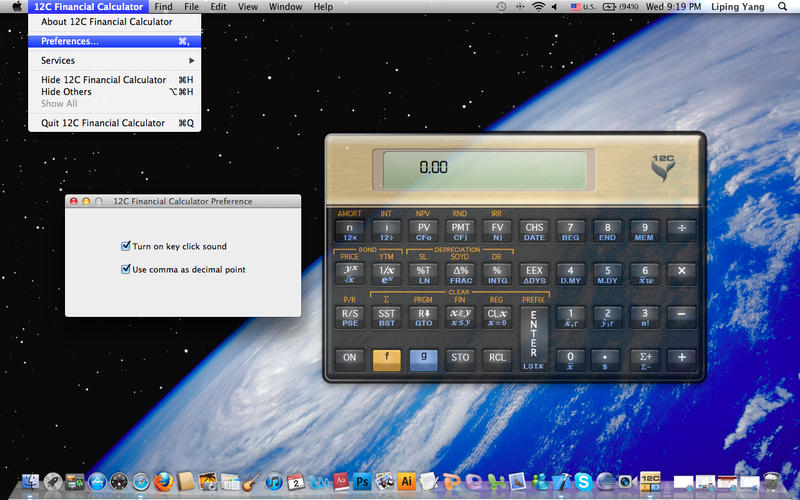
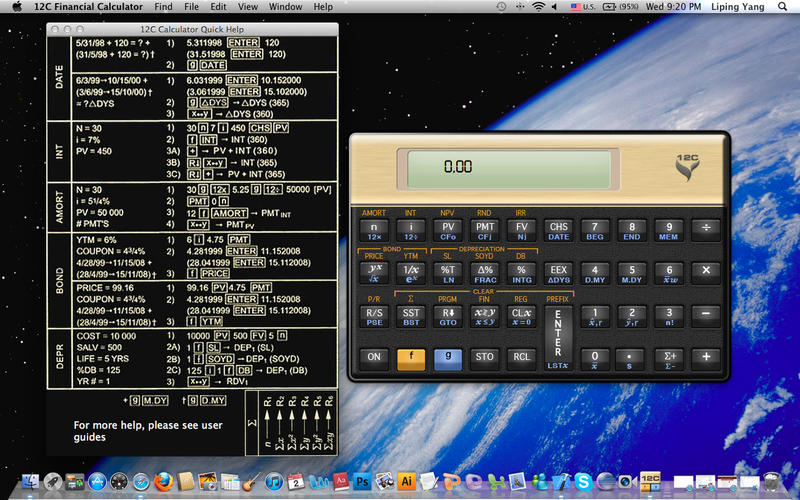
Frequently asked questions
How do I install the app?
Mount the image, drag the app into the "Applications" folder and launch it. If the system blocks the launch, allow it in "System Settings → Privacy & Security".
The app is damaged or won't launch
Reinstalling from a fresh image usually helps. Make sure your macOS version matches the one listed in the compatibility specs.
How do I update?
Download the new version from the site and install it over the current one — your settings will be preserved.
The download link doesn't work
Try a mirror or a download manager. For large files the browser often drops the connection.
How do I completely remove the app?
Use an uninstaller utility — it cleans up the service files that remain after moving the app to the trash.
Version12C Financial Calculator 2.4.0
DeveloperVicinno Soft LLC
CompatibilityOS X 10.7 or later, 64-bit processor
LanguageEnglish
IncludesPre-K'ed





Information
Visitors in the group Guests cannot leave comments on this publication.
Choose a download source
12C Financial Calculator 2.4.0 · 4.85 MB