
SnapMotion 5.3.0
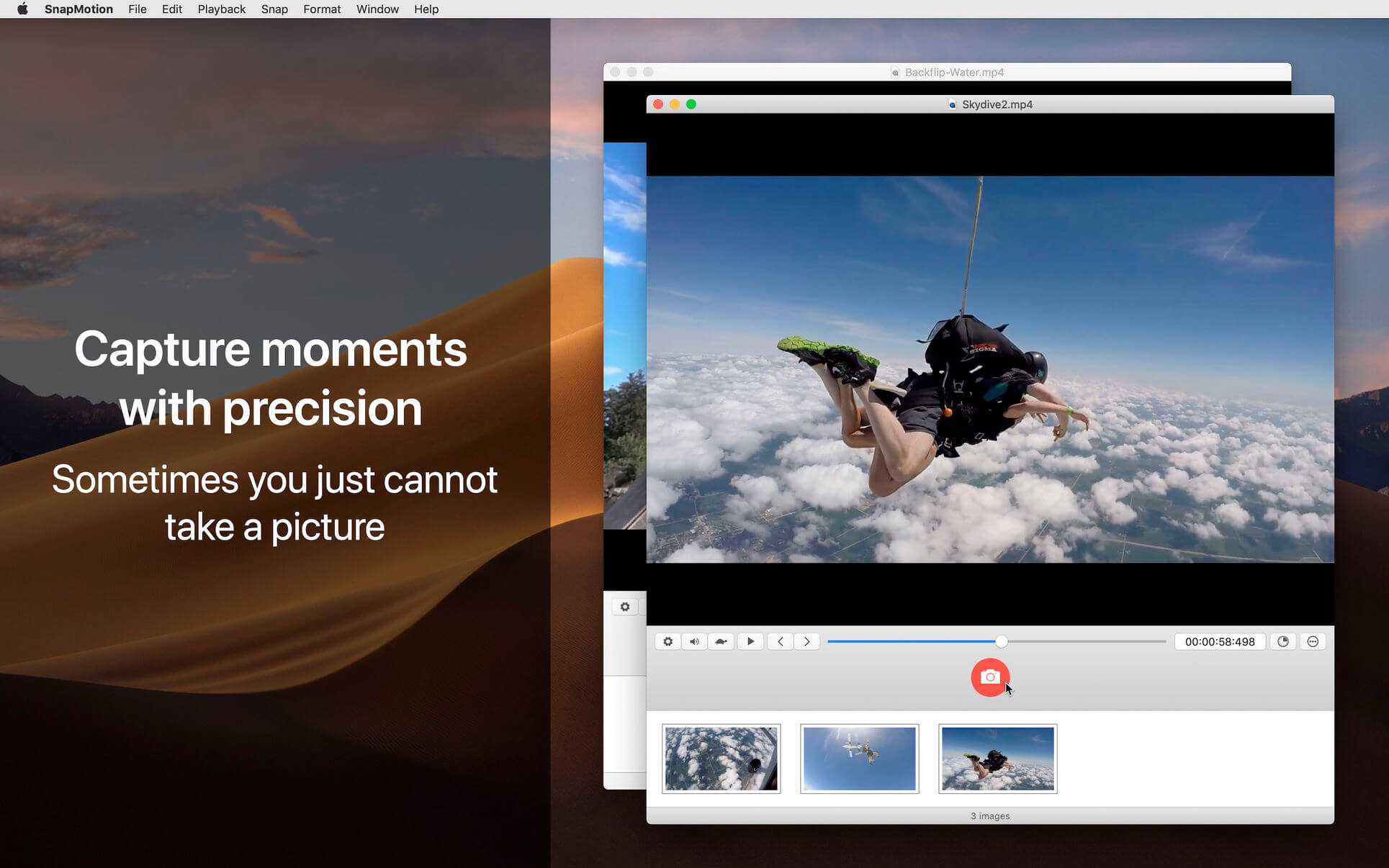
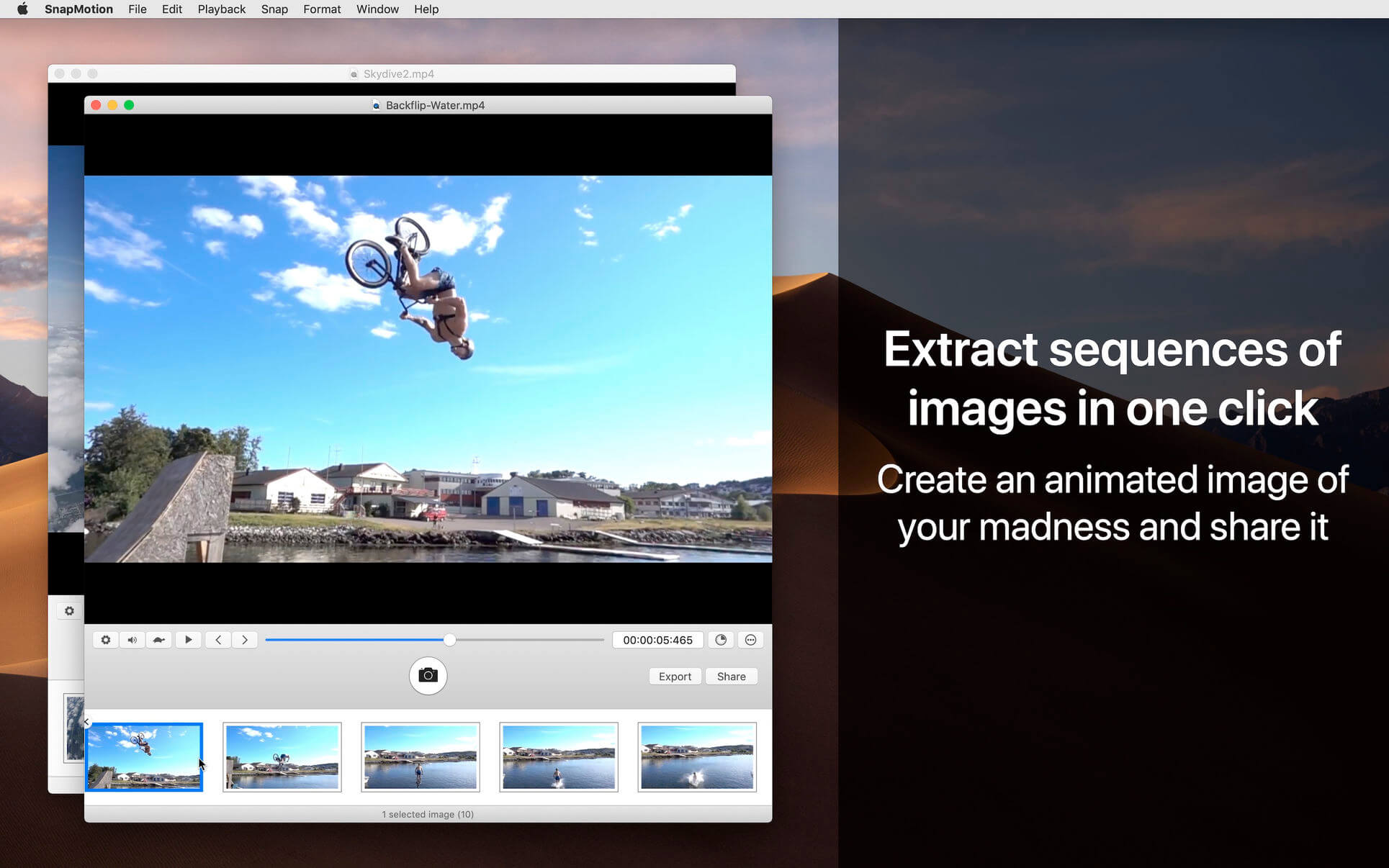
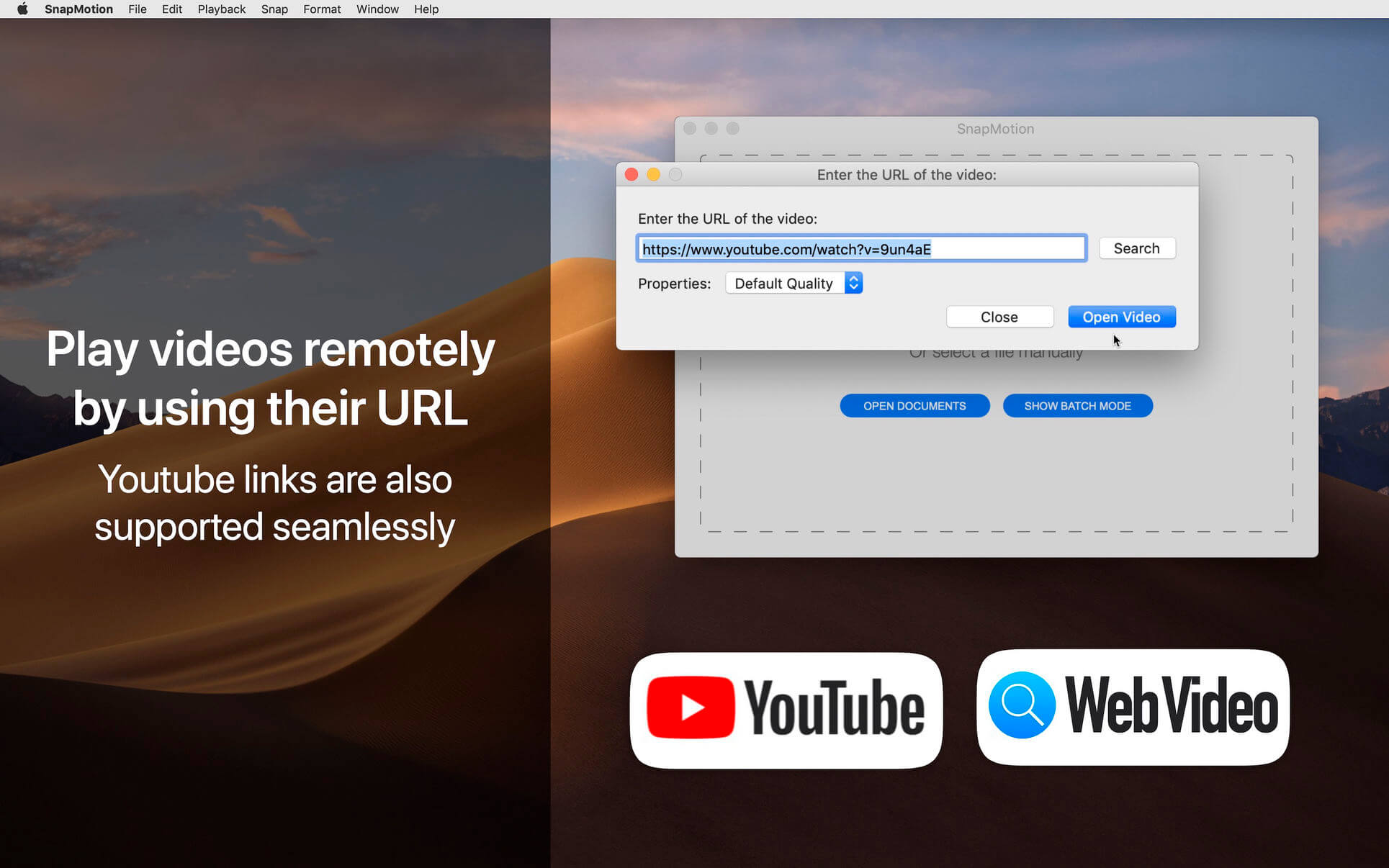
SnapMotion is the most innovative and most used tool to extract images from videos. The application allows you to extract frames with precision and without loss of quality.
Two modes are provided:
A manual mode allowing you to extract images precisely at the selected time.
A batch processing mode allowing you to extract thousands images concurrently.
SnapMotion has been designed to support big video files such as 4K movies and to extract every frame of your media if needed. The application can play every video supported natively by macOS. Moreover it can export images into all industry-standard formats including PNG, JPEG, TIFF and HEIC.
SnapMotion additional features :
- share images on social network (Facebook, Twitter, ...)
- drag and drop images to export
- create animated GIF from your snaps
- rotate videos directly in the player
- copy extracted images in the pasteboard
- customize output filenames
- support notifications and touch bar
This version has been optimized for macOS High Sierra and later. Moreover the application is available in 7 languages (English, French, German, Spanish, Italian, Japanese and Chinese).
Feedbacks can be sent directly from the application. In this way, you can contact us for any kind of suggestions and improvements in few clics.
SnapMotion is now accompanied by other applications.
- GlueMotion: edit, deflicker and assemble images into time lapse.
- MetaImage: edit image metadata and geographical tags.
Versie 5.3.0
- Changes: We have removed YouTube support due to recent policy modifications on their end.
- Bug Fixed: Resolved compatibility issues to ensure a smoother user experience.
Frequently asked questions
How do I install the app?
Mount the image, drag the app into the "Applications" folder and launch it. If the system blocks the launch, allow it in "System Settings → Privacy & Security".
The app is damaged or won't launch
Reinstalling from a fresh image usually helps. Make sure your macOS version matches the one listed in the compatibility specs.
How do I update?
Download the new version from the site and install it over the current one — your settings will be preserved.
The download link doesn't work
Try a mirror or a download manager. For large files the browser often drops the connection.
How do I completely remove the app?
Use an uninstaller utility — it cleans up the service files that remain after moving the app to the trash.




Choose a download source
SnapMotion 5.3.0 · 11.31 MB
Previous versions
SnapMotion 5.3.0
Previous versions are available to registered users.