
MegaPack for MS Office 3.1
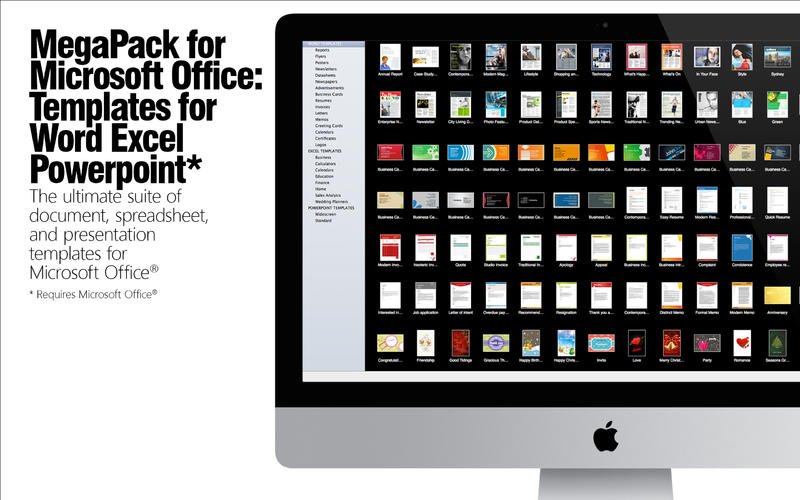
MegaPack for Microsoft Office: Templates for Word Excel Powerpoint is the ultimate bundle package providing creative designs and templates for Microsoft Office® (see technical requirements below).
WORD
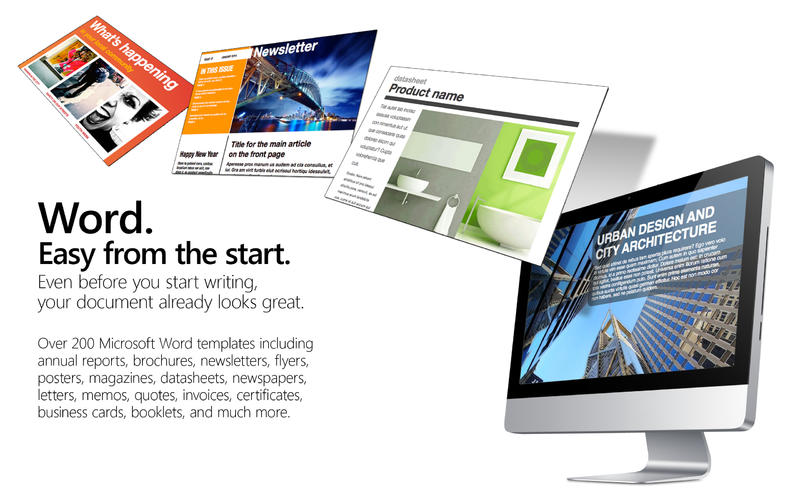
Get the tools to create great-looking Word documents.
Quickly browse through the template categories, from annual reports and magazines, newspapers and datasheets, business cards and letterhead, calendars and greeting cards, resumes, cover letters, photo albums, and much more. With 250 professionally designed templates to choose from, your next flyer, newsletter, report or poster is ready to start. Even before you start writing, your document already looks great.
EXCEL
Start planning, get organized, and keep on top of your business, home and personal life with smart Excel spreadsheets.
You'll find everything from business finance and planning, calculators, sales analysis tools, personal management and planners, checklists, calendars, and much more. These templates are easy to use, the hard stuff—calculations, functions, and formulas—is already there. Being organized has never been this easy.
POWERPOINT
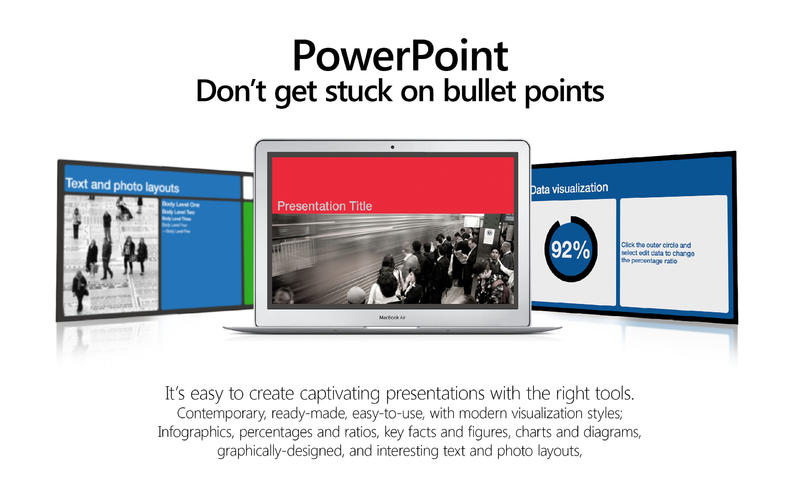
It's easy to create captivating PowerPoint presentations.
Keep your audience entertained and engaged, with smart transition and animation presets. You’ll find half the works already done, with built-in infographics, 3D charts, percentages and ratios, key facts and figures, interactive maps, and interesting text, bullets and photo layouts.
TECHNICAL REQUIREMENTS
Microsoft Office® is required to use this app. Templates can be edited in their respective Office application (Word, Excel, or PowerPoint) and are optimized for Office 2011. Please note PowerPoint templates require users to save the file locally before editing.
WHAT’S NEW
Version 3.1
- Fixed compatibility problems reported by some users.
- New and improved templates.
SCREENSHOTS
Frequently asked questions
How do I install the app?
Mount the image, drag the app into the "Applications" folder and launch it. If the system blocks the launch, allow it in "System Settings → Privacy & Security".
The app is damaged or won't launch
Reinstalling from a fresh image usually helps. Make sure your macOS version matches the one listed in the compatibility specs.
How do I update?
Download the new version from the site and install it over the current one — your settings will be preserved.
The download link doesn't work
Try a mirror or a download manager. For large files the browser often drops the connection.
How do I completely remove the app?
Use an uninstaller utility — it cleans up the service files that remain after moving the app to the trash.
VersionMegaPack for MS Office 3.1
DeveloperNick Maskill
CompatibilityOS X 10.7 or later, 64-bit processor
LanguageEnglish
IncludesPre-K'ed
Related posts


Information
Visitors in the group Guests cannot leave comments on this publication.
Choose a download source
MegaPack for MS Office 3.1 · 931.57 MB