
Steam Squad (2016)
Steam Squad - tactical wargame, where gameplay takes place at the alternative universe with steampunk details during the times of the Great War amongst colorful anime like settings as if drawn by Miyazaki himself. Game is posing a question what if? What if Tianxian Empire was able to colonize Siberia before Russia did and later had started war to extend its ownership over the rest of Europe and America?
Players acting for the 3 of the world superpowers - Britain, Tianxia and the Holy Roman Empires have teams of up to 8 units equipped with guns and machinery of the times of WWI in order to complete 30 tactical missions. For instance, you can be asked to capture an area, defend a lodgement or a person, attempt to sabotage, etc.
To succeed in the game, players must:
- Equip their teams according to the chosen strategy - select the right units, ammunition and armory for the mission;
- Read mission tactical maps;
- Lead units in the smart way and accurately - they are so easily killed and you have only few of them;
Key Features
- Realisticity and complexity - actions in the game are driven by solid physic based combat mechanics and this is what it makes to be similar to the classics of table games - Warhammer, Infinity the Game;
- Possibility to use its own and take over enemy equipment - tanks, cannons and mortars;
- Possibility to equip units according to the tasks of the missions and your preferences;
- Original weaponry that is similar to the one used during the times of Great War;
- Battlecam with a depth of field effect and nice color correction, that gives an old film feeling;
- Beautiful settings as if drawn by Miyazaki himself;
- Nice little perks like - destroyable environment, interactive fauna and melee weapons;
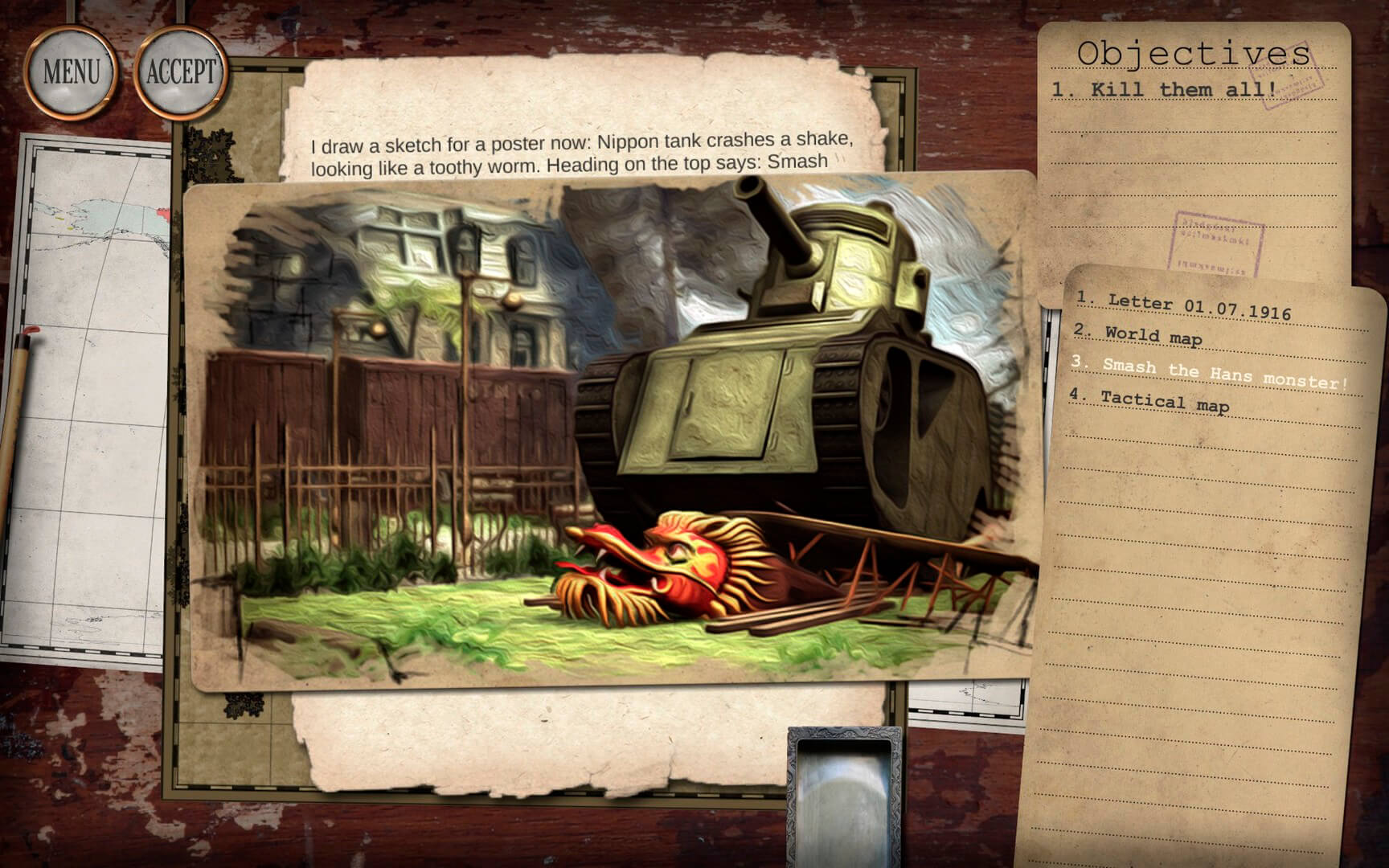
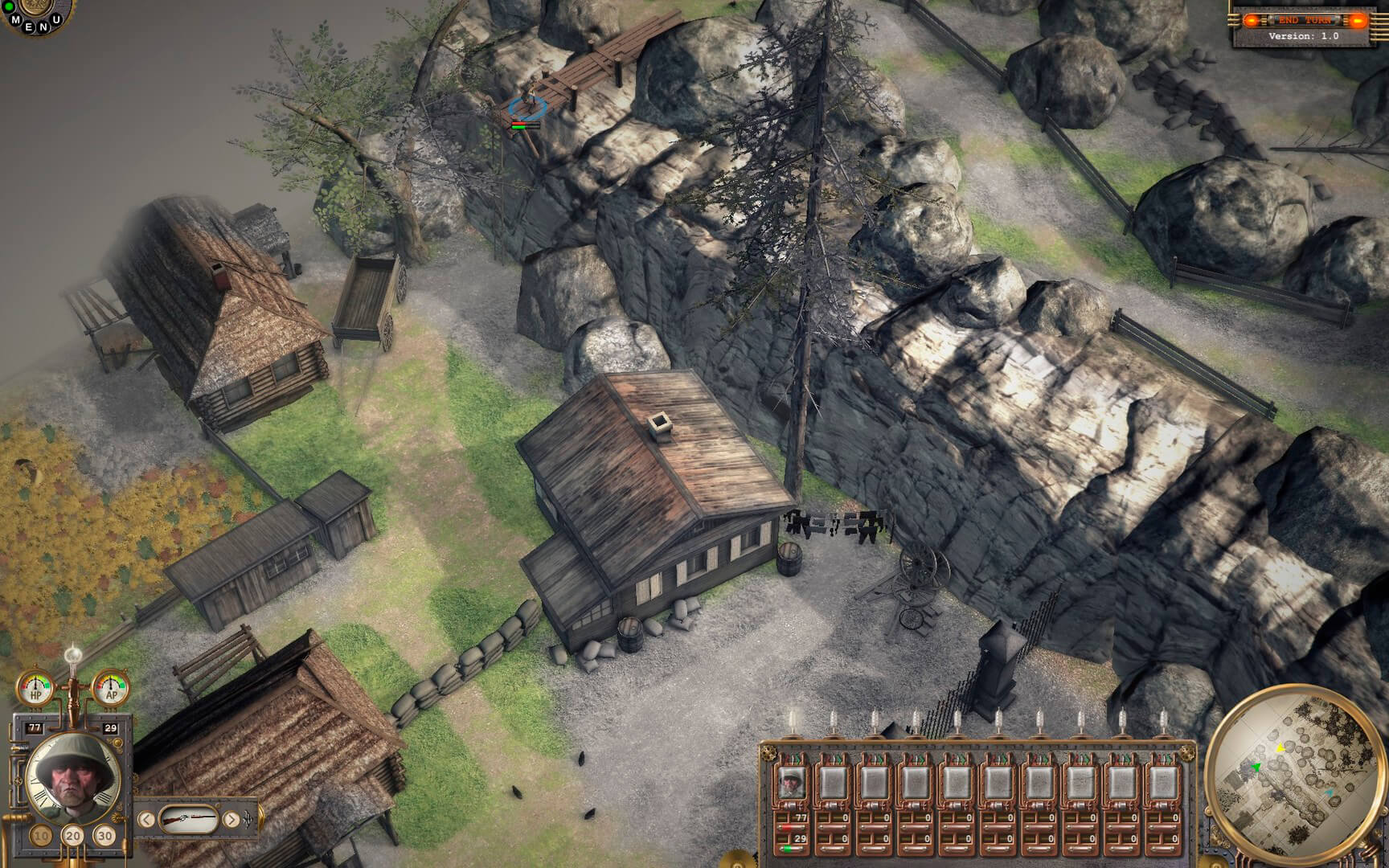
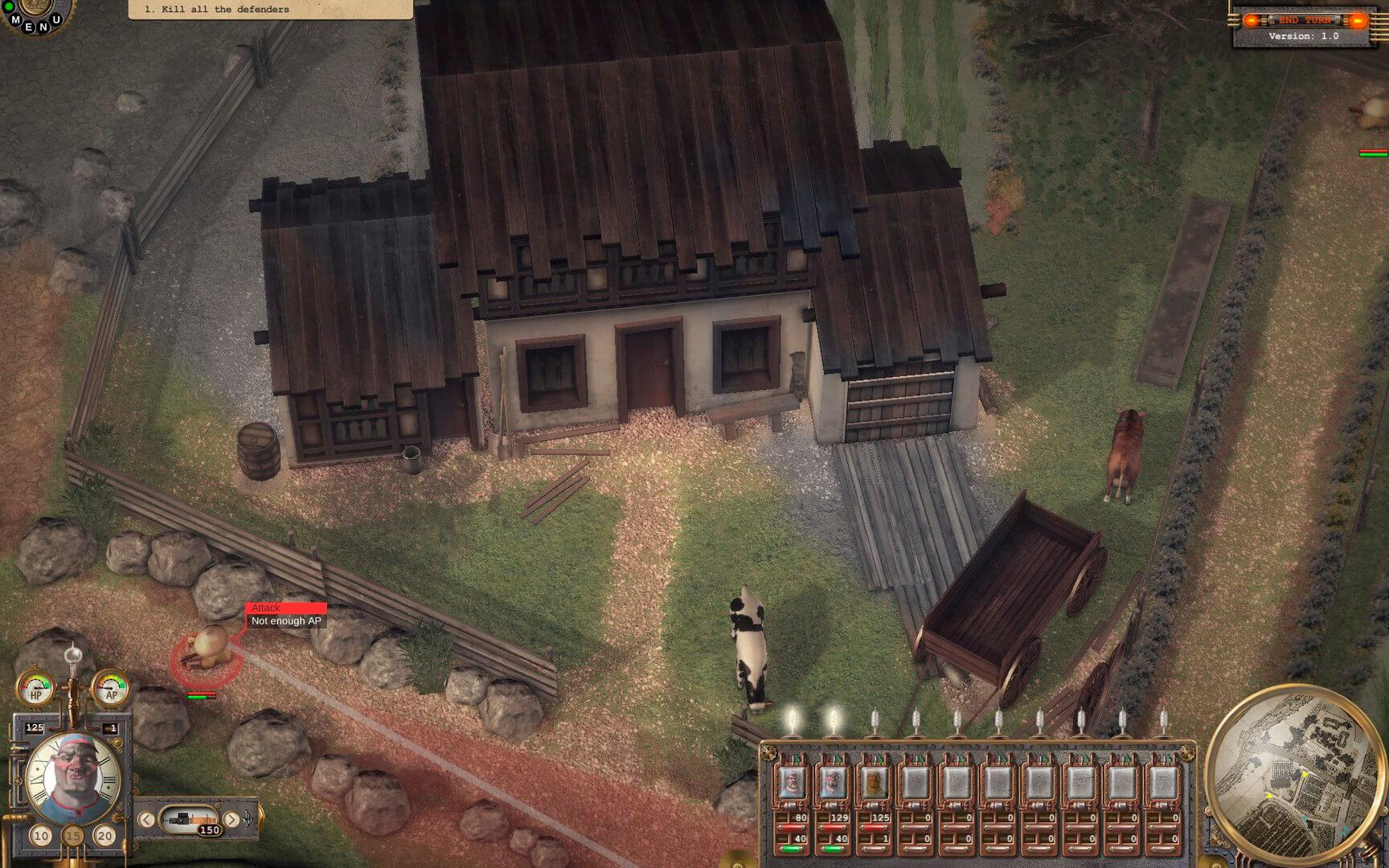
SCREENSHOTS
Frequently asked questions
How do I install the app?
Mount the image, drag the app into the "Applications" folder and launch it. If the system blocks the launch, allow it in "System Settings → Privacy & Security".
The app is damaged or won't launch
Reinstalling from a fresh image usually helps. Make sure your macOS version matches the one listed in the compatibility specs.
How do I update?
Download the new version from the site and install it over the current one — your settings will be preserved.
The download link doesn't work
Try a mirror or a download manager. For large files the browser often drops the connection.
How do I completely remove the app?
Use an uninstaller utility — it cleans up the service files that remain after moving the app to the trash.
VersionSteam Squad
DeveloperBretwalda Games
GenreIndie, Strategy
Release Date28 Jul, 2016
CompatibilityOS X 10.6 or later, 64-bit processor
LanguageEnglish, Russian
IncludesPre-K'ed





Information
Visitors in the group Guests cannot leave comments on this publication.
Choose a download source
Steam Squad (2016) · 1.15 GB