
Cyber Ops 1.015
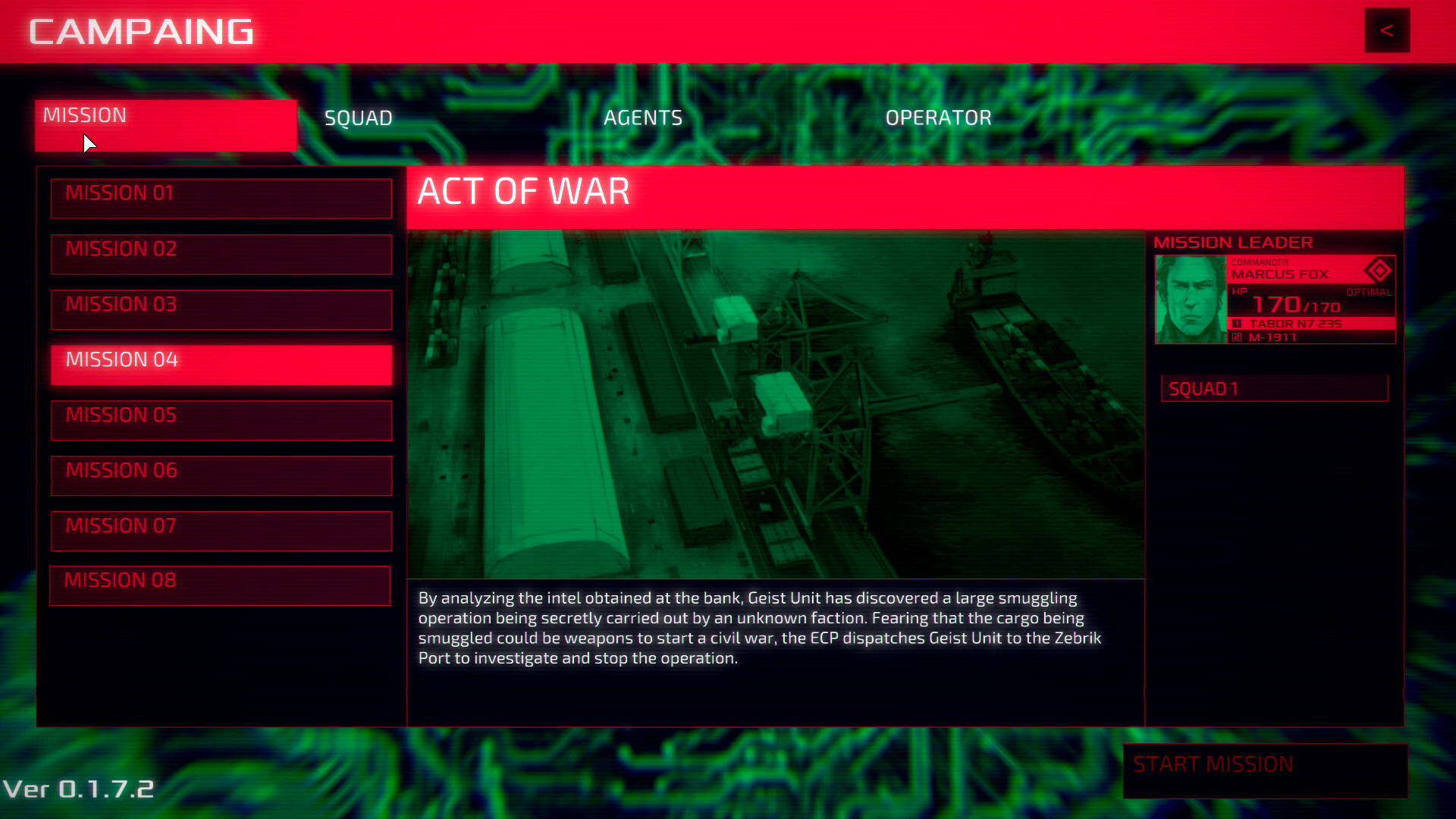
Cyber Ops is a story-based tactical hacking game, told from the point of view of a mission control supervisor, operating from the distance.
You are the eye in the sky, the invisible hand, the cyber ghost, looking after your team over the net.
Cyber Ops is an innovative take on the stealth / hacking genre that explores the relationship between the operator and real people on the other end of the line through immersive narrative and challenging gameplay.
Story
The young nation of Baltia has earned its right to freedom after a long and painful war, but now the stakes are higher than ever before.
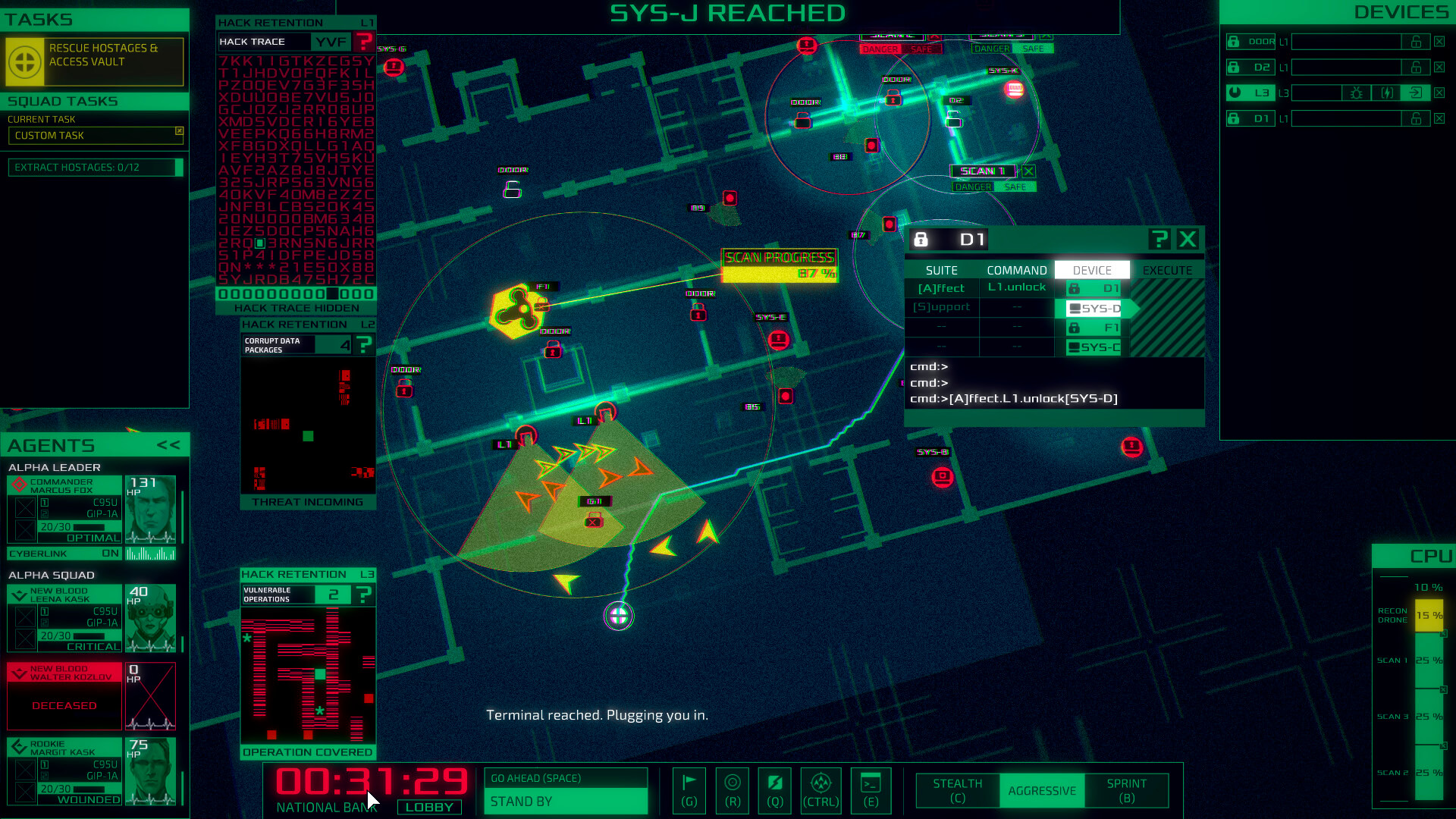
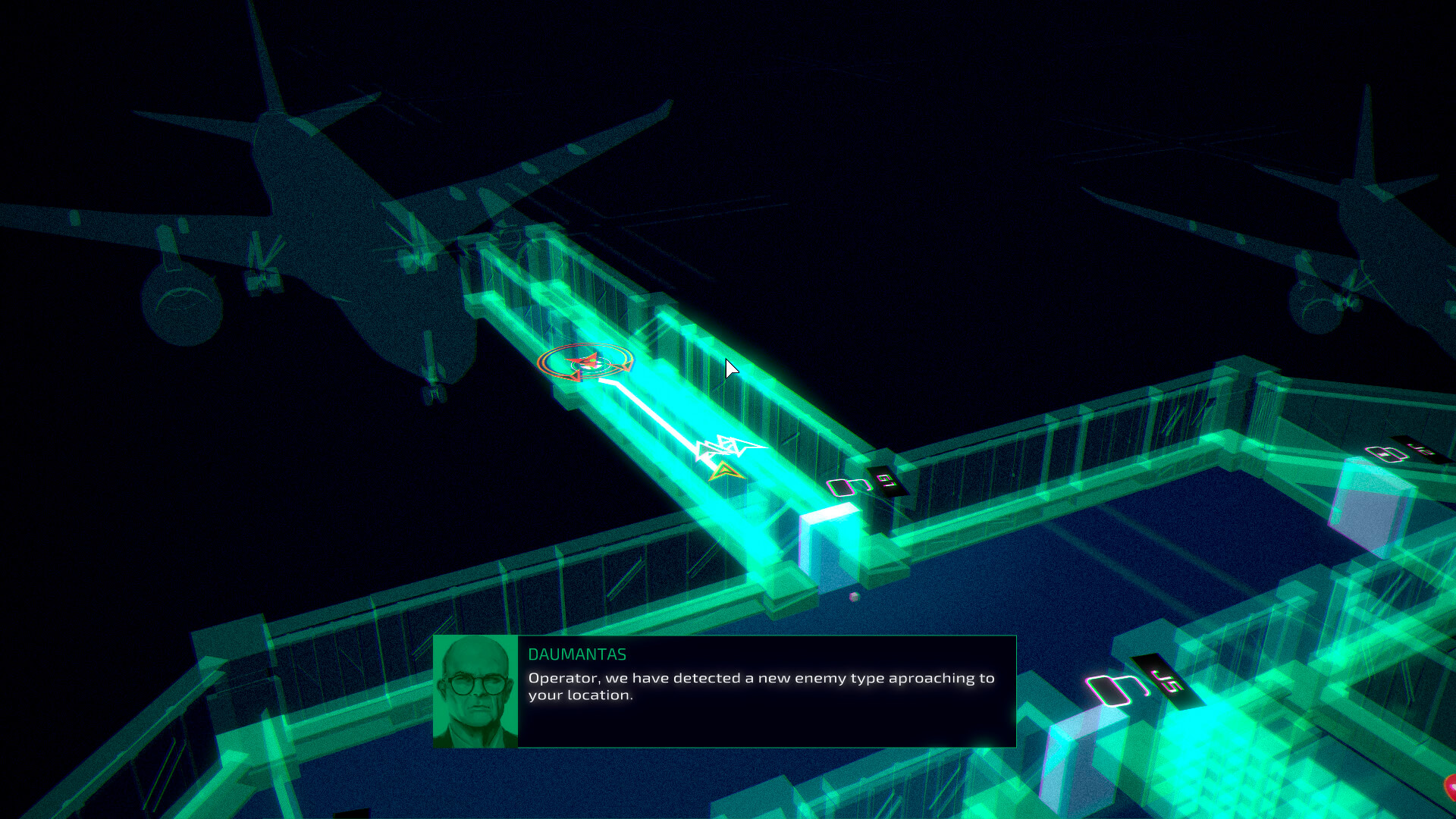
You are part of the Geist Division, a secret high-tech unit created by the government to protect the country from all kinds of next-gen threats. As the Operator, your mission is to provide remote support to a group of spec-ops agents deployed in urban terrains. You must control devices and systems with your deep hacking abilities, and scan the environment to provide the safest routes for your squad.
Features:
- More than 6 hours of story missions full of cyberpunk themes, investigation and political intrigue.
- Real-time audio feedback from squad leaders brings life to the world of Cyber Ops.
- Different hacking mechanics to keep control of doors, security devices and cyberlink-equipped brains.
- Squad management: recruit new blood for the infiltration squads.
- Research and Development: develop new cyber-implants to improve the agents performance.
- Retro-futuristic computer interfaces and dark analog synth-based music inspired by 80’s cult movies.
Frequently asked questions
How do I install the app?
Mount the image, drag the app into the "Applications" folder and launch it. If the system blocks the launch, allow it in "System Settings → Privacy & Security".
The app is damaged or won't launch
Reinstalling from a fresh image usually helps. Make sure your macOS version matches the one listed in the compatibility specs.
How do I update?
Download the new version from the site and install it over the current one — your settings will be preserved.
The download link doesn't work
Try a mirror or a download manager. For large files the browser often drops the connection.
How do I completely remove the app?
Use an uninstaller utility — it cleans up the service files that remain after moving the app to the trash.
VersionCyber Ops 1.015
DeveloperOcteto Studios
GenreAction, Indie, Simulation, Strategy
Release Date21 May, 2020
CompatibilitymacOS 10.15.4 or later, 64-bit processor
LanguageEnglish, Portuguese, Spanish, Japanese



Information
Visitors in the group Guests cannot leave comments on this publication.
Choose a download source
Cyber Ops 1.015 · 434.68 MB