
Adobe Photoshop Lightroom CC 2019 v2.3
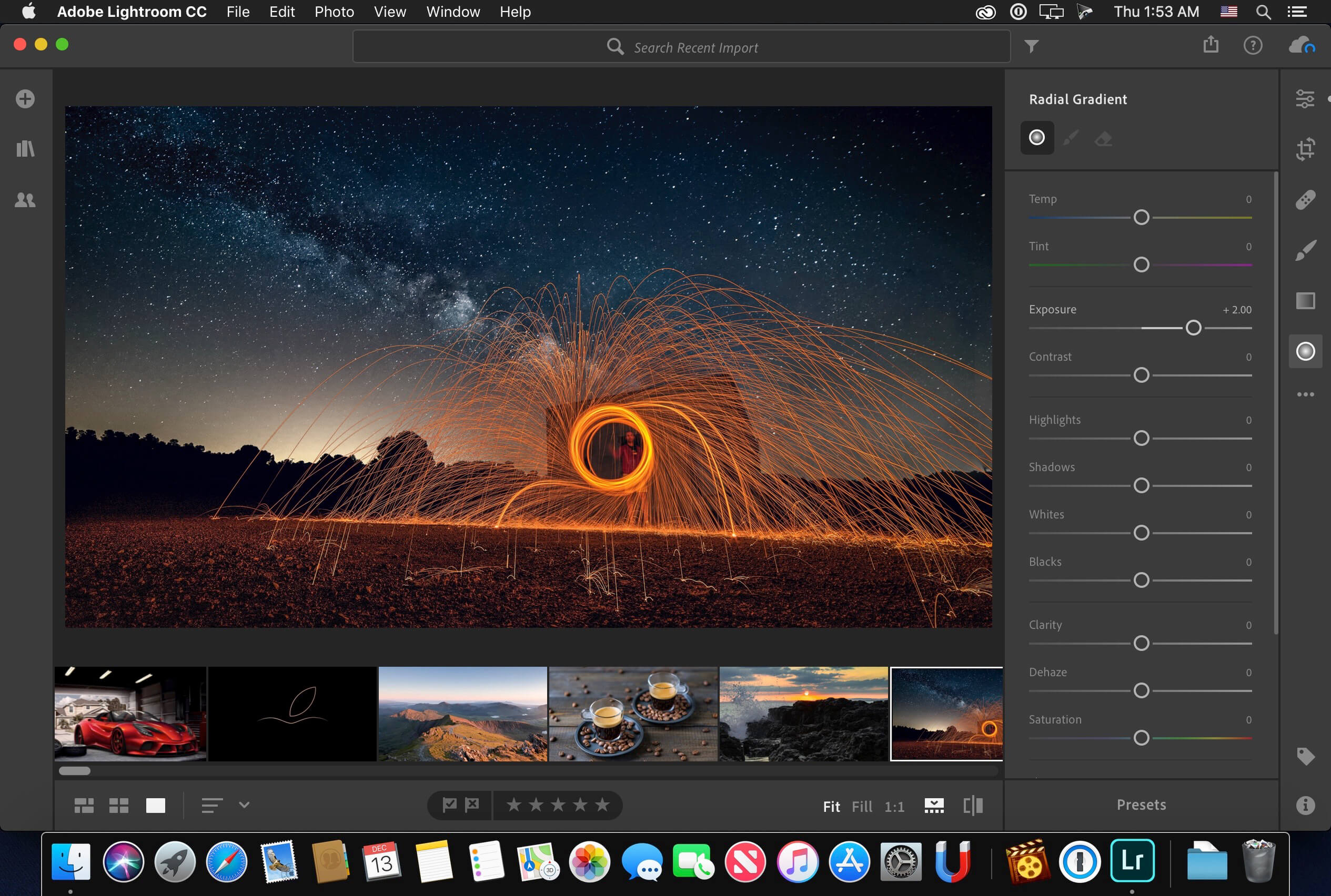
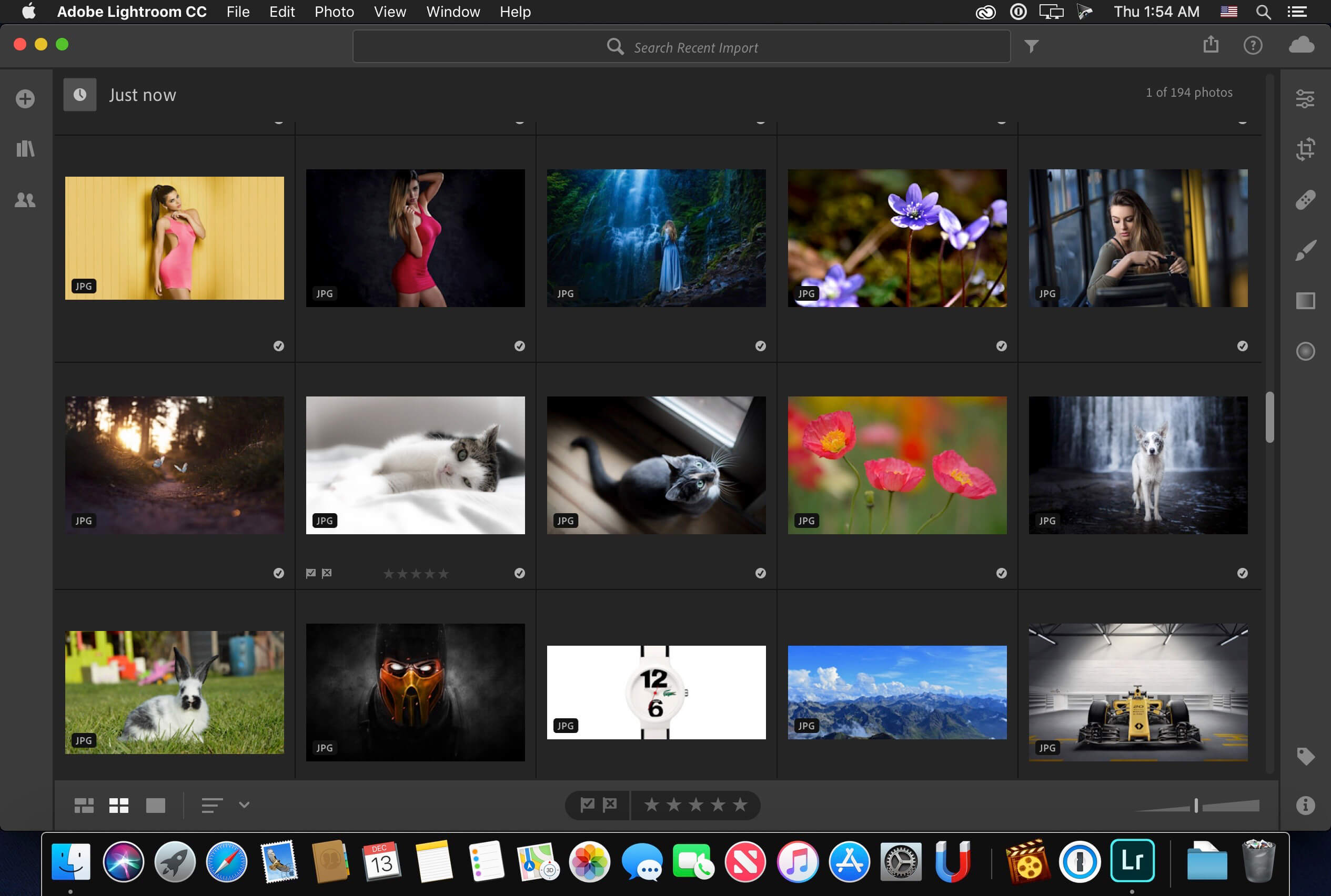
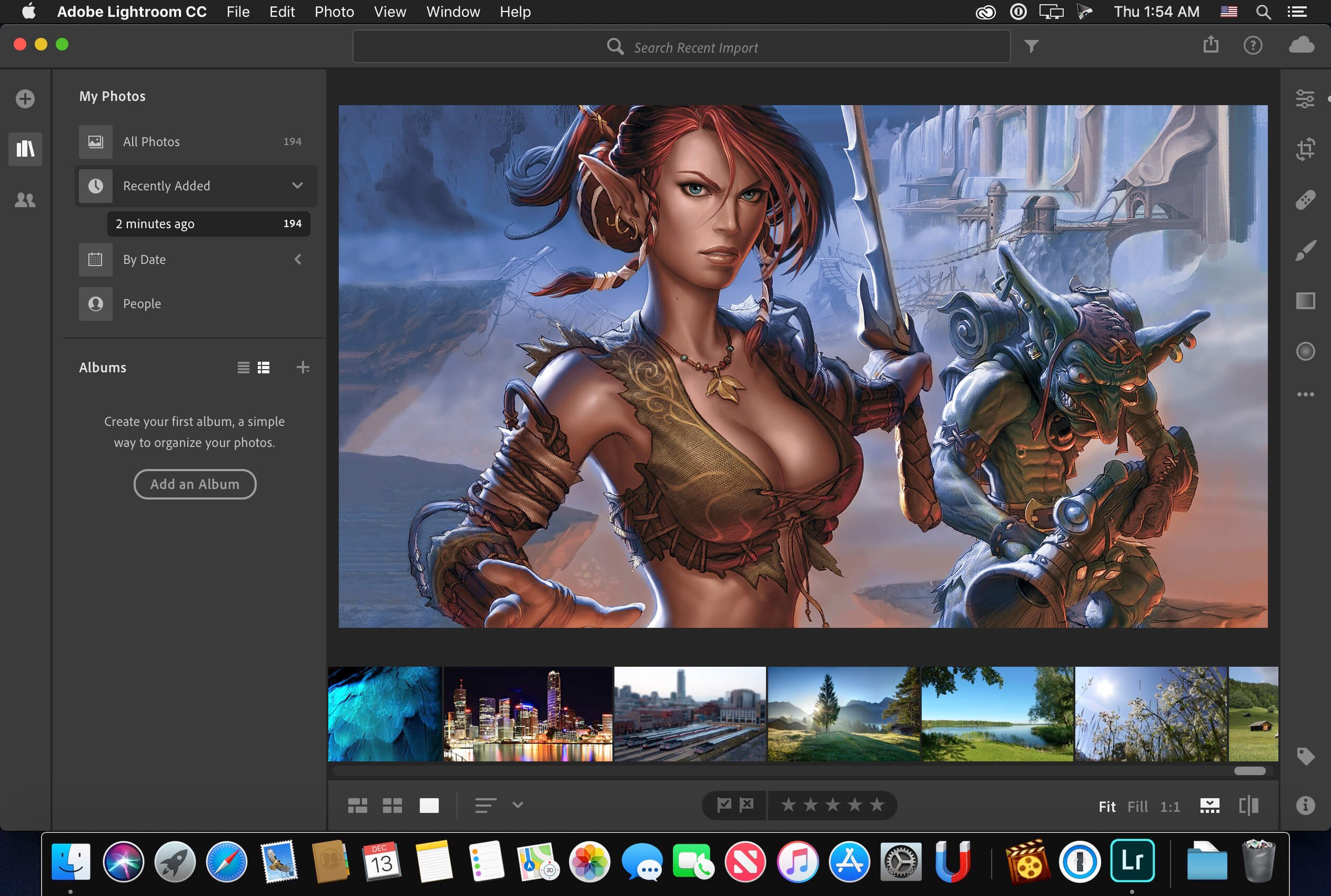
Create incredible photos anywhere with all-new Lightroom CC. Get powerful editing features on any device in a new, easy-to-use interface. Edit in full resolution and have both your original photos and edits backed up to the cloud. Organize your photos with searchable keywords that are automatically applied without the hassle of tagging. And easily share and showcase your photos in fun ways.
Version 2.3:
- Release notes were unavailable when this listing was updated.
Frequently asked questions
How do I install the app?
Mount the image, drag the app into the "Applications" folder and launch it. If the system blocks the launch, allow it in "System Settings → Privacy & Security".
The app is damaged or won't launch
Reinstalling from a fresh image usually helps. Make sure your macOS version matches the one listed in the compatibility specs.
How do I update?
Download the new version from the site and install it over the current one — your settings will be preserved.
The download link doesn't work
Try a mirror or a download manager. For large files the browser often drops the connection.
How do I completely remove the app?
Use an uninstaller utility — it cleans up the service files that remain after moving the app to the trash.
VersionAdobe Photoshop Lightroom CC 2019 v2.3
DeveloperAdobe Systems
CompatibilitymacOS 10.12 or later 64-bit
LanguageEnglish
IncludesK
Related posts
-
 Adobe Photoshop Lightroom Classic CC 2018 v7.5.0.10
Photography1.43 GB
Adobe Photoshop Lightroom Classic CC 2018 v7.5.0.10
Photography1.43 GB
-
 Adobe Lightroom Classic v11.5
Photography1.53 GB
Adobe Lightroom Classic v11.5
Photography1.53 GB
-
 Priime Styles 1.5.1
Graphic Design111.48 MB
Priime Styles 1.5.1
Graphic Design111.48 MB
-
 Imagenomic Plug-in for Photoshop, Aperture 3 and Lightroom (update 15.09.2019)
Photography26.31 MB
Imagenomic Plug-in for Photoshop, Aperture 3 and Lightroom (update 15.09.2019)
Photography26.31 MB
-
 ON1 HDR 2020.1 v14.1.1.8985
Photography879.55 MB
ON1 HDR 2020.1 v14.1.1.8985
Photography879.55 MB
Information
Visitors in the group Guests cannot leave comments on this publication.
Choose a download source
Adobe Photoshop Lightroom CC 2019 v2.3 · 834.79 MB
Previous versions
Adobe Photoshop Lightroom CC 2019 v2.3
Previous versions are available to registered users.