
iFunia Video Converter 10.0.0
Video Converter and Compressor for Mac, Made Simple
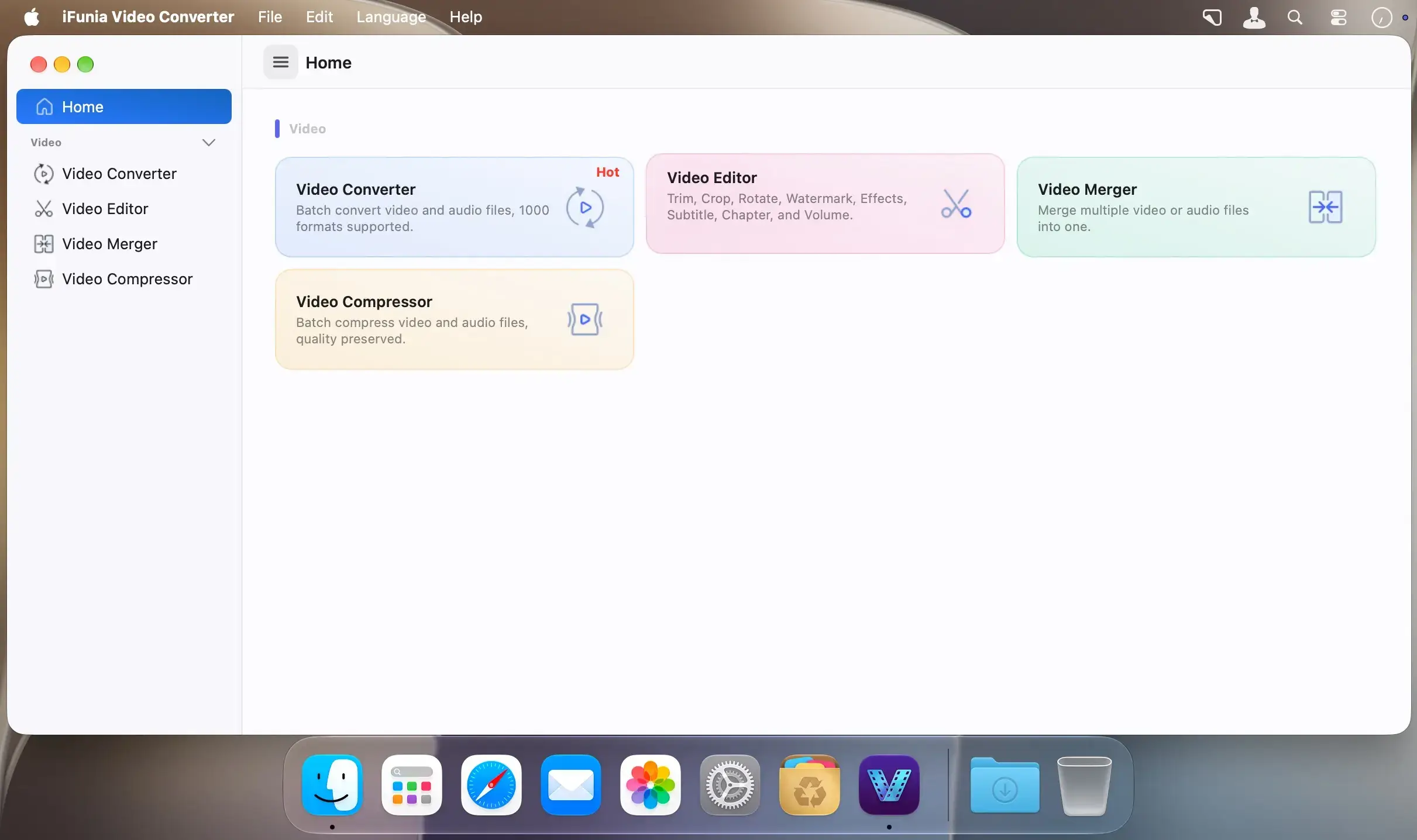
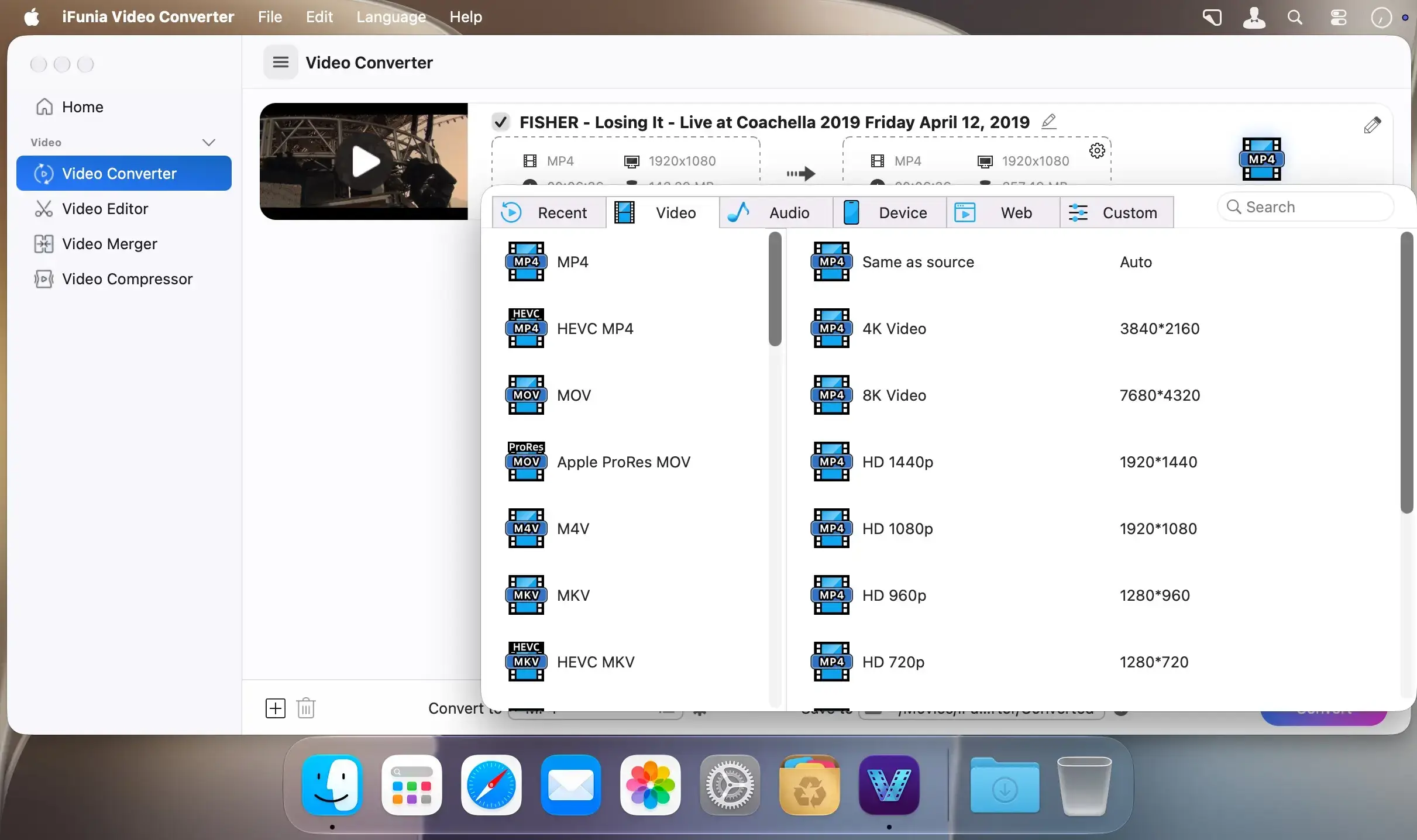
iFunia Video Converter helps you convert, compress, and edit video and audio files on your Mac. It converts between 400+ formats at 30X speed, reduces video file size by up to 90%, and includes a built-in editor for trimming, cropping, rotating, adding subtitles, and more.
Convert almost any video and audio file
The app supports 600+ input and output codecs, including H.265, H.264, Xvid, VP8, VP9, and AV1, and can output video in 4K/8K. You can customize sample rate, frame rate, resolution, and other settings, process multiple files in batches, or merge them into one file for conversion.
- Video to video: convert to and from MP4, AVI, MKV, MOV, WMV, MPEG, FLV, and more.
- Audio to audio: change audio to MP3, AAC, M4A, AC3, FLAC, AIFF, M4B, WAV, OGG, ALAC, and other formats while preserving high-fidelity sound.
- Extract audio from video: create an audio file from a video, such as MP4 to MP3, MP4 to OGG, MP4 to M4A, MKV to MP3, or AVI to MP3.
- Device presets: choose from 300+ ready-made presets for iPhone, iPad, Apple TV, Samsung, Huawei, Xiaomi, game consoles, web videos, and more.
- 4K conversion: convert video in 3840 x 2160, 4096 x 2160, or 5120 x 2160 resolutions, or downscale 4K to 1080P, 720P, and SD.
- HD lossless conversion: minimize quality loss and adjust frame rate, resolution, bit rate, and other parameters.
Compress videos without losing quality
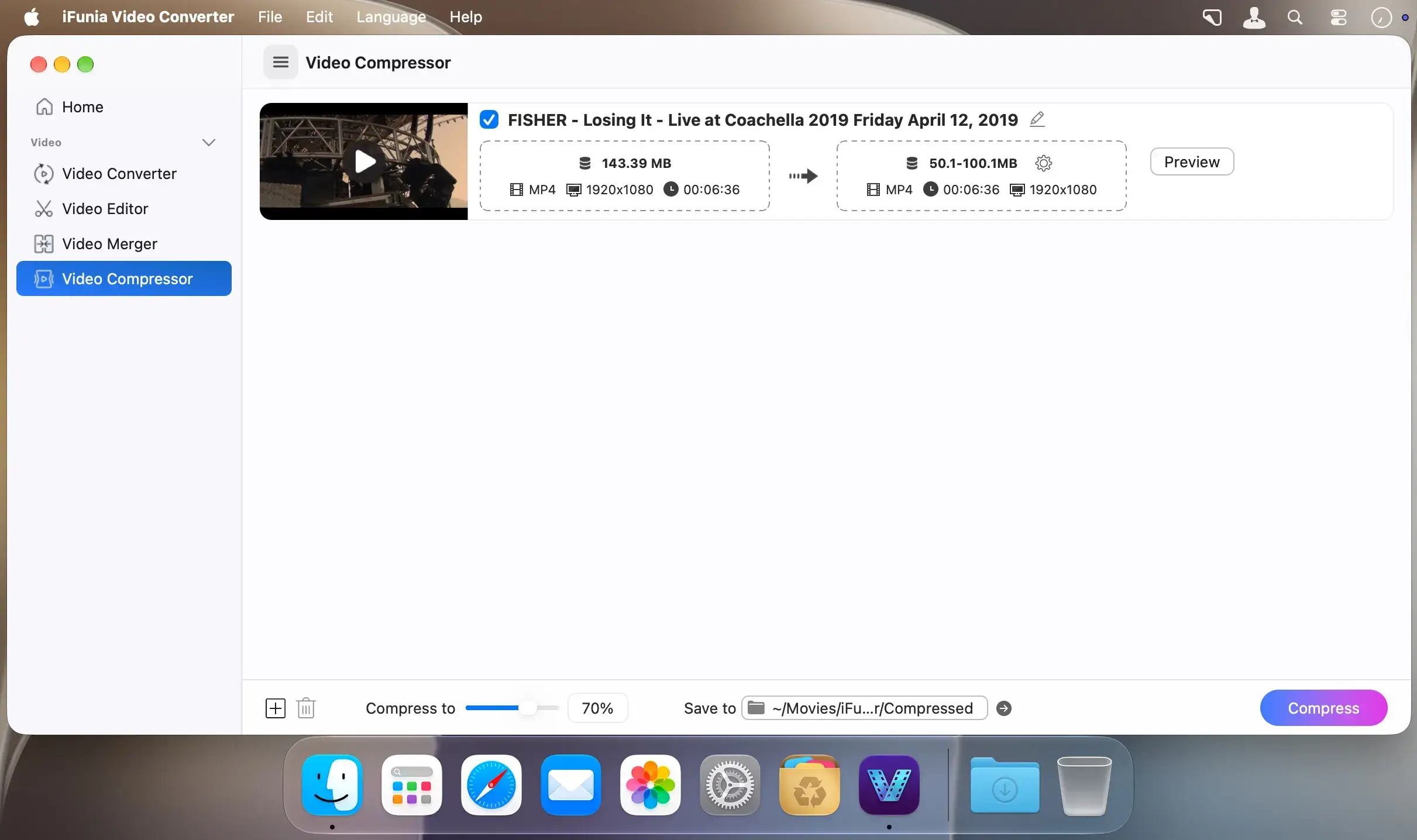
Compress MP4, MOV, MKV, HD, 4K, 8K, and other videos to their smallest possible size without visible quality loss. This makes files easier to share by email, on mobile devices, and on social media, and easier to back up. You can reach up to 90% file reduction with customizable compression rate, format, resolution, and bitrate.
- Preview before saving: check the result to find the best balance between file size and quality.
- Batch compression: compress multiple videos and audio files in any format at once, with GPU acceleration.
- Easier sharing and streaming: smaller files upload, stream, and share faster, helping you avoid size limits while keeping high quality.
Edit videos before saving
The integrated video editor is intuitive and straightforward, so you can create your own video style before saving without learning complex editing software. Trim, crop, rotate, and add subtitles to make your videos different and creative.
Version 10.0.0:
- Release notes were unavailable when this listing was updated.
Frequently asked questions
How do I install the app?
Mount the image, drag the app into the "Applications" folder and launch it. If the system blocks the launch, allow it in "System Settings → Privacy & Security".
The app is damaged or won't launch
Reinstalling from a fresh image usually helps. Make sure your macOS version matches the one listed in the compatibility specs.
How do I update?
Download the new version from the site and install it over the current one — your settings will be preserved.
The download link doesn't work
Try a mirror or a download manager. For large files the browser often drops the connection.
How do I completely remove the app?
Use an uninstaller utility — it cleans up the service files that remain after moving the app to the trash.




Choose a download source
iFunia Video Converter 10.0.0 · 50.44 MB
Previous versions
iFunia Video Converter 10.0.0
Previous versions are available to registered users.