
Allavsoft Video Downloader Converter 3.29.7.9791
Dedicated macOS video downloader and batch video converter
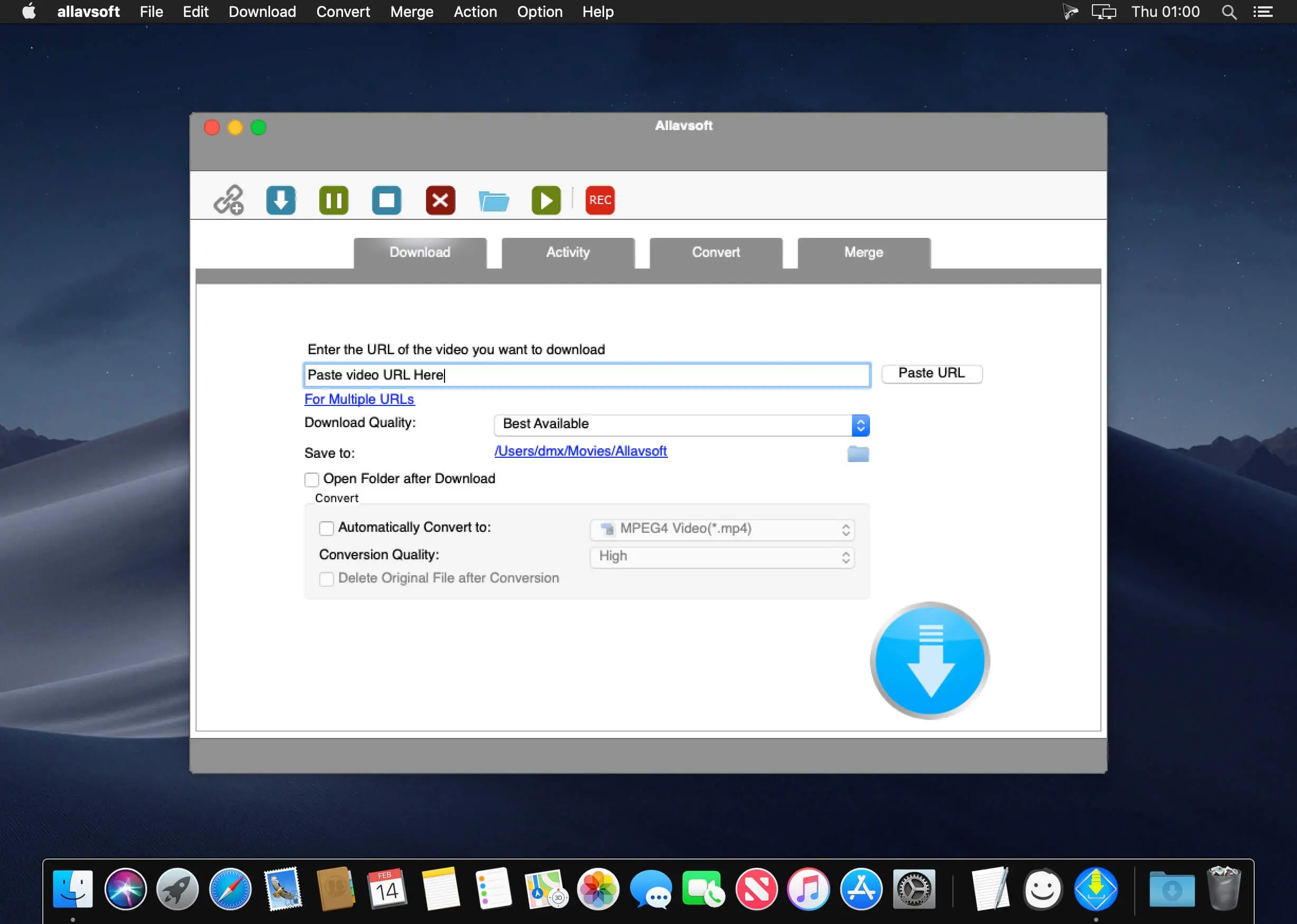
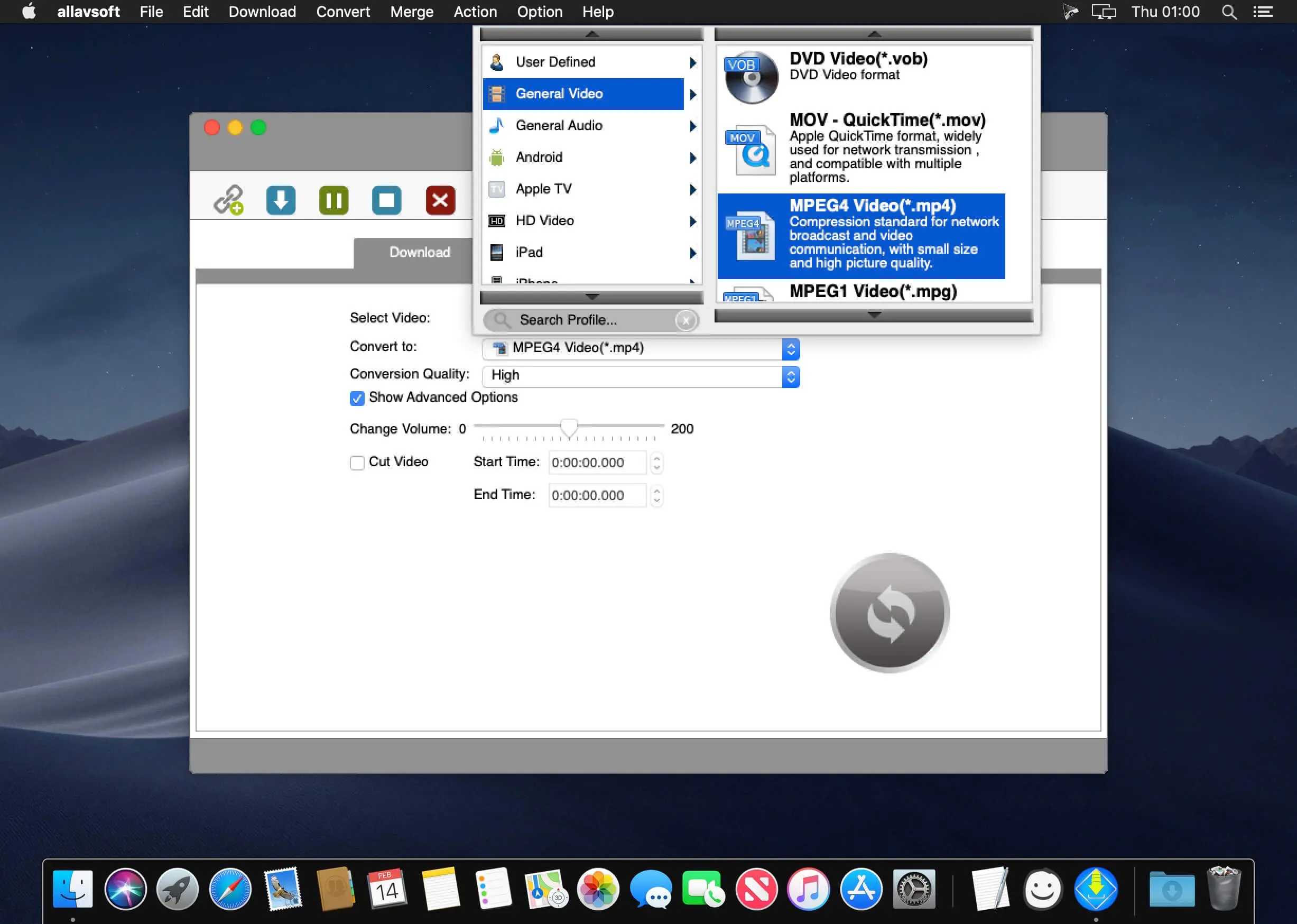
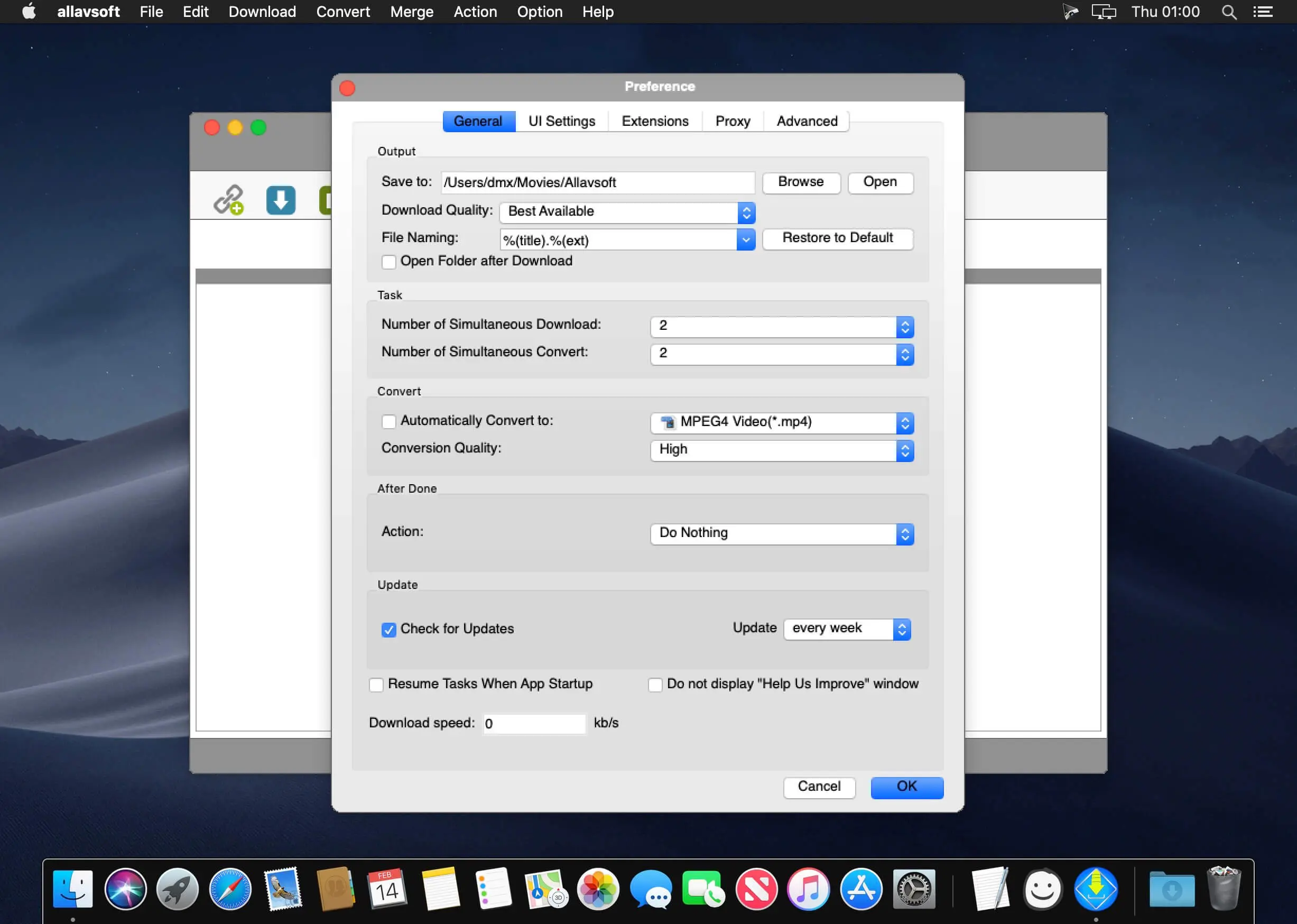
Video Downloader Converter provides macOS users with a dedicated macOS video downloader to save media for offline viewing. Whether you archive lectures, sports clips, playlists, or music videos from sites like Facebook and Dailymotion, this online video downloader prepares your media library quickly and accurately.
Flexible format conversion and quality control
The application functions as a versatile 4k video downloader and batch video converter, processing multiple URLs into formats such as MP4, MOV, and Apple ProRes. You can select resolutions from standard definition up to 4K or save pure sound by choosing to extract audio from video tracks into MP3, WAV, or Apple Lossless M4A files.
- Batch processing: Queue multiple links to download and convert several videos simultaneously.
- Audio extraction: Save audio streams directly into formats like MP3, FLAC, and AAC.
- Ad filtering: Automatically detect and exclude web advertisements during download tasks.
- Breakpoint resume: Pause and resume downloads at any time without losing progress.
- Integrated media player: Preview and play back downloaded files directly inside the application.
- Task automation: Automatically shut down the computer after all file conversions finish.
Install Video Downloader Converter on macOS to manage your media downloads and format conversions in one place.
Version 3.29.7.9791
- Release notes were unavailable when this listing was updated.
Frequently asked questions
How do I install the app?
Mount the image, drag the app into the "Applications" folder and launch it. If the system blocks the launch, allow it in "System Settings → Privacy & Security".
The app is damaged or won't launch
Reinstalling from a fresh image usually helps. Make sure your macOS version matches the one listed in the compatibility specs.
How do I update?
Download the new version from the site and install it over the current one — your settings will be preserved.
The download link doesn't work
Try a mirror or a download manager. For large files the browser often drops the connection.
How do I completely remove the app?
Use an uninstaller utility — it cleans up the service files that remain after moving the app to the trash.




Choose a download source
Allavsoft Video Downloader Converter 3.29.7.9791 · 192.61 MB
Previous versions
Allavsoft Video Downloader Converter 3.29.7.9791
Previous versions are available to registered users.