
Multitouch 2.0.2
Custom Magic Trackpad gestures for your Mac
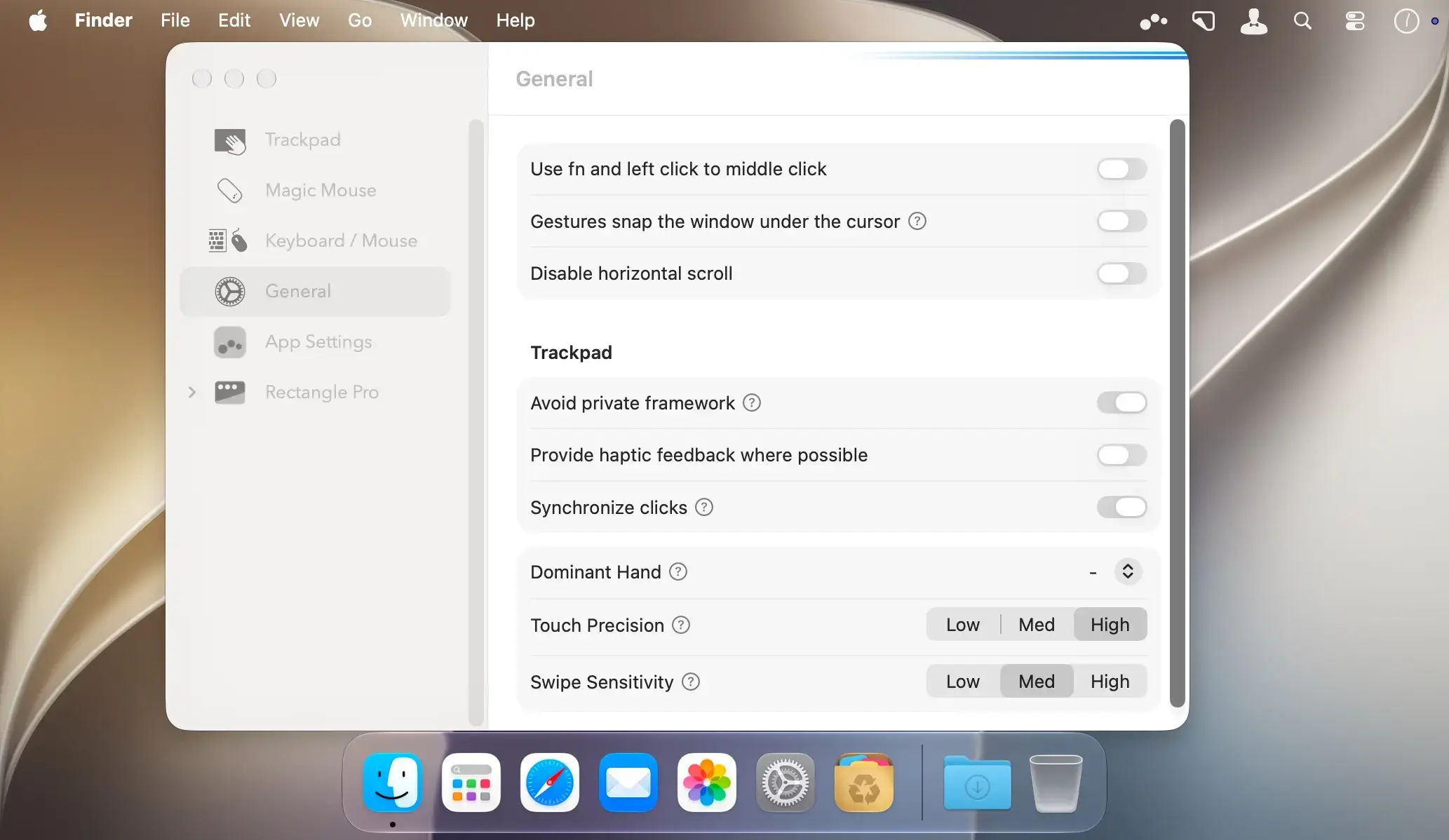
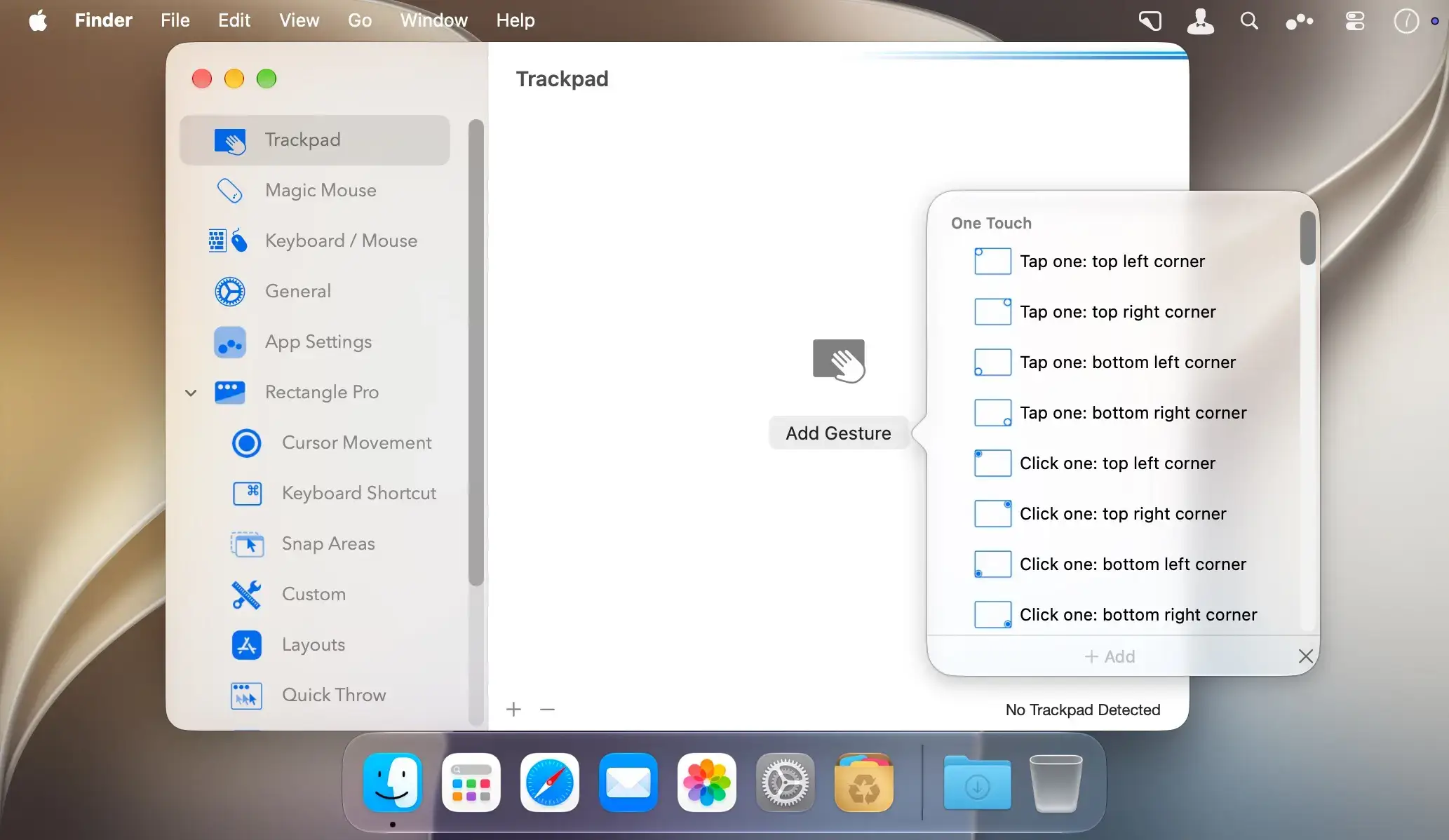
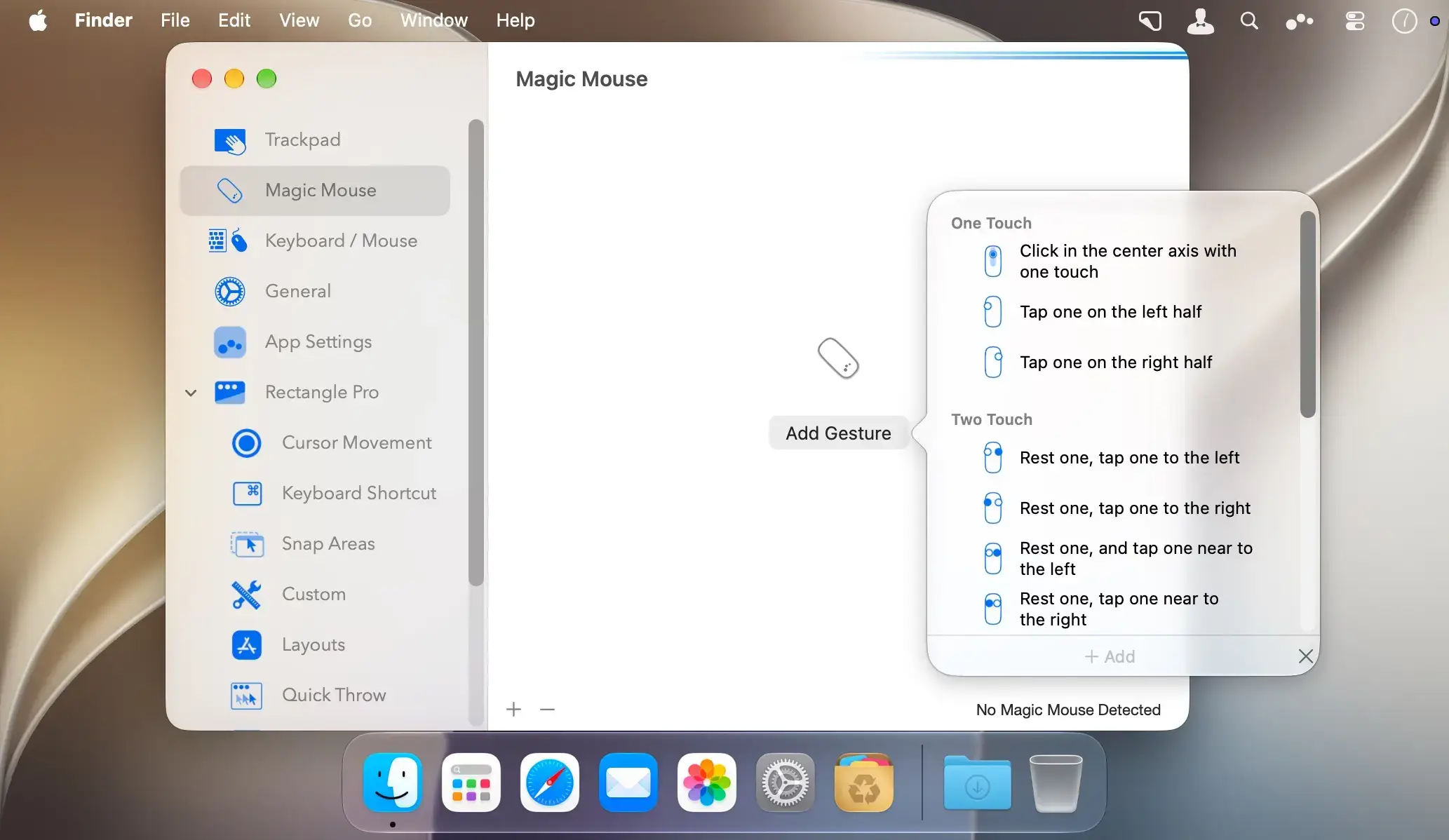
Multitouch 2 lets you tie a custom action to a specific Magic Trackpad or Magic Mouse gesture on your Mac. For example, a three-finger click can execute a paste, so common tasks take a single gesture.
Make gestures work for you
Use gestures to improve your workflow by executing keyboard shortcuts, controlling your browser's tabs, performing a middle mouse click, and much more.
Features
- Custom gesture actions: assign an action to a specific Magic Trackpad or Magic Mouse gesture.
- Keyboard shortcuts: execute a shortcut with a gesture.
- Browser tab control: manage your browser's tabs with gestures.
- Middle mouse click: perform a middle click with a gesture.
- One-time purchase: pay once and get free updates with a growing list of gestures and actions.
- Privacy: no user data is gathered from the app.
- No Accessibility privileges: runs without requiring Accessibility privileges.
Version 2.0.2
- Ensure configurations that only exist in iCloud are present upon update.
v2.0:
- Multitouch now includes all of Rectangle Pro.
- Rectangle Pro settings can be imported into Multitouch.
- All of the settings in Multitouch can now be imported and exported, and synchronized over iCloud.
- The settings window has been updated.
- Several bug fixes are included.
Frequently asked questions
How do I install the app?
Mount the image, drag the app into the "Applications" folder and launch it. If the system blocks the launch, allow it in "System Settings → Privacy & Security".
The app is damaged or won't launch
Reinstalling from a fresh image usually helps. Make sure your macOS version matches the one listed in the compatibility specs.
How do I update?
Download the new version from the site and install it over the current one — your settings will be preserved.
The download link doesn't work
Try a mirror or a download manager. For large files the browser often drops the connection.
How do I completely remove the app?
Use an uninstaller utility — it cleans up the service files that remain after moving the app to the trash.


Choose a download source
Multitouch 2.0.2 · 14.85 MB
Previous versions
Multitouch 2.0.2
Previous versions are available to registered users.