
Display Maestro 6.0.0
Mac display resolution control with precise bit-depth options
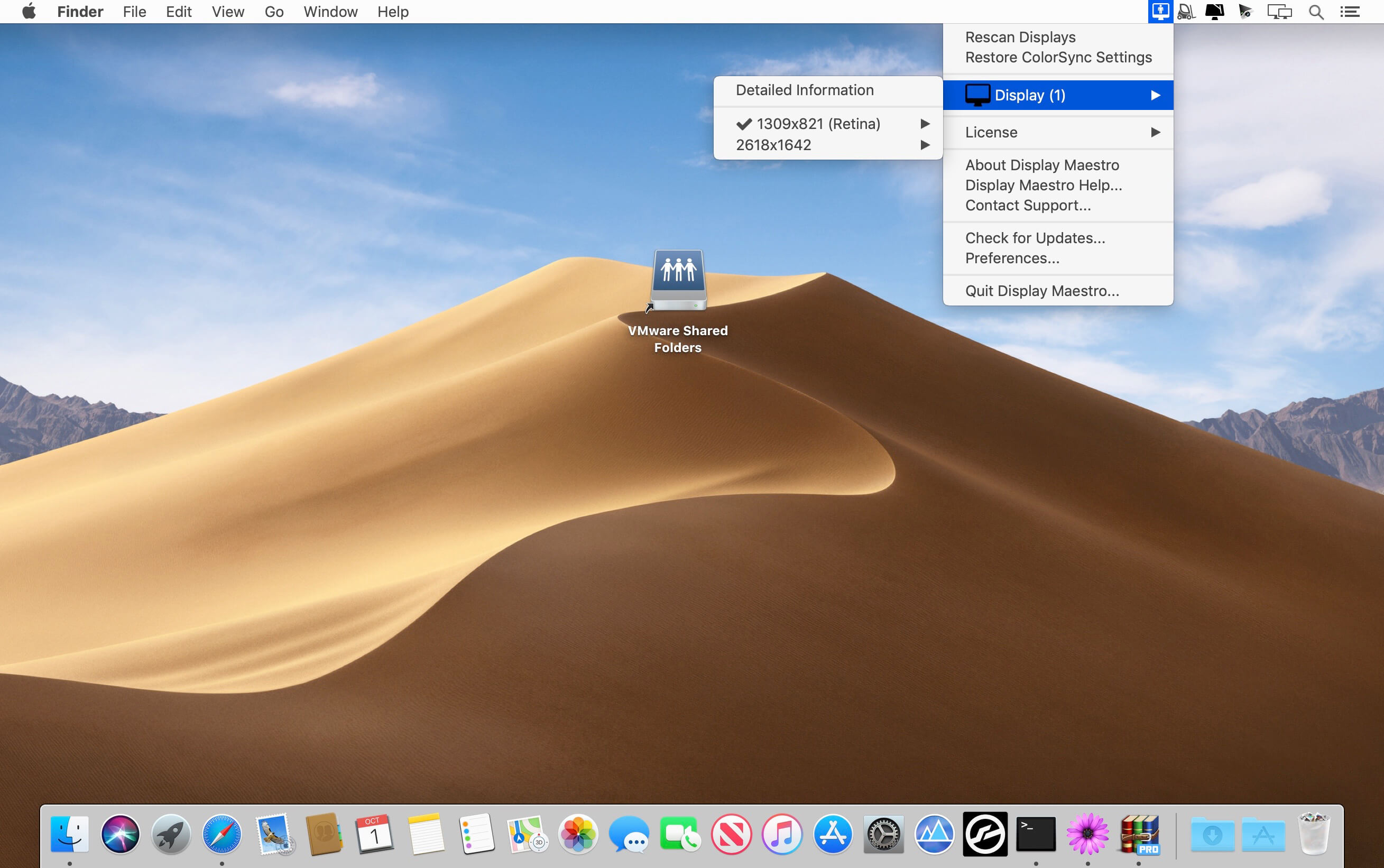
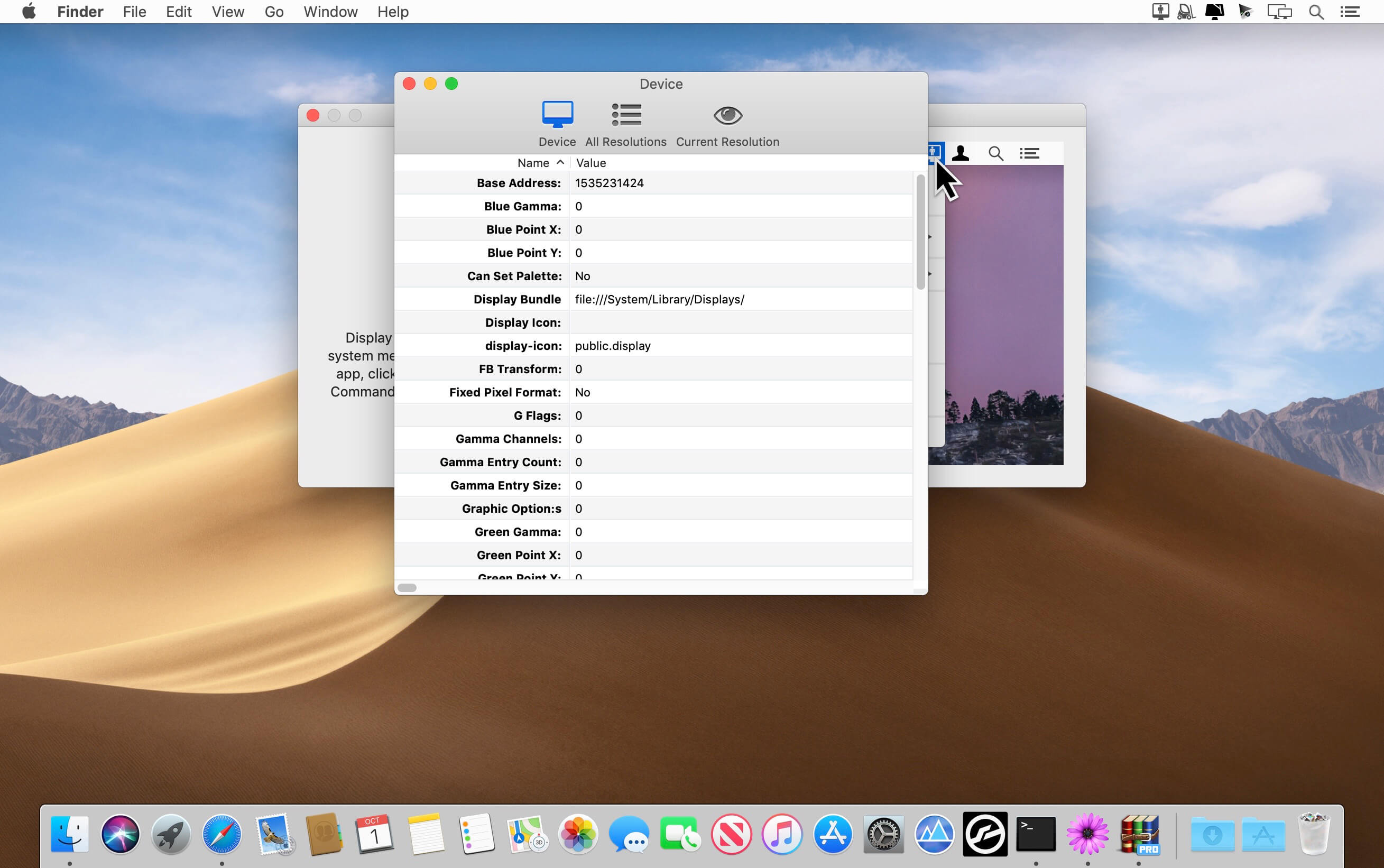
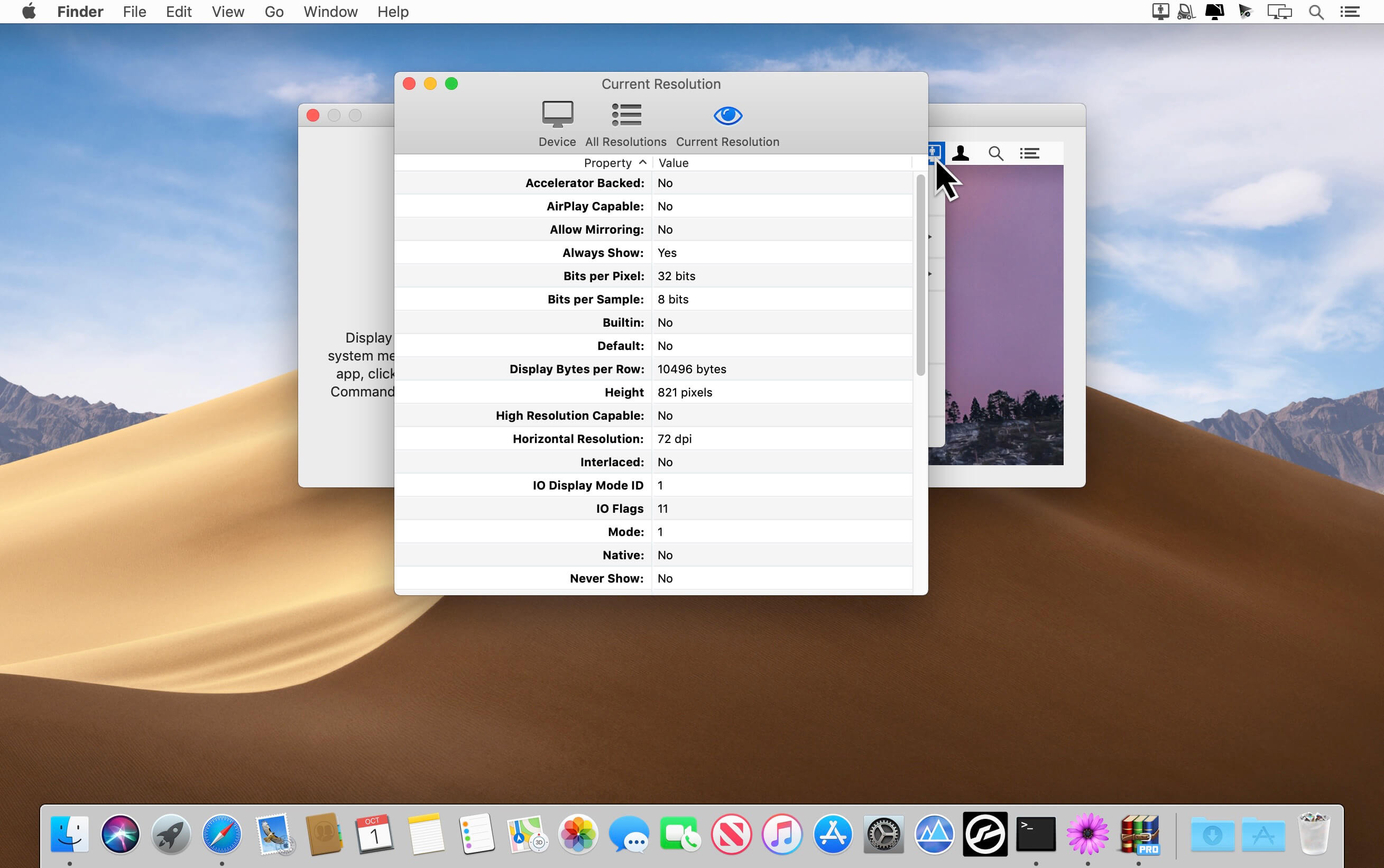
Display Maestro gives macOS users access to the resolutions and bit depths supported by an attached display and graphics card, through a traditional macOS-like menu. Select the display configuration you need, including options that may not be readily available through macOS’s more user-friendly approach.
More detail for precise display control
Display Maestro lets you inspect advanced resolution and device information, along with details about supported display features. This can help experienced users, including graphic designers and presenters, find the configuration they need.
- Resolution and bit-depth options: View the supported options for your graphics card and attached display. Some graphics cards may limit the available choices.
- Advanced display information: View details such as gamma configuration, RGB color points, scaling, refresh rate, screen dimensions, dots per inch, and Retina (HiDPI) status.
- Display feature information: Check details such as interlace mode, mirroring support, television mode, and whether the display is built-in or high-resolution capable.
- Legacy app support: Choose a precise configuration for older games and apps that may no longer set their required resolutions automatically.
- Resolution safety: If an unsafe resolution is selected, Display Maestro reverts to the last known safe resolution when it is not confirmed.
Choose the display configuration you need with Display Maestro.
Version 6.0:
Frequently asked questions
How do I install the app?
Mount the image, drag the app into the "Applications" folder and launch it. If the system blocks the launch, allow it in "System Settings → Privacy & Security".
The app is damaged or won't launch
Reinstalling from a fresh image usually helps. Make sure your macOS version matches the one listed in the compatibility specs.
How do I update?
Download the new version from the site and install it over the current one — your settings will be preserved.
The download link doesn't work
Try a mirror or a download manager. For large files the browser often drops the connection.
How do I completely remove the app?
Use an uninstaller utility — it cleans up the service files that remain after moving the app to the trash.


Choose a download source
Display Maestro 6.0.0 · 35.49 MB
Previous versions
Display Maestro 6.0.0
Previous versions are available to registered users.
Comments 1