Magic Battery 11.2.2
Magic Battery — Mac battery monitor for Bluetooth devices and AirPods.
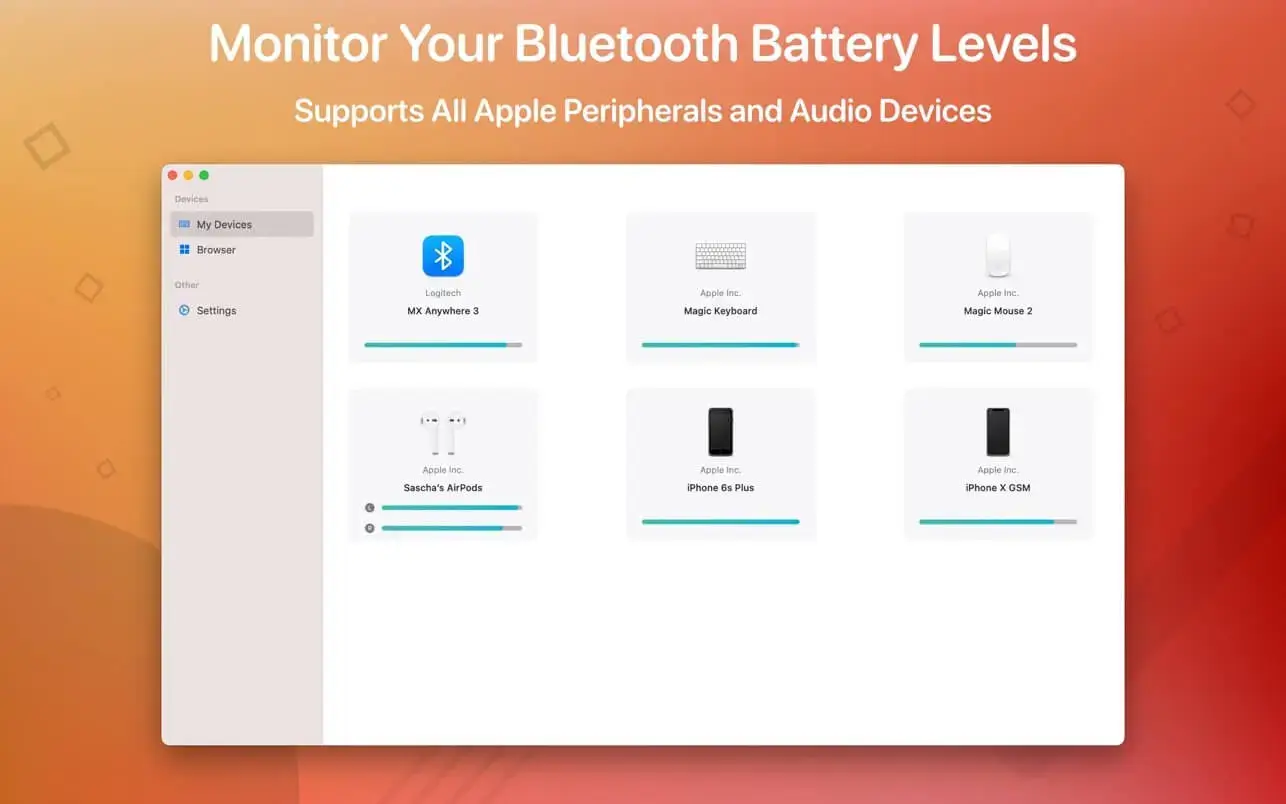
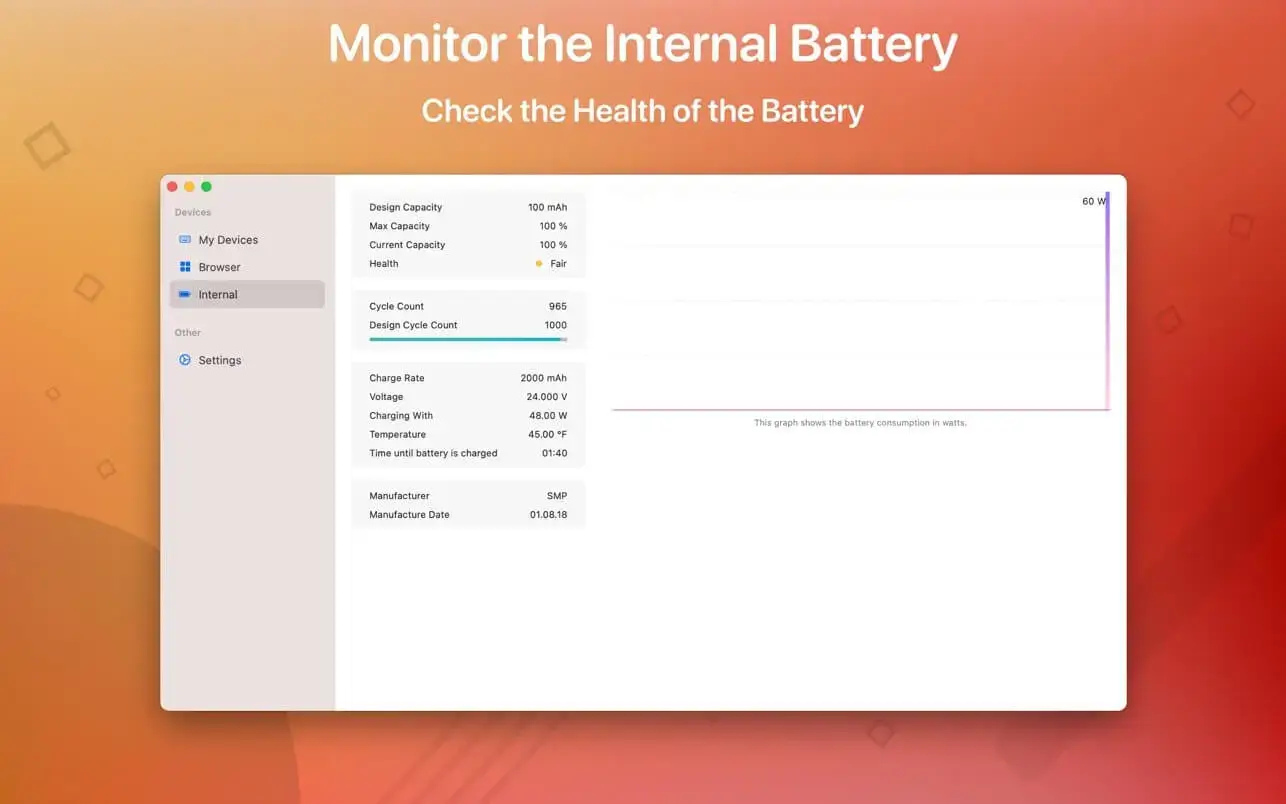
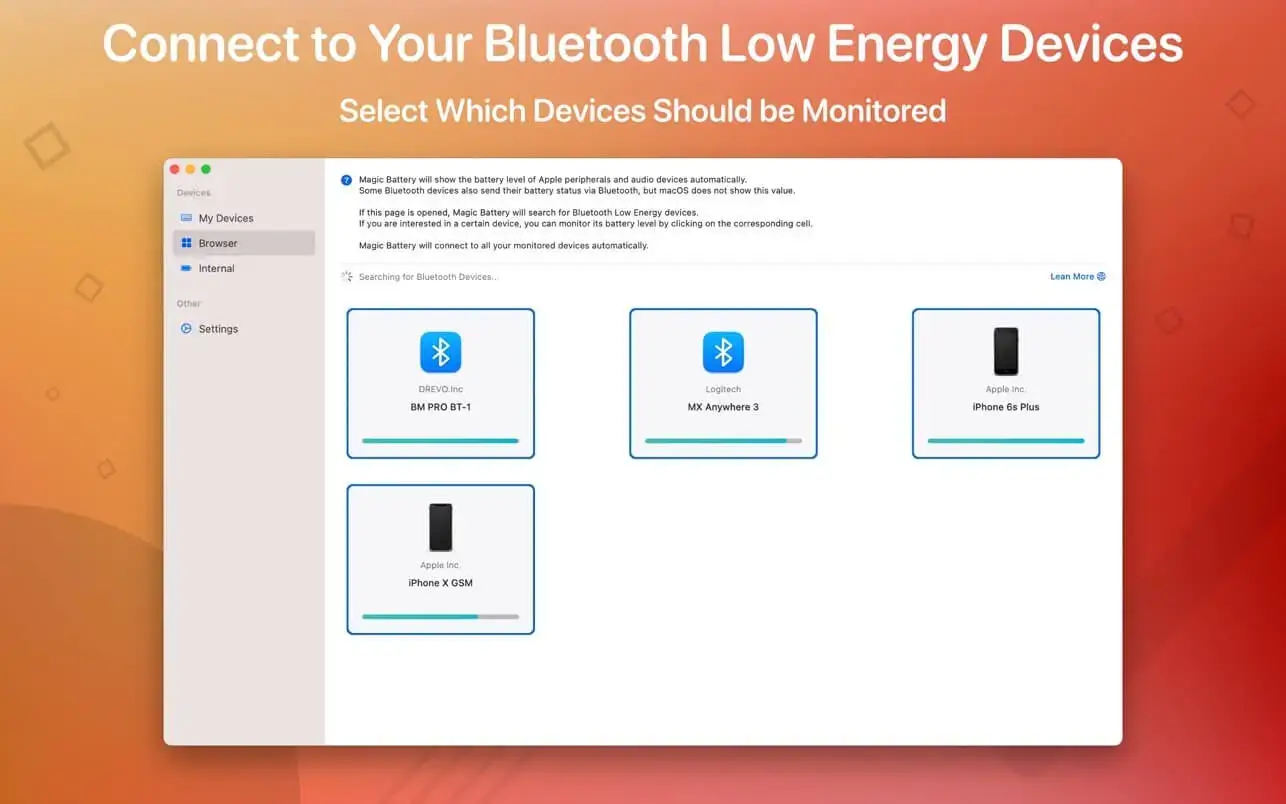
Magic Battery shows the charge of your Bluetooth devices right in the menu bar. AirPods, Magic Mouse, keyboard, iPhone: see what's running low before it runs out, without digging through settings.
All your devices in one place
- Input devices: Magic Mouse, Magic Mouse 2, Magic Trackpad 2, Apple Wireless Keyboard, Apple Wireless Trackpad, Logitech MX Anywhere 3
- Headphones: AirPods, AirPods Pro, AirPods Max, Beats Solo 3, Beats X, Beats Studio 3 Wireless
- iPhone and iPad: all models
- Your Mac: internal battery percentage plus estimated time remaining
A view that fits your menu bar
- Detailed: battery levels shown right next to each device icon
- Compact: all the essentials in the smallest possible space
- Icon-only: a clean menu bar, with levels one click away
Works on its own
- Devices appear and disappear automatically as they connect and disconnect
- Get notified when a device drops to 20%, so you're never caught with dead AirPods mid-call
- Launch at login (optional) and forget it's even there
Version 11.2.0
- Settings and About open from the menu bar again.
- The estimated empty date of a device reflects its actual drain again.
- Battery colours in the menu bar now follow your notification threshold, matching the main wind
- The internal battery no longer shows an unknown reason code while not charging.
- Menu bar panel commands no longer keep a focus ring after use.
Frequently asked questions
How do I install the app?
Mount the image, drag the app into the "Applications" folder and launch it. If the system blocks the launch, allow it in "System Settings → Privacy & Security".
The app is damaged or won't launch
Reinstalling from a fresh image usually helps. Make sure your macOS version matches the one listed in the compatibility specs.
How do I update?
Download the new version from the site and install it over the current one — your settings will be preserved.
The download link doesn't work
Try a mirror or a download manager. For large files the browser often drops the connection.
How do I completely remove the app?
Use an uninstaller utility — it cleans up the service files that remain after moving the app to the trash.


Choose a download source
Magic Battery 11.2.2 · 8.03 MB
Previous versions
Magic Battery 11.2.2
Previous versions are available to registered users.