JixiPix Photo Formation Pro 1.0.32
Paper Photo Effect for Mac with Realistic 3D Shadows
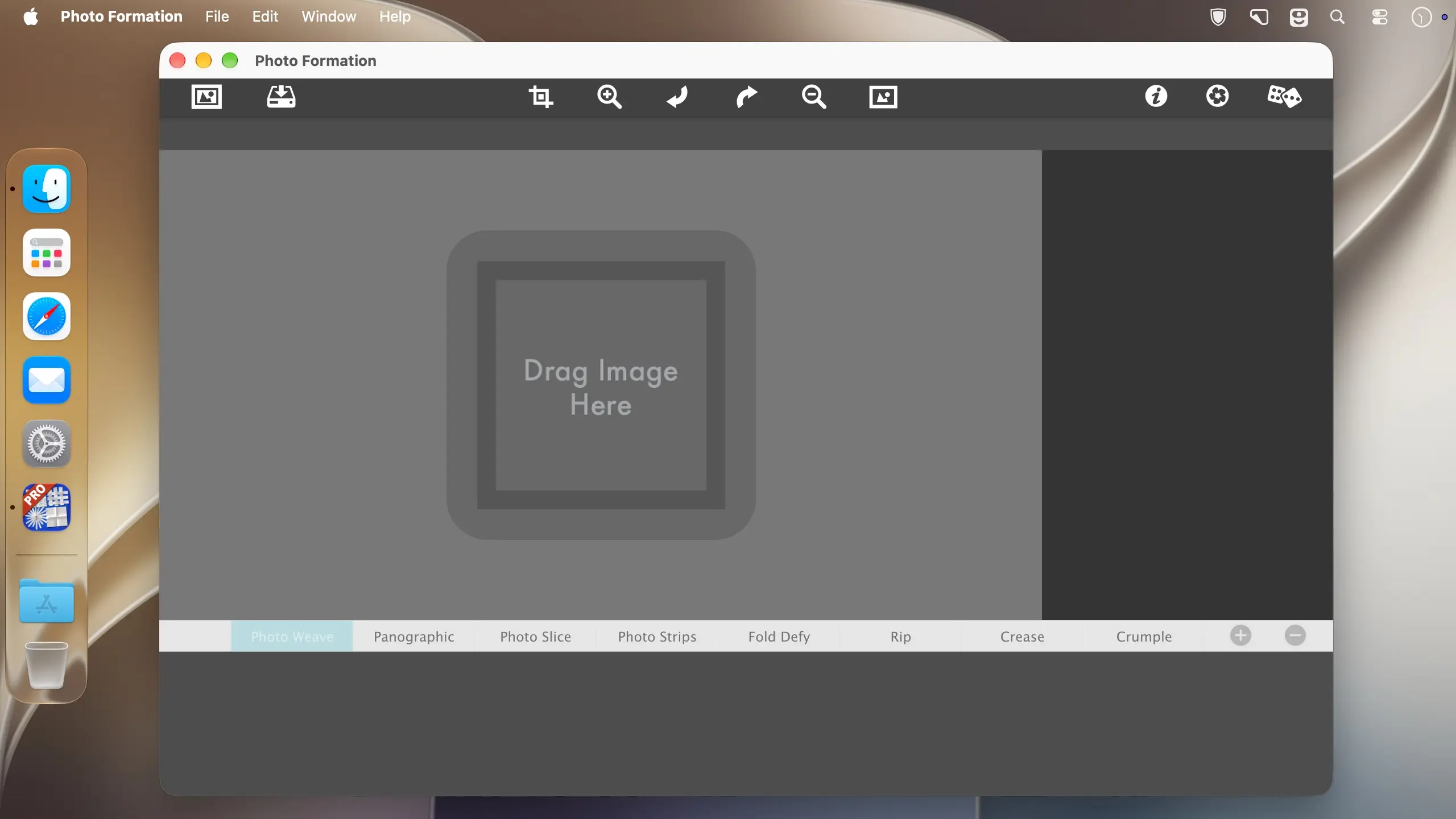
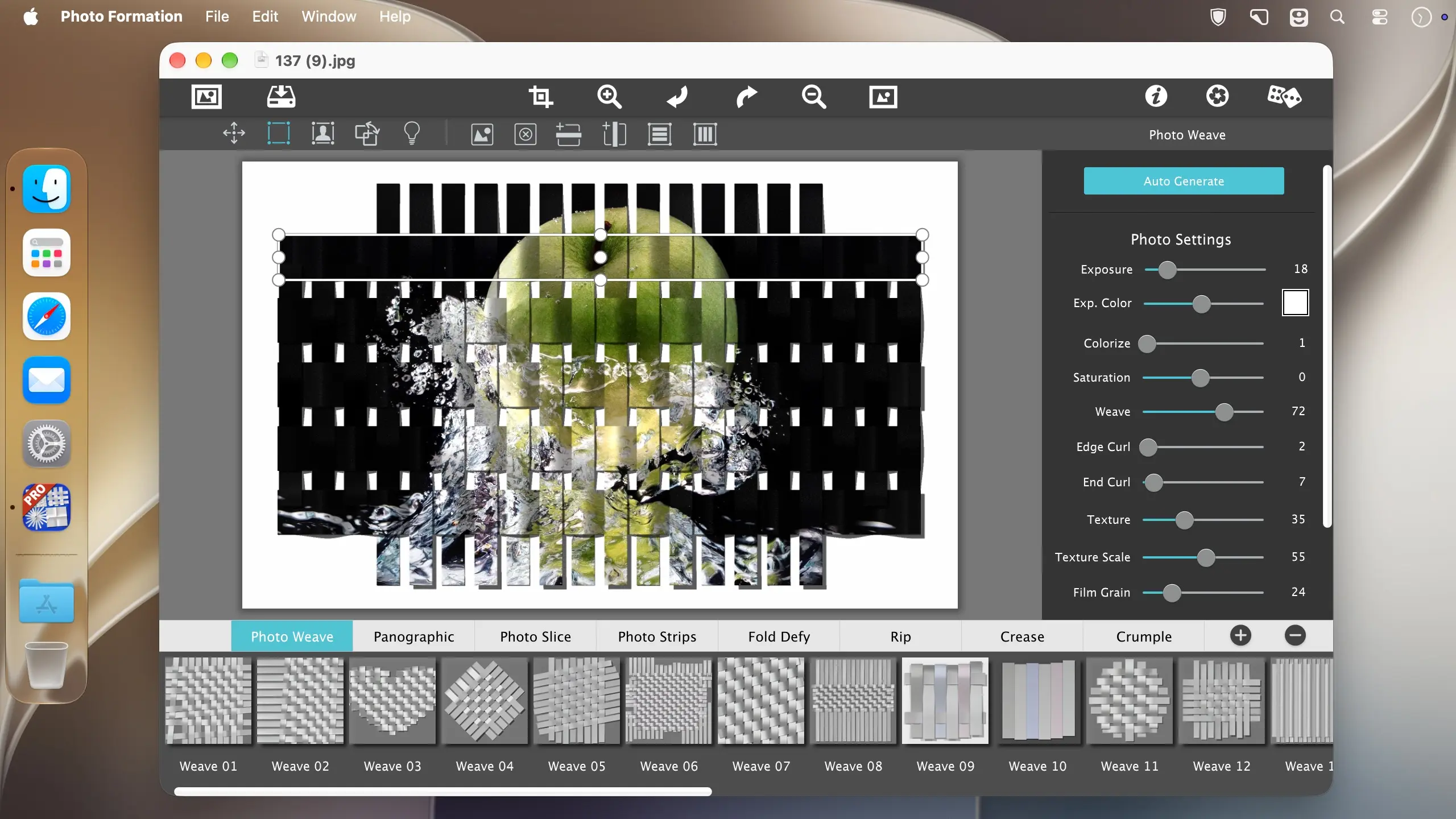
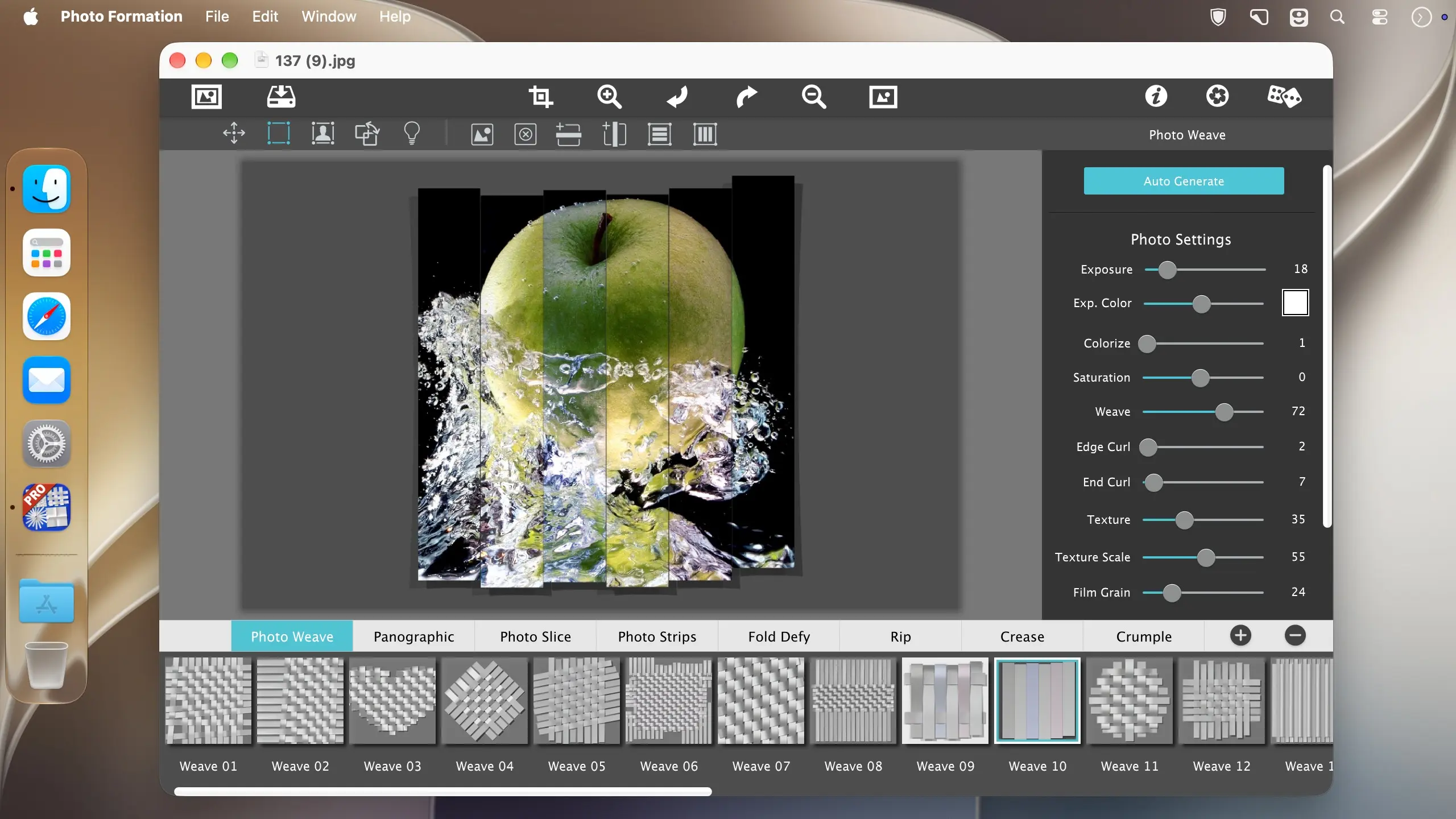
Photo Formation Pro turns a photo into a paper construction: the image is cut into strips, tiles and folds, then lit by a 3D engine that throws shadows across every crease. Each piece gets its own curls and bends, so the result looks like someone assembled it by hand on a table.
Start fast, then make it yours
Pick a one-touch preset and you have a finished look in seconds. If it isn't quite right, hit the randomize button and the app renders new paper variations until one fits your photo. From there you can move, rotate and scale individual elements to rearrange the composition.
Build it from scratch
Auto Generate lays down the first paper effect and opens a control panel, so you can shape the rest. Choose how many strips, tiles or folds you want, how much curl, crinkle and depth, and add exposure, opacity, texture and grain if the piece needs them. Press Apply to render it to the document, then nudge paper elements around or add optional photo settings.
Light and shadow
Photo Formation Pro renders folds and creases in true 3D, with the perspective distortion that comes with them, and casts shadows to match. Drag the light around the document and the shadows swing with it. Duplicate the light to get double or triple shadows, as many as the image can take.
What you can do
- Paper effects: fragment, join, weave, slice and fold a photo into paper pieces.
- Presets: start from a library of one-touch looks.
- Randomize: generate new paper variations until one suits the image.
- Auto Generate: create the initial effect, then adjust it in a control panel.
- Paper controls: set the number of strips, tiles or folds, plus curl, crinkle and depth.
- Finishing options: add exposure, opacity, texture and grain.
- Editing tools: move, rotate and scale paper elements after rendering.
- Adjustable lighting: reposition the light to change shadow direction, or add several lights.
Use it your way
Photo Formation Pro runs as a standalone application. It also includes plugins for Photoshop, Photoshop Elements, Lightroom and Affinity Photo, so you can apply the effect without leaving your usual editor.
Version 1.0.32
- Minor bug fixes and optimizations
Frequently asked questions
How do I install the app?
Mount the image, drag the app into the "Applications" folder and launch it. If the system blocks the launch, allow it in "System Settings → Privacy & Security".
The app is damaged or won't launch
Reinstalling from a fresh image usually helps. Make sure your macOS version matches the one listed in the compatibility specs.
How do I update?
Download the new version from the site and install it over the current one — your settings will be preserved.
The download link doesn't work
Try a mirror or a download manager. For large files the browser often drops the connection.
How do I completely remove the app?
Use an uninstaller utility — it cleans up the service files that remain after moving the app to the trash.



Choose a download source
JixiPix Photo Formation Pro 1.0.32 · 138.15 MB