
TurboCollage Pro 7.3.3
Photo Collage Maker for Mac, Made Simple
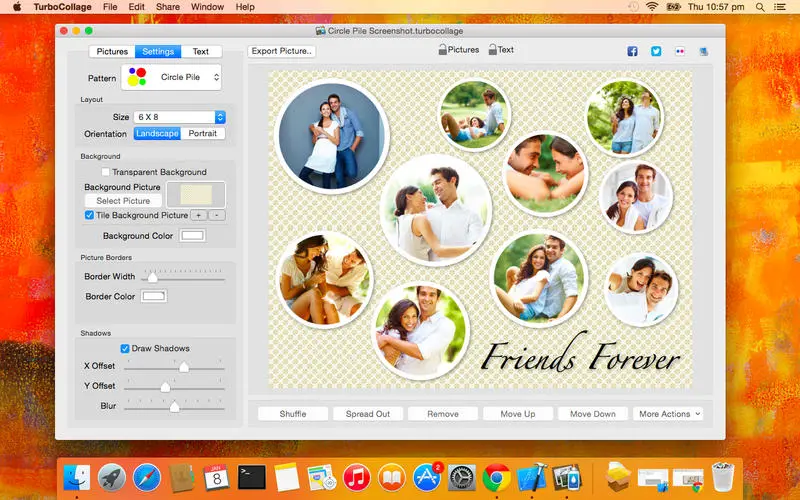
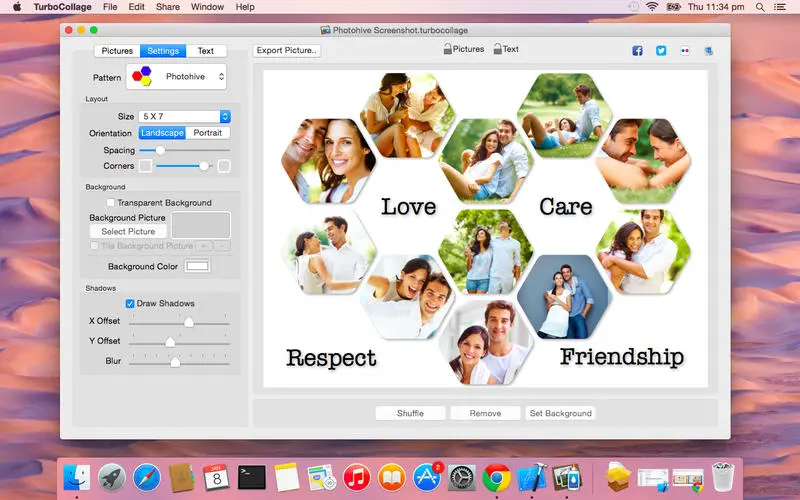
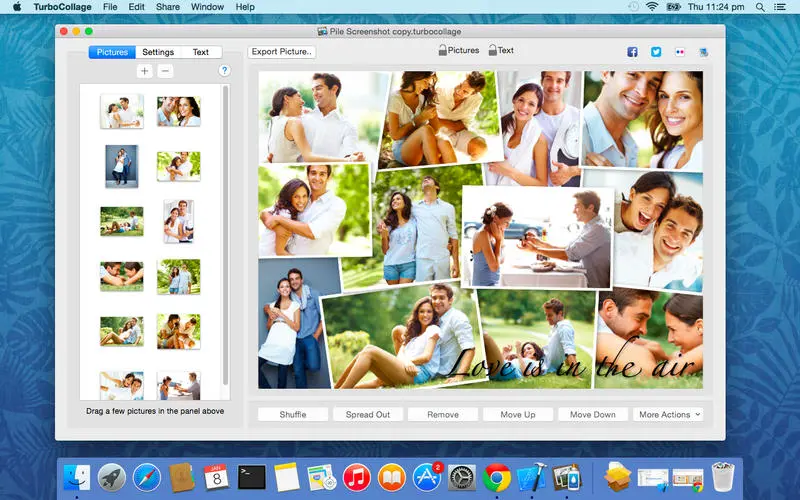
TurboCollage Pro is a photo collage maker for Mac that helps you turn your pictures into stunning collages. Set up a layout with a prominent center picture, arrange pictures in a regular grid, or create a random picture pile. The intuitive interface gives you complete control over your collage design.
Collage styles for every set of memories
Tie fond memories together into gorgeous picture mosaics, or choose from seven collage styles: Regular Pile, Circle Pile, Picture Grid, Mosaic, Center Frame, Zig Mosaic, and Photohive. You can create landscape or portrait collages in a wide range of sizes and aspect ratios.
- Picture shadows: customize the shadow of each picture.
- Picture borders: customize the borders around your pictures.
- Swap pictures: drag a picture onto another picture to exchange them.
- Shuffle: get a completely new layout with one action.
- Pan and zoom: adjust each picture within its frame.
- Pile editing: drag, scale, or rotate pictures in a pile.
- Pile order: bring more prominent pictures to the top.
- Background: select a background picture or color, or use a transparent background.
- Orientation and size: create landscape or portrait collages in a wide range of sizes and aspect ratios.
Download TurboCollage Pro for Mac and start turning your pictures into a collage you designed yourself.
Frequently asked questions
How do I install the app?
Mount the image, drag the app into the "Applications" folder and launch it. If the system blocks the launch, allow it in "System Settings → Privacy & Security".
The app is damaged or won't launch
Reinstalling from a fresh image usually helps. Make sure your macOS version matches the one listed in the compatibility specs.
How do I update?
Download the new version from the site and install it over the current one — your settings will be preserved.
The download link doesn't work
Try a mirror or a download manager. For large files the browser often drops the connection.
How do I completely remove the app?
Use an uninstaller utility — it cleans up the service files that remain after moving the app to the trash.





Choose a download source
TurboCollage Pro 7.3.3 · 26.77 MB
Previous versions
TurboCollage Pro 7.3.3
Previous versions are available to registered users.