Canva Affinity 3.3.3
Affinity — vector graphics editor for flexible, customizable design workflows.
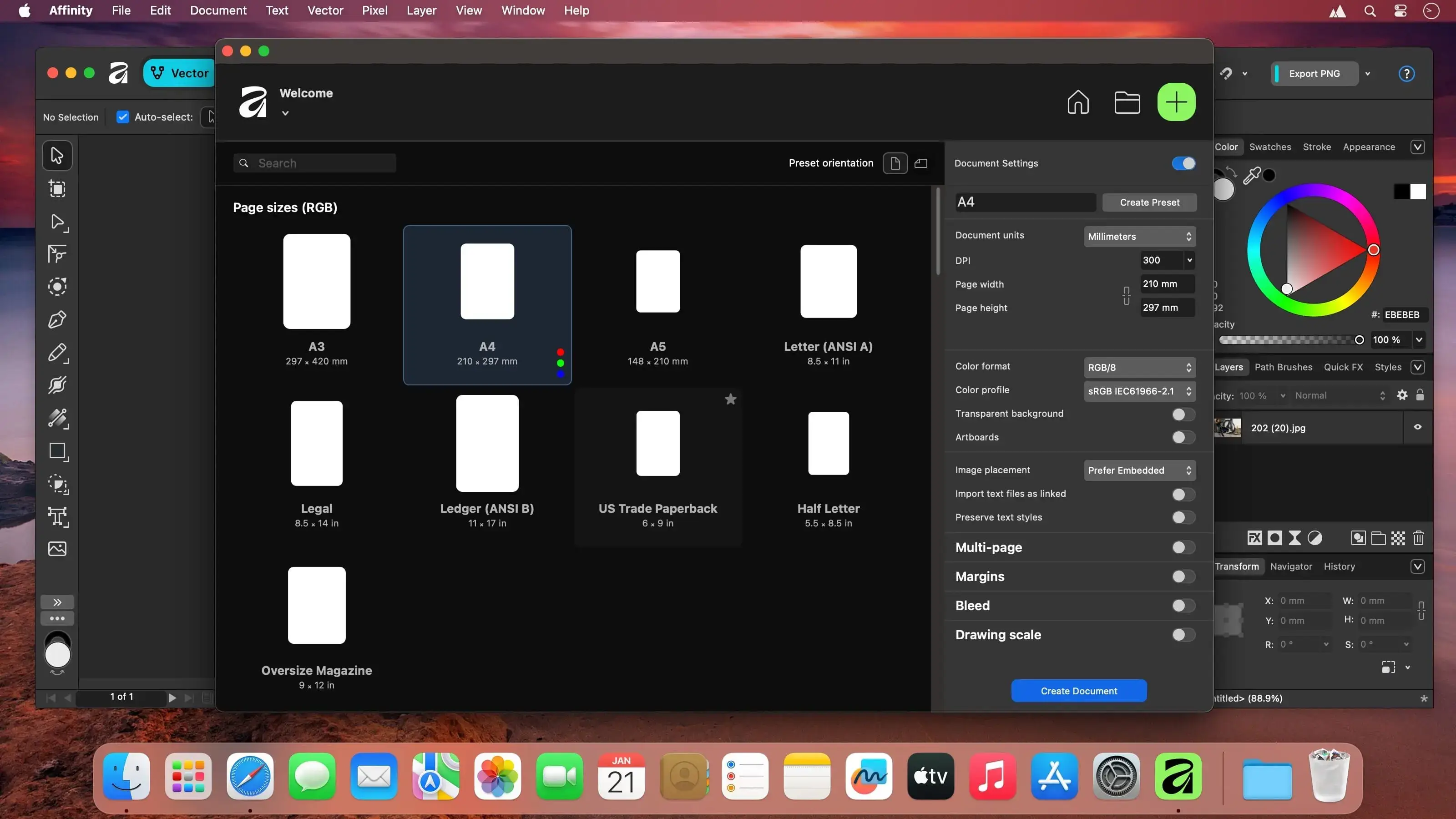
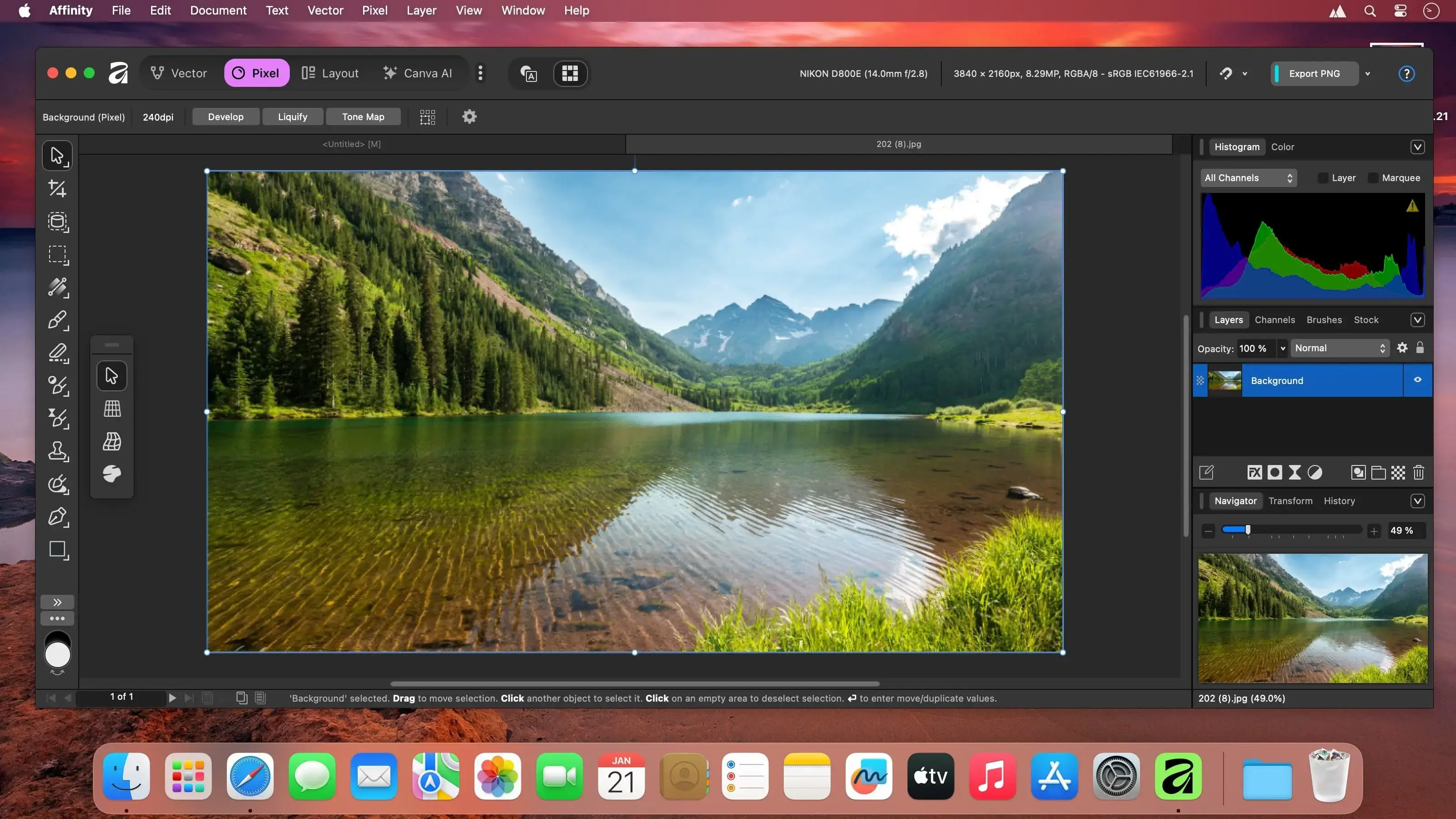
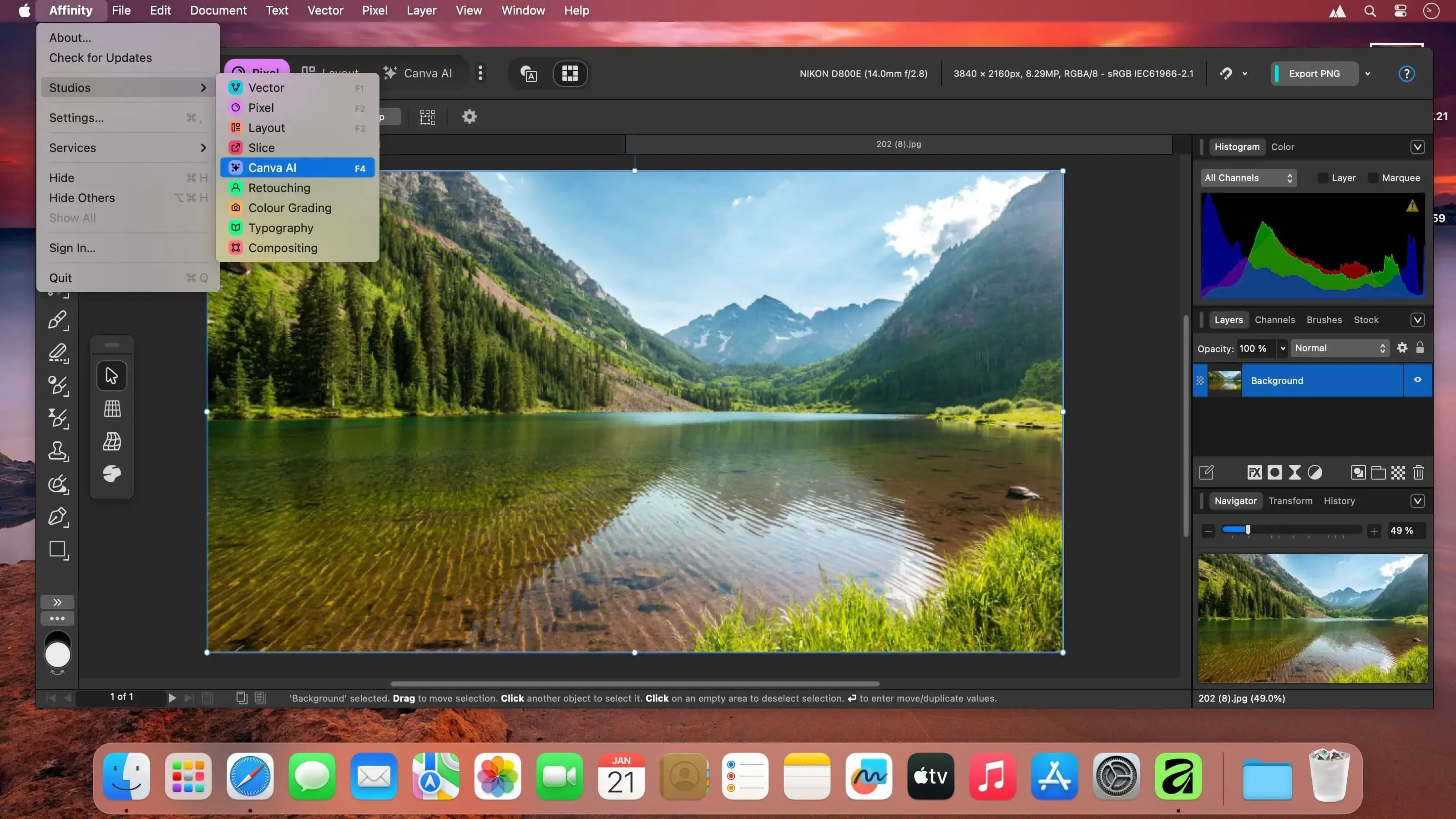
Affinity by Canva for macOS - shape a creative workspace around the way you work. Customize your studios, learn by doing, collaborate on projects, and take designs from first idea to print—all on your Mac.
A workspace that fits your workflow
Start with Vector, Pixel, and Layout studios, then rearrange panels and combine the tools you use most. Save multiple custom setups, switch between them in a click, and share your studios or download setups from others.
Tools for creating and collaborating
Learn with step-by-step lessons, templates, and real-world examples. Explore content libraries with photos, graphics, video, audio, fonts, charts, and more, including content from Disney, Artlist, and pocstock. Work with teammates through comments, tags, and task assignments in Docs, Presentations, Whiteboards, and more.
- Custom studios: Rearrange panels and mix tools from the Vector, Pixel, and Layout studios.
- Saved setups: Keep multiple studio arrangements and switch between them in a click.
- Lessons and templates: Learn through step-by-step guidance and real-world examples.
- Design content: Explore libraries of photos, graphics, video, audio, fonts, charts, and more.
- Team collaboration: Tag teammates in comments and assign tasks across Docs, Presentations, Whiteboards, and more.
- Workplace plans: Give a team or business ways to design together.
- Print services: Create photo albums, T-shirts, business cards, flyers, and invitations, with free delivery.
- AI-powered tools: Create on-brand copy and templates, and edit video.
- Brand Kits and templates: Set up brand resources for your team to use in designs.
- Approval flows: Control individual permissions, assign tasks, and share work.
From your Mac to the finished design
Make your workspace your own, bring your team into the process, and prepare your next design for print. Start creating with Affinity on macOS.
Frequently asked questions
How do I install the app?
Mount the image, drag the app into the "Applications" folder and launch it. If the system blocks the launch, allow it in "System Settings → Privacy & Security".
The app is damaged or won't launch
Reinstalling from a fresh image usually helps. Make sure your macOS version matches the one listed in the compatibility specs.
How do I update?
Download the new version from the site and install it over the current one — your settings will be preserved.
The download link doesn't work
Try a mirror or a download manager. For large files the browser often drops the connection.
How do I completely remove the app?
Use an uninstaller utility — it cleans up the service files that remain after moving the app to the trash.




Choose a download source
Canva Affinity 3.3.3 · 967.62 MB
Previous versions
Canva Affinity 3.3.3
Previous versions are available to registered users.