VectorStyler 1.4.001
Logos, icons, type: vector art that stays live
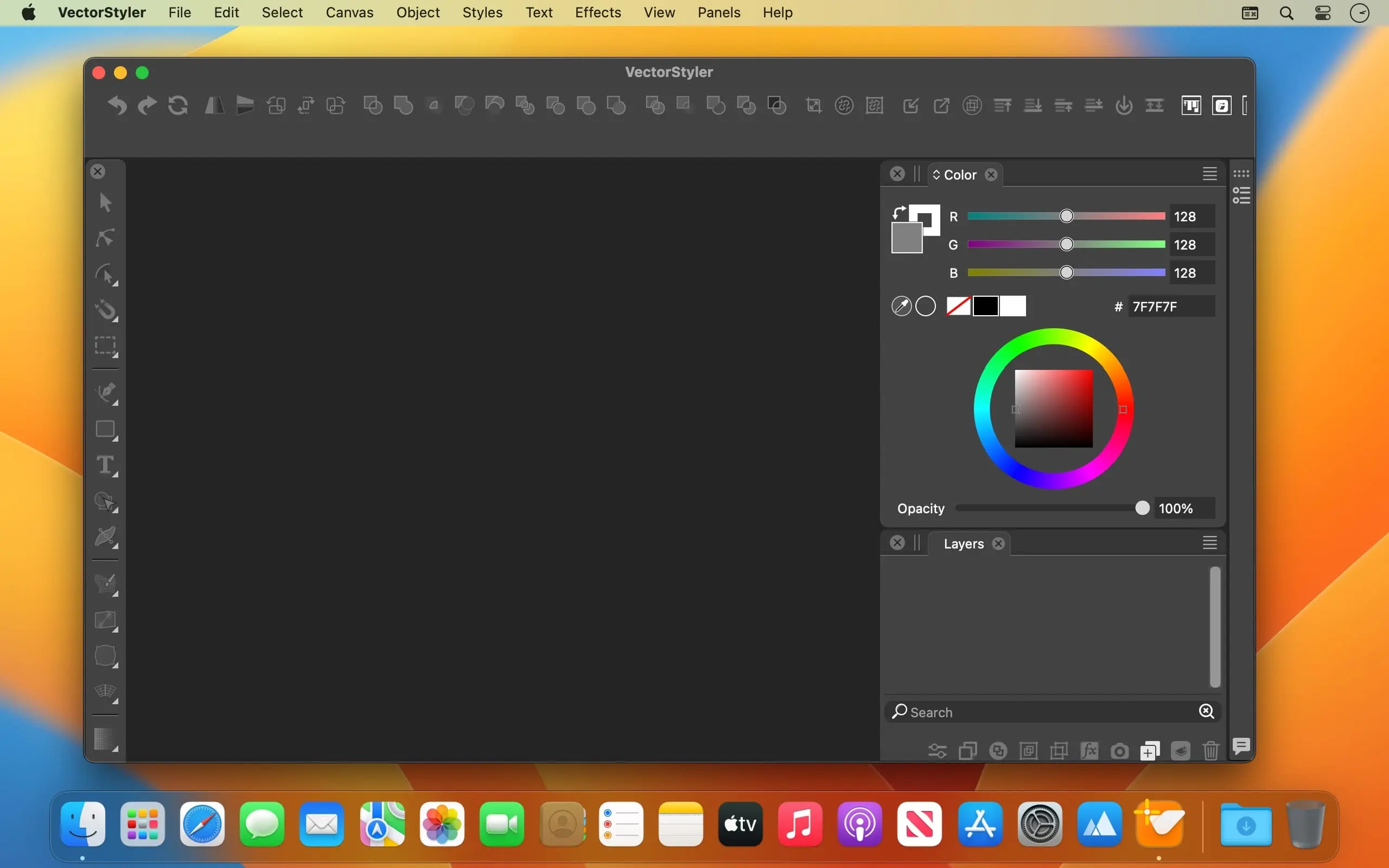
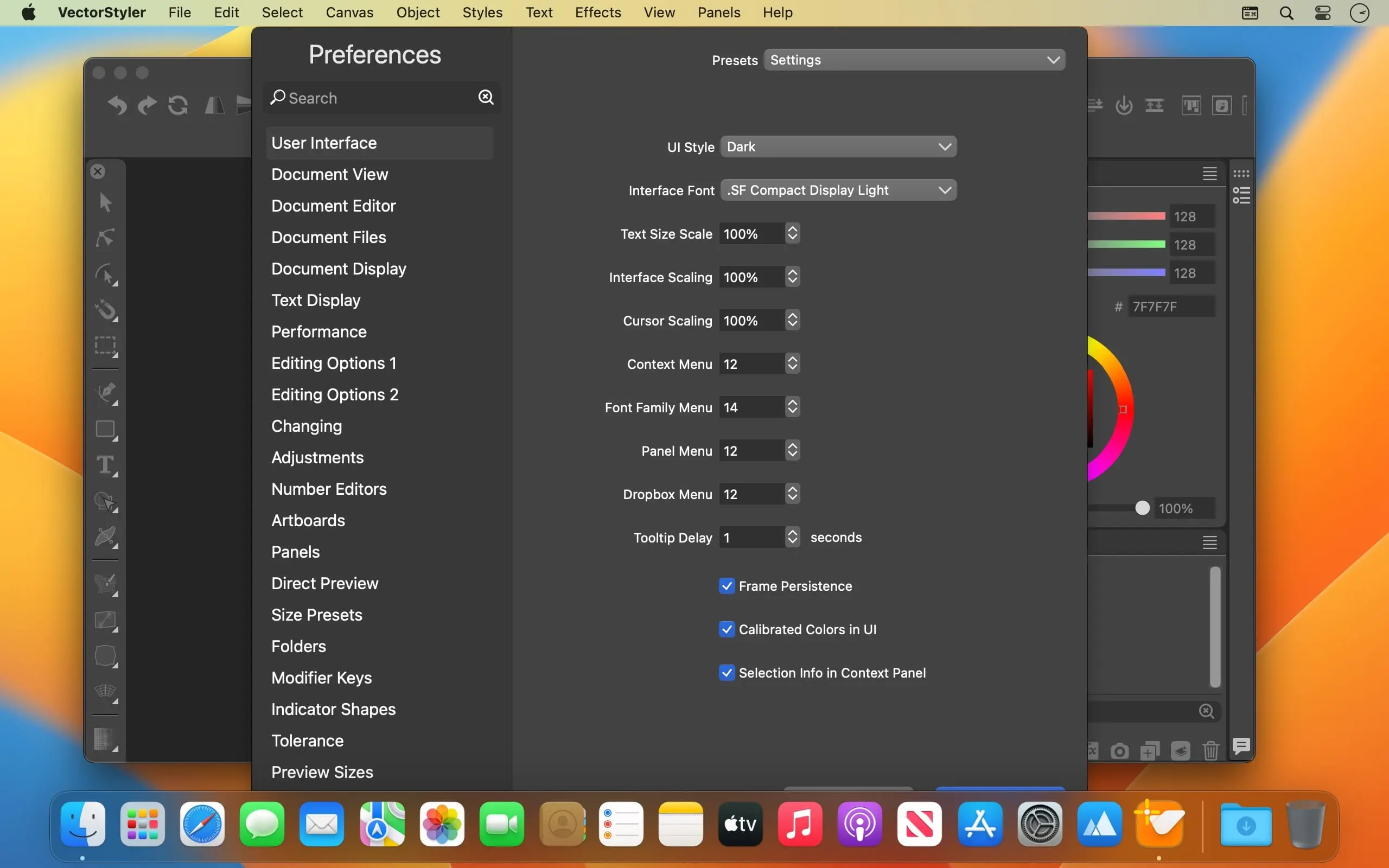
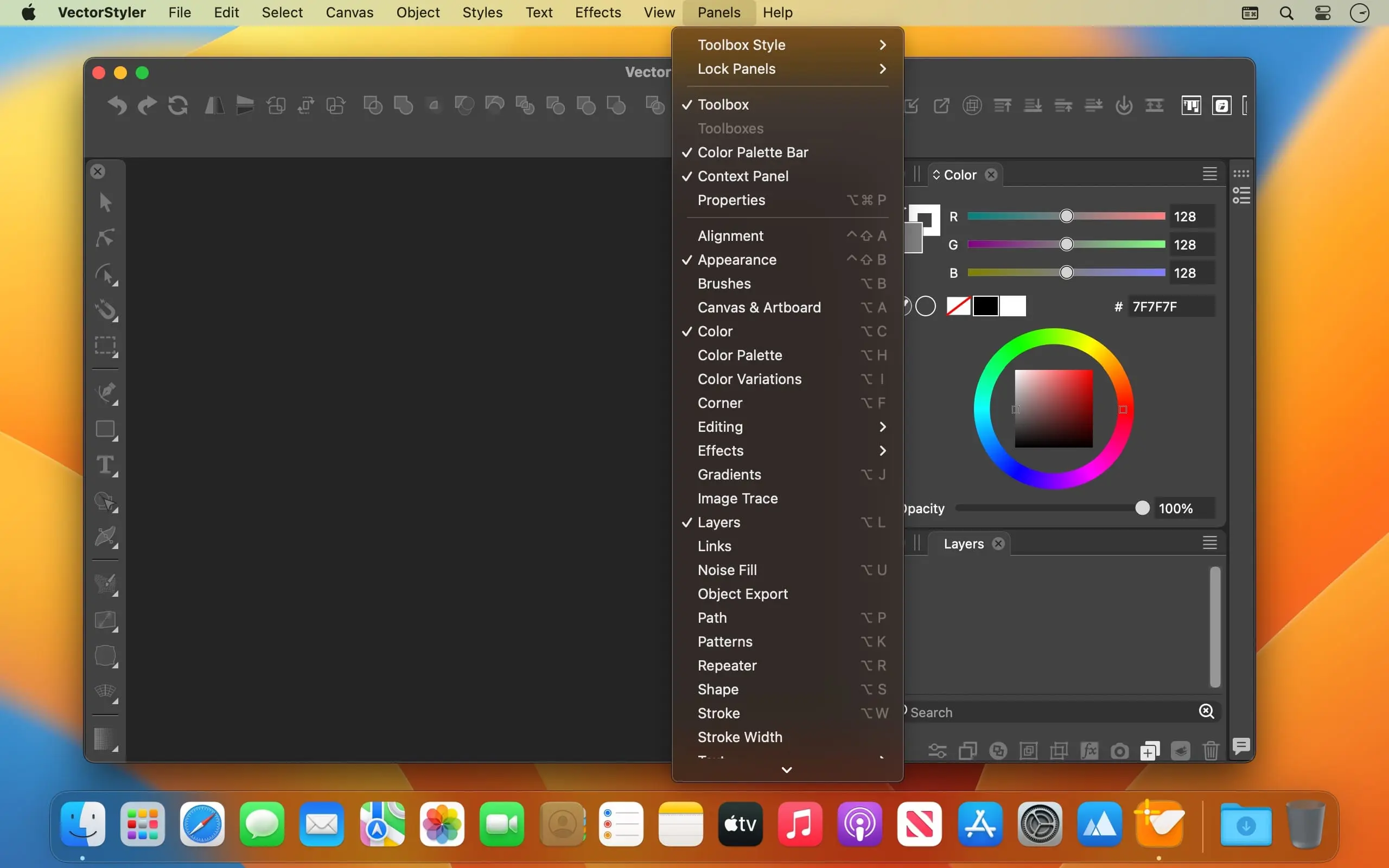
VectorStyler is an illustration and drawing app for Mac that brings together the vector tools you need to create illustrations, logos, icons, drawings, typography and vector art for screen, print and web. All drawing tools are included without subscriptions.
Non-destructive effects you can edit at any time
Shape effects and live image effects can be applied to objects or groups without making permanent changes. Adjust effect parameters interactively on the canvas, combine multiple effects, and keep your vector objects and shapes fully editable. Choose from over 100 image effects, or import SVG filter compositions directly from the Image Effects panel.
- Shape Effects: Distort and refine shapes with parametric distortions, mesh, envelope and elastic warp effects, plus dynamic offsets with distances you edit on the canvas.
- Image Effects: Apply over 100 live, non-destructive effects with multiple options, and combine them into custom filter compositions.
- Vector Brushes: Create and edit Artistic, Pattern, Scatter and Bristle brushes made from editable vector objects.
- Illustrator Brush Import: Import all Adobe Illustrator brush types and use them fully.
- Brush Width Control: Combine vector brushes with calligraphic pen options and variable width profiles.
- Linked Text Frames: Flow text across multiple linked frames, artboards and canvases, with multiple columns that can be balanced.
- Flexible Text Layout: Flow text inside and around any shape, and use the multi-line paragraph composer for paragraph-wide layout.
- Text on Path: Anchor point text to a path so it updates as the path changes, and adjust the baseline with the node tool.
- Bidirectional Text: Create and edit right to left or bidirectional Unicode text.
Download VectorStyler for Mac and start building your next illustration, logo or layout.
Version 1.4.0:
Frequently asked questions
How do I install the app?
Mount the image, drag the app into the "Applications" folder and launch it. If the system blocks the launch, allow it in "System Settings → Privacy & Security".
The app is damaged or won't launch
Reinstalling from a fresh image usually helps. Make sure your macOS version matches the one listed in the compatibility specs.
How do I update?
Download the new version from the site and install it over the current one — your settings will be preserved.
The download link doesn't work
Try a mirror or a download manager. For large files the browser often drops the connection.
How do I completely remove the app?
Use an uninstaller utility — it cleans up the service files that remain after moving the app to the trash.



Choose a download source
VectorStyler 1.4.001 · 147.56 MB
Previous versions
VectorStyler 1.4.001
Previous versions are available to registered users.