
Currency Assistant 3.7.1
Mac currency converter for 173 currencies, with rates updated online.
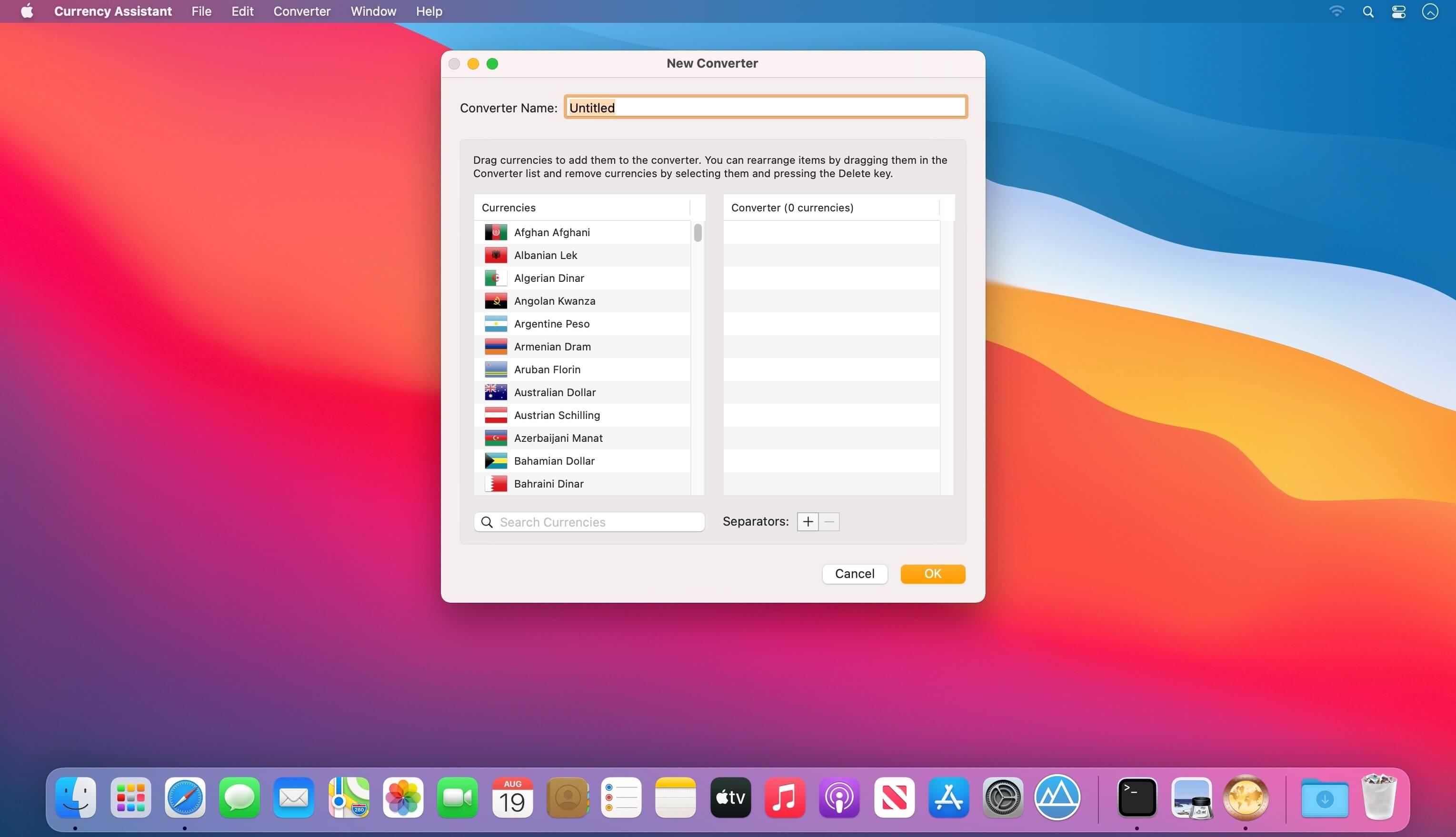
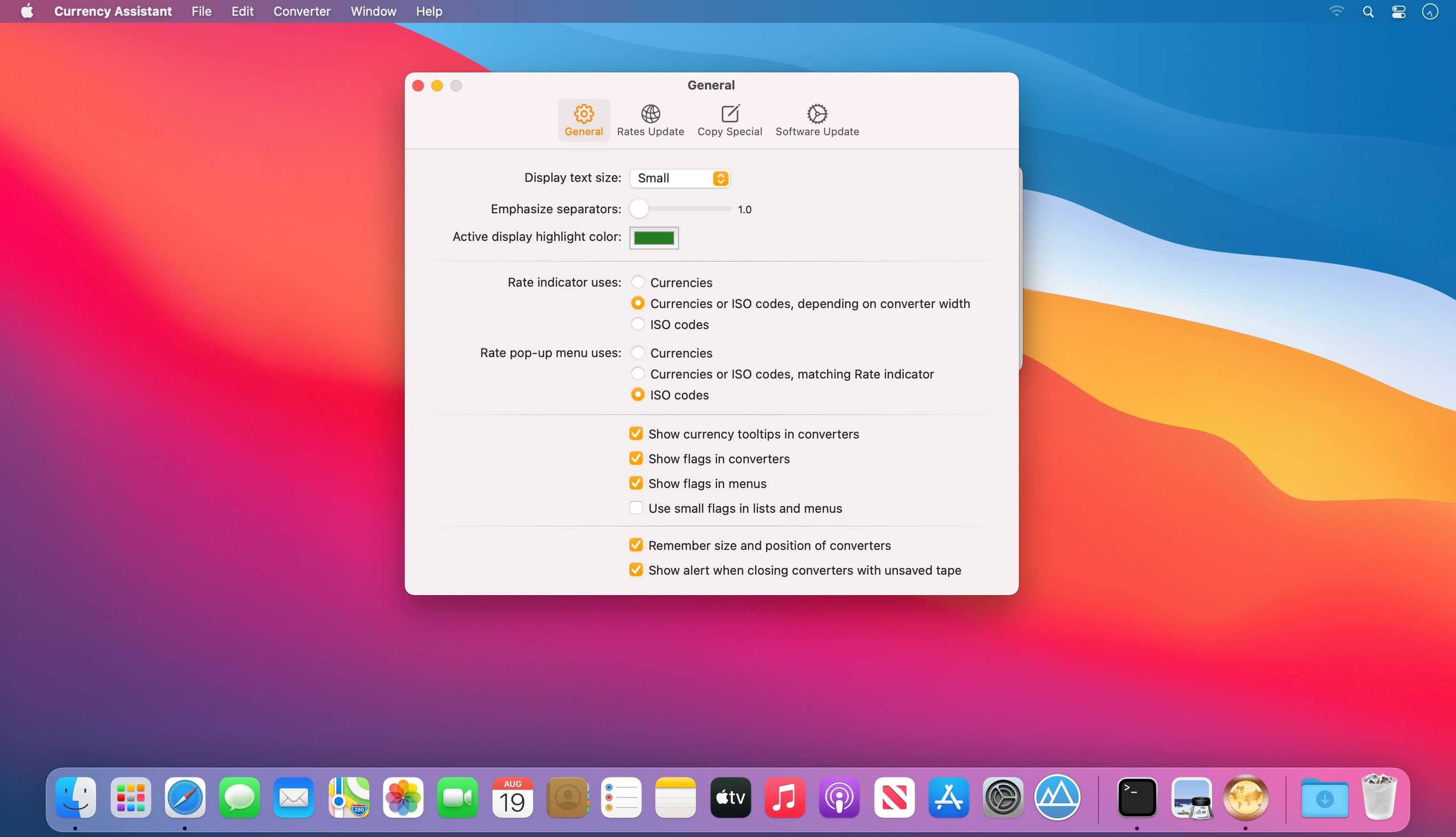

Convert amounts across 173 world currencies with Currency Assistant, a flexible currency conversion calculator for macOS. Exchange rates update automatically over the Internet using rates published by the European Central Bank, the International Monetary Fund, and the Bank of Italy.
Flexible currency conversions
Create as many converters as you need, each containing up to 24 currencies. Convert series of amounts, calculate and convert expression results, and import files with amount series for automatic conversion.
- Currency coverage: Convert between 173 world currencies, including 21 Eurozone legacy currencies.
- Automatic rate updates: Get exchange rates over the Internet using rates published by the European Central Bank, the International Monetary Fund, and the Bank of Italy.
- Multiple converters: Create as many converters as you need, with up to 24 currencies in each.
- Amount series: Paste multiple values at once, or import series stored in files and convert them automatically.
- Expression results: Calculate expressions and convert the results.
- Conversion records: Log, copy, save, export, and print conversion results.
Start converting currencies with Currency Assistant.
Version 3.7:
- The incompatibilities with macOS 26 Tahoe have been solved.
- Currency Assistant has adopted the new macOS 26 Tahoe design.
- The irrevocably fixed Bulgarian lev (BGN) euro conversion rate (1 EUR = 1.95583 BGN) has been introduced after the euro replaced the lev and became legal tender in Bulgaria on January 1, 2026.
- The exchange rates of the Russian ruble (RUB) and South African rand (ZAR) can no longer be updated from the International Monetary Fund website.
- The Iranian rial (IRR) and the North Korean won (KPW) have been deleted after the Bank of Italy suspended the publication of their exchange rates.
- A bug that could cause displays to be incorrectly resized after currencies in a converter were edited while the tape was visible has been fixed.
- Several other minor fixes and interface revisions have been introduced.
- Currency Assistant has a new icon with a Liquid Glass design.
- Minimum required system version is now macOS 10.13.4.
Frequently asked questions
How do I install the app?
Mount the image, drag the app into the "Applications" folder and launch it. If the system blocks the launch, allow it in "System Settings → Privacy & Security".
The app is damaged or won't launch
Reinstalling from a fresh image usually helps. Make sure your macOS version matches the one listed in the compatibility specs.
How do I update?
Download the new version from the site and install it over the current one — your settings will be preserved.
The download link doesn't work
Try a mirror or a download manager. For large files the browser often drops the connection.
How do I completely remove the app?
Use an uninstaller utility — it cleans up the service files that remain after moving the app to the trash.

Choose a download source
Currency Assistant 3.7.1 · 9.92 MB