
SQLPro for SQLite 2026.299
SQLite editor for Mac with autocomplete and multi-query execution
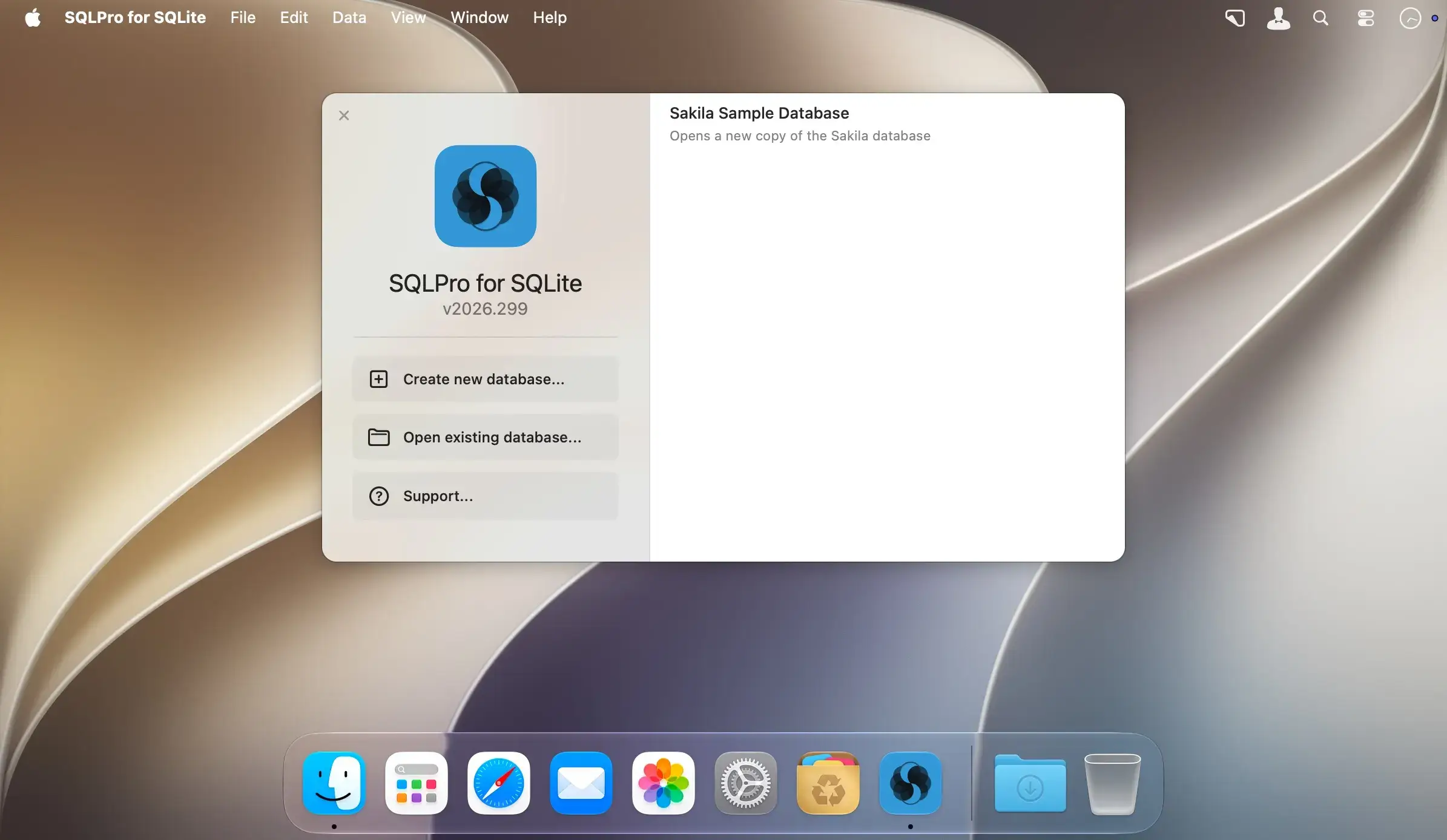
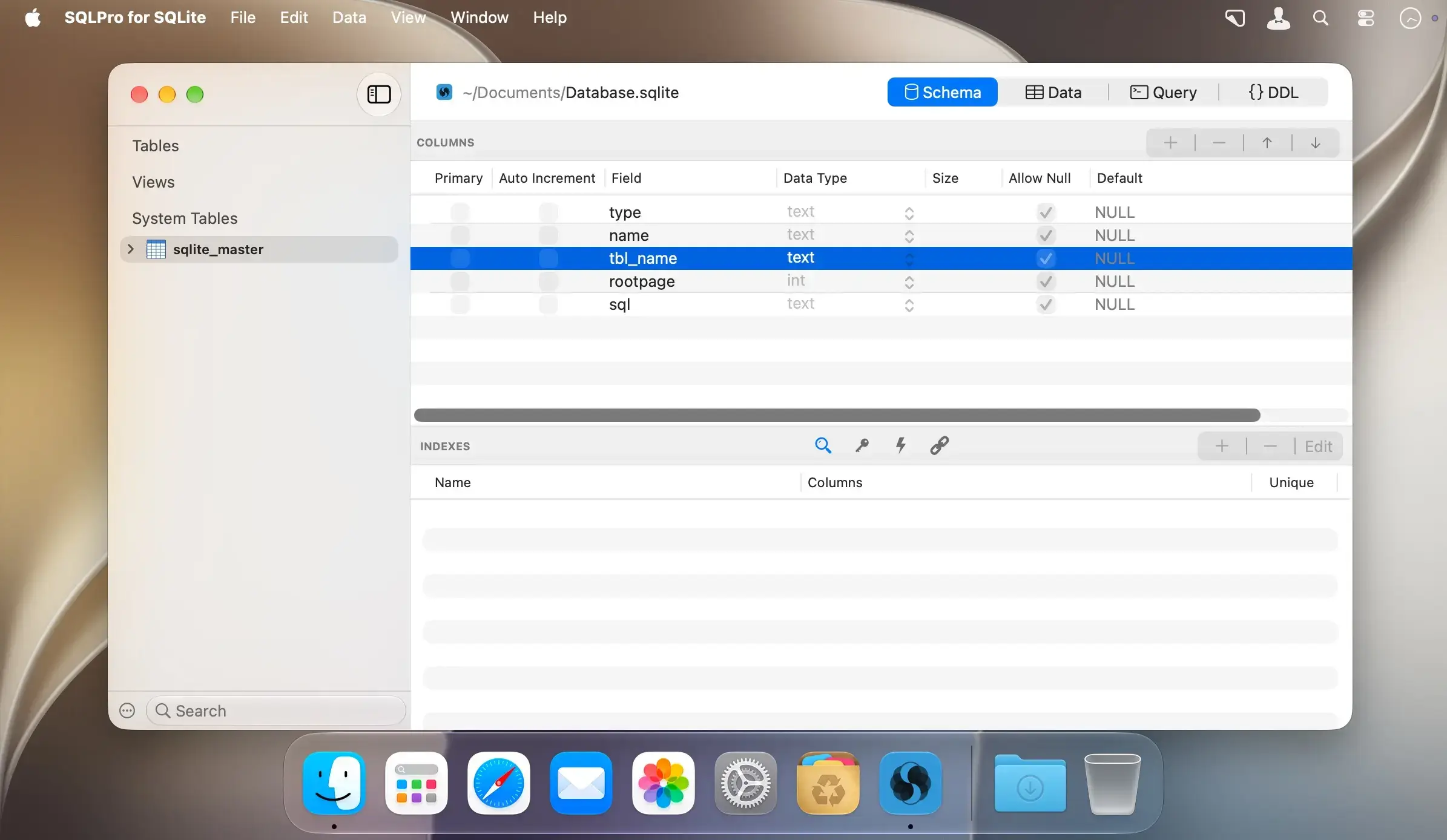
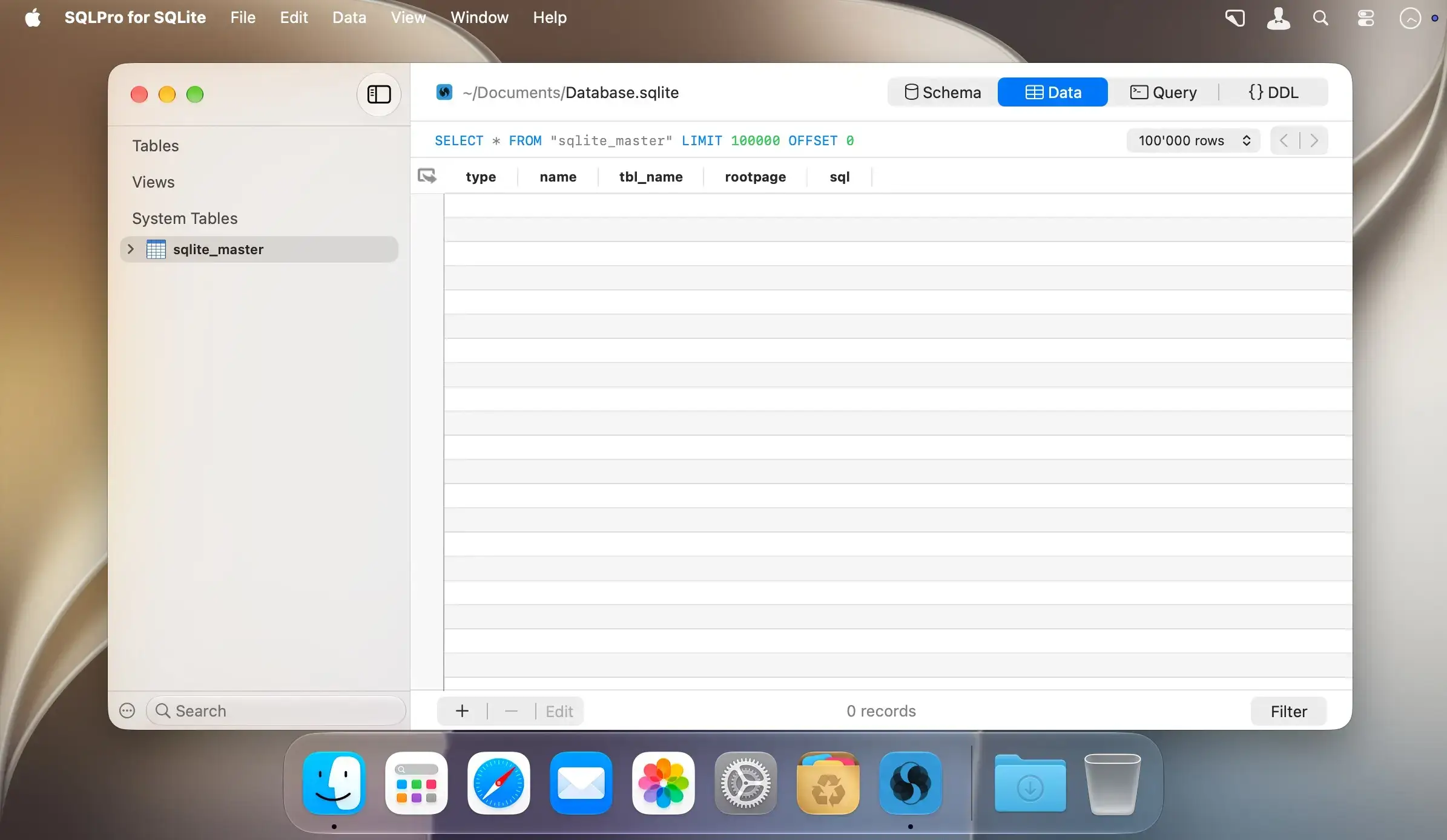
SQLPro for SQLite is an advanced SQLite editor for Mac with an easy-to-navigate interface, designed for everything from the most basic to the most advanced tasks. Write queries with syntax highlighting and auto-complete, run multiple queries at once, and export your data when you need it.
Key features
- Syntax highlighting and intellisense: write queries with syntax highlighting and query auto-complete.
- Multi-query execution: run multiple queries with advanced execution support.
- Themes: pick from multiple included themes or design your own.
- External change detection: automatically reload a database when it is modified outside of SQLPro.
- Version integration: roll back to a previous version if something goes wrong with your database.
- Runtime loadable extensions: work with extensions that can be loaded at runtime.
- Semiautomatic dependency resolution: let the app help resolve dependencies.
- Data export: export your data to CSV, MySQL, XML or JSON.
- SQLite 2 compatibility: work with databases using backwards compatibility with SQLite 2.
- Fullscreen support: use the app in fullscreen mode.
- Column reordering: rearrange columns in your data.
- Inline filters: customize the way your data is displayed.
Try before you buy
Not sure yet? Give the free Read-Only version a look before you buy.
Version 2026.299:
- SQLPro for SQLite is now free to download. If you bought it before, everything stays unlocked.
- Free: open, browse and query any SQLite database.
- Premium adds editing, inserting and deleting rows, the table designer, exports and instant query results. Choose yearly (starts with a free week), monthly, or a one-time lifetime purchase.
- A new welcome tour with a sample database.
- SQLPro for SQLite > License... accepts sqlitepro.com license keys.
- Bug fixes and performance improvements.
Frequently asked questions
How do I install the app?
Mount the image, drag the app into the "Applications" folder and launch it. If the system blocks the launch, allow it in "System Settings → Privacy & Security".
The app is damaged or won't launch
Reinstalling from a fresh image usually helps. Make sure your macOS version matches the one listed in the compatibility specs.
How do I update?
Download the new version from the site and install it over the current one — your settings will be preserved.
The download link doesn't work
Try a mirror or a download manager. For large files the browser often drops the connection.
How do I completely remove the app?
Use an uninstaller utility — it cleans up the service files that remain after moving the app to the trash.




Choose a download source
SQLPro for SQLite 2026.299 · 28.39 MB
Previous versions
SQLPro for SQLite 2026.299
Previous versions are available to registered users.