
Music Cleaner 1.0
Remove missing tracks from your Music library on Mac
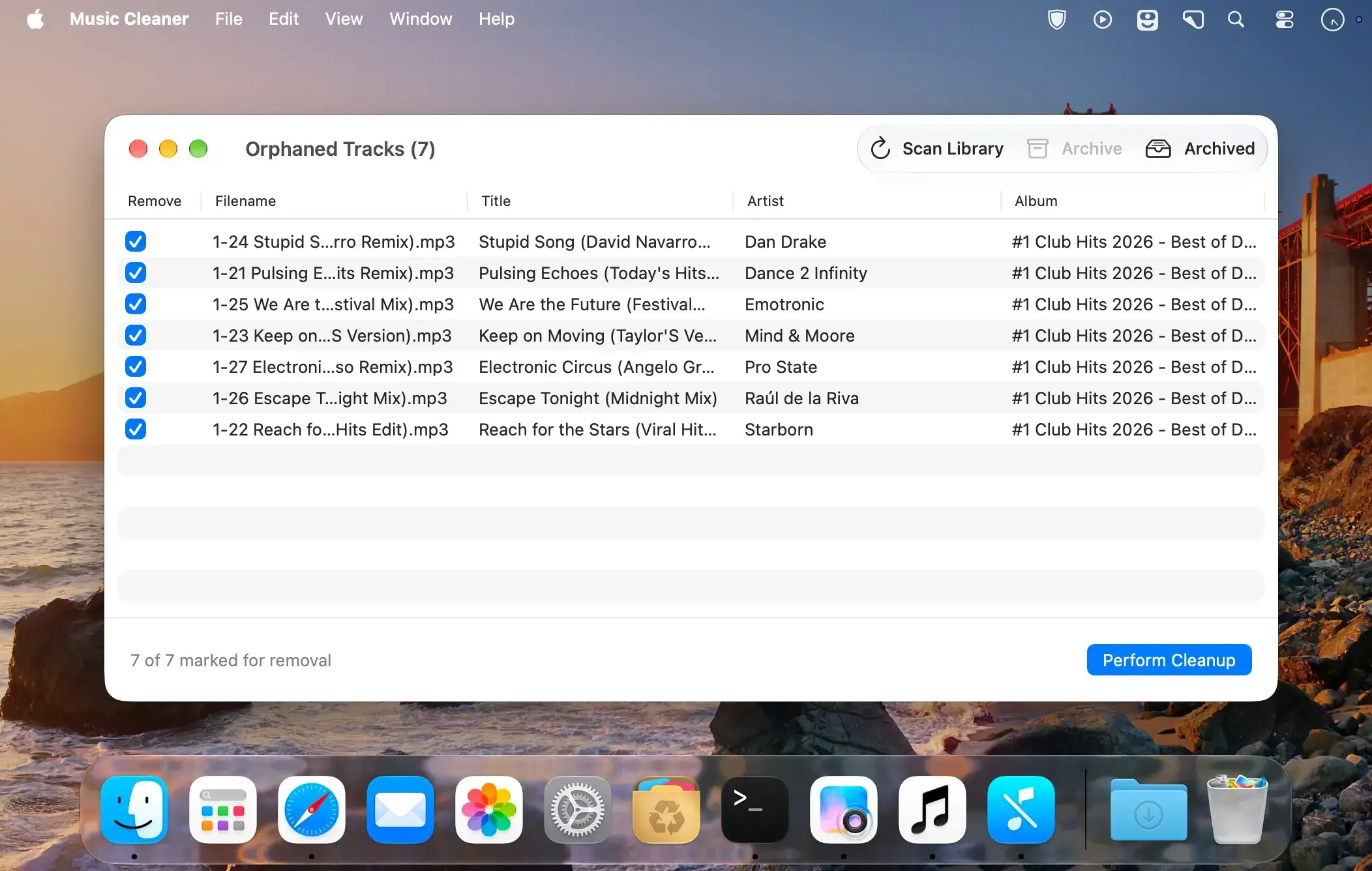
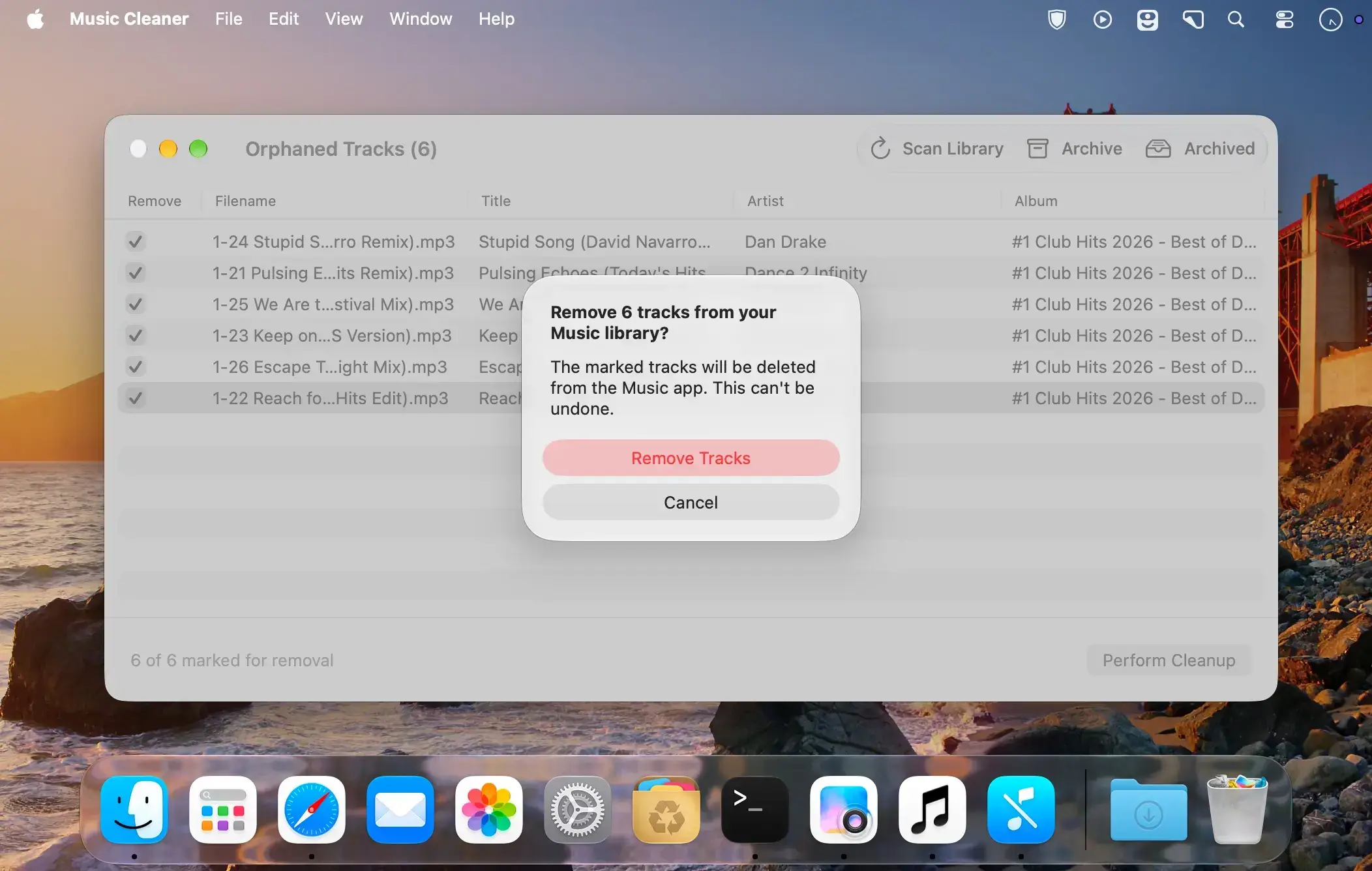
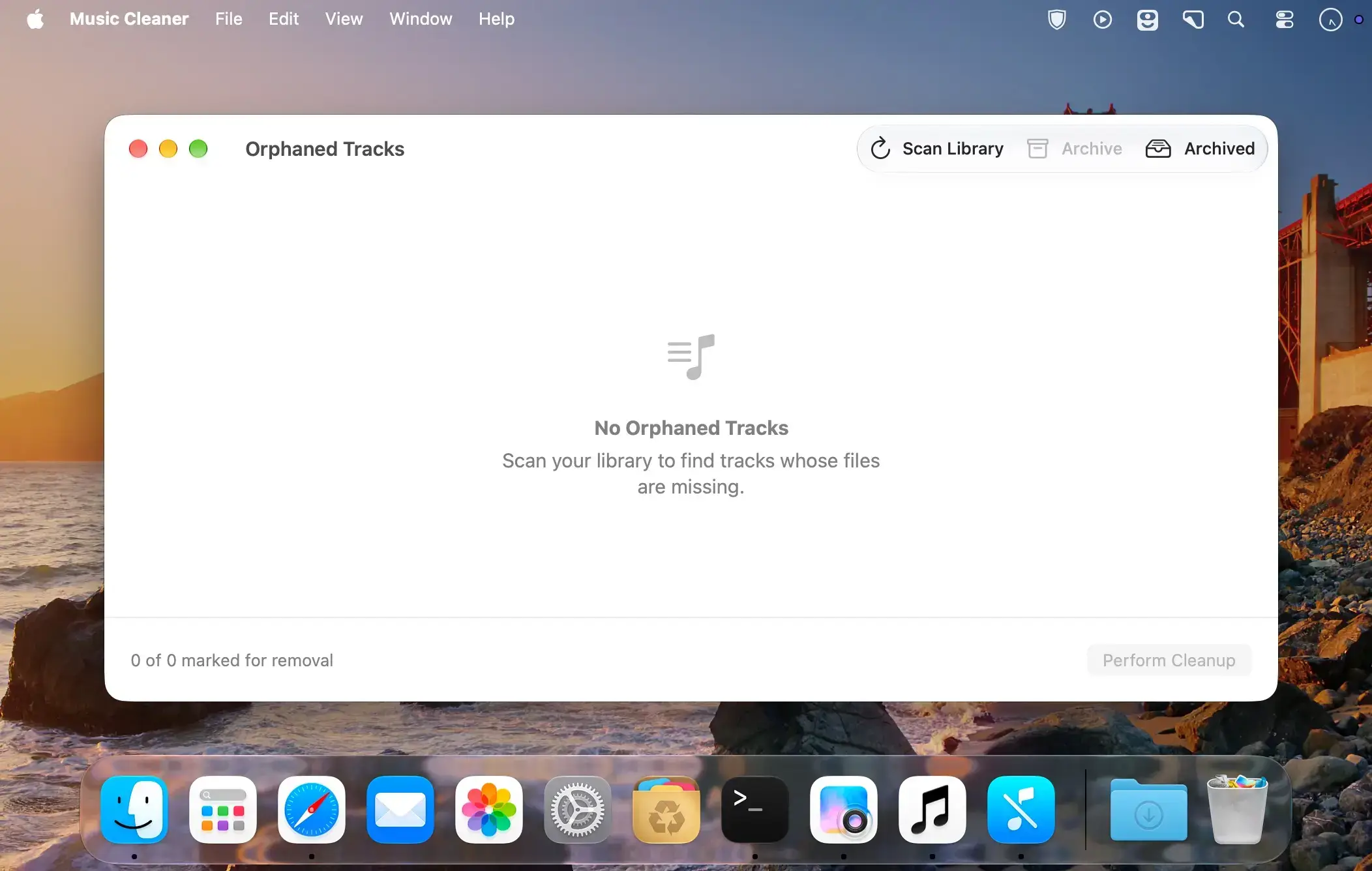
Music Cleaner finds and removes orphaned track references from your Music library on Mac. Over time, broken entries can accumulate when their files are moved, renamed, or deleted, and they are tedious to find by hand. Music Cleaner helps you locate every one of them and optionally remove them, making it a companion to Apple's Music app.
Find what's missing
Click scan and the app lists missing entries within seconds, so you can see exactly which tracks no longer have a file behind them.
Review before you clean up
Removing tracks from your library can't be undone, so you decide what goes. Check the tracks you want to remove, review your list, and only then confirm.
- Scan: find missing tracks in your Music library with one click.
- Checkboxes: choose which tracks to remove before confirming.
- Archive: keep certain references instead of removing them, handy if you want to try to recover the original music files or simply ignore a few.
- Optional removal: delete orphaned entries only when you decide to.
Permission to clean up
The first time you clean up, macOS asks for permission to let Music Cleaner control the Music app.
Frequently asked questions
How do I install the app?
Mount the image, drag the app into the "Applications" folder and launch it. If the system blocks the launch, allow it in "System Settings → Privacy & Security".
The app is damaged or won't launch
Reinstalling from a fresh image usually helps. Make sure your macOS version matches the one listed in the compatibility specs.
How do I update?
Download the new version from the site and install it over the current one — your settings will be preserved.
The download link doesn't work
Try a mirror or a download manager. For large files the browser often drops the connection.
How do I completely remove the app?
Use an uninstaller utility — it cleans up the service files that remain after moving the app to the trash.




Choose a download source
Music Cleaner 1.0 · 6.05 MB