
Aiarty Video Enhancer 3.9
AI Video Enhancer to Upscale Video to 4K on Mac
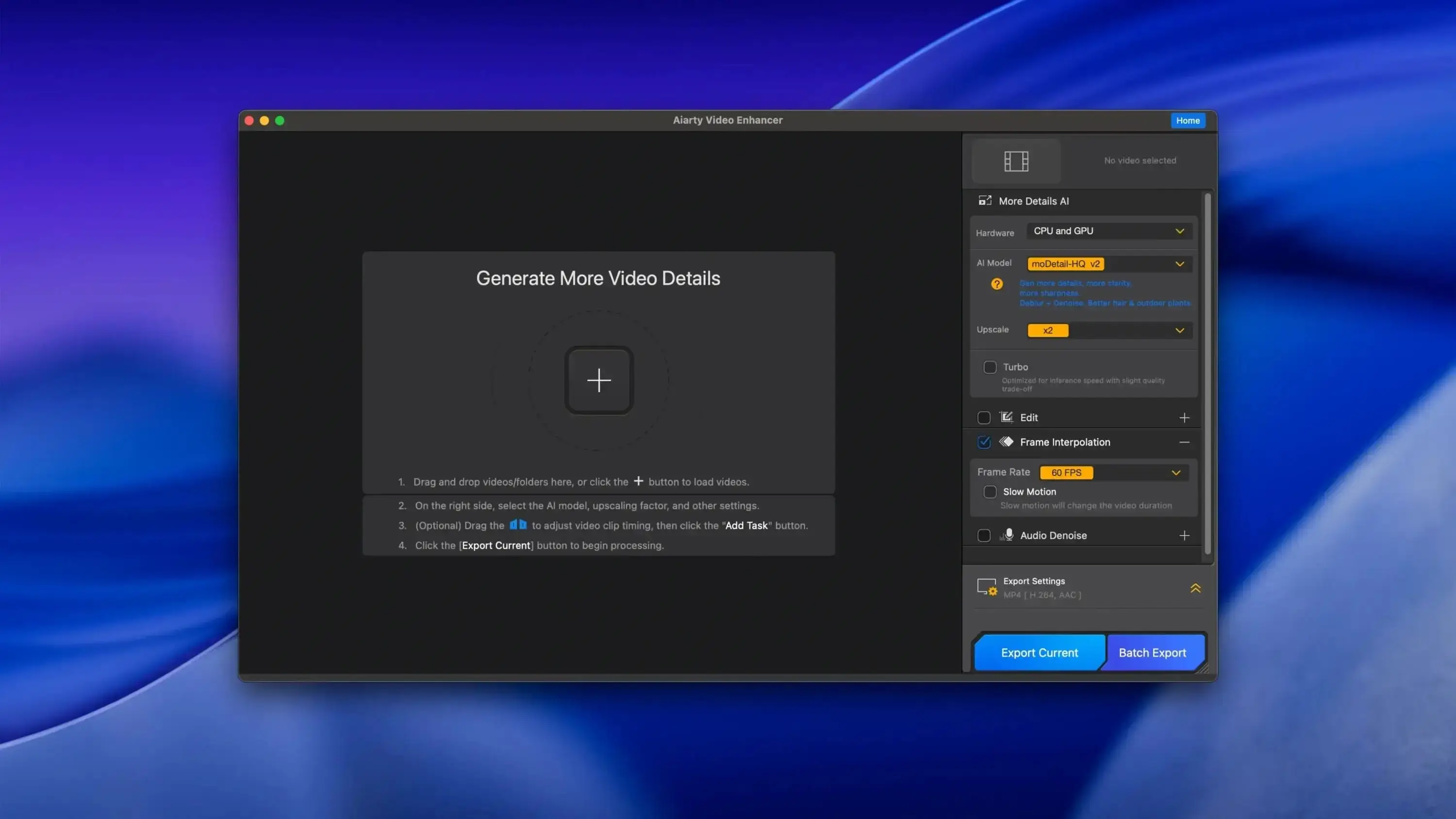
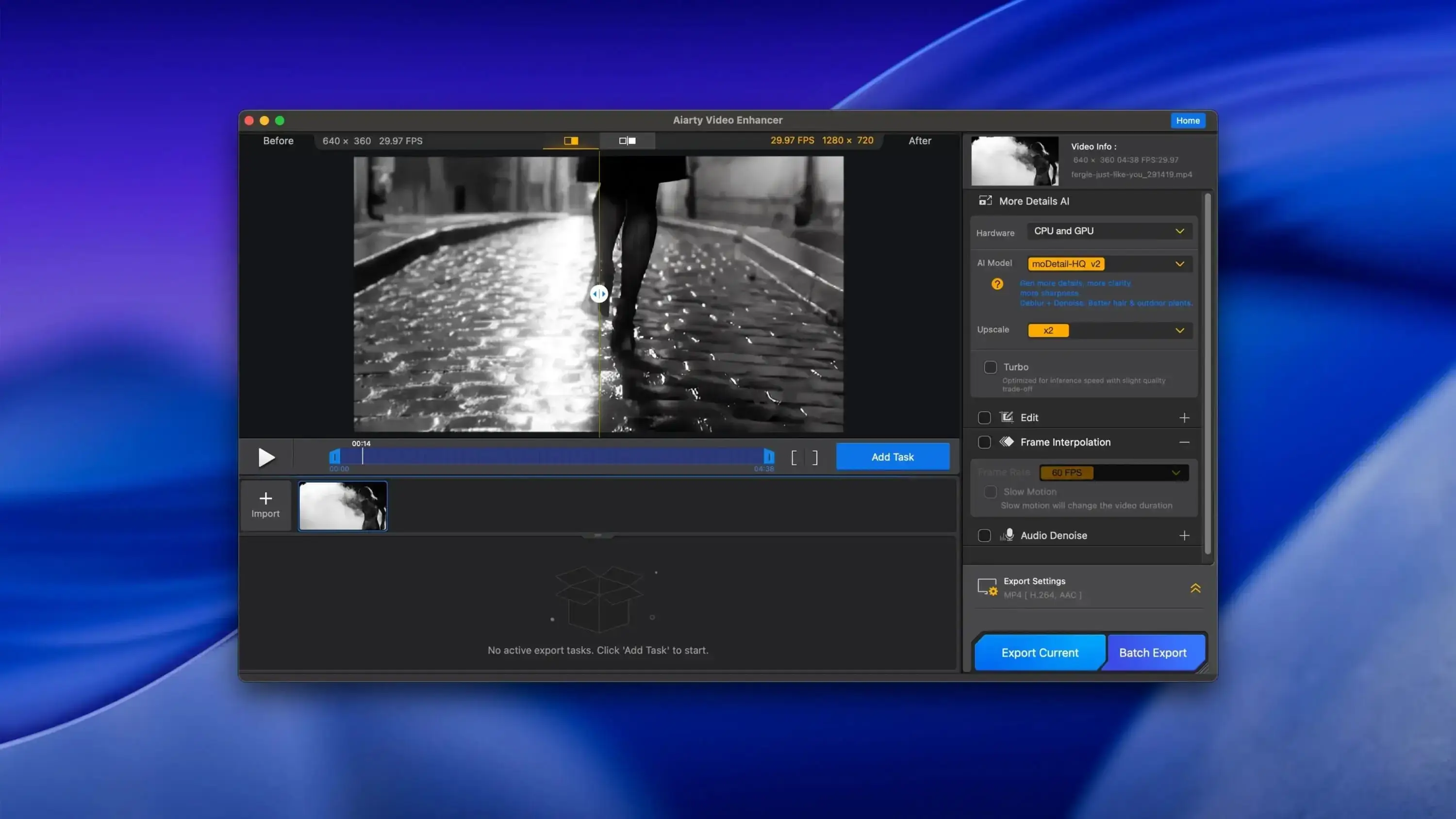
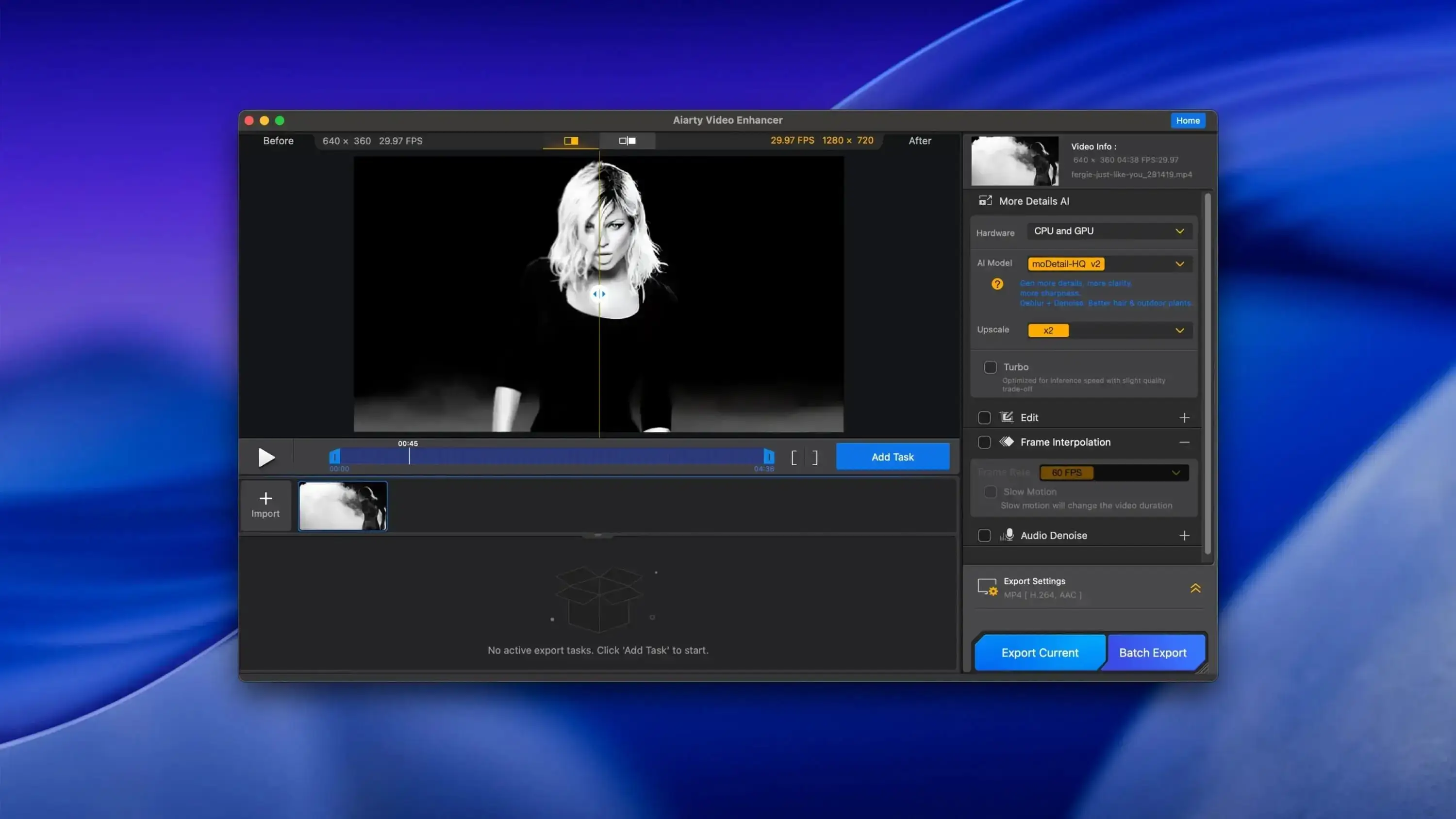
Aiarty Video Enhancer for Mac uses AI to generate more details, denoise, deblur, upscale, and restore flawed videos to 4K clarity. Specialized AI models deliver superior visual quality at turbo speed, helping content creators and video enthusiasts get more out of their footage.
Enhance videos to 4K clarity
Tailored AI models transform low-quality, stuttering, or grainy videos to 4K. Built on a proprietary video and image training dataset, the models run with GPU-optimized processing speed and have dedicated roles: generating more details for visual sharpness, restoring flawed and degraded videos, and tackling low-light footage.
Restore clear audio
The Audio Denoise module analyzes and refines your audio tracks, with 1-click background noise removal and a vocal clarity boost.
Create smooth slow motion
The frame interpolation module uses AI to generate new, high-quality frames, ready for fluid 8X/16X slow motion.
Key features
- AI video upscaling: upscale and restore videos to 4K clarity.
- Detail generation: add more details for visual sharpness.
- Denoise and deblur: clean up grainy, blurry, or stuttering footage.
- Video restoration: repair flawed and degraded videos.
- Low-light enhancement: tackle challenging low-light footage.
- Audio Denoise: remove background noise in 1 click and boost vocal clarity.
- Frame interpolation: generate new frames for 8X/16X slow motion.
Version 3.8:
Added:
- Added export task and progress recovery, allowing unfinished exports to resume after restarting the software.
- Added support for the MKV format.
- Added Spanish and Italian interfaces.
Optimized:
- Optimized CUDA encoding memory management to reduce VRAM usage during high-load exports and improve stability for long videos and batch exports.
- Optimized decoding and export logic for certain video formats to improve compatibility with problematic videos.
Frequently asked questions
How do I install the app?
Mount the image, drag the app into the "Applications" folder and launch it. If the system blocks the launch, allow it in "System Settings → Privacy & Security".
The app is damaged or won't launch
Reinstalling from a fresh image usually helps. Make sure your macOS version matches the one listed in the compatibility specs.
How do I update?
Download the new version from the site and install it over the current one — your settings will be preserved.
The download link doesn't work
Try a mirror or a download manager. For large files the browser often drops the connection.
How do I completely remove the app?
Use an uninstaller utility — it cleans up the service files that remain after moving the app to the trash.





Choose a download source
Aiarty Video Enhancer 3.9 · 208.91 MB
Previous versions
Aiarty Video Enhancer 3.9
Previous versions are available to registered users.