Doppel 1.4
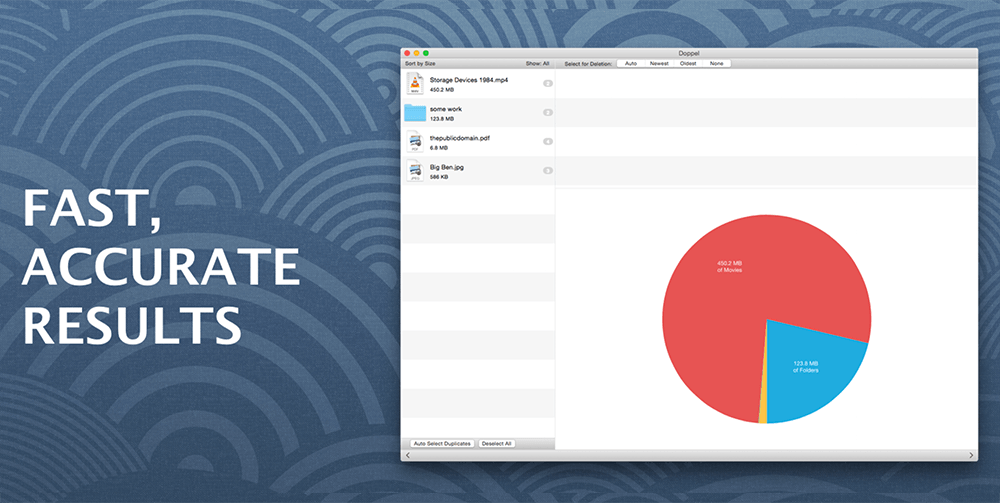
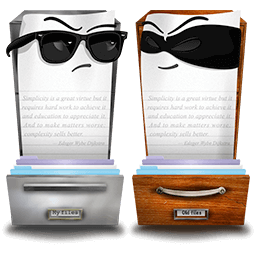
Doppel finds duplicates fast. Really fast. It uses custom-developed specialist algorithms to process hundreds of thousands of files, and terabytes of data, in seconds; and a high-speed index to reduce disc accesses and increase speed of subsequent scans.
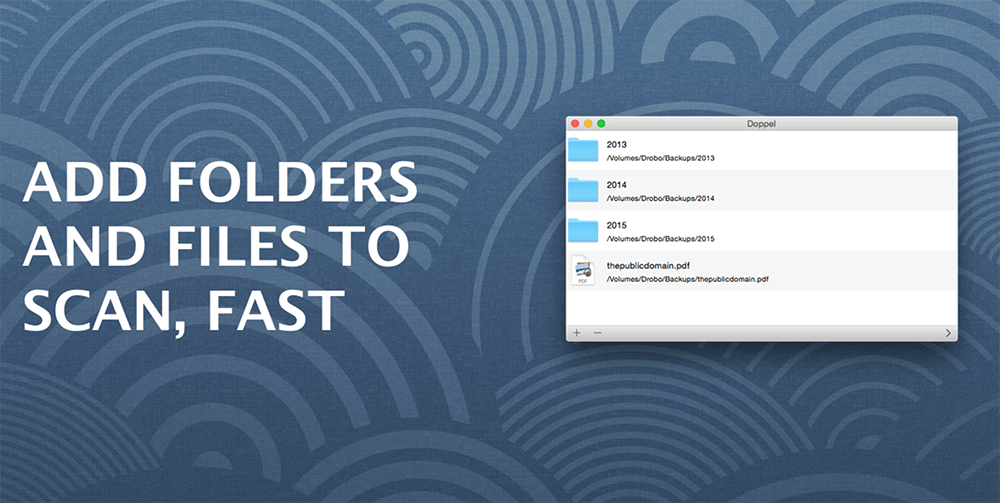
A simple interface, that would be recognisable to any Mac user, makes Doppel easy and intuitive to use.
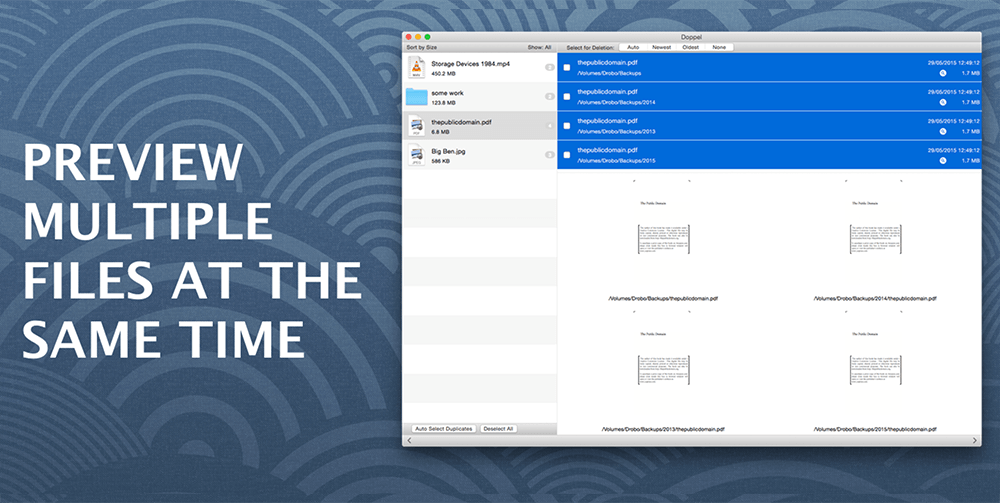
Straightforward automatic selection of duplicates and sets of duplicates reduce the complexity of file screening, with the option of manual screening if required. Don’t worry, Doppel issues an alert if a selection includes all copies of a file,
WHAT’S NEW
Version 1.4:
- Bug fixes
- Updates to internal libraries
Screenshots
Frequently asked questions
How do I install the app?
Mount the image, drag the app into the "Applications" folder and launch it. If the system blocks the launch, allow it in "System Settings → Privacy & Security".
The app is damaged or won't launch
Reinstalling from a fresh image usually helps. Make sure your macOS version matches the one listed in the compatibility specs.
How do I update?
Download the new version from the site and install it over the current one — your settings will be preserved.
The download link doesn't work
Try a mirror or a download manager. For large files the browser often drops the connection.
How do I completely remove the app?
Use an uninstaller utility — it cleans up the service files that remain after moving the app to the trash.
VersionDoppel 1.4
DeveloperMeyers Apps Limited
CompatibilityOS X 10.9 or later, 64-bit processor
LanguageEnglish
IncludesPre-K'ed


Information
Visitors in the group Guests cannot leave comments on this publication.
Choose a download source
Doppel 1.4 · 2.73 MB