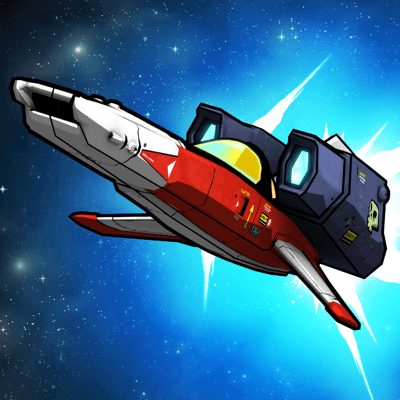
Galak-Z: The Void (2015)
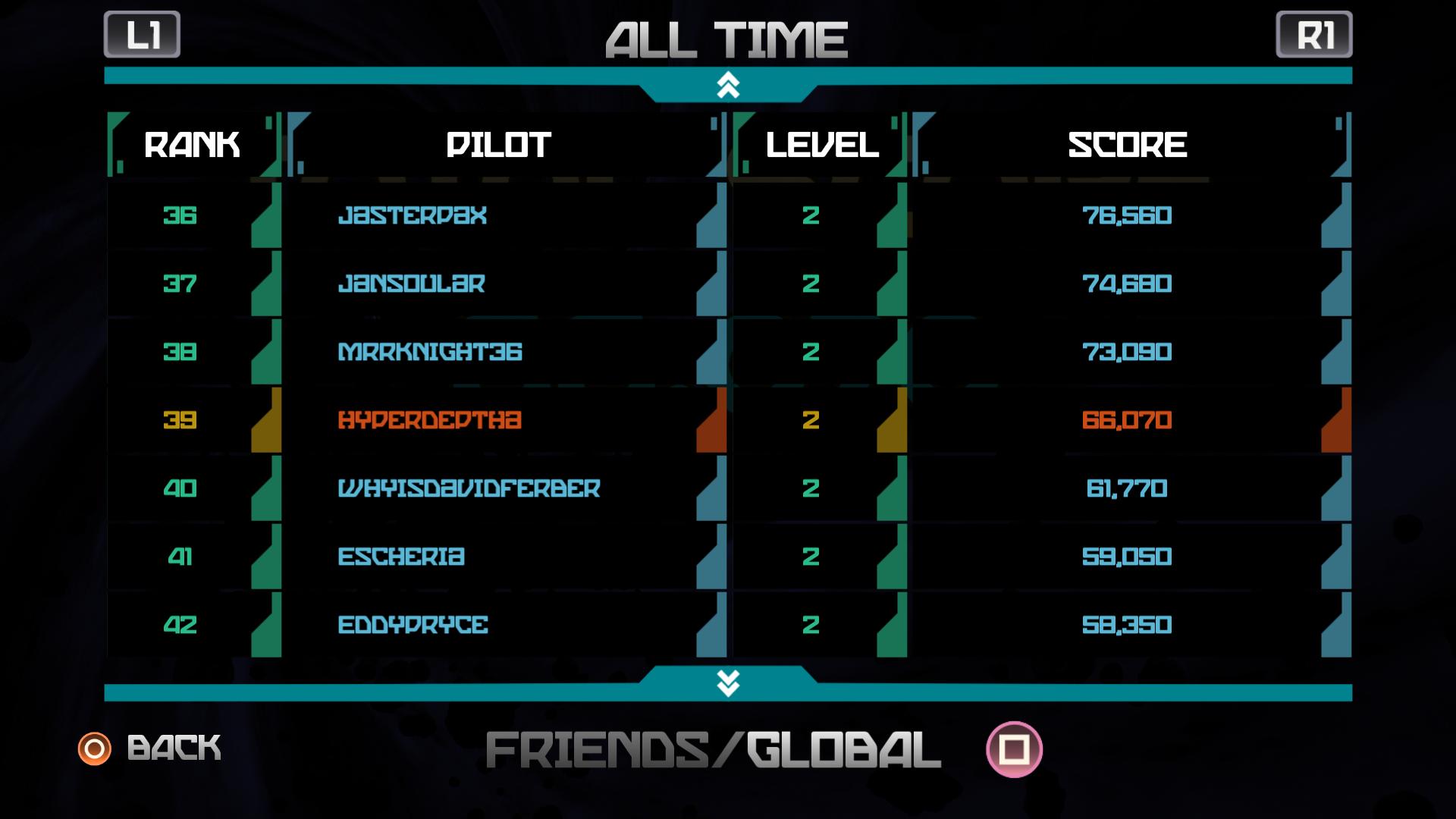
Brand New features!! The Void DLC offers endless gameplay, Online Leaderboards, and a Daily Challenge that allows players to compete worldwide for the top score.
Prepare for the bar to be raised on deep-space 2D dog-fighting! GALAK-Z is a modern, A.I. and physics-driven open-world action game, viewed through the lens of the classic 16-bit space shooter. Powered by the next-generation Cyntient AI platform, GALAK-Z puts players in control of anime-inspired spacecraft inhabiting procedurally generated worlds.
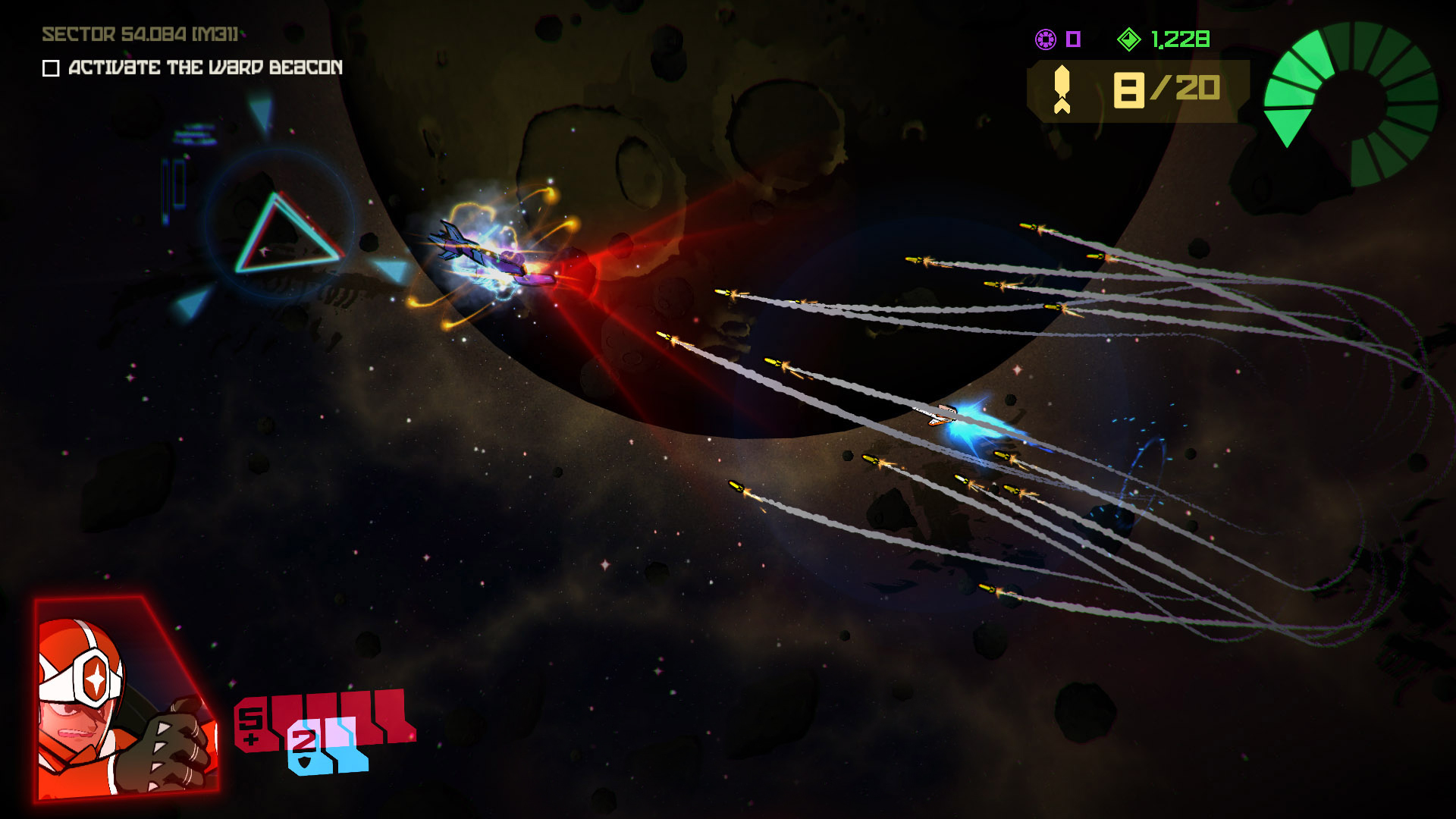
In GALAK-Z both stealth and skill are required to defeat truly intelligent enemies. You will be forced to outsmart enemies that think, react and cooperate like seasoned pilots! Master your ship’s sublimely-honed controls as you blast enemies, unleash missile salvos, and even toss your opponents, mech-style, to their explosive demise.
Recently added, Arcade Mode lets you replay failed missions any number of times without losing all of your saved progress. Rogue Mode retains GALAK-Z’s original white-knuckle roguelike challenge that harkens back to the 16-bit era of gaming. Rogue mode will always be available if and when you’re looking to test your skill and bravery by putting everything on the line, every mission.
Players will be forced to outmaneuver, outgun and outsmart enemies that think, react and cooperate like seasoned pilots. Both stealth and skill are required to defeat enemy squads in a brutal game of cat and mouse. Prepare for an enemy that comes alive like never before!
- Exclusive Guest Star: Juan from Guacamelee featured as an enemy unit in the game!
- New The Void DLC w/ endless gameplay and Online Leaderboards and a Daily Challenge
- ARCADE mode with per-Mission checkpoints
- Procedurally-assembled levels
- Physics based combat simulator!
- Advanced enemy A.I for intense dogfights!
- Scripted missions and ‘roguelite’ structure
- Resource-based, progressive weapons system
- Inspired by 70s / 80s anime and arcade shooters
Screenshots

Frequently asked questions
How do I install the app?
Mount the image, drag the app into the "Applications" folder and launch it. If the system blocks the launch, allow it in "System Settings → Privacy & Security".
The app is damaged or won't launch
Reinstalling from a fresh image usually helps. Make sure your macOS version matches the one listed in the compatibility specs.
How do I update?
Download the new version from the site and install it over the current one — your settings will be preserved.
The download link doesn't work
Try a mirror or a download manager. For large files the browser often drops the connection.
How do I completely remove the app?
Use an uninstaller utility — it cleans up the service files that remain after moving the app to the trash.
VersionGalak-Z: The Void (2015)
Developer17-BIT
CompatibilityOS X 10.7 or later, 64-bit processor
LanguageAction, Indie
IncludesPre-K'ed



Information
Visitors in the group Guests cannot leave comments on this publication.
Choose a download source
Galak-Z: The Void (2015) · 1.3 GB