
Music Collector 20.3.2
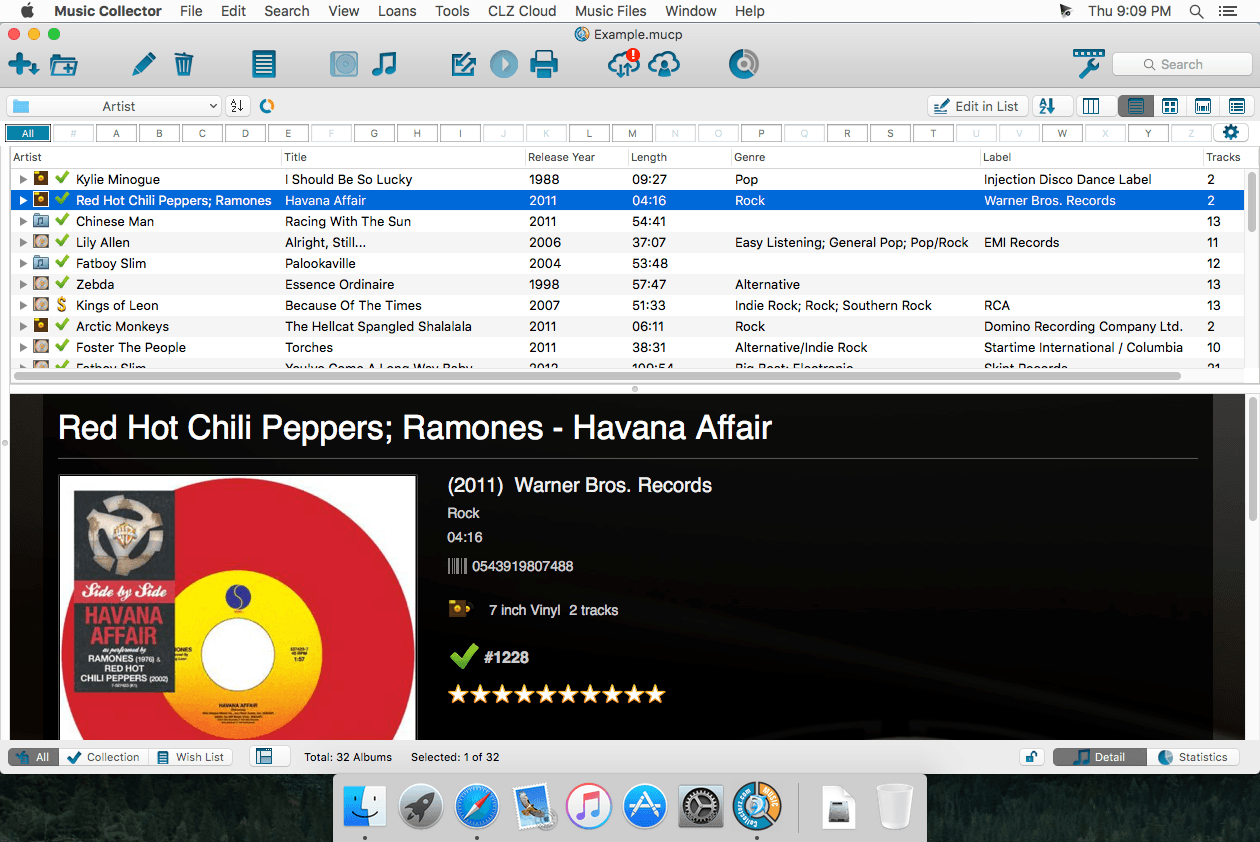
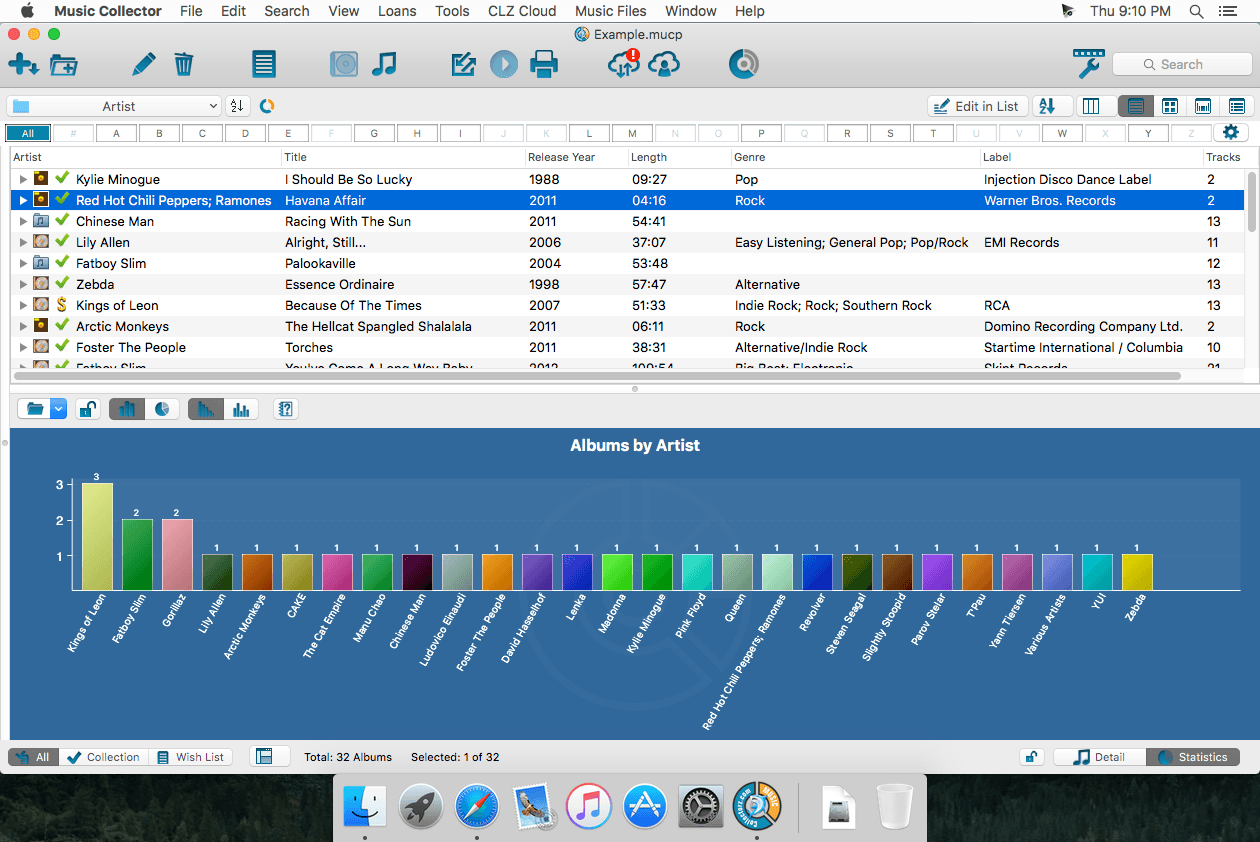
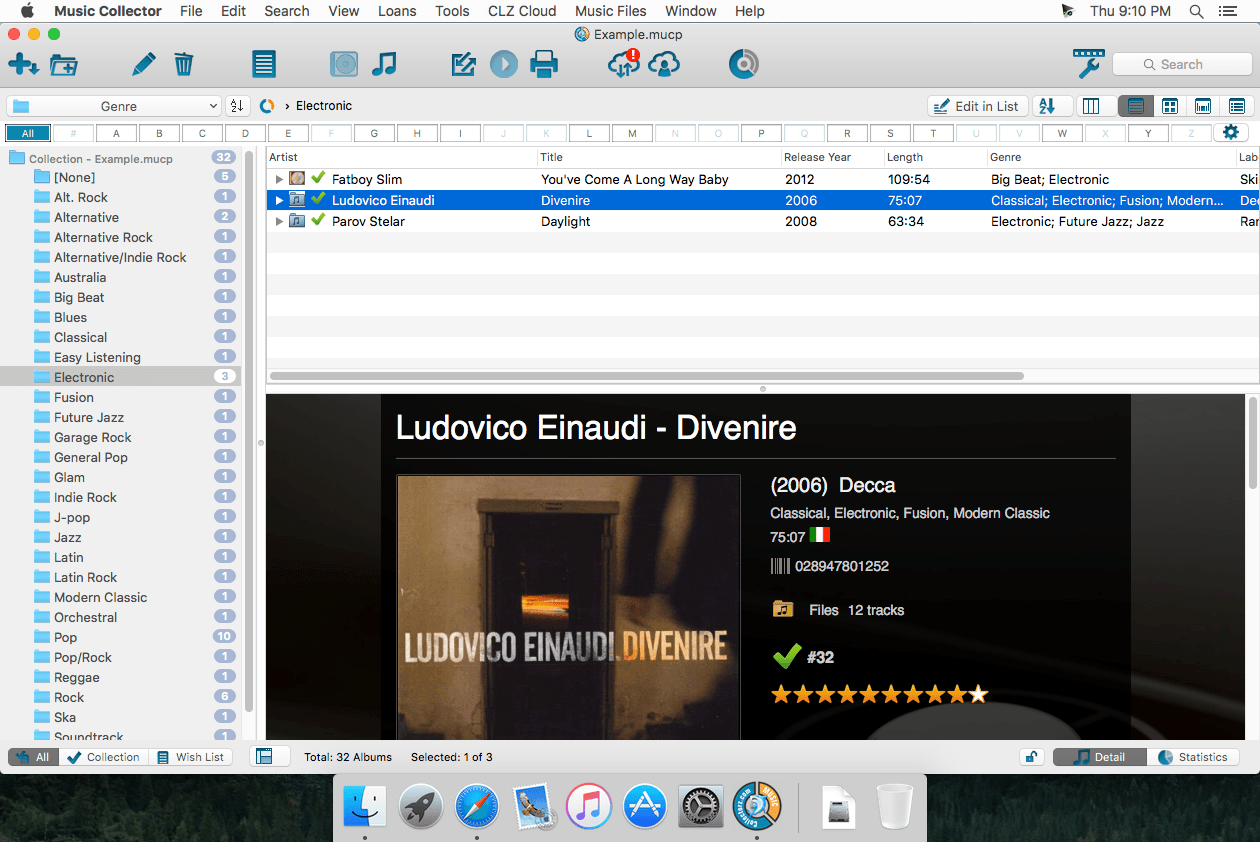
Music Collector lets you catalog your CDs in a database automatically. Just insert a CD in your CD-ROM drive, scan its barcode, or type artist and title to download all data from various sources on the Internet. Use the integrated TWAIN support to scan cover images directly into the program.
Browse your collection by different organizing factors and use the integrated Loan Manager to track which CDs you loaned and to whom. The demo version of this app caps your database at 100 CDs.
Version 20.3.2:
Fixed:
- Program wasn’t working on older macOS versions
Frequently asked questions
How do I install the app?
Mount the image, drag the app into the "Applications" folder and launch it. If the system blocks the launch, allow it in "System Settings → Privacy & Security".
The app is damaged or won't launch
Reinstalling from a fresh image usually helps. Make sure your macOS version matches the one listed in the compatibility specs.
How do I update?
Download the new version from the site and install it over the current one — your settings will be preserved.
The download link doesn't work
Try a mirror or a download manager. For large files the browser often drops the connection.
How do I completely remove the app?
Use an uninstaller utility — it cleans up the service files that remain after moving the app to the trash.




Choose a download source
Music Collector 20.3.2 · 17.28 MB
Previous versions
Music Collector 20.3.2
Previous versions are available to registered users.