
MediaHuman YouTube To MP3 Converter 3.9.9.61 (1310)
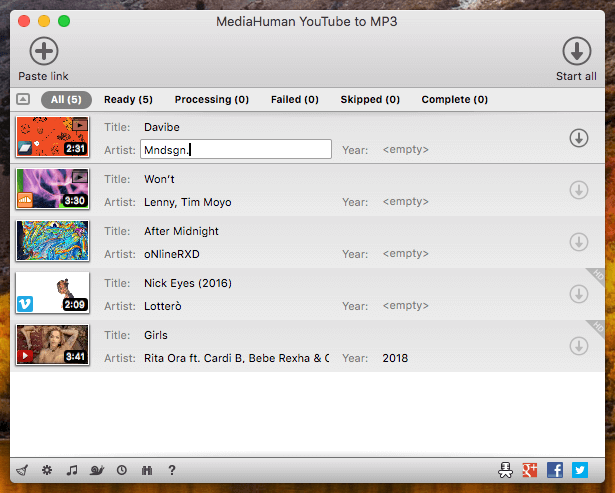
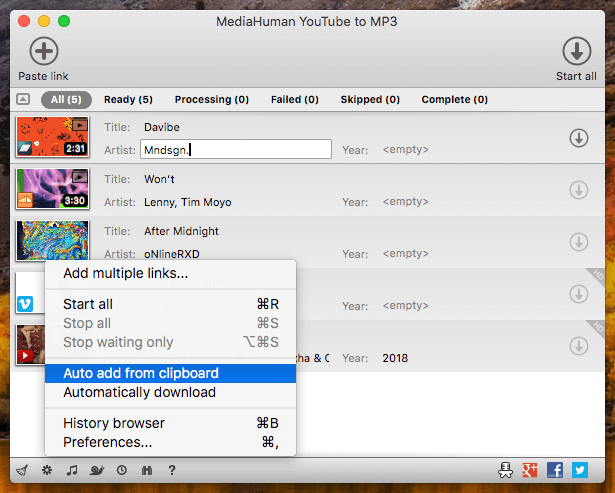
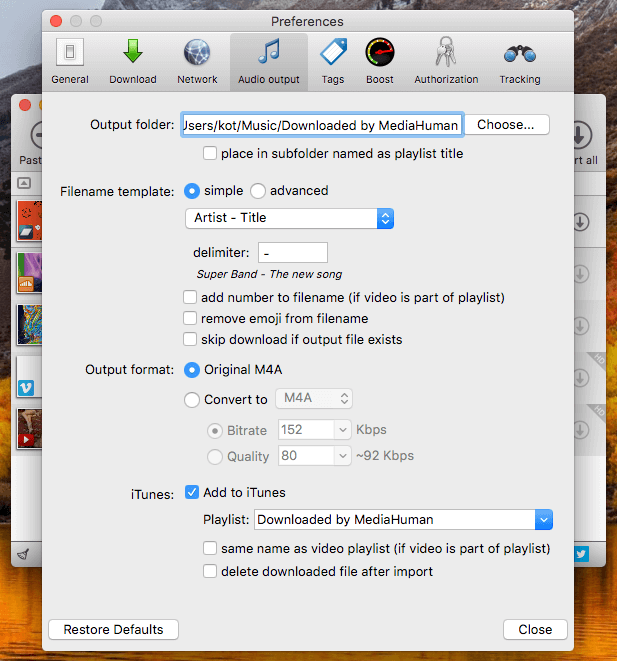
You like to listen to music on YouTube or SoundCloud and want to save it for offline playing. Or you want to download soundtrack of a new movie. Then we recommend you to try out this software developed specifically for this purpose.
- Downloads all music from a playlist or channel
- Tracks playlist/channel updates and downloads only new videos
- Downloads highest available quality up to 320 kbps
- Supports YouTube, Vimeo, SoundCloud, Dailymotion, VEVO, etc.
- Downloads simultaneously several tracks
- Includes simple tag editor with cover art image support
- Exports downloaded files to iTunes/Music.app
Frequently asked questions
How do I install the app?
Mount the image, drag the app into the "Applications" folder and launch it. If the system blocks the launch, allow it in "System Settings → Privacy & Security".
The app is damaged or won't launch
Reinstalling from a fresh image usually helps. Make sure your macOS version matches the one listed in the compatibility specs.
How do I update?
Download the new version from the site and install it over the current one — your settings will be preserved.
The download link doesn't work
Try a mirror or a download manager. For large files the browser often drops the connection.
How do I completely remove the app?
Use an uninstaller utility — it cleans up the service files that remain after moving the app to the trash.





Choose a download source
MediaHuman YouTube To MP3 Converter 3.9.9.61 (1310) · 82.01 MB
Previous versions
MediaHuman YouTube To MP3 Converter 3.9.9.61 (1310)
Previous versions are available to registered users.