OmniOutliner Pro 4.6.1
OmniOutliner Pro is a flexible program for creating, collecting, and organizing information. Give your creativity a kick start by using an application that's actually designed to help you think. It's like having an extra brain - one that doesn't keep losing the car keys.
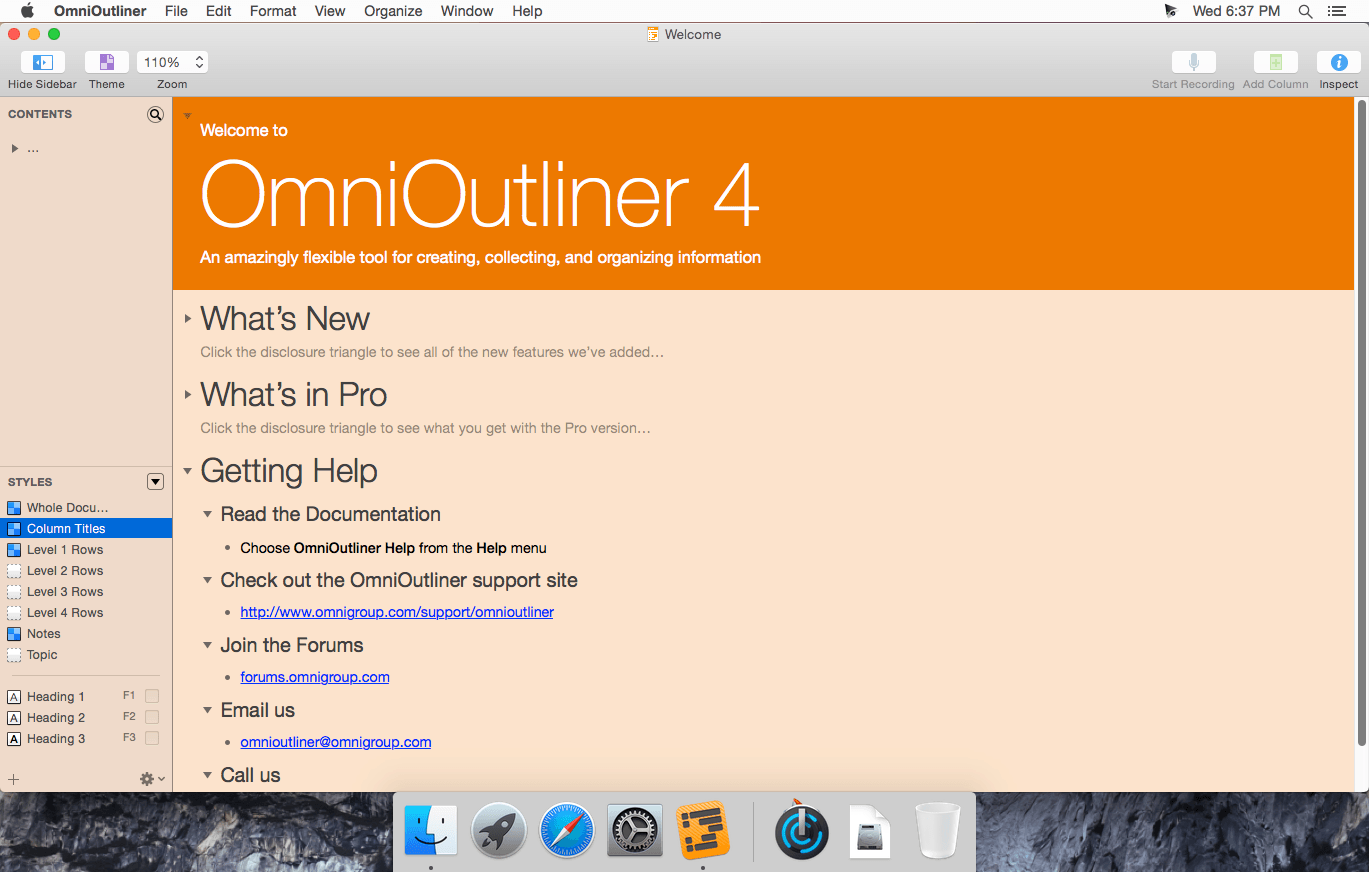
You can use OmniOutliner's document structure to create hierarchies of main headings and subpoints that can be expanded and collapsed, which are immensely useful when it comes to brainstorming new ideas, drilling out specifics, and lining up steps needed to get everything done. But you aren't limited to outlines - you've got multiple columns, smart checkboxes, customizable popup lists, and an über-innovative styles system at your disposal.
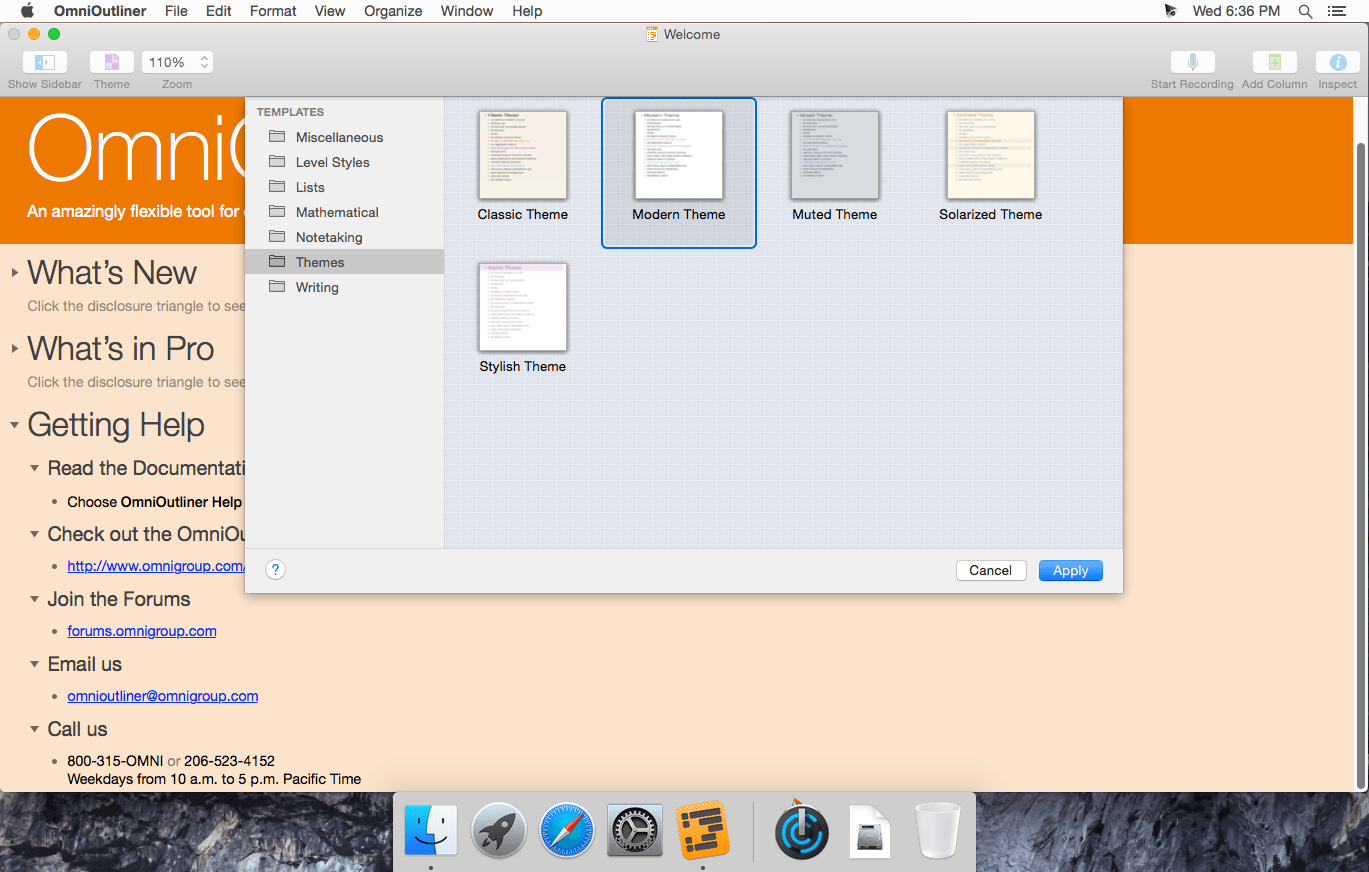
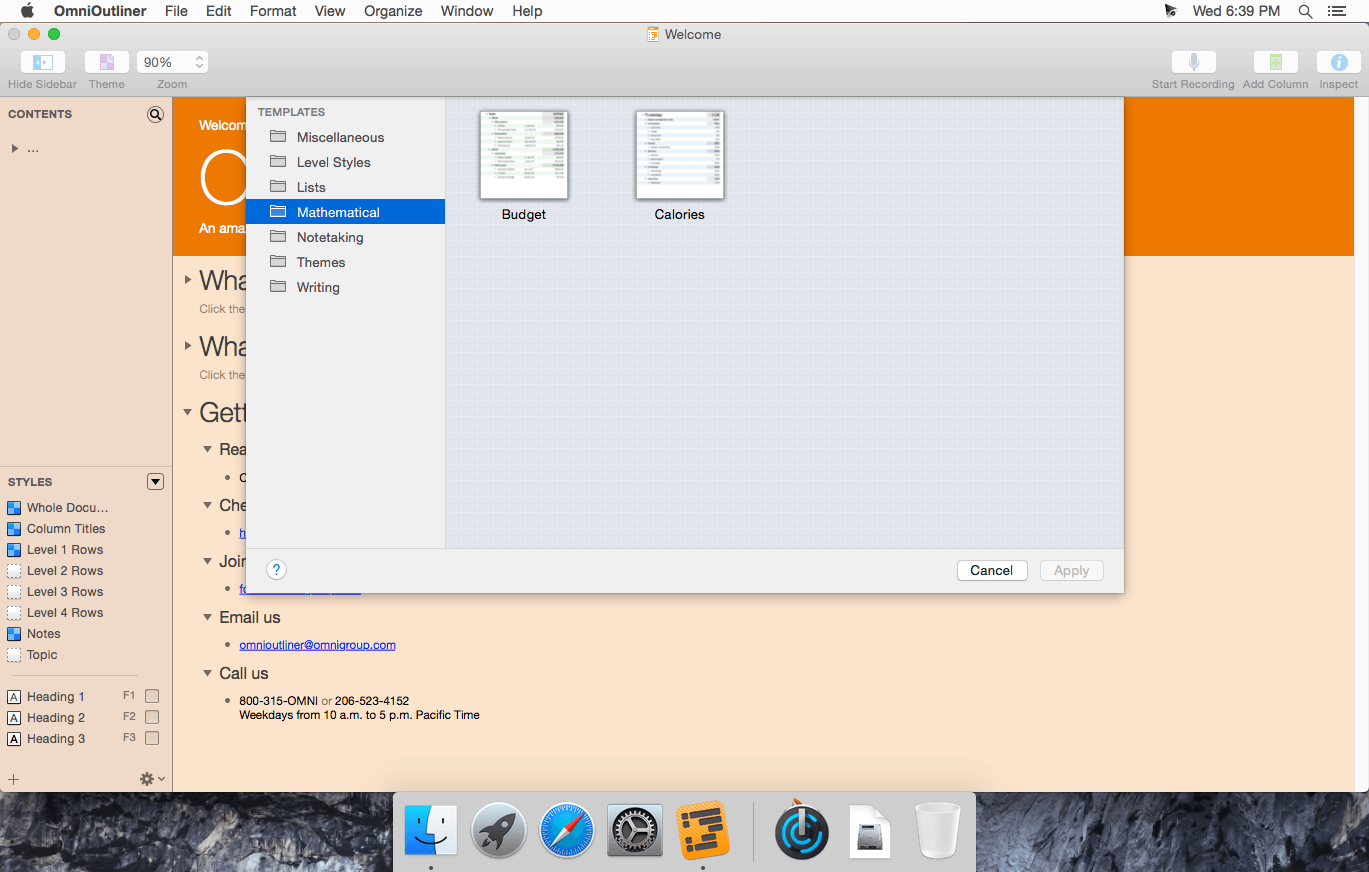
OmniOutliner Professional includes in-depth outlining features like folded editing, clipping service support, audio recording, a new sections drawer, and saved templates. With OmniOutliner Professional, you can actively hide and display the information in your outlines - or quickly jump from one place to another - so you can save time and be more productive by focusing on exactly what you want to see. The new Names Styles feature in OmniOutliner Professional gives you even more options for fast and powerful editing. Download the Pro version today and try it for yourself!
WHAT’S NEW
Version 4.6:
- OmniOutliner Pro 4.6 is a major update adding an announcement feature and offers improved compatibility with future OS updates.
- Announcements: In-app announcement feature to display notifications from The Omni Group. This feature will only be used to inform users of important information: when a new major version has been released, for example, or if action is required to prevent data loss.
- Localizations: Localized help manuals are now bundled with the app.
- Exports: The docx export will now set the note style to the Whole Document font when one has not been specified for Notes.
- Exports: Fixed a couple bugs dealing with empty cells for the Plain Text (with tabs) exporter.
Screenshots
Frequently asked questions
How do I install the app?
Mount the image, drag the app into the "Applications" folder and launch it. If the system blocks the launch, allow it in "System Settings → Privacy & Security".
The app is damaged or won't launch
Reinstalling from a fresh image usually helps. Make sure your macOS version matches the one listed in the compatibility specs.
How do I update?
Download the new version from the site and install it over the current one — your settings will be preserved.
The download link doesn't work
Try a mirror or a download manager. For large files the browser often drops the connection.
How do I completely remove the app?
Use an uninstaller utility — it cleans up the service files that remain after moving the app to the trash.
VersionOmniOutliner Pro 4.6
DeveloperThe Omni Group
CompatibilityOS X 10.9 or later, 64-bit processor
LanguageEnglish
IncludesSerial





Information
Visitors in the group Guests cannot leave comments on this publication.
Choose a download source
OmniOutliner Pro 4.6.1 · 60.73 MB