TransOcean 2: Rivals
In TransOcean 2: Rivals you face a new challenge as the boss of your own shipping line: The international competition has gotten a lot tougher and the battle for the most lucrative contracts has only just begun. Will you succeed in sweeping your rivals from the seven seas and leading your shipping line to global success and renown?
TransOcean 2: Rivals, the second chapter of the successful business simulation TransOcean, offers days of entertaining play either alone in its three single-player modes – Campaign, Endless Game and Competition - or with friends in a thrilling, competitive multiplayer mode.
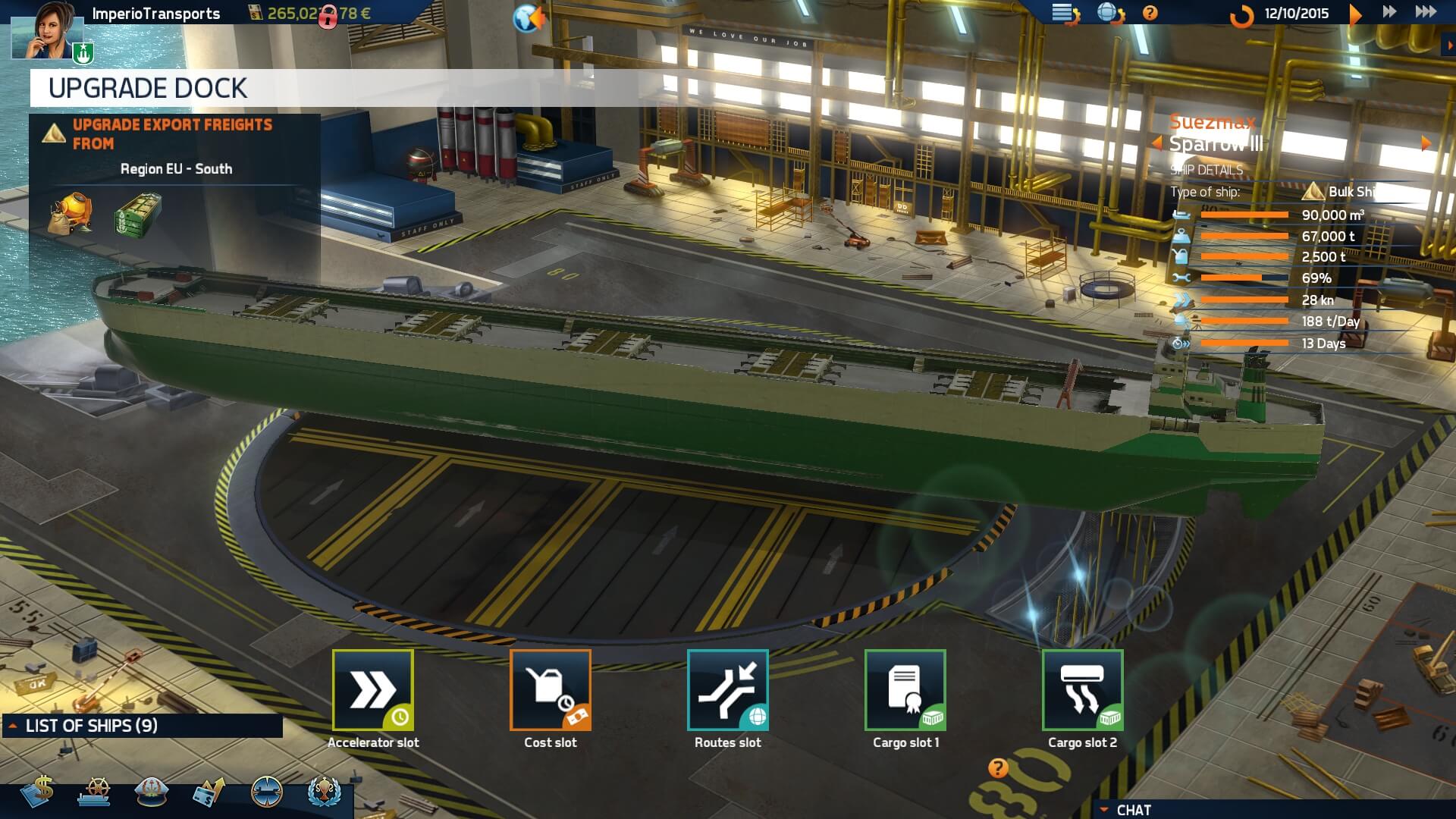
Get started with your newly founded shipping line in one of 60 ports and begin your career with a small fleet of worn-out old Feeders, the smallest type of ship in TransOcean 2: Rivals. Choose your port wisely and complete your first contracts to nearby ports in order to generate your first funds. Conduct your business with brains, plan your voyages with foresight and don’t underestimate external factors like the price of oil or your rival companies. This is how you will slowly expand your fleet and establish subsidiaries across the whole world. Are you up to mastering all the challenges?
A livelier economic system influencing all kinds of goods ensures that in TransOcean 2: Rivals you are also faced with macroeconomic challenges. With the three types of ships - Tankers, Container Ships and Bulk Carriers - you have even more options to specialize and take your company to the top. Challenge your rivals and develop your own global business enterprise.
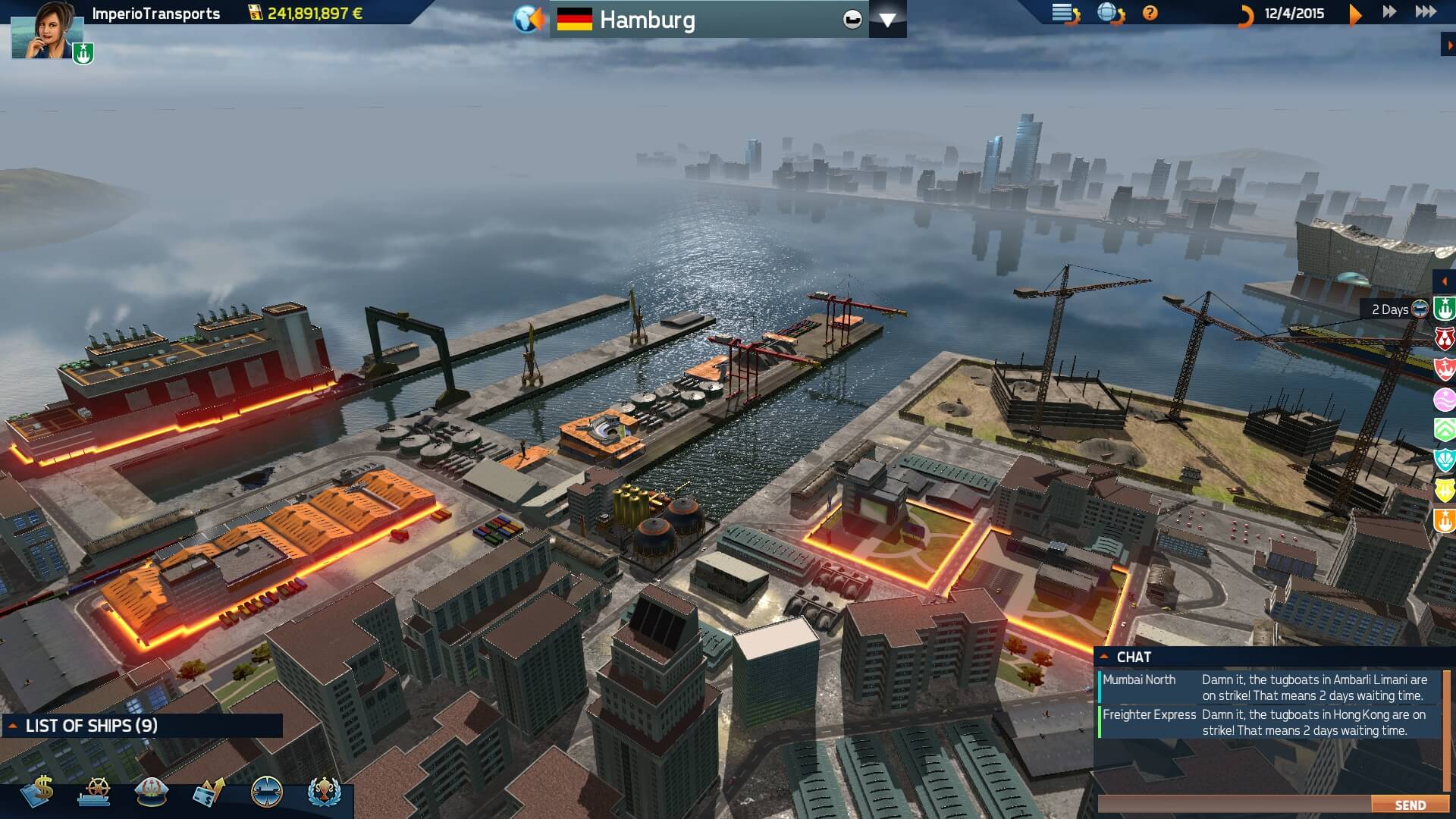
In the single-player mode, you can also give yourself a very unique challenge: Steer your ships directly in a variety of 3D environments when the tugboats go on strike and the going gets tough. Can you maneuver both small and large vessels undamaged through the harbor basin?
Снимки экрана

Frequently asked questions
How do I install the app?
Mount the image, drag the app into the "Applications" folder and launch it. If the system blocks the launch, allow it in "System Settings → Privacy & Security".
The app is damaged or won't launch
Reinstalling from a fresh image usually helps. Make sure your macOS version matches the one listed in the compatibility specs.
How do I update?
Download the new version from the site and install it over the current one — your settings will be preserved.
The download link doesn't work
Try a mirror or a download manager. For large files the browser often drops the connection.
How do I completely remove the app?
Use an uninstaller utility — it cleans up the service files that remain after moving the app to the trash.
VersionTransOcean 2: Rivals
DeveloperDeck13 Hamburg
GenreSimulation, Strategy
Release Date10 May, 2016
CompatibilityOS X 10.9 or later, 64-bit processor
LanguageMultilanguage
IncludesPre-K'ed


Information
Visitors in the group Guests cannot leave comments on this publication.
Choose a download source
TransOcean 2: Rivals · 3.07 GB