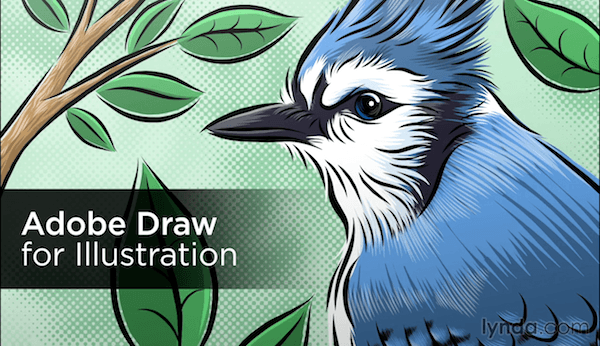
Lynda.com - Adobe Draw for Illustration
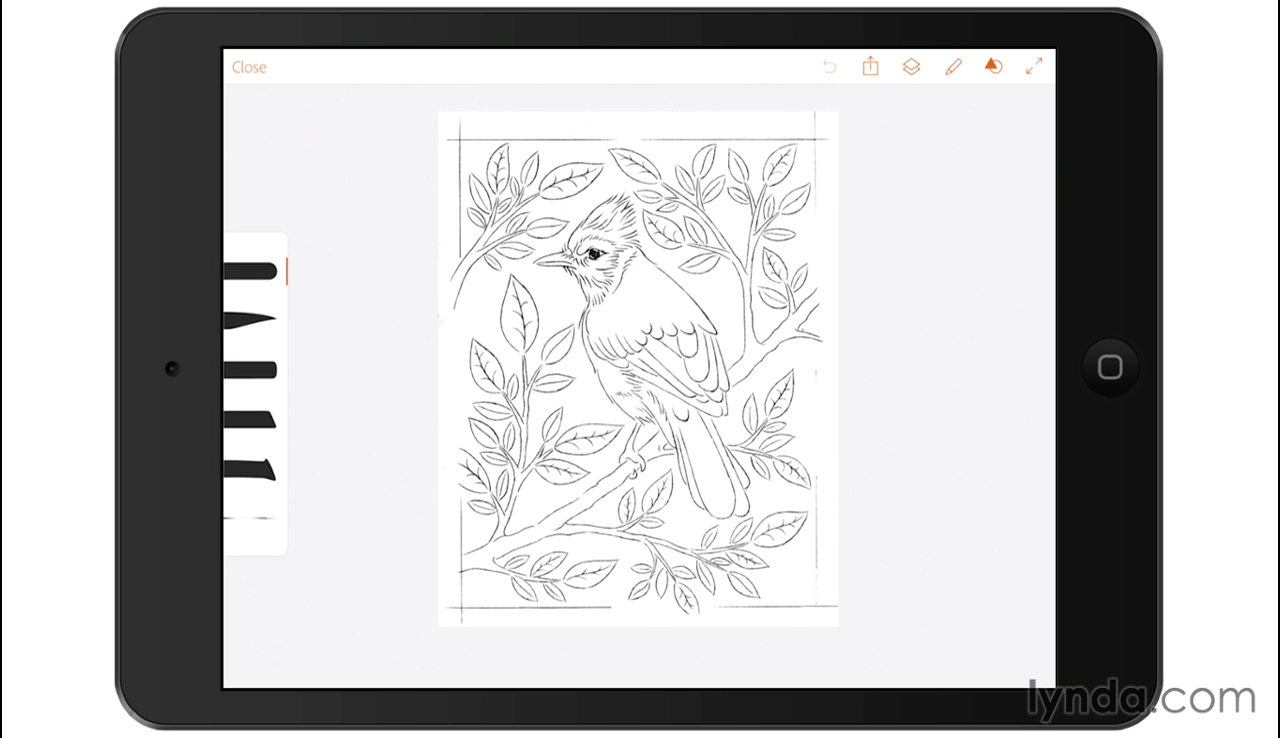
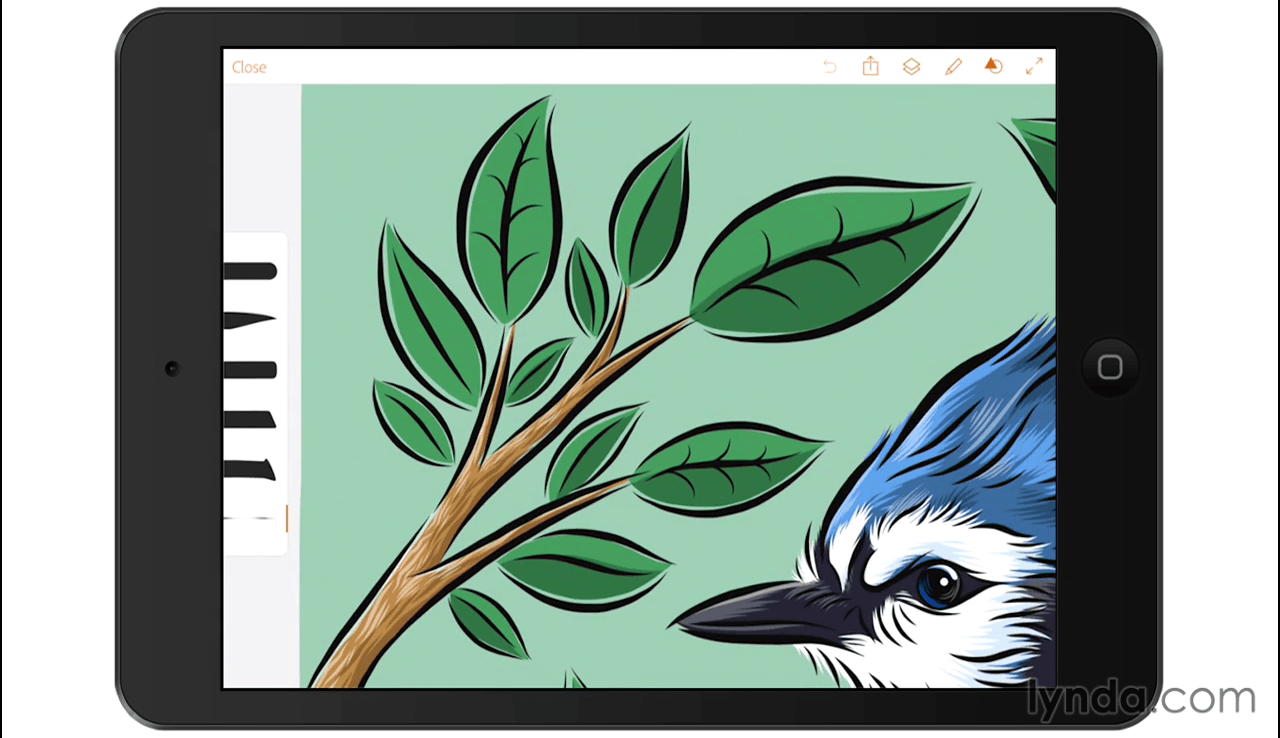
Adobe Draw is made for illustration on the go—drawing anywhere inspiration strikes. Here Von Glitschka shares his favorite uses for this iOS and Android app. New and seasoned artists alike will benefit from watching over Von's shoulder to see how he transitions a hand-drawn sketch to the iPad and adds details and color with Adobe Draw.
Follow along for a tour of Adobe Draw's best features and get techniques for refining line work, coloring a sketch, drawing, and adding shadows and highlights. At the end of the course, Von shows how to create new brushes and textures with Adobe Capture and then shifts his illustrations to the desktop to capitalize on the full-fledged power of Illustrator and Photoshop CC.
Screenshots

Frequently asked questions
How do I install the app?
Mount the image, drag the app into the "Applications" folder and launch it. If the system blocks the launch, allow it in "System Settings → Privacy & Security".
The app is damaged or won't launch
Reinstalling from a fresh image usually helps. Make sure your macOS version matches the one listed in the compatibility specs.
How do I update?
Download the new version from the site and install it over the current one — your settings will be preserved.
The download link doesn't work
Try a mirror or a download manager. For large files the browser often drops the connection.
How do I completely remove the app?
Use an uninstaller utility — it cleans up the service files that remain after moving the app to the trash.
VersionLynda.com - Adobe Draw for Illustration
LanguageEnglish
Related posts
-
 Astute Graphics Plugins Elite Bundle v2.0.4 + Pro Texture Packs for Texturino
Graphic Design1.08 GB
Astute Graphics Plugins Elite Bundle v2.0.4 + Pro Texture Packs for Texturino
Graphic Design1.08 GB
-
 Lux Draw Pro 2.13.1
Graphic Design5.94 MB
Lux Draw Pro 2.13.1
Graphic Design5.94 MB
-
 AKVIS Draw 6.0.534
Photography119.17 MB
AKVIS Draw 6.0.534
Photography119.17 MB
-
 Astute Graphics Plugins Bundle v1.2.2
Mac Apps412.3 MB
Astute Graphics Plugins Bundle v1.2.2
Mac Apps412.3 MB
-
 Adobe Illustrator CC 2017.1 (21.1.0) for Mac
Graphic Design1.99 GB
Adobe Illustrator CC 2017.1 (21.1.0) for Mac
Graphic Design1.99 GB
Information
Visitors in the group Guests cannot leave comments on this publication.
Choose a download source
Lynda.com - Adobe Draw for Illustration · 422.18 MB