
XYLIO Future DJ Pro 1.11.3

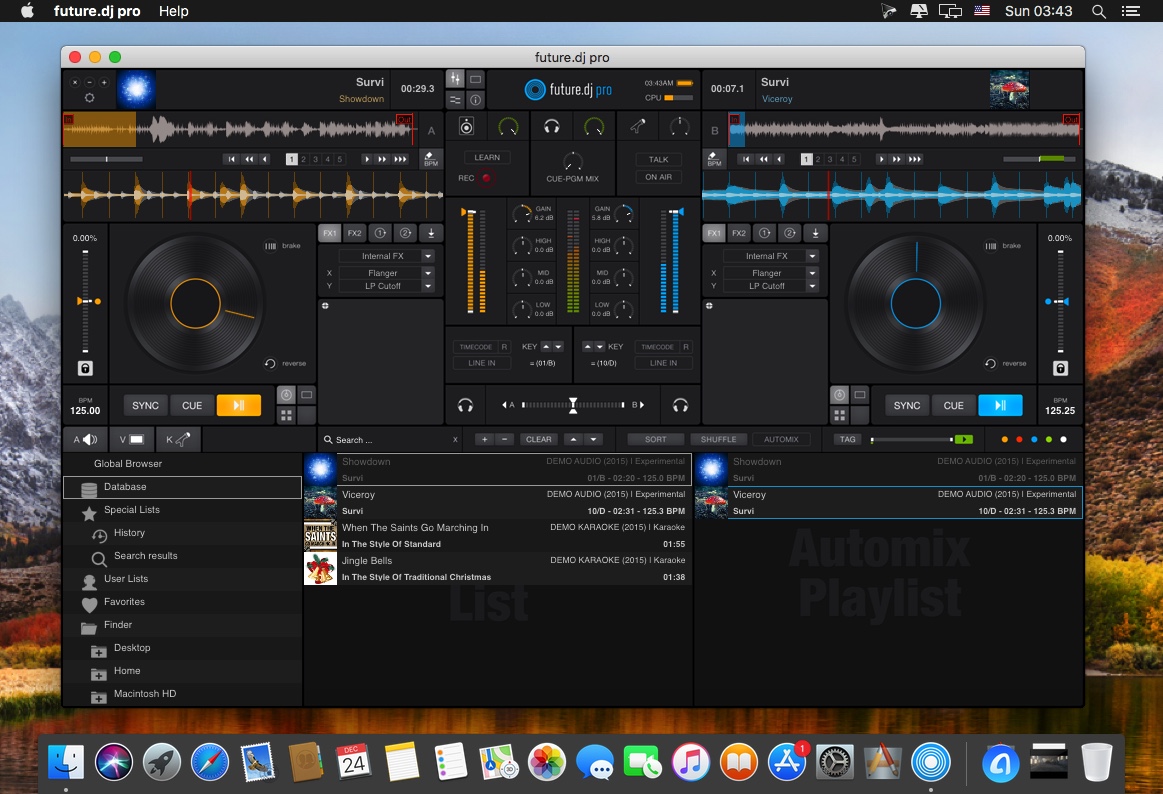
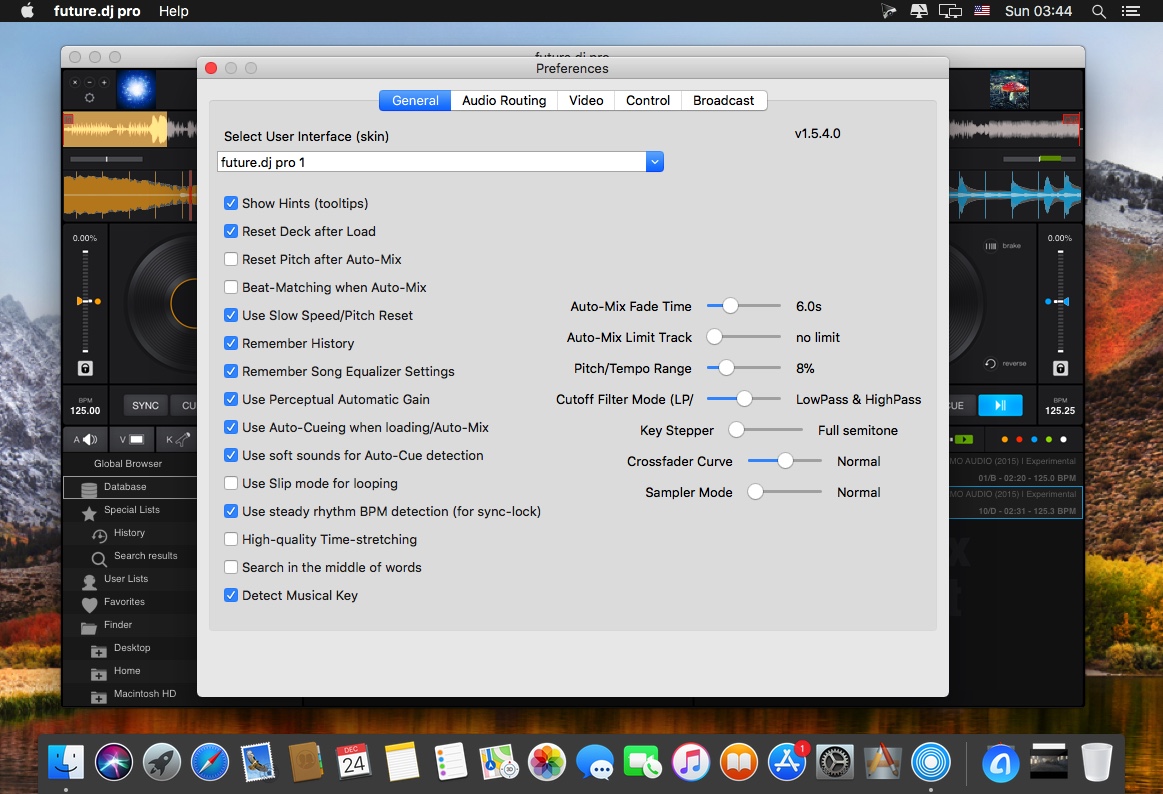
future.dj pro (was FutureDecks DJ pro) is our flagship product, packed with the latest professional DJ features that answer the needs of both professional and aspiring DJs. Future.dj pro can easily be used by all manner of DJs, from bedroom DJs who enjoy creating their own mashups and mixes in the comfort of their home, to mobile DJs and club/live DJs that perform in clubs and other live performance conditions. Thanks to an impressive number of advanced and flexible features, there is nothing limiting your creative flow, other than your own creativity.
Mashup tracks, mix videos and make song transitions with the greatest of ease with this classic DJ setup (2-decks and mixer). Thanks to it's intuitive design and powerful features, you will be able to achieve any level of mixing complexity. You can also sit back and Automix an entire party, simply by activating the powerful Automix function.
Version 1.11.0
- big quality increase for "High-quality time-stretching" option
- added extra input device for microphone because sometimes users have separate USB mikes: "Select an additional audio device for microphone input (optional)"
- fixed not-working or bad audio quality for "Select an additional audio device for previewing / monitoring (headphones)"
- changed latency setting to power-of-two sizes (64, 128, ..., 4096) which corresponds to (1.45 ms, 2,9 ms, ..., 92.9 ms).
- fixed audio inputs / microphone bad quality because of resampling bug;
- fixed unnecessary audio output resampling (very slight audio quality improvement)
Frequently asked questions
How do I install the app?
Mount the image, drag the app into the "Applications" folder and launch it. If the system blocks the launch, allow it in "System Settings → Privacy & Security".
The app is damaged or won't launch
Reinstalling from a fresh image usually helps. Make sure your macOS version matches the one listed in the compatibility specs.
How do I update?
Download the new version from the site and install it over the current one — your settings will be preserved.
The download link doesn't work
Try a mirror or a download manager. For large files the browser often drops the connection.
How do I completely remove the app?
Use an uninstaller utility — it cleans up the service files that remain after moving the app to the trash.



Choose a download source
XYLIO Future DJ Pro 1.11.3 · 212.97 MB
Previous versions
XYLIO Future DJ Pro 1.11.3
Previous versions are available to registered users.