
Steinberg SpectraLayers Pro 13.0.10
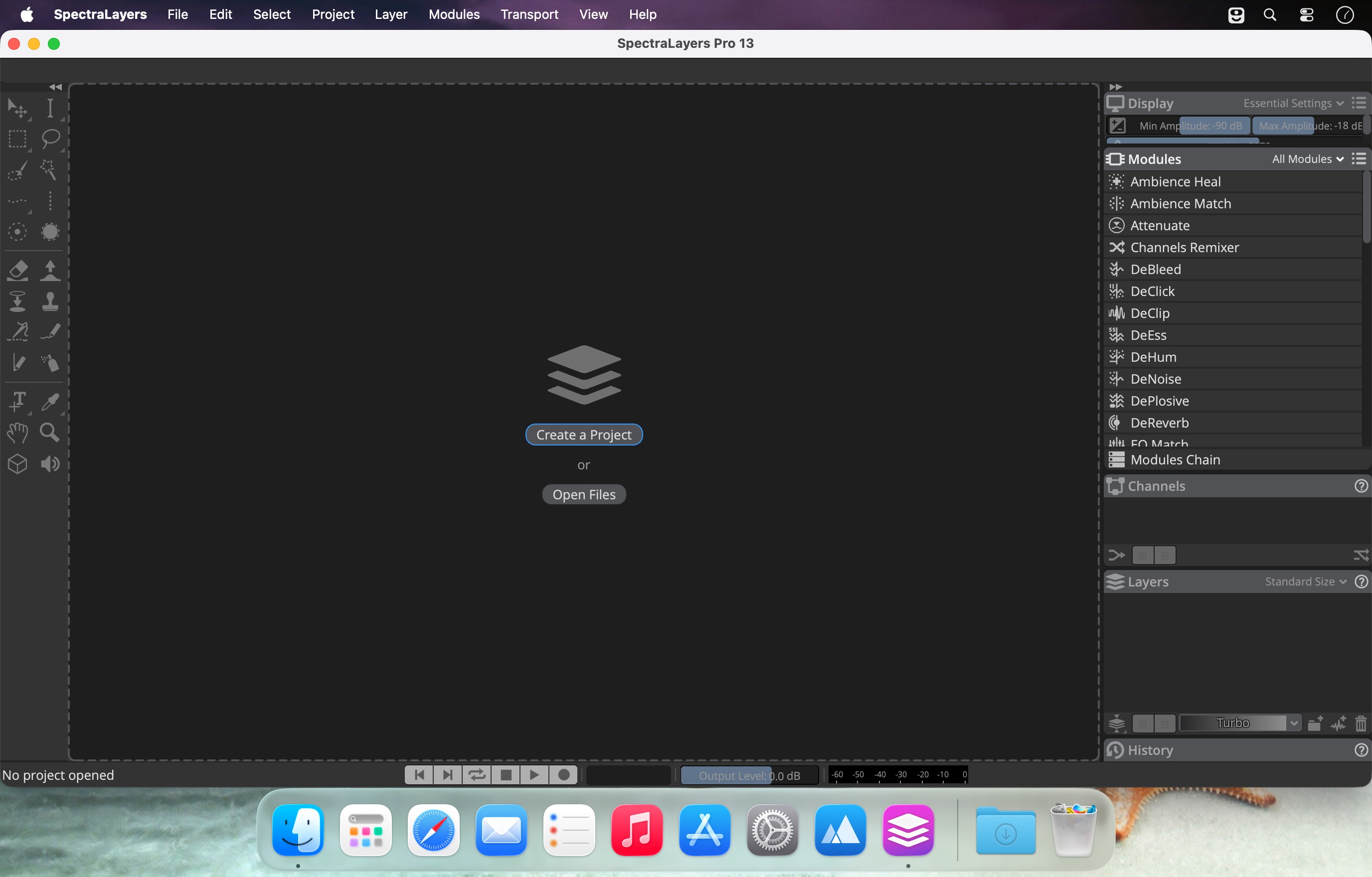
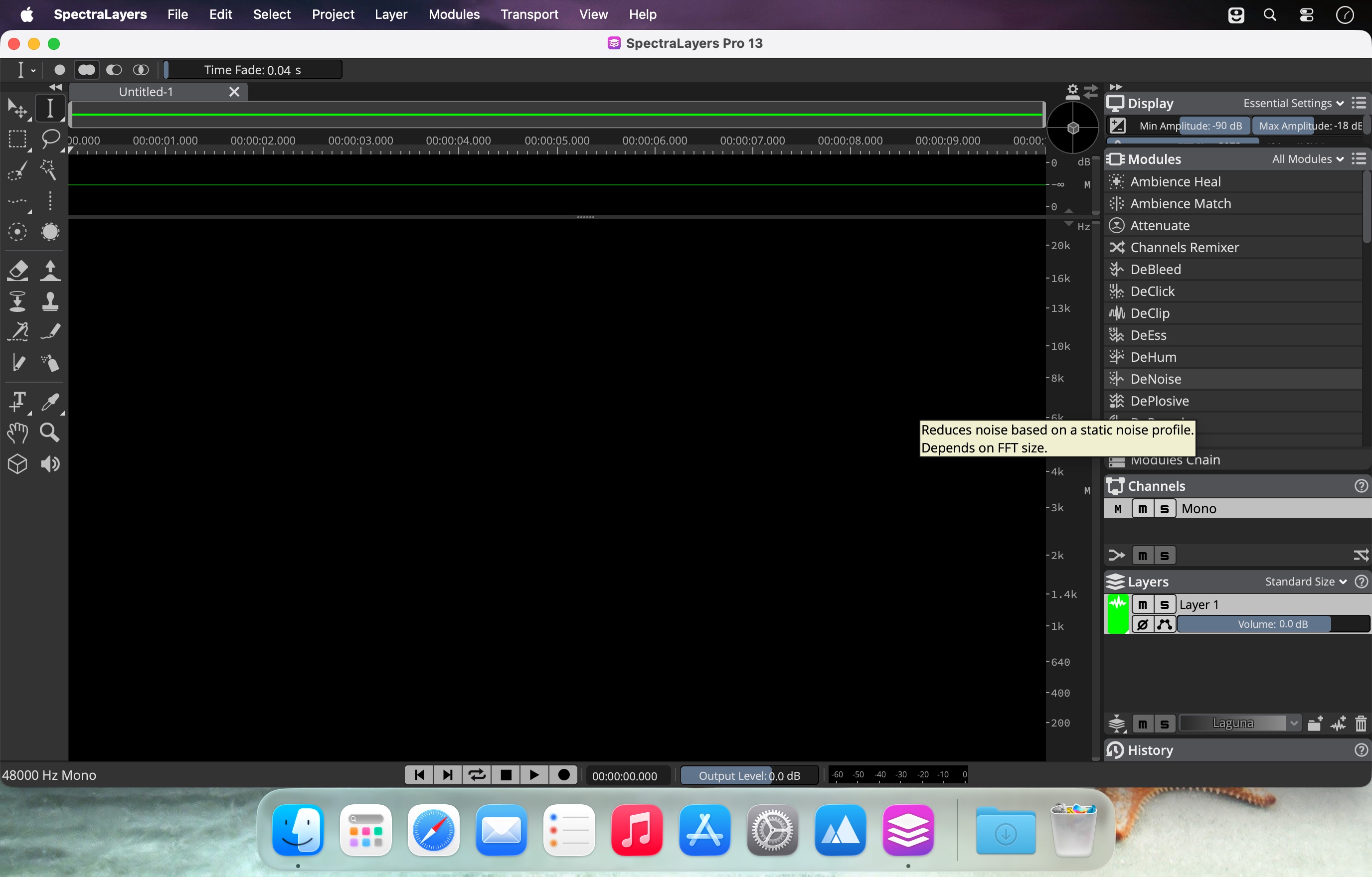
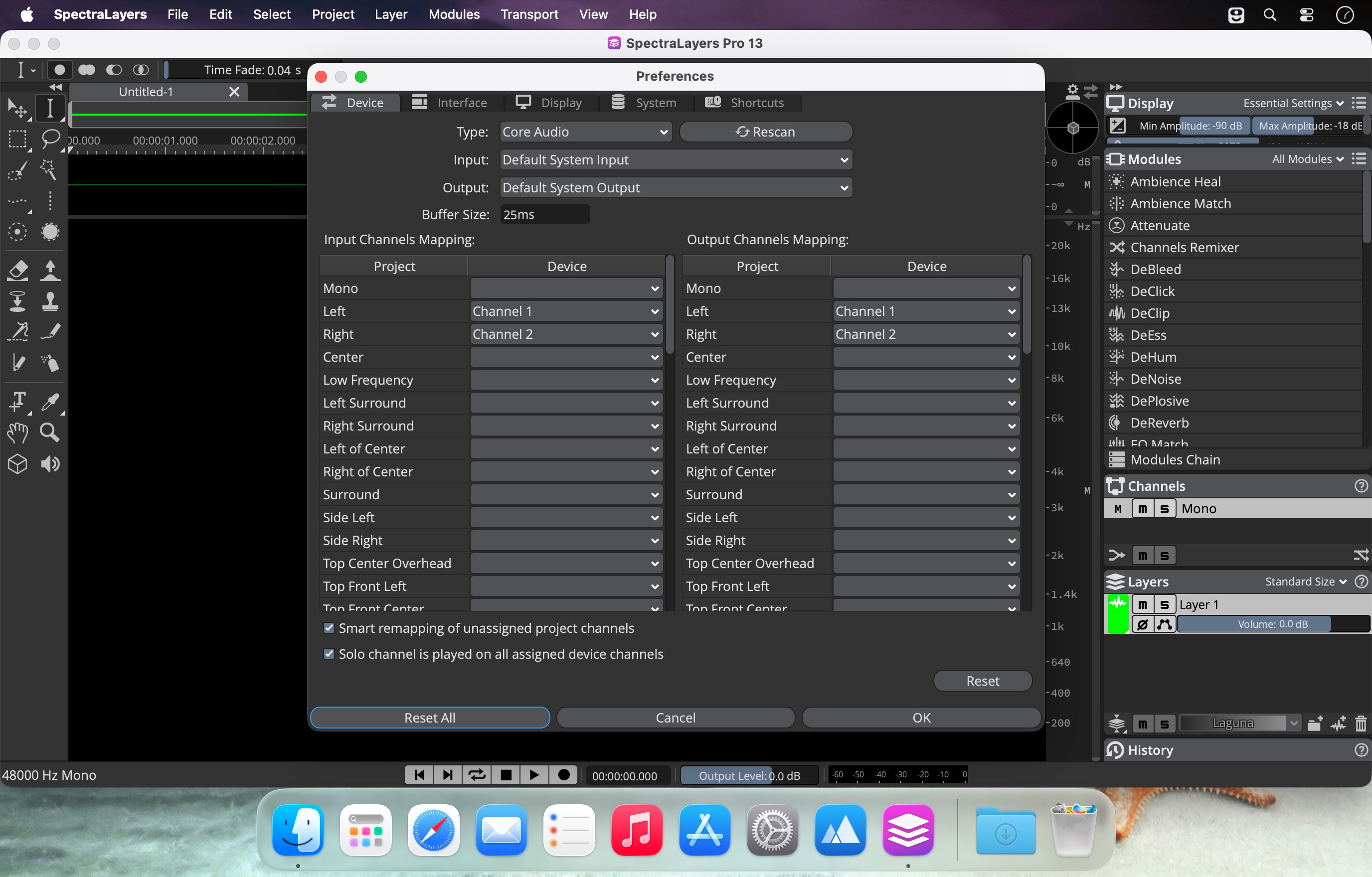
SpectraLayers turns sound into tangible visuals—so you can select, grab, and sculpt audio directly on a spectral display. With powerful, long-developed selection tools and newly added AI-assisted processes, this release delivers faster, more precise spectral editing for everything from restoration to creative sound design.
What’s new
- AI-enhanced spectral editing: A trained AI partner senses patterns and helps speed up tasks with greater accuracy.
- Quicker layer-based workflows: Split samples into layers and build freeform mixes; automatically unmix tracks into stems and further into components.
- Targeted isolation and refinement: Identify and isolate tones, transients, and noise signatures of extracted instruments with surgical control.
- Repair and restoration, faster: Remove clicks, reduce noise and hum, repair clips, tame transients, and erase unwanted artifacts—manual or automated.
- ARA 2 DAW integration: Designed for non-destructive workflows across audio platforms, launching SpectraLayers inside Nuendo, Cubase, and supported ARA 2 hosts for visual editing on the DAW timeline.
- Audio refabrication: Make high-detail spectral selections, extract them into independent layers for processing anywhere in your DAW ecosystem, and keep edits preserved with timeline support.
Editions
- Elements: Includes precise error correction plus automatic noise and hum reduction, with selected AI-assisted features such as vocal unmixing.
- Pro: Offers a broader toolset and the most advanced AI implementation, plus enhanced ARA 2 support for deeper DAW workflows.
Whether you’re repairing recordings, extracting instruments, or pushing sound into new territory, SpectraLayers brings spectral magic—now with stronger AI and tighter DAW integration.
Frequently asked questions
How do I install the app?
Mount the image, drag the app into the "Applications" folder and launch it. If the system blocks the launch, allow it in "System Settings → Privacy & Security".
The app is damaged or won't launch
Reinstalling from a fresh image usually helps. Make sure your macOS version matches the one listed in the compatibility specs.
How do I update?
Download the new version from the site and install it over the current one — your settings will be preserved.
The download link doesn't work
Try a mirror or a download manager. For large files the browser often drops the connection.
How do I completely remove the app?
Use an uninstaller utility — it cleans up the service files that remain after moving the app to the trash.




Choose a download source
Steinberg SpectraLayers Pro 13.0.10 · 3.99 GB
Previous versions
Steinberg SpectraLayers Pro 13.0.10
Previous versions are available to registered users.