
Logoist 5.2.2
Logoist enables you to create high quality graphic content and artwork in no time, by making use of the built in templates and preset effects. By using the app you will be able to make your on logos, web site objects, book titles or greeting card headings, and so on.
Well organized graphics editor that enables you to create your on templates
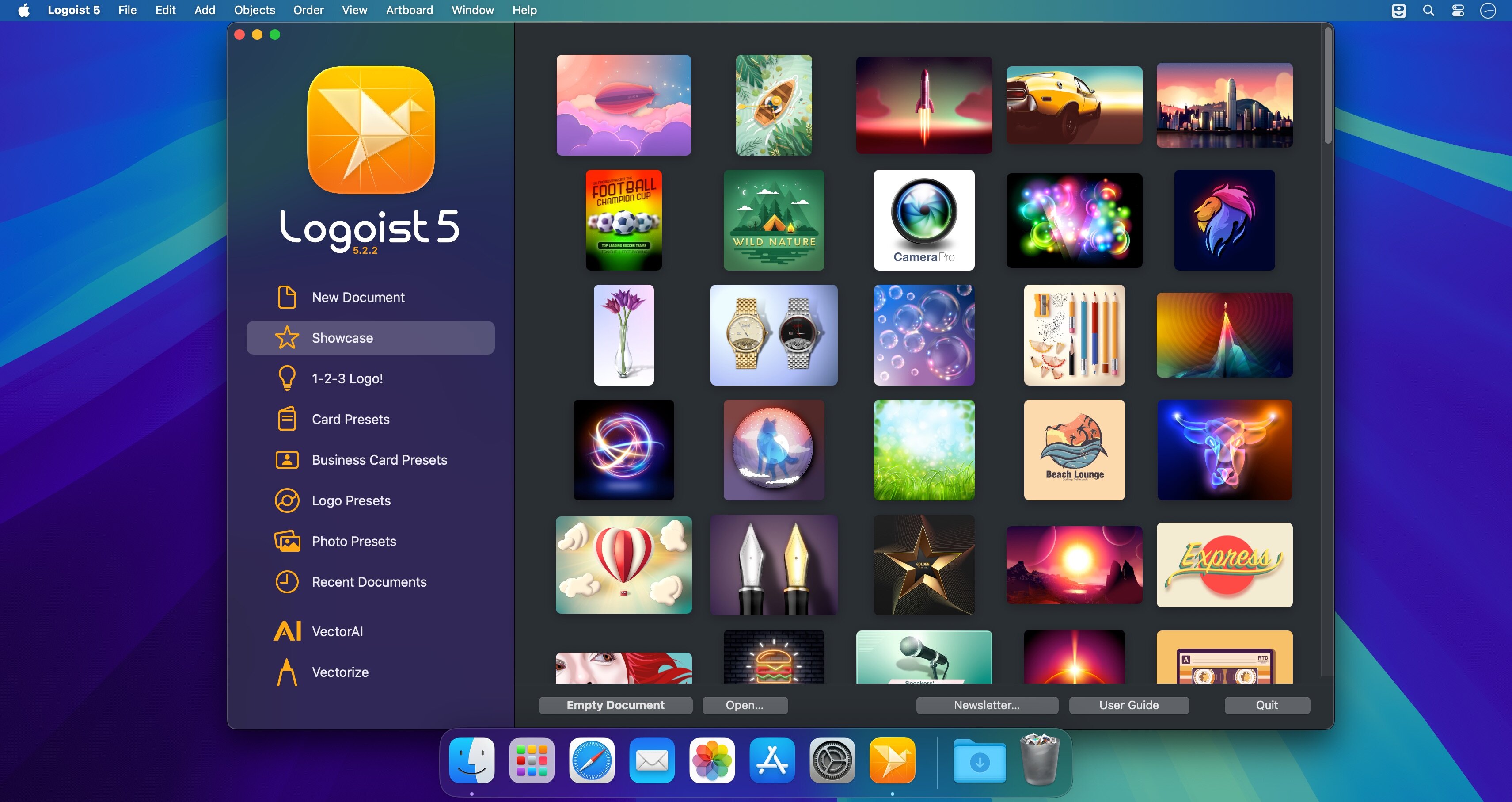
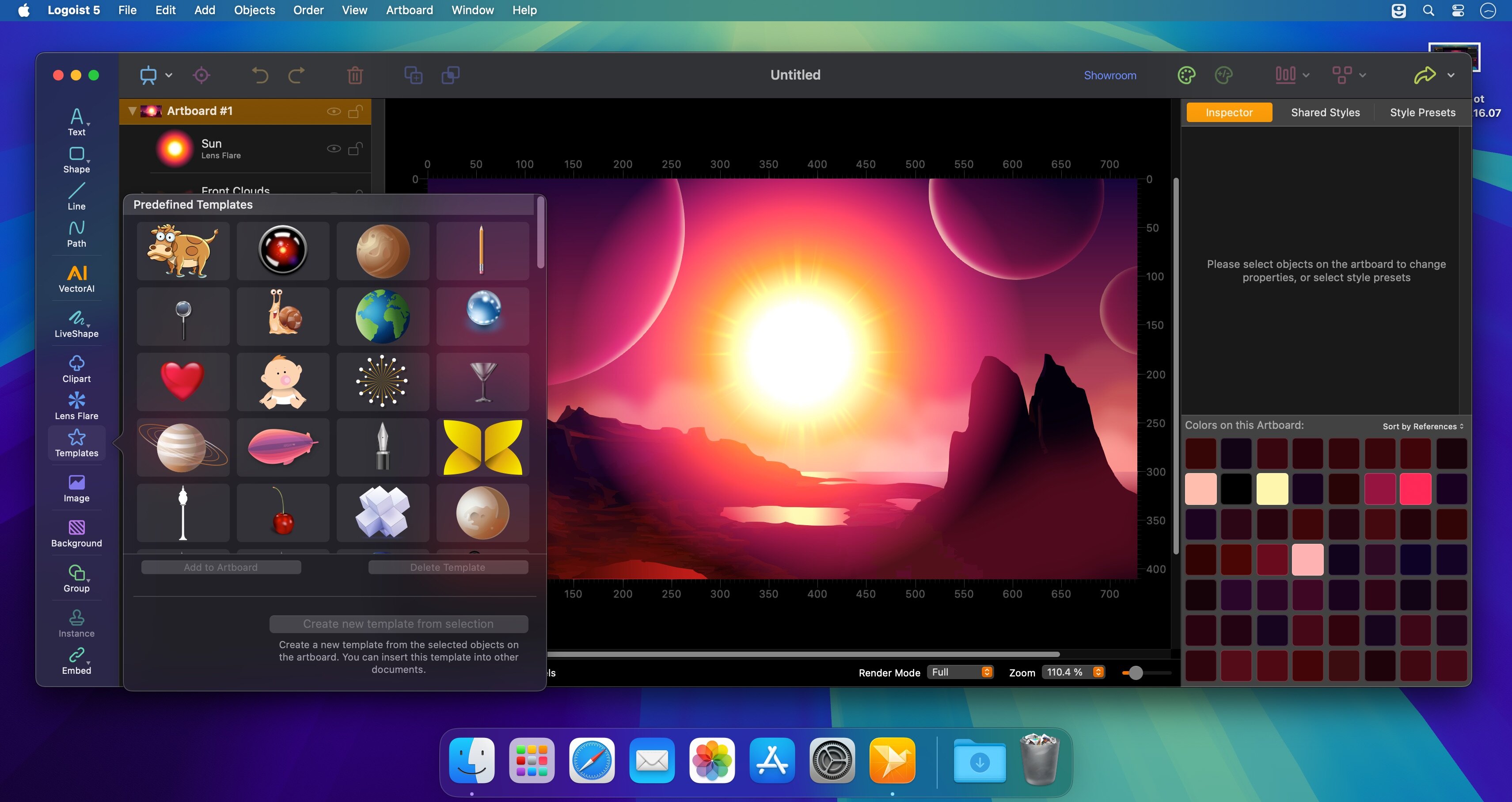
Right off the bat, in the Logoist Welcome window you can see the available templates, or quickly access the user guide (the extensive documentation helps you learn all you can do with Logoist). The app includes over 100 templates, but you can extend your collection by saving your own projects as templates.
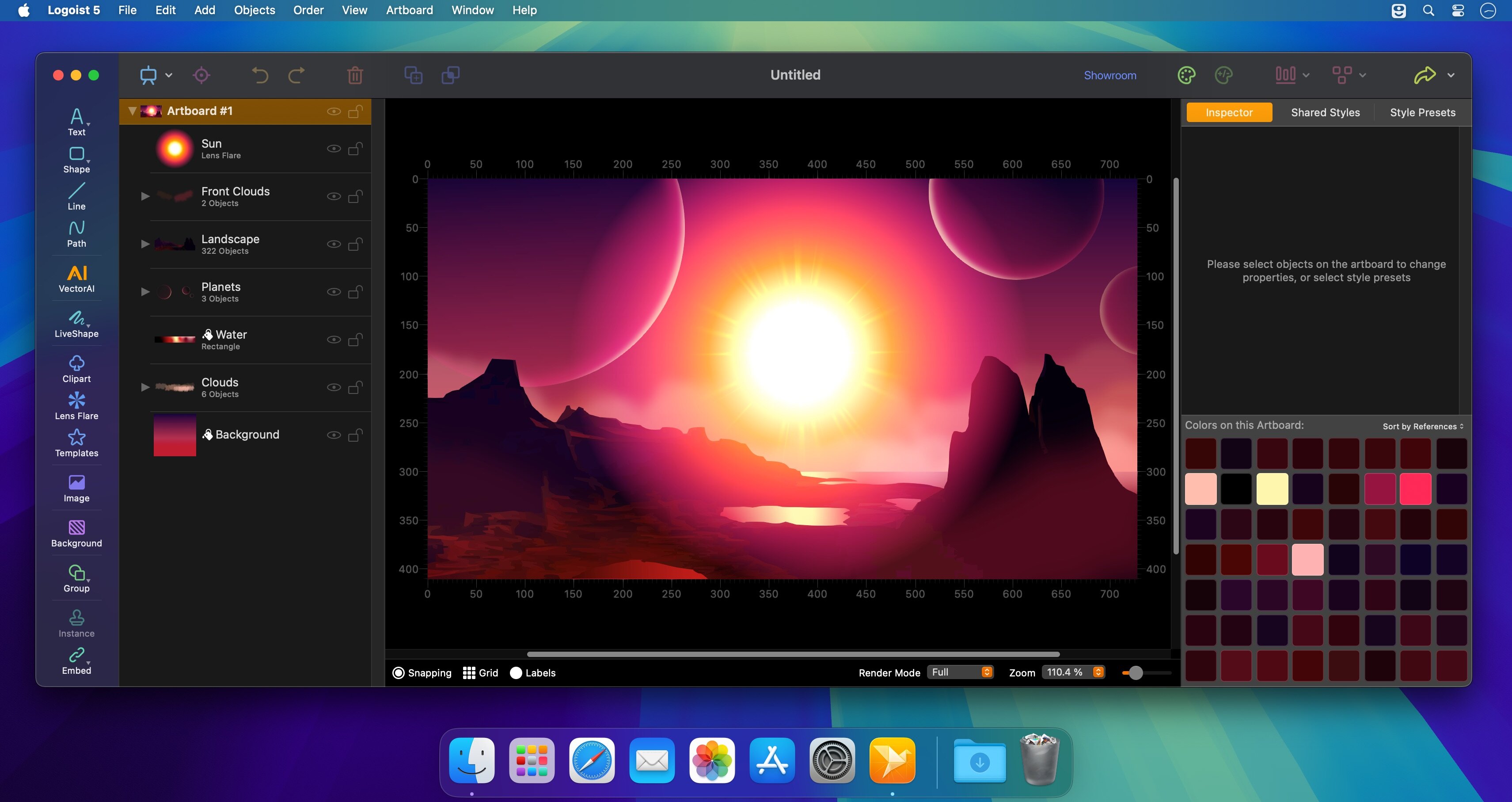
Once you open a new Logoist project, you will have access to the apps editing window: the main area is reserved for the canvas, while on the sides you view toolbars and panels that provide quick access to most tools.
Draw your own artwork and apply built-in effects to customize the results
Logoist comes with basic drawing tools, but also includes an extensive (over 3000) vector clipart collection: you are able to add symbols specific to a certain subject or category with a simple mouse click. The best part is that Logoist works with multiple players, so you get to combine the objects any way you like.
On top of that, Logoist provides access to a large collection of shaders, image effects, border designs, background patterns, transformations, or custom fonts.
Moreover, Logoist enables you to create Bezier paths, and includes snapping tools that can help you align the included objects and can prove very useful when you want to create picture collages.
Comprehensive graphics editor that can help you create high quality artwork in no time
Logoist is a great tool to have around if you need to quickly create logo concepts, headings, graphic content for your web projects, and so on. The app comes with a plethora of customization effects, a wide collection of clipart objects, and is capable to work with layers.
Also noteworthy is that you can export your projects to a Photoshop compatible format, in case you need to add an effect that is not included in the Logoist app.
Version 5.2.2
- Various improvements and bug fixes for macOS 26 Tahoe
Frequently asked questions
How do I install the app?
Mount the image, drag the app into the "Applications" folder and launch it. If the system blocks the launch, allow it in "System Settings → Privacy & Security".
The app is damaged or won't launch
Reinstalling from a fresh image usually helps. Make sure your macOS version matches the one listed in the compatibility specs.
How do I update?
Download the new version from the site and install it over the current one — your settings will be preserved.
The download link doesn't work
Try a mirror or a download manager. For large files the browser often drops the connection.
How do I completely remove the app?
Use an uninstaller utility — it cleans up the service files that remain after moving the app to the trash.





Choose a download source
Logoist 5.2.2 · 249.77 MB