Adobe Acrobat Pro DC 2025.001.21111
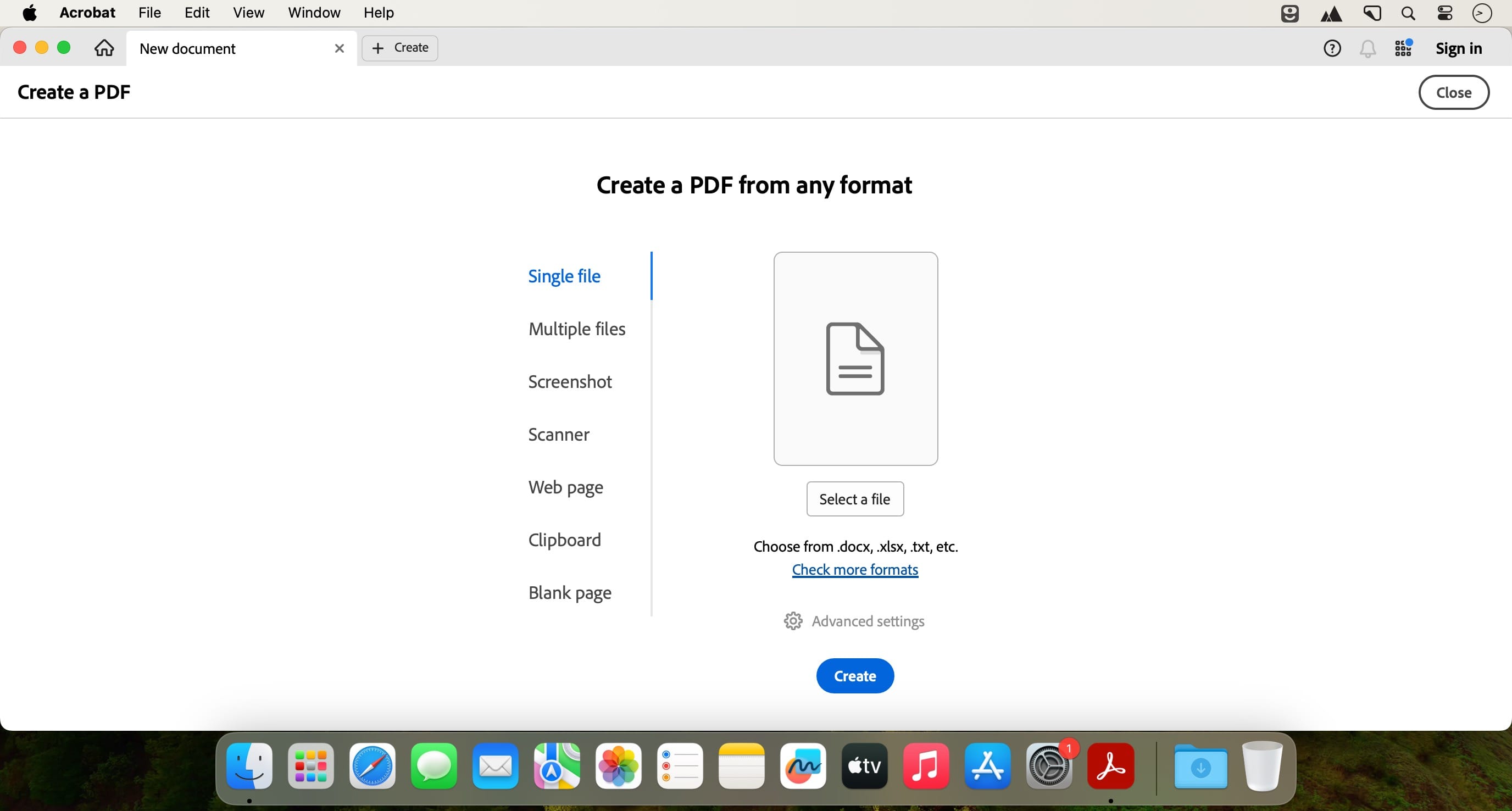
Acrobat Pro DC is a powerful multi-platform PDF creation solution that includes both simple and advanced features for all types of users who work with PDF documents.
For some, the application is a simple PDF viewer for opening the day-to-day PDF documents they encounter, however, this utility is a lot more than that.
Some of its most important features are the ability to edit PDF files, create PDF files, create and analyze forms, simplify reviews and approvals, merge and combine files, protect PDF files, and to create standards-compliant portable documents.
More specifically, Acrobat Pro DC allows you to edit the text and images in a PDF, convert PDFs to Word, PowerPoint or Excel formats, or convert Word, Excel and PowerPoint files to PDF.
You can create new PDF from web forms, convert forms to fillable PDFs, collect form responses, merge PDFs, create portfolios, and much more.
Acrobat Pro DC is also a trustworthy utility for protecting your portable documents seeing that, with just a few clicks, you can edit the document's security settings, remove and edit security information, or set PDF passwords.
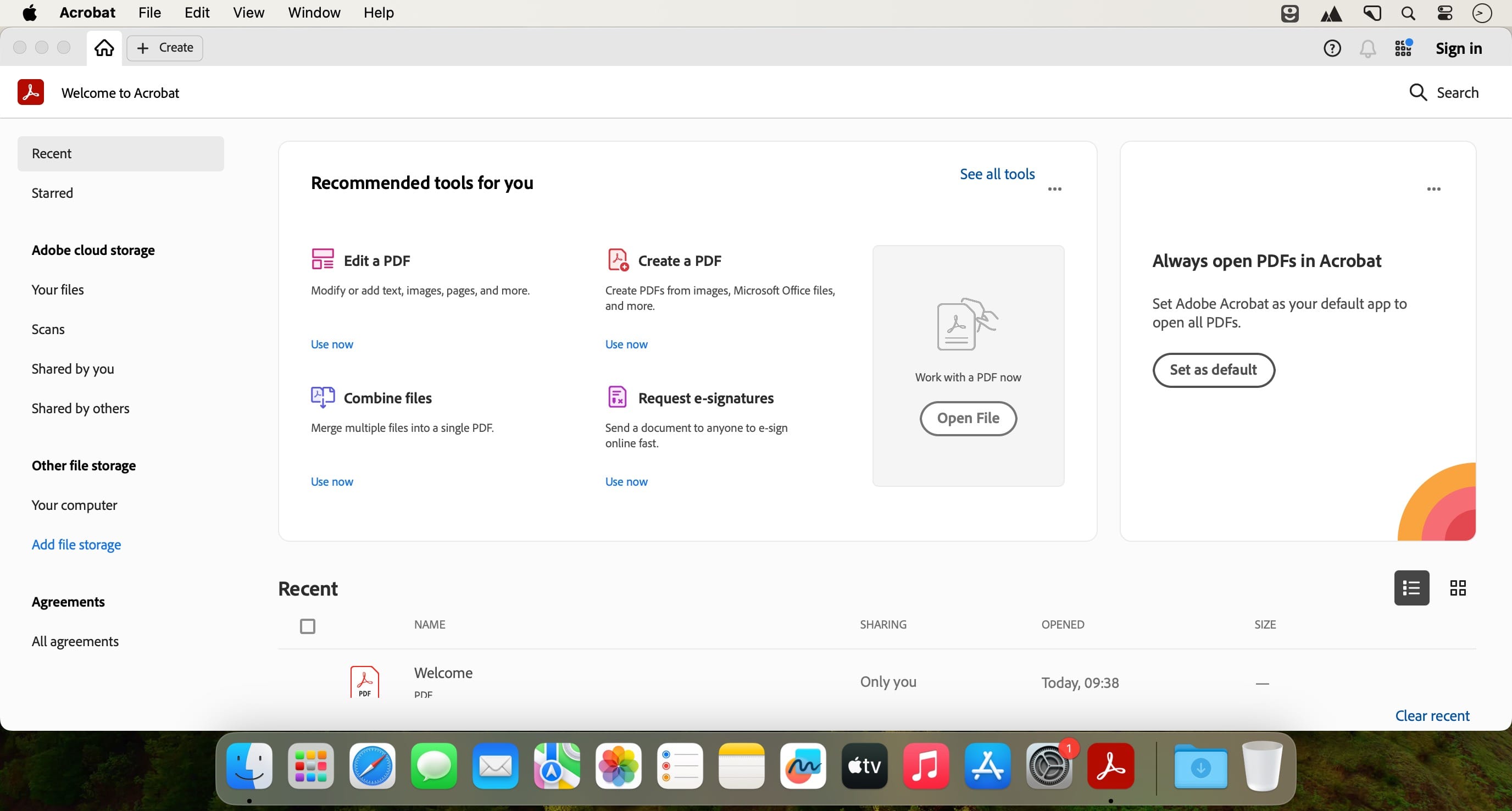
The main window features the document browser sidebar, the main body of the PDF and the Tools, Sign options and Comment section on the right pane. The upper toolbar offers access to buttons for basic or common actions.
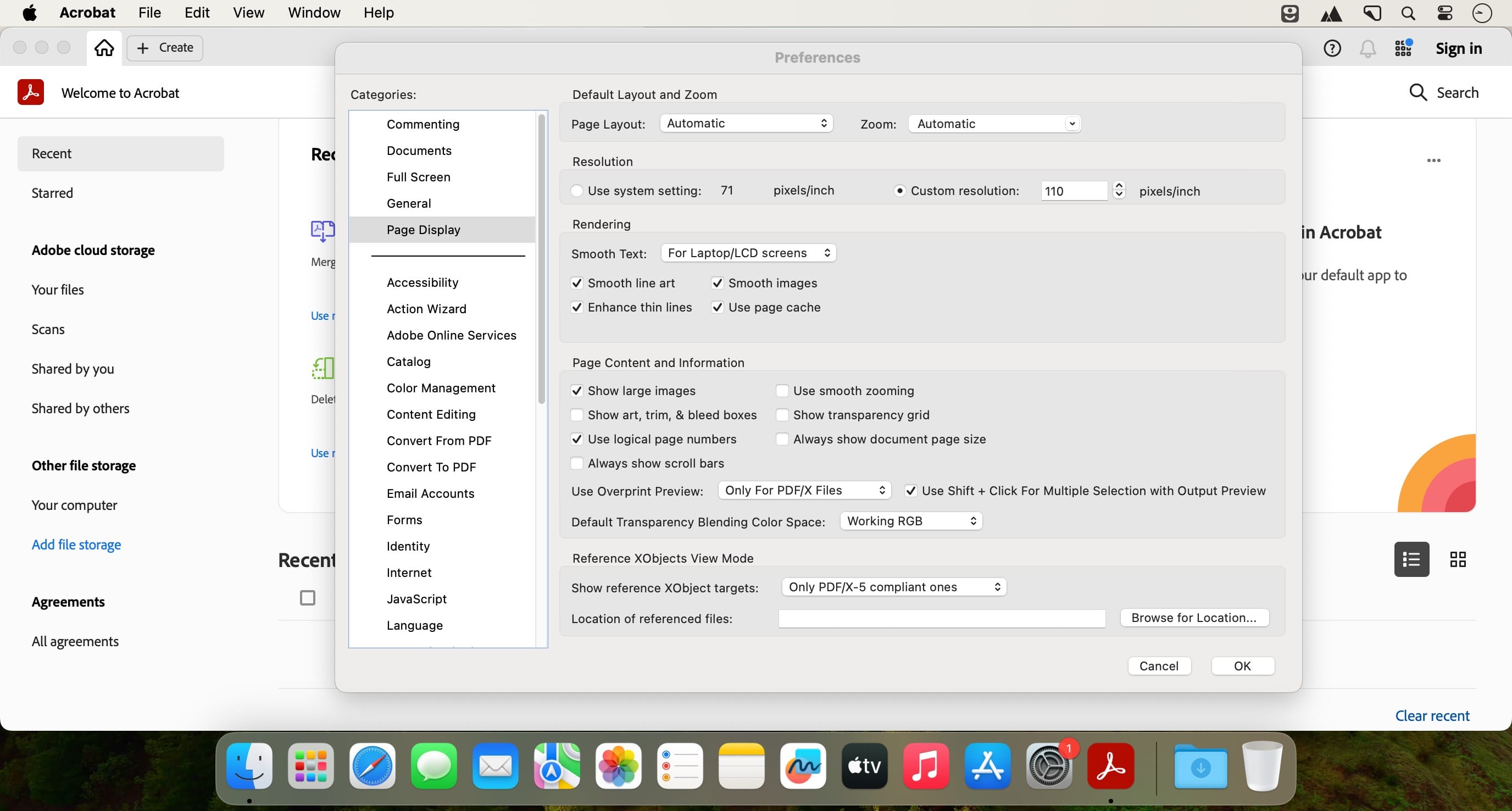
Moreover, Acrobat Pro DC comes with a very dense Preferences window which allows you to customize Acrobat almost from the ground up.
Some other noteworthy features are its capability to help you create new PDF files from web forms, to create PDFs more efficiently, or the accessibility standards for people with disabilities compliance.
To sum it all up, Adobe's popular PDF utility delivers a highly streamlined and adaptable environment to help any user manage, protect, convert and work with PDF documents.
Version 2024.005.20320:
- Release notes were unavailable when this listing was updated.
Frequently asked questions
How do I install the app?
Mount the image, drag the app into the "Applications" folder and launch it. If the system blocks the launch, allow it in "System Settings → Privacy & Security".
The app is damaged or won't launch
Reinstalling from a fresh image usually helps. Make sure your macOS version matches the one listed in the compatibility specs.
How do I update?
Download the new version from the site and install it over the current one — your settings will be preserved.
The download link doesn't work
Try a mirror or a download manager. For large files the browser often drops the connection.
How do I completely remove the app?
Use an uninstaller utility — it cleans up the service files that remain after moving the app to the trash.



Choose a download source
Adobe Acrobat Pro DC 2025.001.21111 · 1.67 GB
Previous versions
Adobe Acrobat Pro DC 2025.001.21111
Previous versions are available to registered users.
Comments 1