
iRAR Extractor - Unarchiver 9.2
Screenshots
Click to enlarge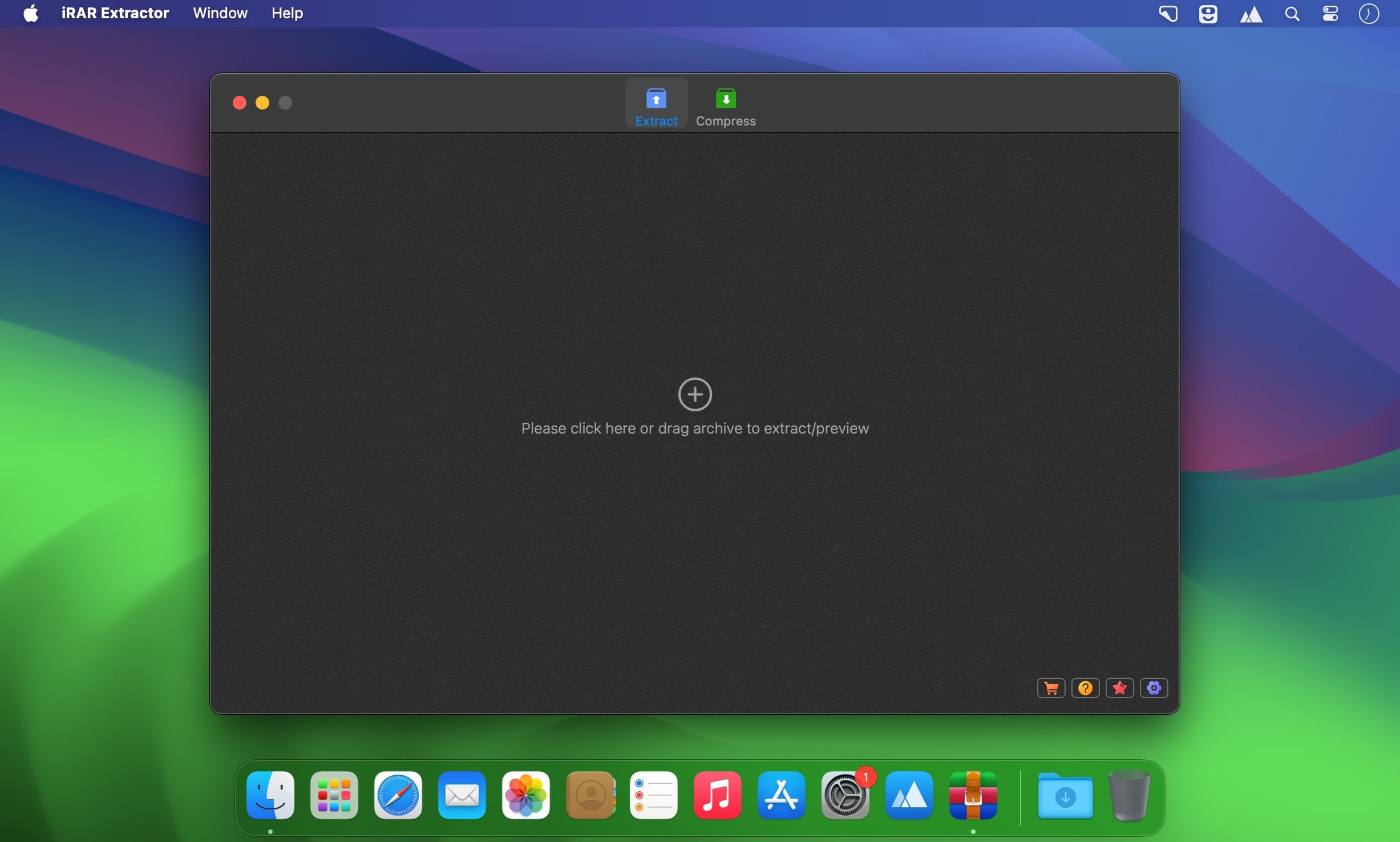
IZIP 7ZIP WinRAR Extractor. Extract all types of archives (Like WinRAR). Support 7Z, ZIP, RAR, TAR, GZIP, BZIP2, GZ, XZ, LZIP, ACE, ISO, LZMA, CBR, EXE, MSI, LZH, CPIO, CAB, JAR, PAK, PKG, APK, ACE, ARJ, LQR, SPK, SWF, NSA, RPM, CPT, etc...
Main Feature
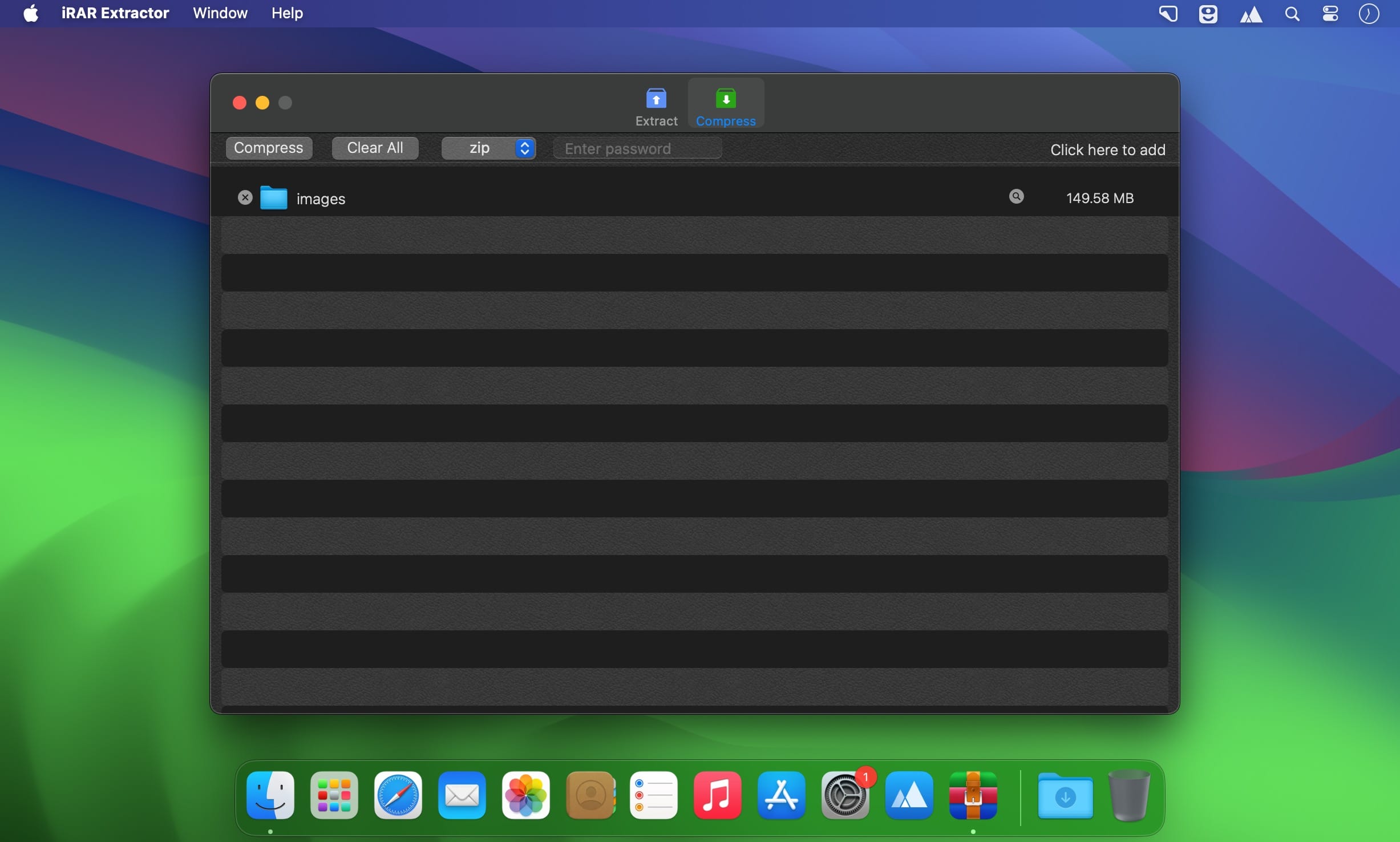
- Compress files to 7Z and ZIP archives (Encrypted)
- Extract the encrypted archive.
- Preview archive without extracting
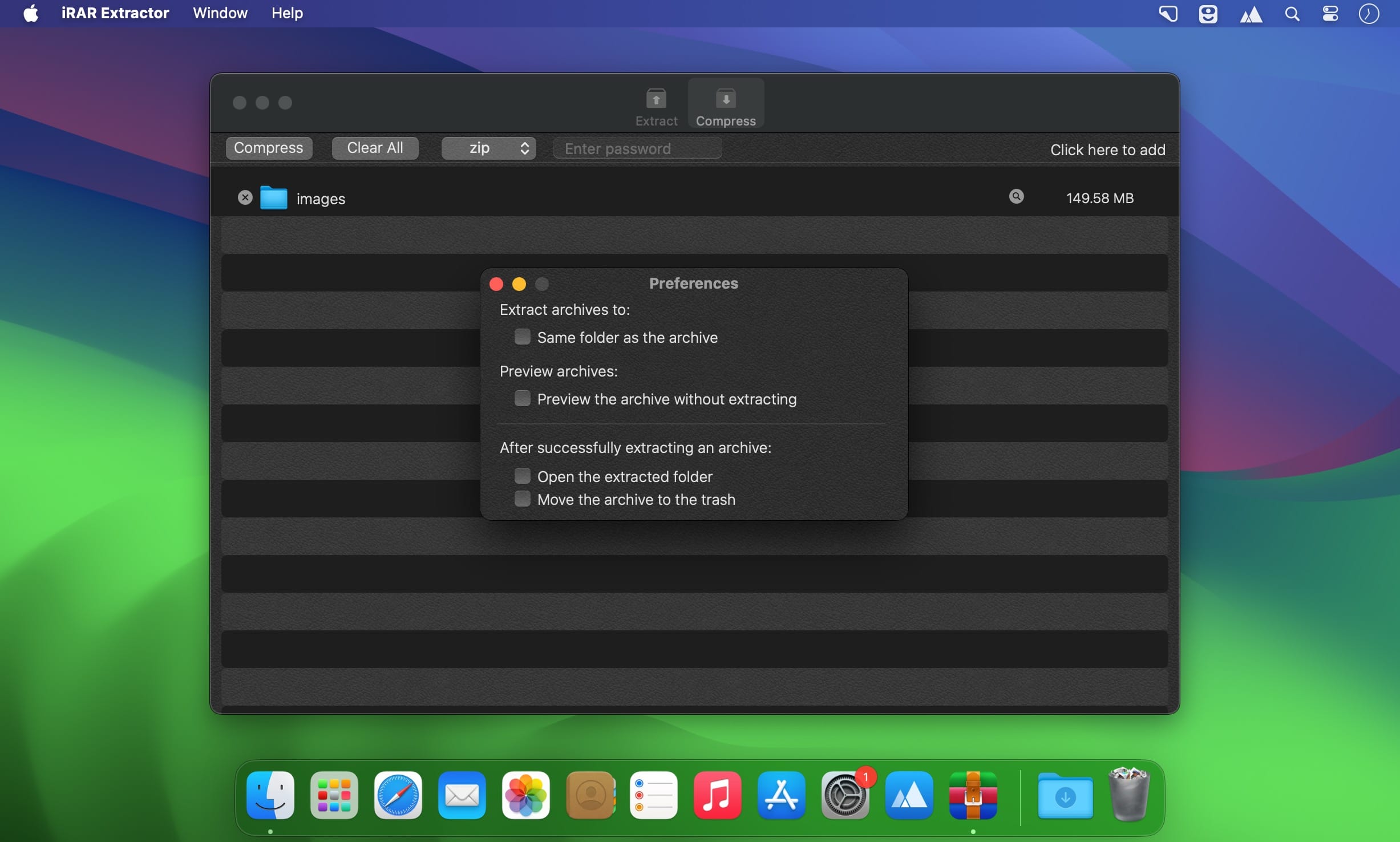
- Decompress to the same folder as the archive.
- Decompress a single file in the archive
- Batch extract many archives in seconds
- Double click archive to extract directly
Version 9.2
- Fix some bugs
Comments
No comments yet. Be the first.
Information
Visitors in the group Guests cannot leave comments on this publication.