Computer Art Issue 252 (May 2016)
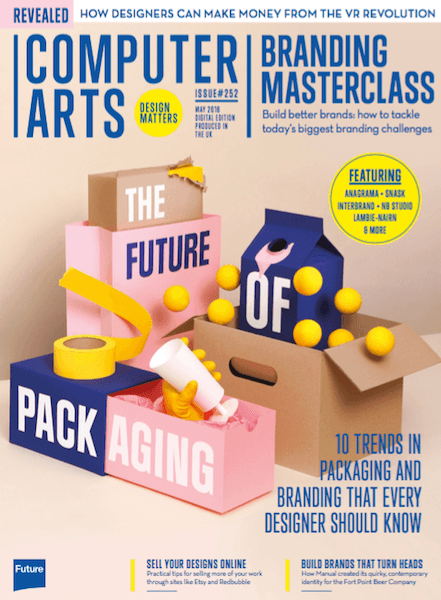
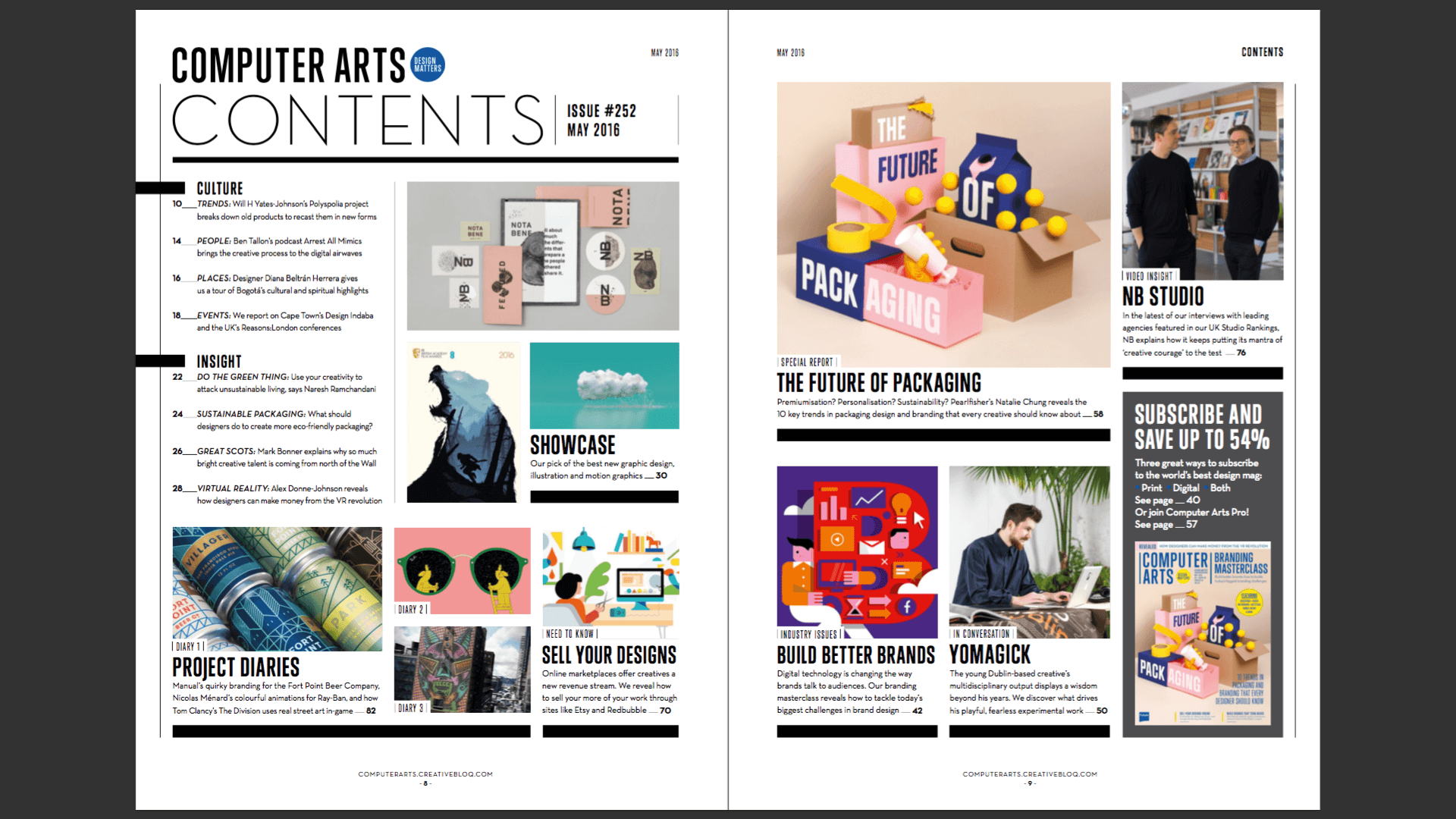
Issue 252 of Computer Arts explores one of the most important touchpoints of modern branding: product packaging. In our special report, Pearlfisher's Natalie Chung, foreman of D&AD's 2015 Packaging Design jury, predicts 10 trends that will change the way we all work: from personalisation and 'premiumisation' to sustainability and second-use packaging.
The issue also provides a masterclass on creating a successful modern brand. In our lead feature, we reveal the biggest challenges in branding today – from the pressures imposed by social media to the rise of the multi-channel, multi-audience campaign – and practical strategies for overcoming them.
Our striking 3D cover was created by Swedish design superstars Snask, who also provide their own idiosyncratic advice on building better brands inside the magazine.
Also in this issue:
- Tips to increase sales of your designs on online marketplaces like Etsy and Redbubble
- How designers and illustrators can make money from the VR revolution
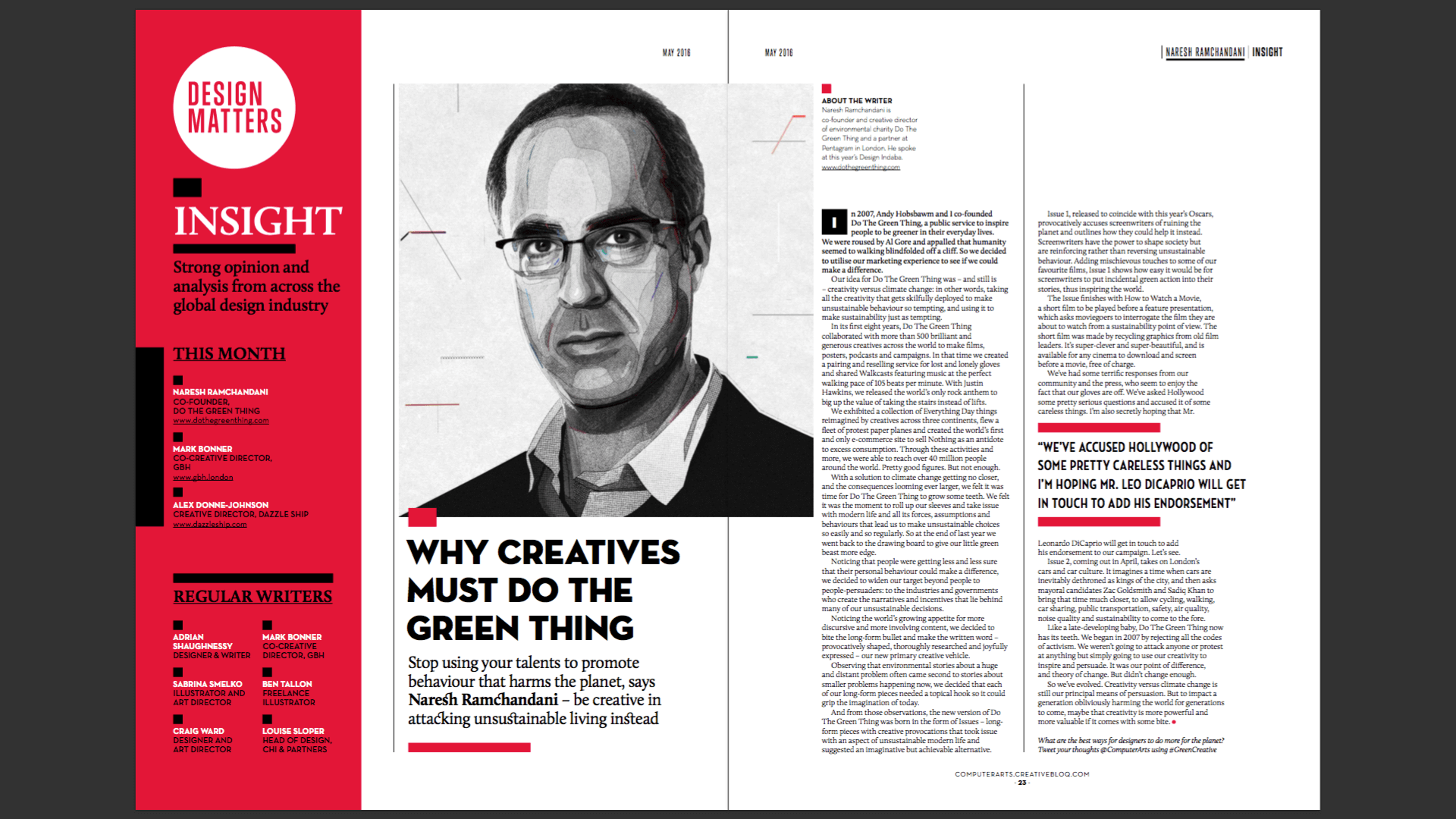
- Pentagram's Naresh Ramchandani calls for us to use creativity to fight climate change
- How Manual created its eye-catching new identity for the Fort Point Beer Company
- Nicolas Ménard deconstructs his playful new animations for Ray-Ban
Can graphic design be art? Top illustrator Alex Trochut has some thought-provoking insights
- Plus our selection of the world’s best new graphic design, illustration and motion graphics work.
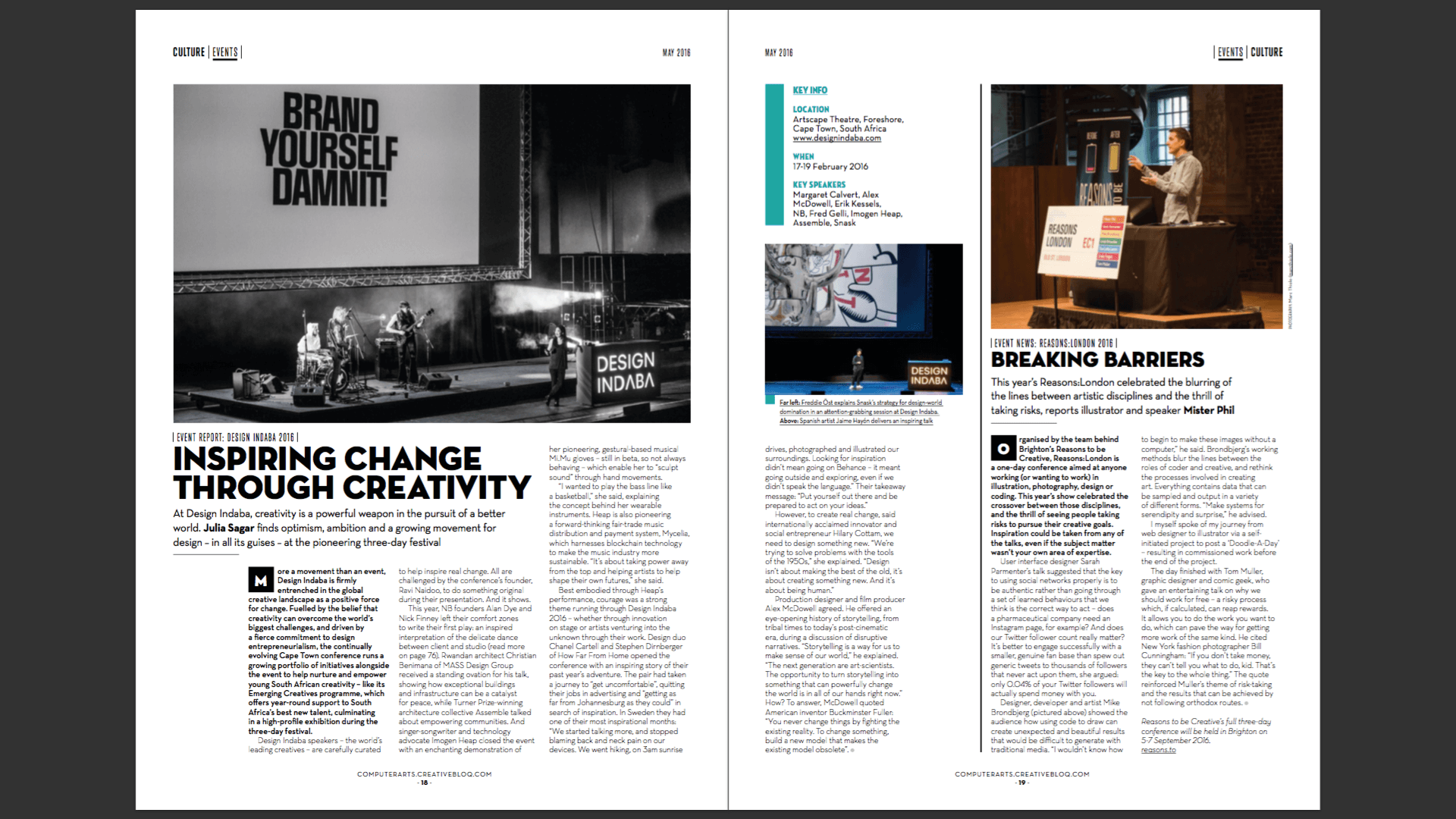
Screenshots
Frequently asked questions
How do I install the app?
Mount the image, drag the app into the "Applications" folder and launch it. If the system blocks the launch, allow it in "System Settings → Privacy & Security".
The app is damaged or won't launch
Reinstalling from a fresh image usually helps. Make sure your macOS version matches the one listed in the compatibility specs.
How do I update?
Download the new version from the site and install it over the current one — your settings will be preserved.
The download link doesn't work
Try a mirror or a download manager. For large files the browser often drops the connection.
How do I completely remove the app?
Use an uninstaller utility — it cleans up the service files that remain after moving the app to the trash.
VersionComputer Art Issue 252 (May 2016)
LanguageEnglish



Information
Visitors in the group Guests cannot leave comments on this publication.
Choose a download source
Computer Art Issue 252 (May 2016) · 26.04 MB