
Checkmate 1.1.9
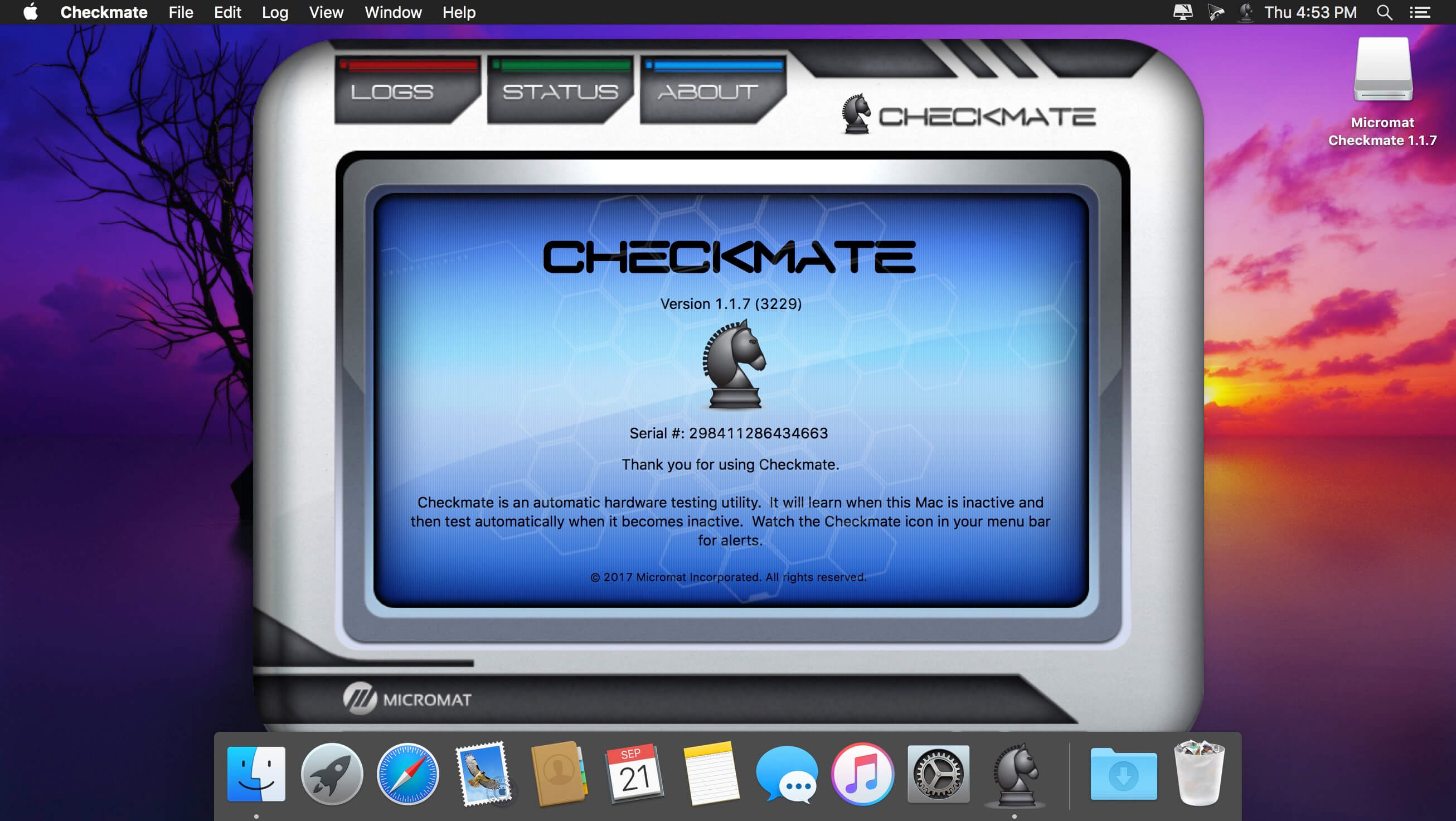
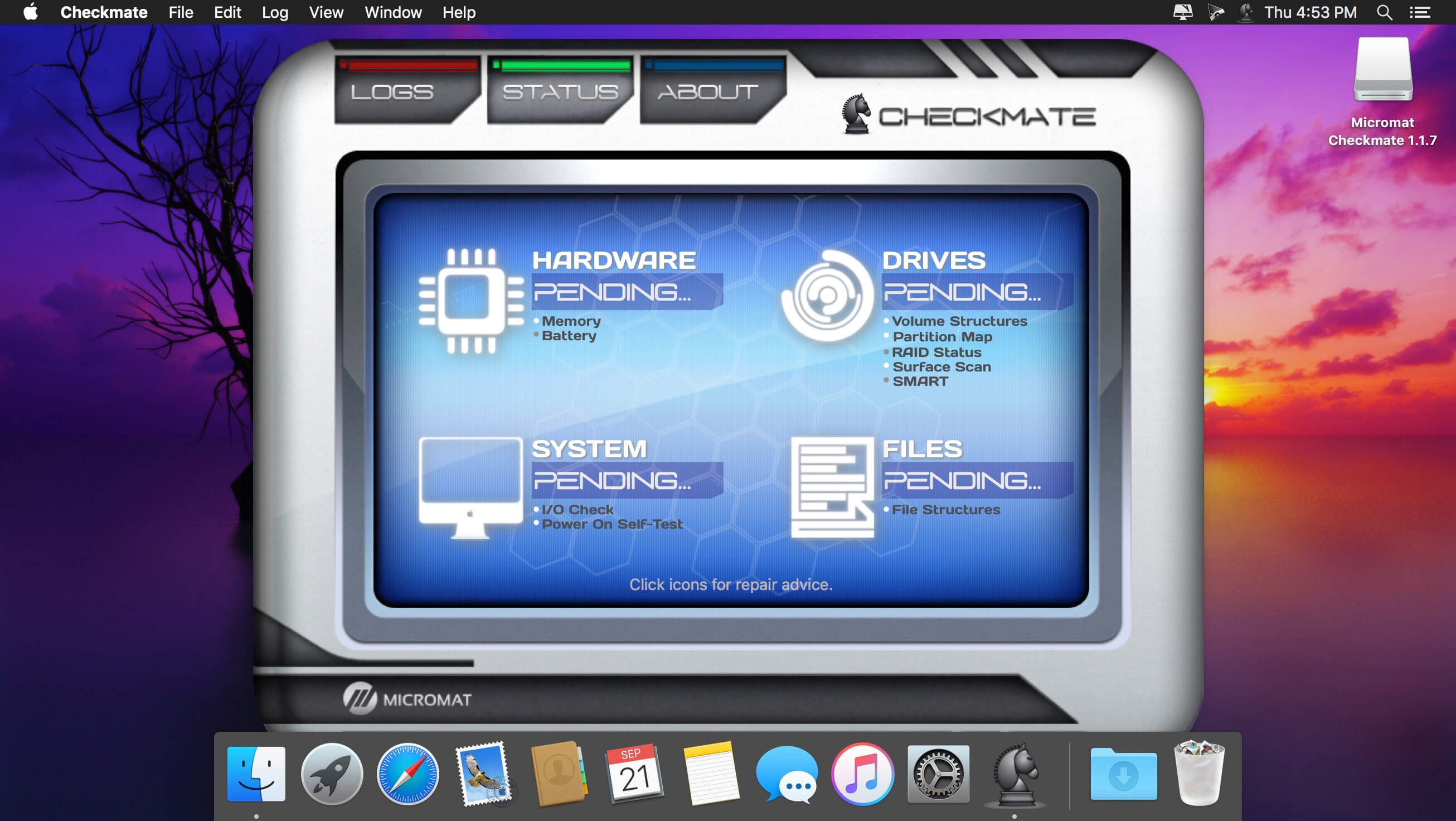
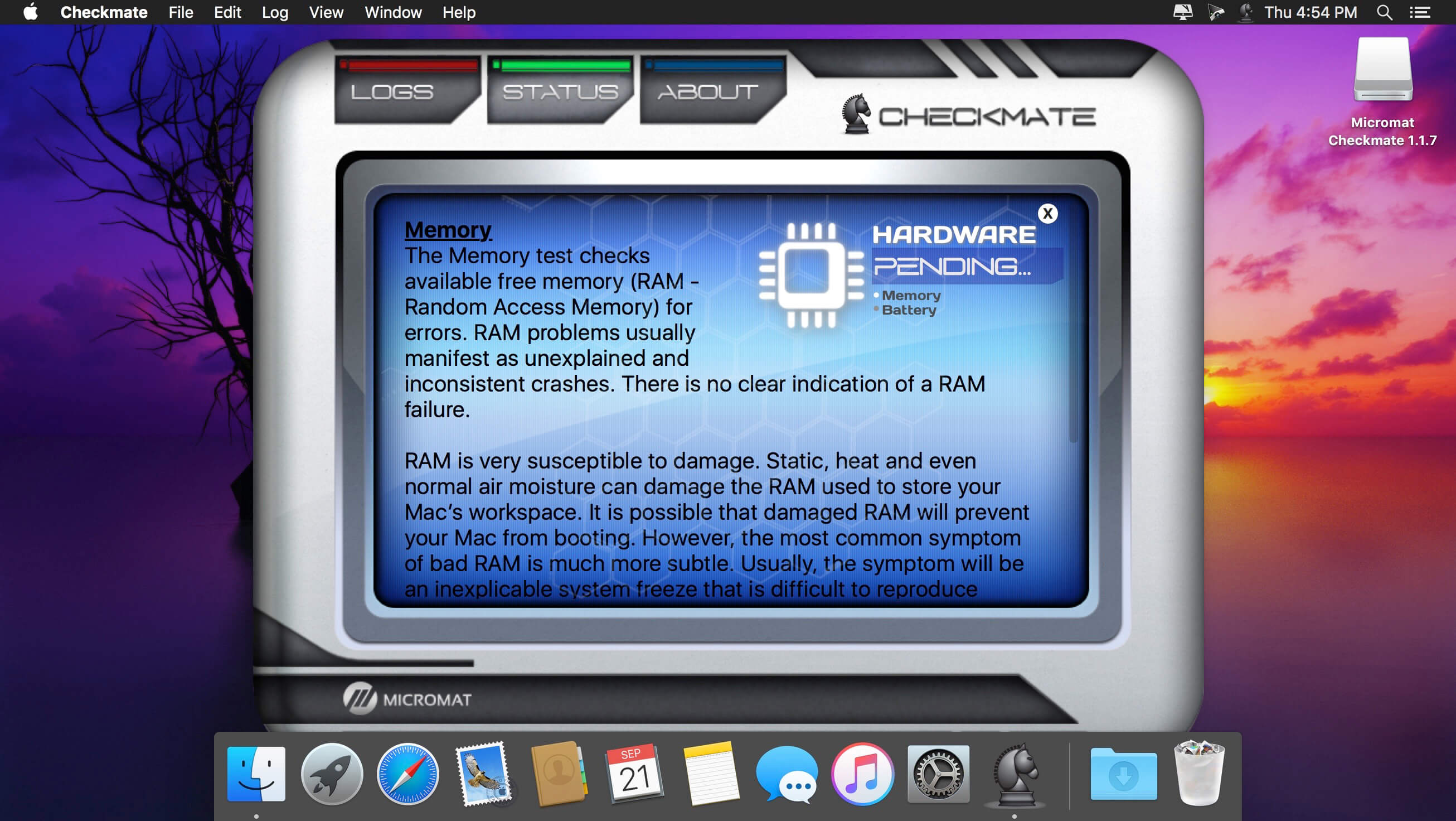
Checkmate monitors your Mac's health.
Disk and system utilities, like our flagship product TechTool Pro, are great for repairing disk issues and recovering data after something goes terribly wrong. But what if there was a way to catch these problems sooner? What if there was a product that would continuously monitor all of the important parameters of your system and run regular diagnostic tests to detect small problems before they turn into complete disasters?
Introducing Checkmate, the computer health monitoring software by Micromat. We created Checkmate to be a powerful computer diagnostic product without being an intrusion to your work. The software observes your schedule and performs testing when your computer is idle. It then quietly logs results and stays completely out of your way - unless it finds a serious problem. Then it will alert you to the issue and open the Checkmate dashboard so you not only get a full report of the issue, but also read suggested steps you can take to correct the problem.
And Checkmate couldn't be simpler to use: simply install it and forget about it. You won't even know it's there until it finds a problem and alerts you. No buttons to push, no schedules to set and no interruptions to your work.
If you count on your Macintosh, make sure your Macintosh counts on Checkmate. Because an ounce of prevention is worth a pound of.
Version 1.1.9
- Added Apple Notarization support.
- Fixed issue to display properly when Dark Mode is enabled.
- Updated the Send Report feature.
- Other minor fixes and enhancements.
Frequently asked questions
How do I install the app?
Mount the image, drag the app into the "Applications" folder and launch it. If the system blocks the launch, allow it in "System Settings → Privacy & Security".
The app is damaged or won't launch
Reinstalling from a fresh image usually helps. Make sure your macOS version matches the one listed in the compatibility specs.
How do I update?
Download the new version from the site and install it over the current one — your settings will be preserved.
The download link doesn't work
Try a mirror or a download manager. For large files the browser often drops the connection.
How do I completely remove the app?
Use an uninstaller utility — it cleans up the service files that remain after moving the app to the trash.
VersionCheckmate 1.1.9 (3382)
DeveloperMicromat
CompatibilityOS X 10.6.8 or later
LanguageEnglish
IncludesSerial (block outbound connections)




Information
Visitors in the group Guests cannot leave comments on this publication.
Choose a download source
Checkmate 1.1.9 · 19.3 MB