

AutoTyper – Keyboard Shortcuts 1.7
Screenshots
Click to enlarge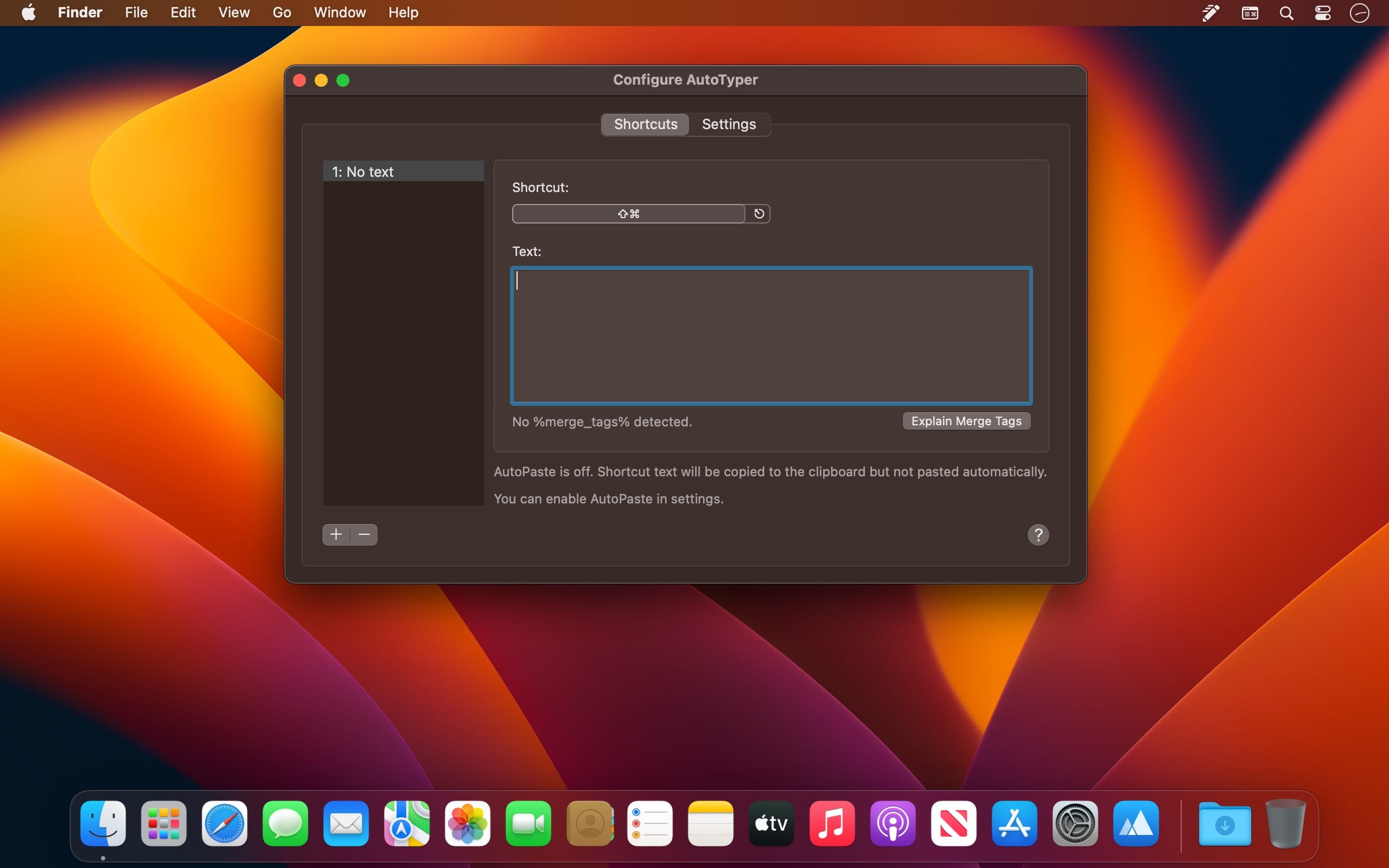
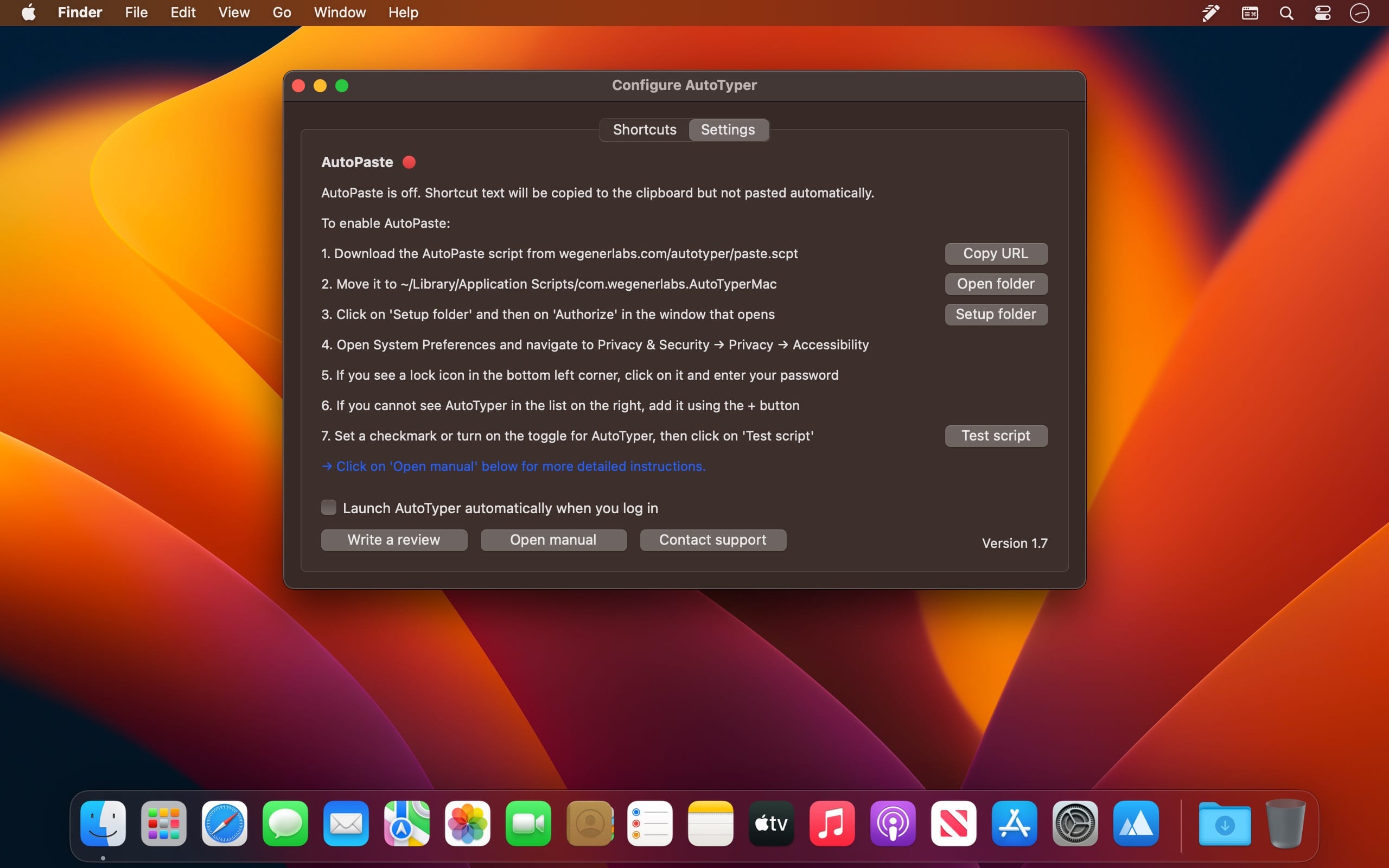
AutoTyper is great for people who type in the same text over and over again. Assign text to keyboard shortcuts. Next time you need that text, hit the keyboard shortcut and it will be copied (and optionally pasted) automatically.
Use cases
- Anything you have to enter into web forms repeatedly
- Email signatures and common text blocks
- Your email address, your phone number, your address
- Common code snippets if you are a developer
Features
- Create keyboard shortcuts that copy defined phrases
- Phrases can contain multiple lines and multiple paragraphs of text
- Phrases can be copied only, or copied and automatically pasted
- Access your shortcuts via the menu bar
- Merge tags: Dynamic phrases with fields
AutoTyper can paste the text automatically after you hit the shortcut. Simply enable AutoPaste in Settings to turn on this feature. If AutoPaste is turned off, the text will be copied to your clipboard when you hit the shortcut, but will not be pasted automatically.
Version 1.7
- Shortcuts can now be reordered
- New %clipboard% merge tag inserts the contents of your clipboard
- Hot keys for shortcuts now show up in the status bar menu
- Updated AutoPaste instructions for new macOS versions
Comments
No comments yet. Be the first.
Information
Visitors in the group Guests cannot leave comments on this publication.