ON1 Sky Swap AI 2023.5 v17.5.1.14051
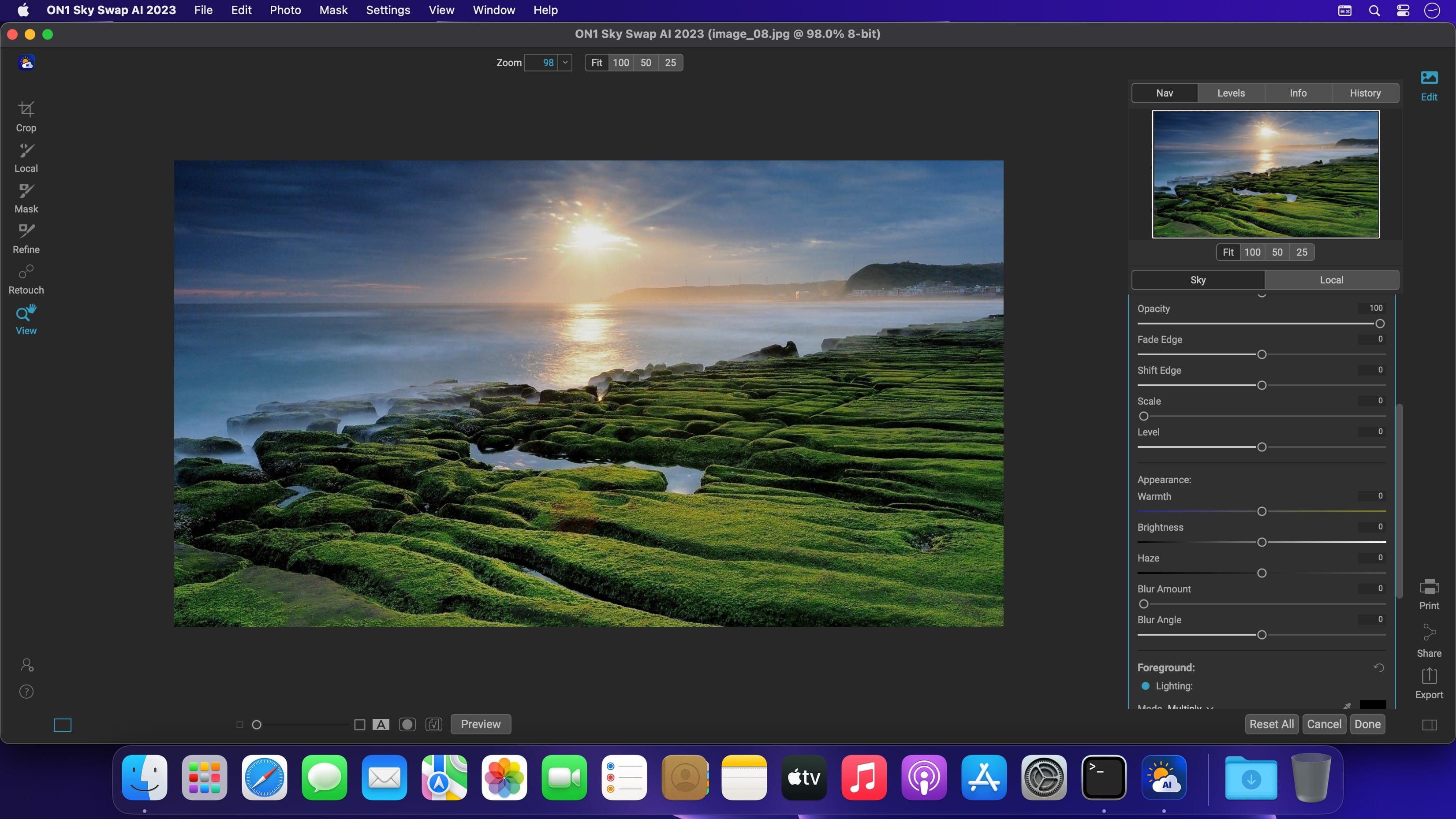
Sky Swap AI makes replacing or enhancing a dull sky a breeze. It detects the sky in your photo and creates a gorgeous mask automatically. Simply select from one of the 231 included skies or import your own. 125 of the built-in skies are sourced from OcuDrone, a leading provider of ultra-high resolution aerial images.
Sky Swap AI combines machine learning with amazing curated skies to eliminate the need for complex masks and layers normally required in other editing apps.
Sometimes you don't want to replace a sky completely; you want to blend in some additional clouds, for example. Sky Swap AI gives you everything you need to blend a new sky realistically with an existing one.
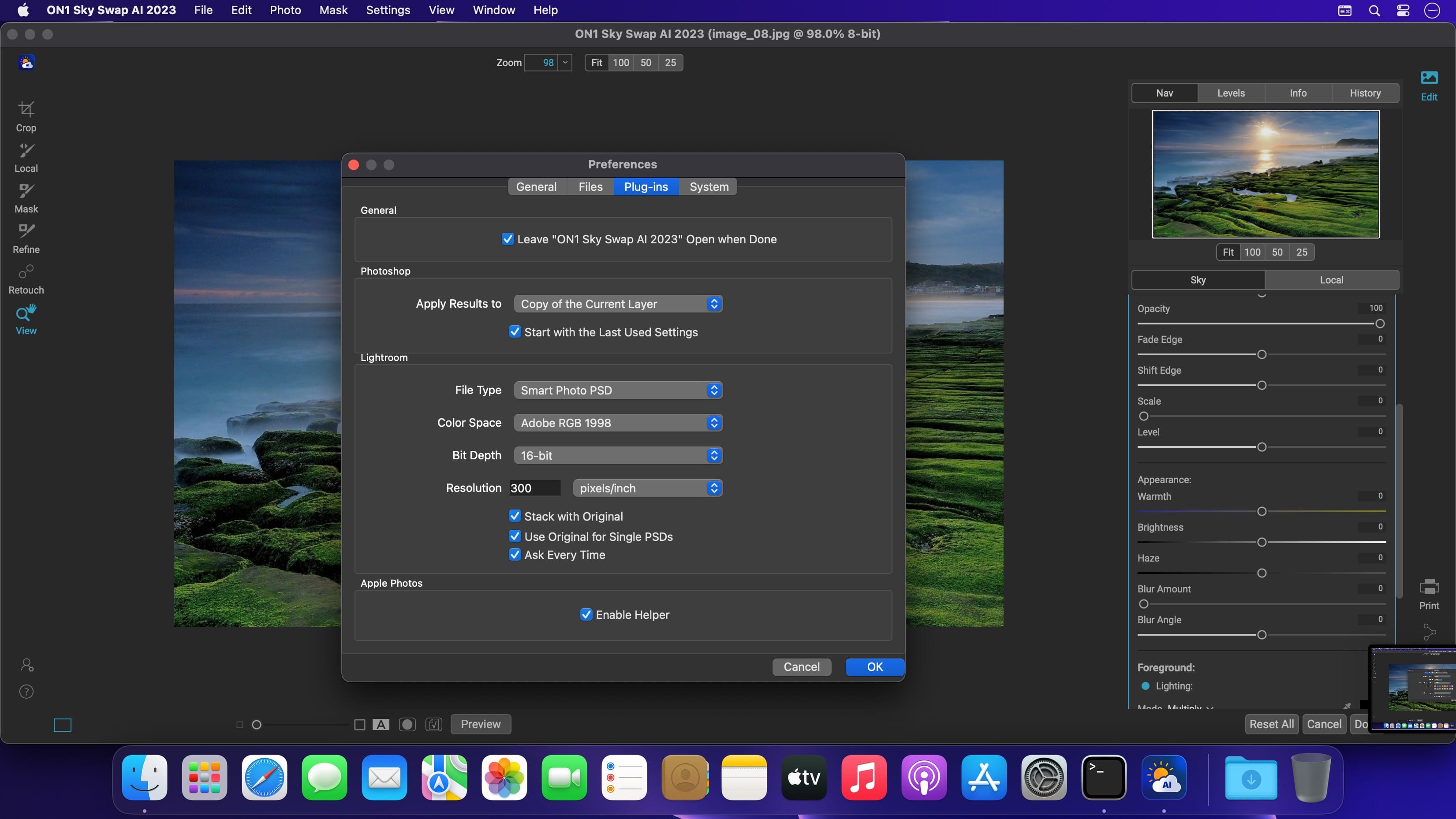
Bring the power of Sky Swap AI into your workflow. Whether you work in Adobe Photoshop, Photoshop Elements, Lightroom Classic, Capture One, Affinity Photo, Corel Paintshop Pro, and Apple Photos; you have seamless access to it.
Version 2023.1 v17.1.1.13629:
- Release notes were unavailable when this listing was updated.
Frequently asked questions
How do I install the app?
Mount the image, drag the app into the "Applications" folder and launch it. If the system blocks the launch, allow it in "System Settings → Privacy & Security".
The app is damaged or won't launch
Reinstalling from a fresh image usually helps. Make sure your macOS version matches the one listed in the compatibility specs.
How do I update?
Download the new version from the site and install it over the current one — your settings will be preserved.
The download link doesn't work
Try a mirror or a download manager. For large files the browser often drops the connection.
How do I completely remove the app?
Use an uninstaller utility — it cleans up the service files that remain after moving the app to the trash.
Related posts




Choose a download source
ON1 Sky Swap AI 2023.5 v17.5.1.14051 · 2.01 GB
Previous versions
ON1 Sky Swap AI 2023.5 v17.5.1.14051
Previous versions are available to registered users.