
Caption Generator for FinalCut 1.2.1
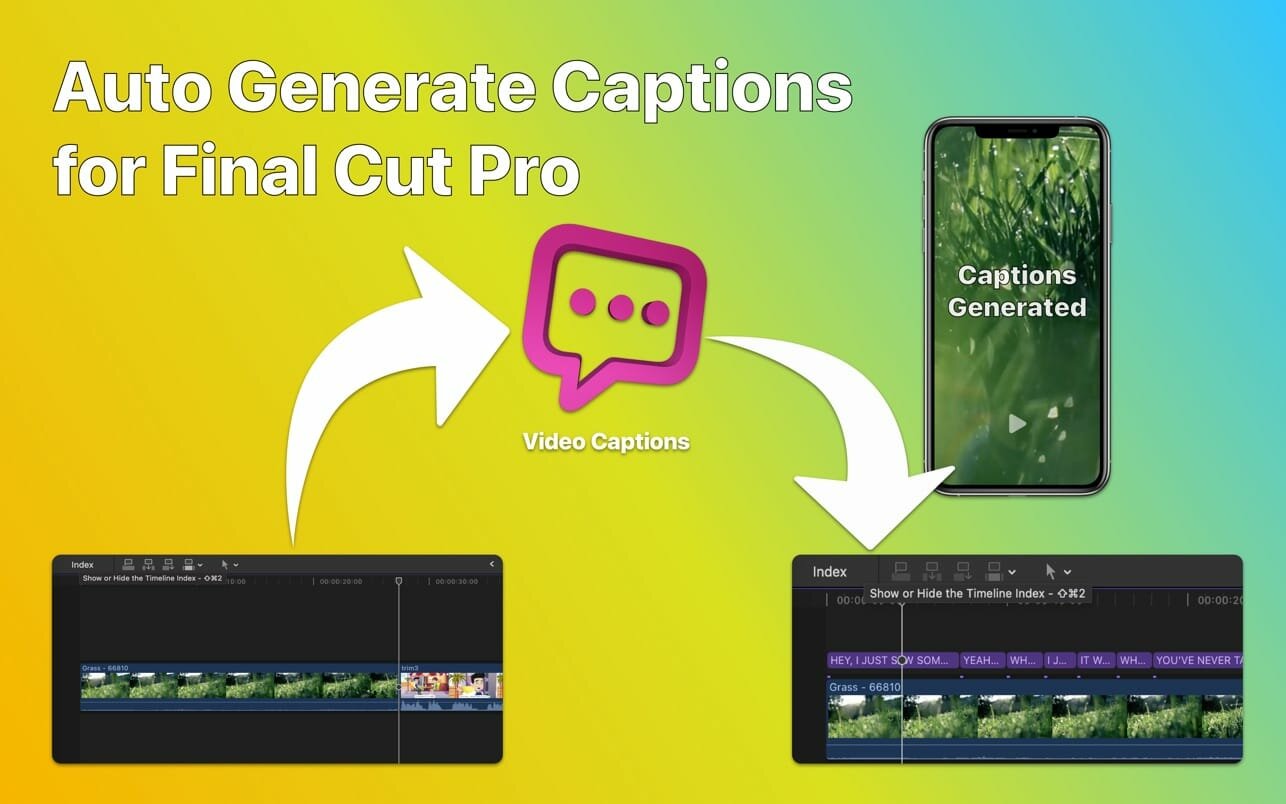
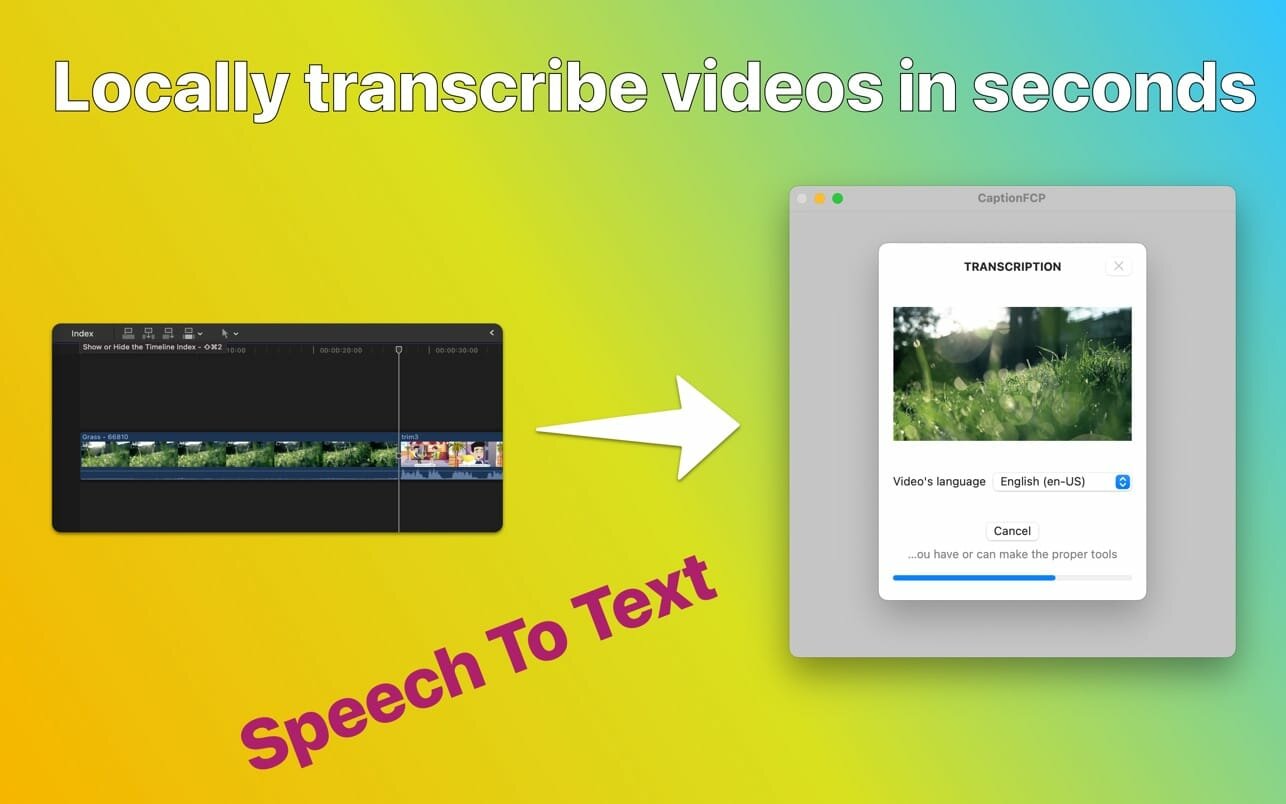
Video Captions for Final Cut Pro use speech-to-text technology to convert audio in Final Cut Pro videos to text and automatically create captions for your project's videos, similar to those seen on YouTube and TikTok videos.
The generated video captions can be edited within the app and are fully editable on the Final Cut Pro timeline.
Main Features
- Connect with Final Cut Pro to receive exported audio for your project
- Automatically transcribe the audio with support for multiple languages
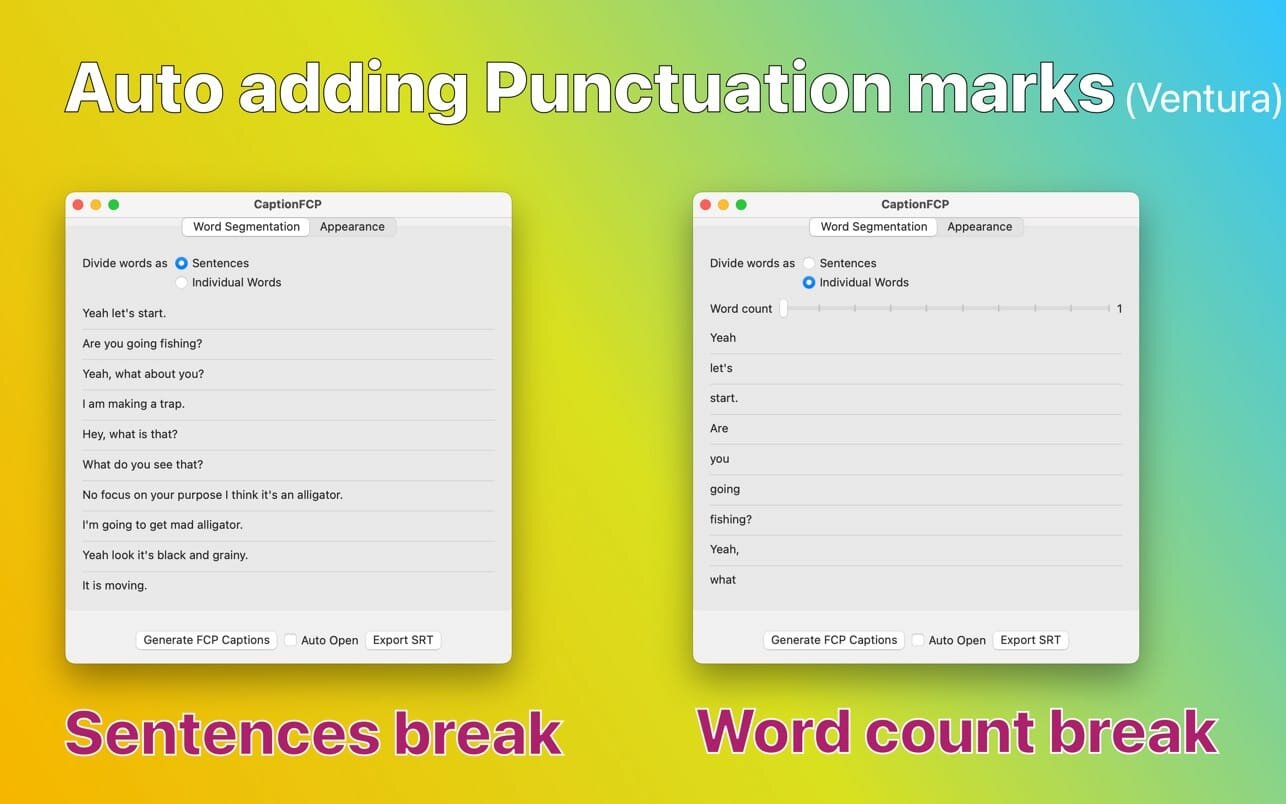
- Divide the generated text into captions as sentences or word by word
- Configure title appearances and animations, including text case, build-in, build-out, text color, stroke color, and stroke width
- Configure caption font name, font face, and font size
- Generate captions and continue editing within your Final Cut Pro project
- Support export in .srt file format.
Version 1.2
- Ability to edit recognized text, manually add punctuation marks.
- Minor bugs fix and other improvements.
Frequently asked questions
How do I install the app?
Mount the image, drag the app into the "Applications" folder and launch it. If the system blocks the launch, allow it in "System Settings → Privacy & Security".
The app is damaged or won't launch
Reinstalling from a fresh image usually helps. Make sure your macOS version matches the one listed in the compatibility specs.
How do I update?
Download the new version from the site and install it over the current one — your settings will be preserved.
The download link doesn't work
Try a mirror or a download manager. For large files the browser often drops the connection.
How do I completely remove the app?
Use an uninstaller utility — it cleans up the service files that remain after moving the app to the trash.




Choose a download source
Caption Generator for FinalCut 1.2.1 · 12.56 MB