plugSHIELD 1.70

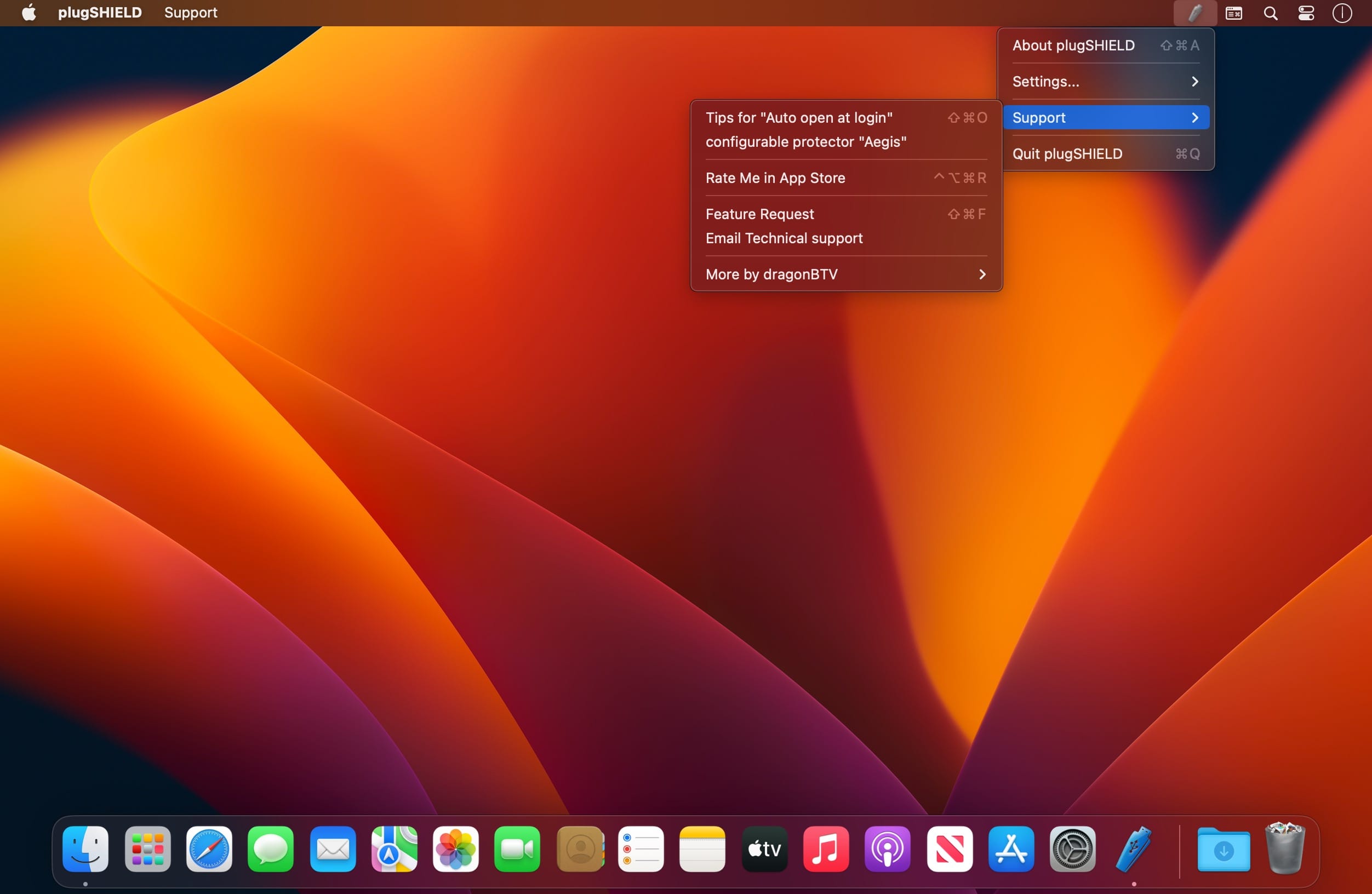
As long as plugSHIELD is running, no one can plug and copy anything from your Mac.
Remember how in the movie Iron Man, Stark's girlfriend managed to steal all of the bad guy's data with a flash drive? You may not be up to villainous deeds, but you probably still want your files safe and secure from any potential thieves.
While activated, plugSHIELD will shut down any plug & mount attempts from USB, firewire, memory card, and other ports. Your mac will refuse to accept portable devices plugged into it, be it a USB flash drive, an SD card, or a firewire removable hard disk.
Also, as a bonus, you may give your iPod or other devices a real quiet power charge without iTunes popping out. The device will be power charged only and can be freely plugged or unplugged at any time.
With the selectable options of beep, alert, and file logging, you may use plugSHIELD on either personal or public computers for any kind of legal usage. As plugSHIELD can record information on the suspicious device and report it back to you, you can track the thief down.
Attention: (feedback to user's review), please just disable the app's dock icon from the setting to make plugSHIELD can NOT be simply FORCE QUIT either.
Features:
- refuse plug & mount attempts from a flash drive and movable disk;
- protect against unwanted intrusions using mobile storage devices on your mac;
- protects your secrets and privacy;
- refuse with switchable beep sound and pop-out alert dialog;
- switchable log option write any attempt to log file, focus your intruder;
- app's quit was password protected;
- dock icon can be hidden;
Version 1.70
- deprecated code updated for Keychain wrapper
- show control panel added to dock menu and main menu
- dark mode supported
- status menu bar icon matches macOS not only dark mode but also the wallpaper light/dark setting
- More by dragonBTV menu updated
Frequently asked questions
How do I install the app?
Mount the image, drag the app into the "Applications" folder and launch it. If the system blocks the launch, allow it in "System Settings → Privacy & Security".
The app is damaged or won't launch
Reinstalling from a fresh image usually helps. Make sure your macOS version matches the one listed in the compatibility specs.
How do I update?
Download the new version from the site and install it over the current one — your settings will be preserved.
The download link doesn't work
Try a mirror or a download manager. For large files the browser often drops the connection.
How do I completely remove the app?
Use an uninstaller utility — it cleans up the service files that remain after moving the app to the trash.





Choose a download source
plugSHIELD 1.70 · 2.82 MB