
Input Recorder 1.7
Screenshots
Click to enlarge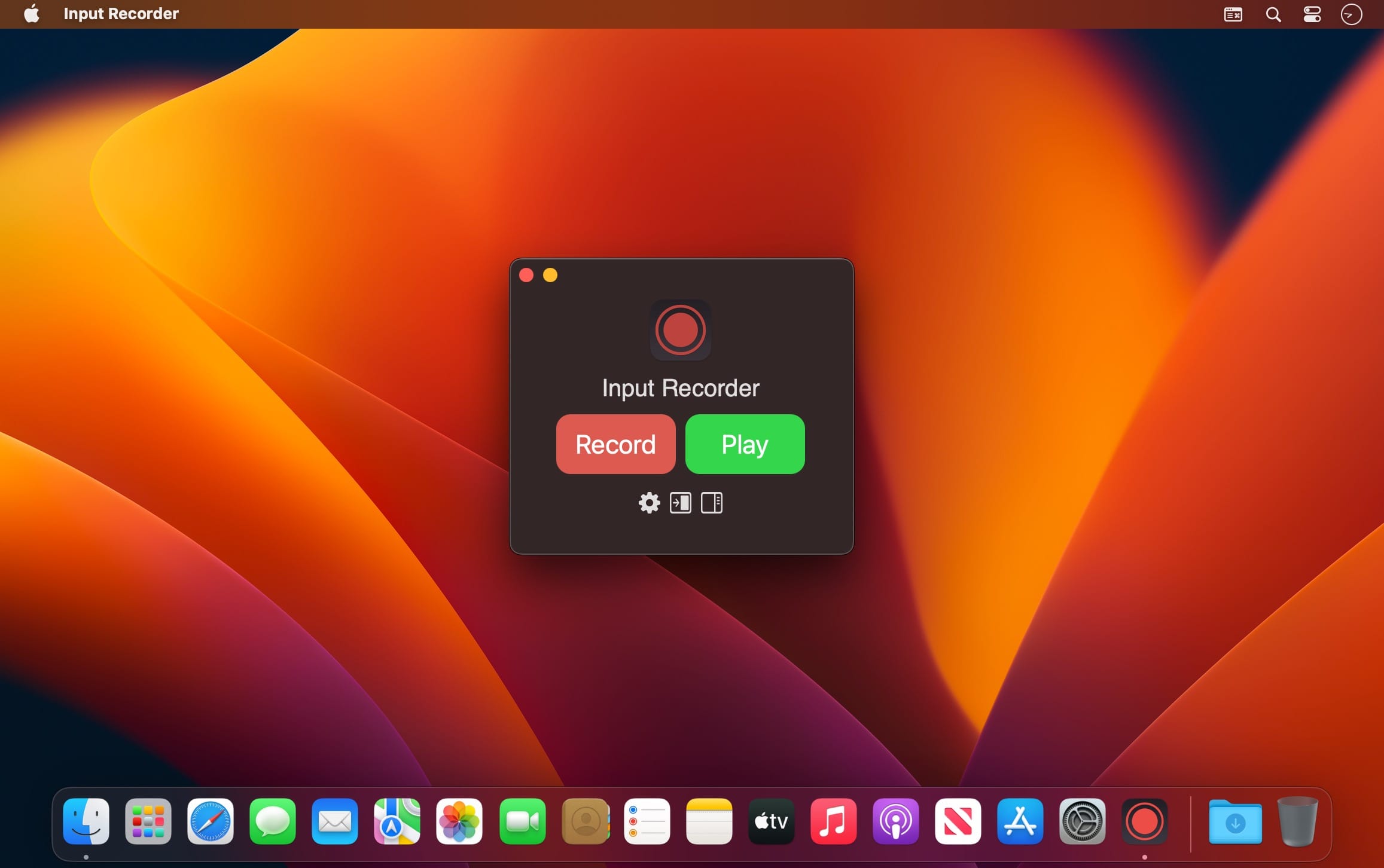
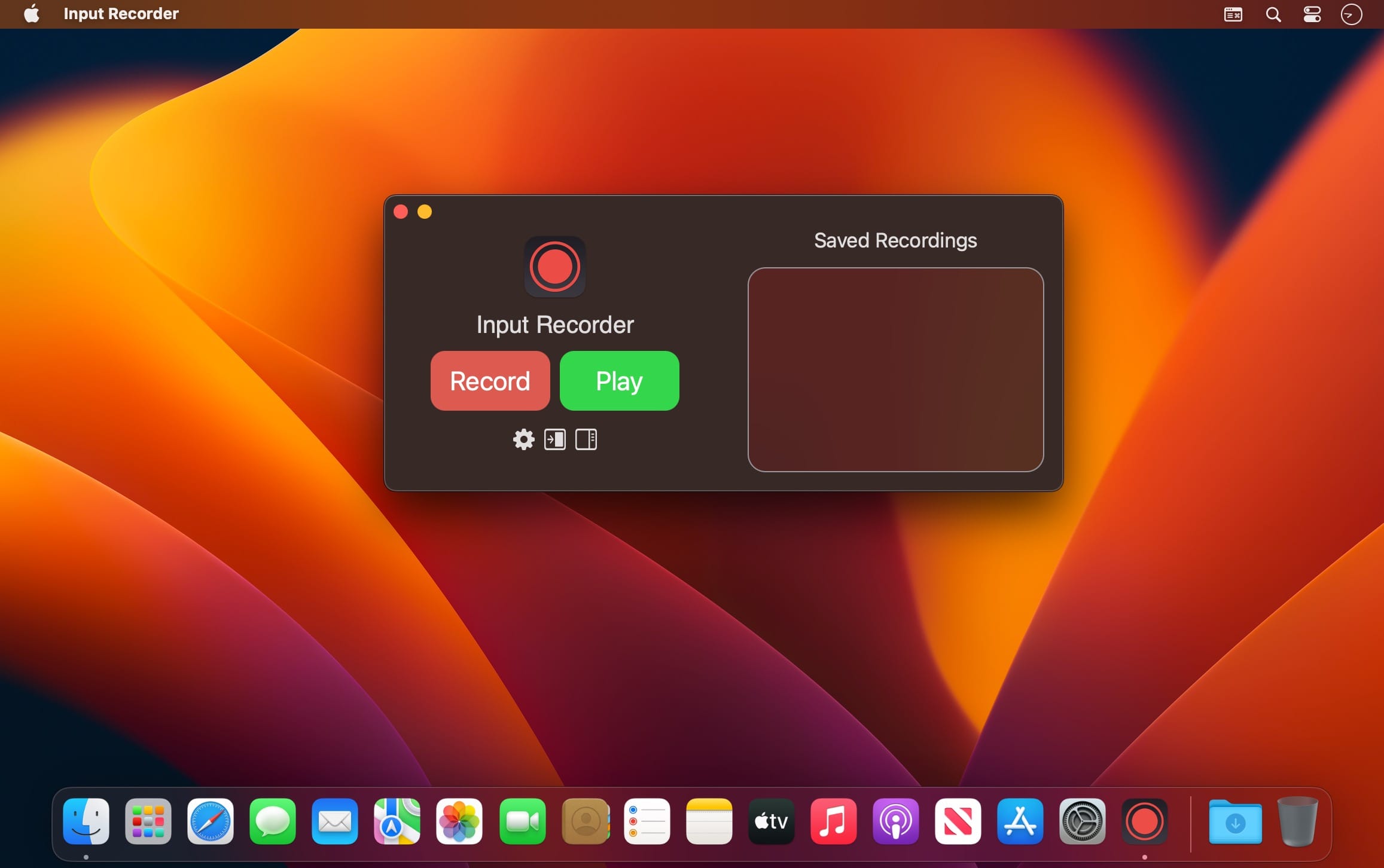
If you have trouble performing repetitive keyboard and mouse actions, Input Recorder can help. Input Recorder allows you to record keyboard and mouse actions and play them back at a later time.
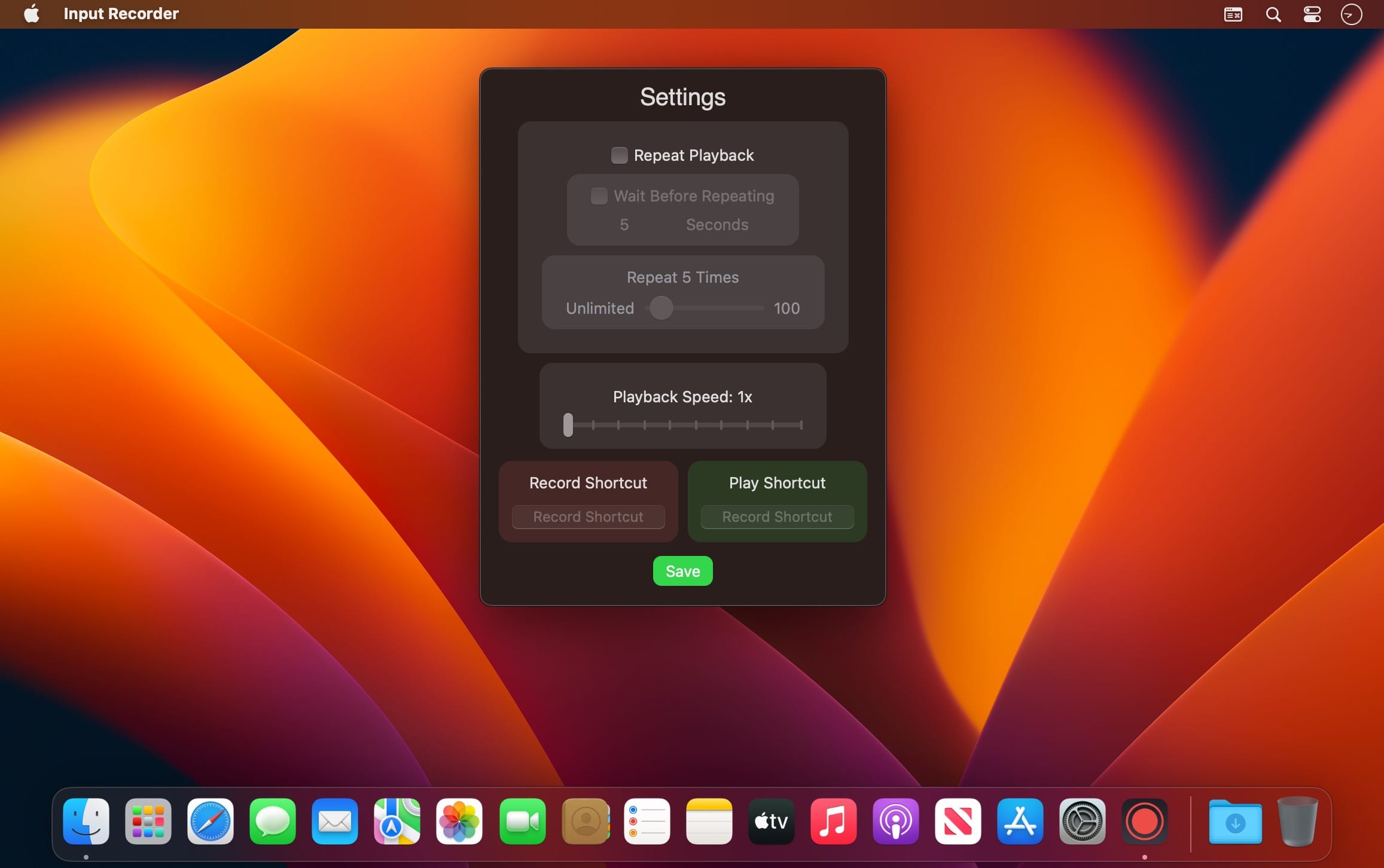
You can even use custom keyboard shortcuts to record and play back actions for you. You can also choose whether to repeat action playback, or to just perform it once.
Features
- Record an unlimited number of keyboard and mouse inputs.
- Play back input actions either once or on repeat.
- Save and name your recordings for playback at a later time.
- Record and play by choosing your own keyboard shortcuts.
- Adjust a recording's playback speed up to 10x.
- Changes appearance when macOS switches to Dark Mode.
Version 1.7
- You can now adjust a recording's playback speed up to 10x.
Comments
No comments yet. Be the first.
Information
Visitors in the group Guests cannot leave comments on this publication.