Bigasoft iMovie Converter 5.7.2.8768
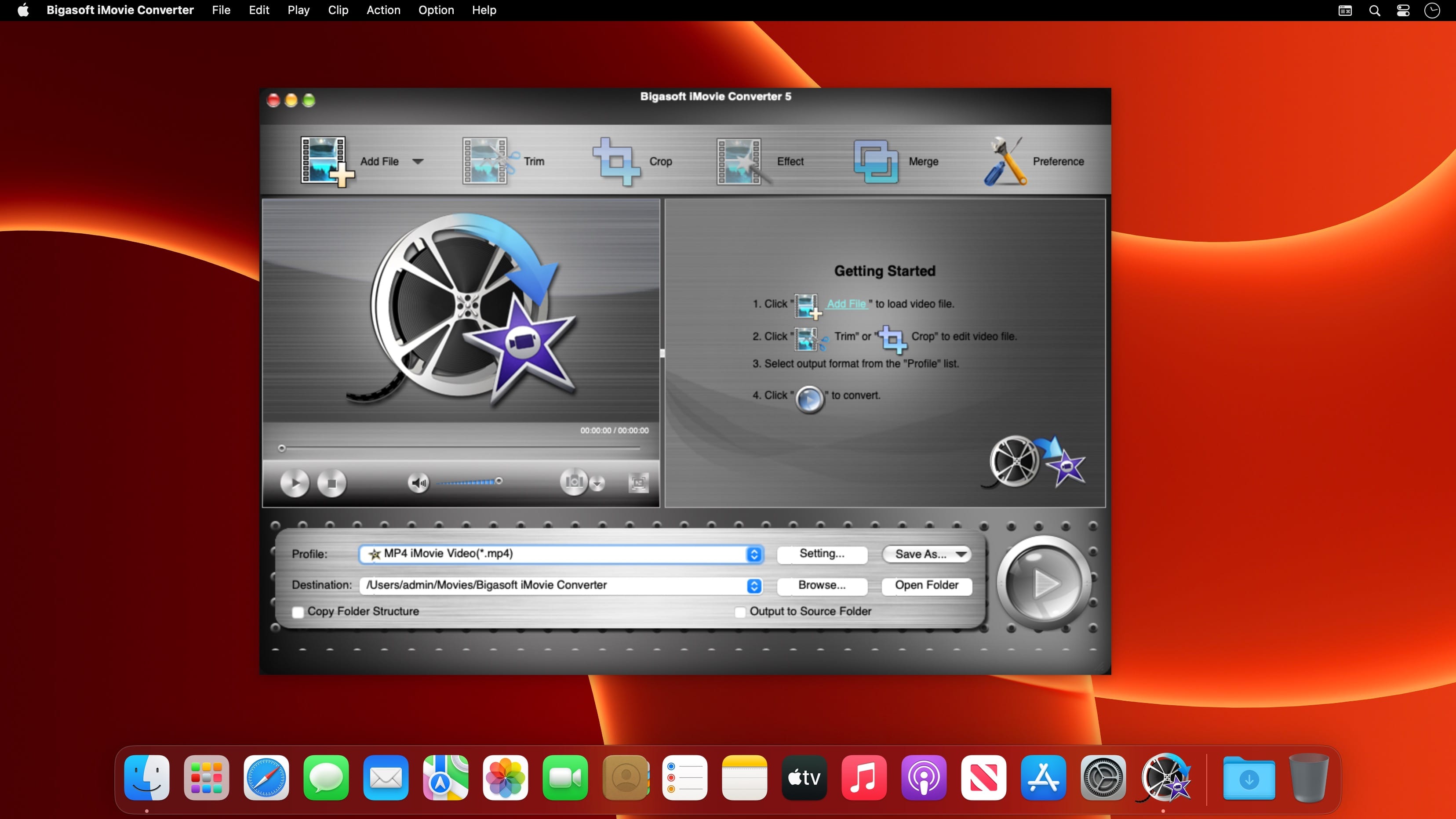

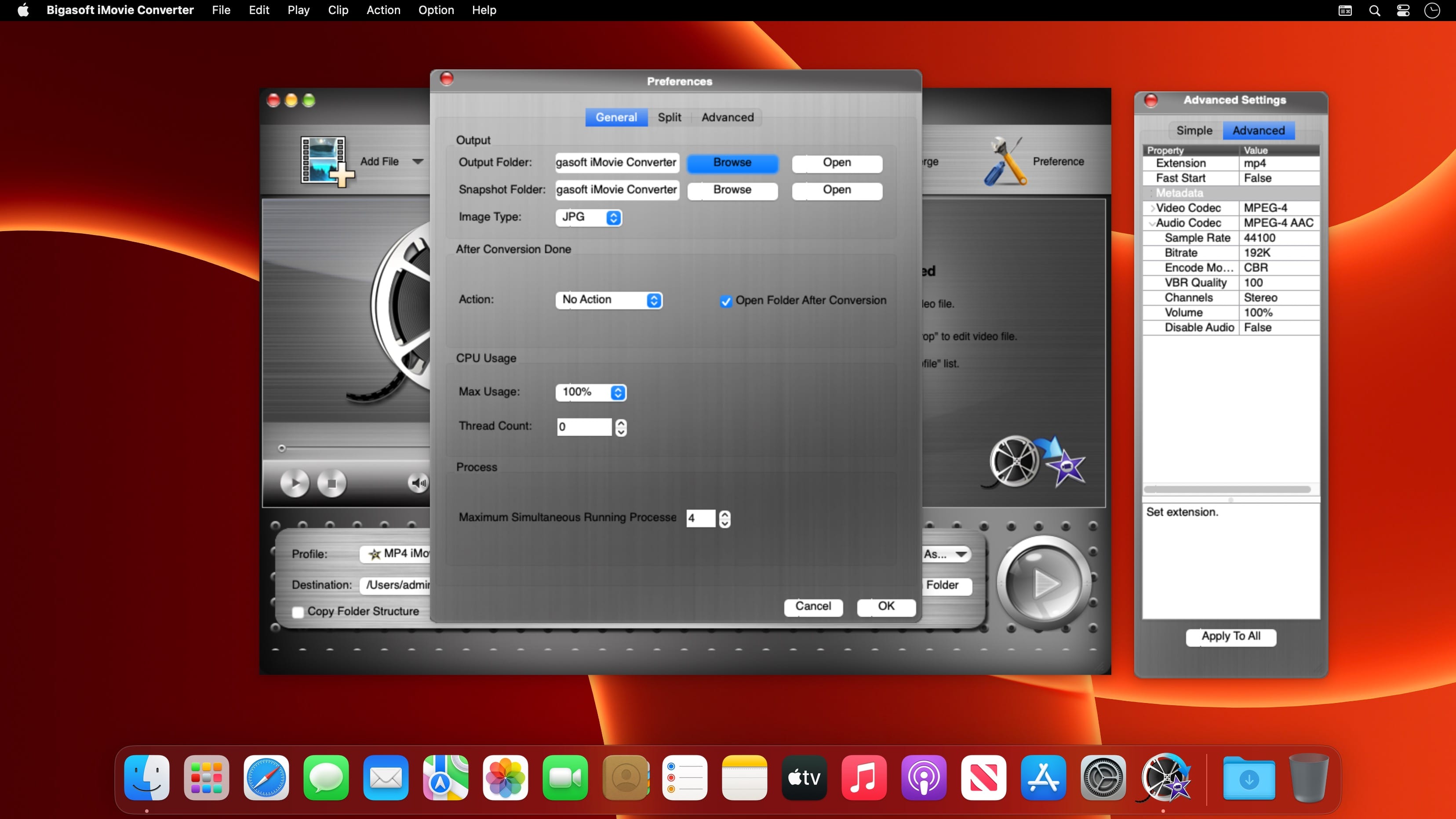
Bigasoft iMovie Converter, a professional iMovie video converter, is especially designed to convert all kinds of movies including AVI, MTS, MKV, FLV, MOD, and more to MP4 for fast import to iMovie on Mac OS X Lion, Snow Leopard, Tiger, and Leopard.
The powerful video converter for iMovie allows to easily convert and fast import all movie clips in AVI, DivX, Xvid, ASF, WMV, MKV, MPEG, RM, RMVB, VOB, 3GP, FLV, MOD, TOD, MOV, AVCHD, MTS, M2TS, MP4, H.264, and more to an iMovie friendly format MP4 with great output quality on Mac OS X. With the video converter for iMovie, you can easily import MTS to iMovie, convert AVI to iMovie, import MOD to iMovie, convert MPG to iMovie, and more.
Fans are no longer restricted to footages which can be played by QuickTime. Convert any video files to iMovie compatible format MP4 for fast import to iMovie.
Key Features:
Convert to iMovie
Because iMovie uses QuickTime to process video and audio footage, you are restricted to work with rare footages from formats including DV, DV Widescreen, HDV, MPEG-4, iSight. To work with any movie clips in iMovie, you need to convert them including AVI, DivX, Xvid, ASF, WMV, MKV, MPEG, RM, RMVB, VOB, 3GP, FLV, MOD, TOD, MOV, AVCHD, MTS, M2TS, MP4, H.264, and more to iMovie compatible format MP4 for fast import to iMovie with the powerful conversion utility.
Fast import to iMovie
MPEG 4 Simple Profile is the best format to iMovie for fast importing into iMovie. Bigasoft iMovie Converter helps to easily convert all your video clips to MPEG 4 for fast import to iMovie for iOS, import to iMovie '11, import to iMovie '09 or import to iMovie '08.
Preview clips before convert
The iMovie converter for Mac allows you to simultaneously preview movies to be converted before a lengthy process.
Trim footages
Adjust output video effects like cut video into small pieces, remove black edge of movie to best fit for your home video.
Easy to follow application
Bigasoft iMovie Converter offers you super concise and intuitive user interface, only in one click, all footages are already to import to iMovie. It is that easy.
Support multiple languages
Multiple languages are available including English, German, French, Spanish, Italian, Arabic, Chinese, Japanese, and more in the perfect video converter for iMovie.
Frequently asked questions
How do I install the app?
Mount the image, drag the app into the "Applications" folder and launch it. If the system blocks the launch, allow it in "System Settings → Privacy & Security".
The app is damaged or won't launch
Reinstalling from a fresh image usually helps. Make sure your macOS version matches the one listed in the compatibility specs.
How do I update?
Download the new version from the site and install it over the current one — your settings will be preserved.
The download link doesn't work
Try a mirror or a download manager. For large files the browser often drops the connection.
How do I completely remove the app?
Use an uninstaller utility — it cleans up the service files that remain after moving the app to the trash.
Choose a download source
Bigasoft iMovie Converter 5.7.2.8768 · 50.16 MB