Aiseesoft iPhone Video Converter 8.1.18
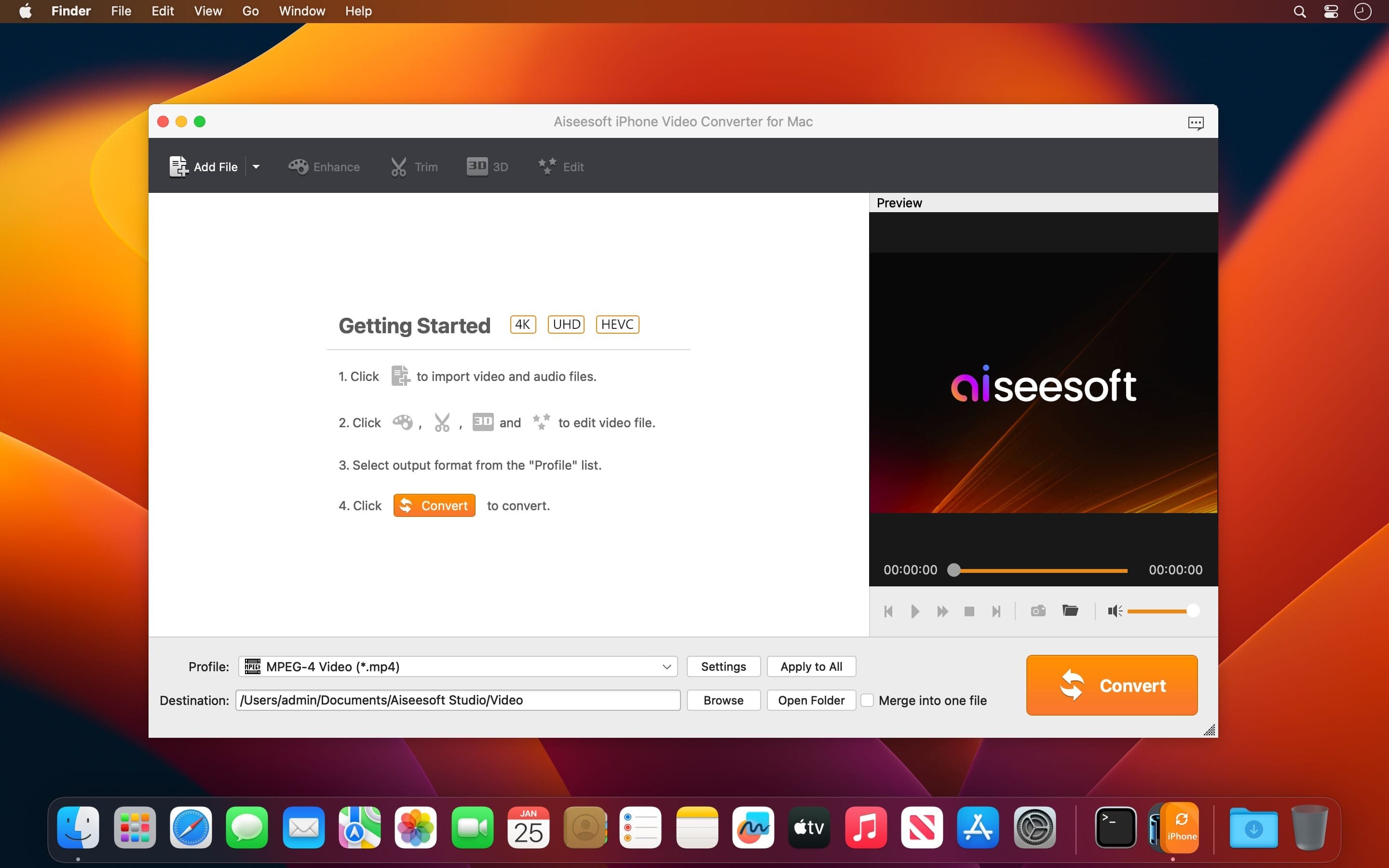
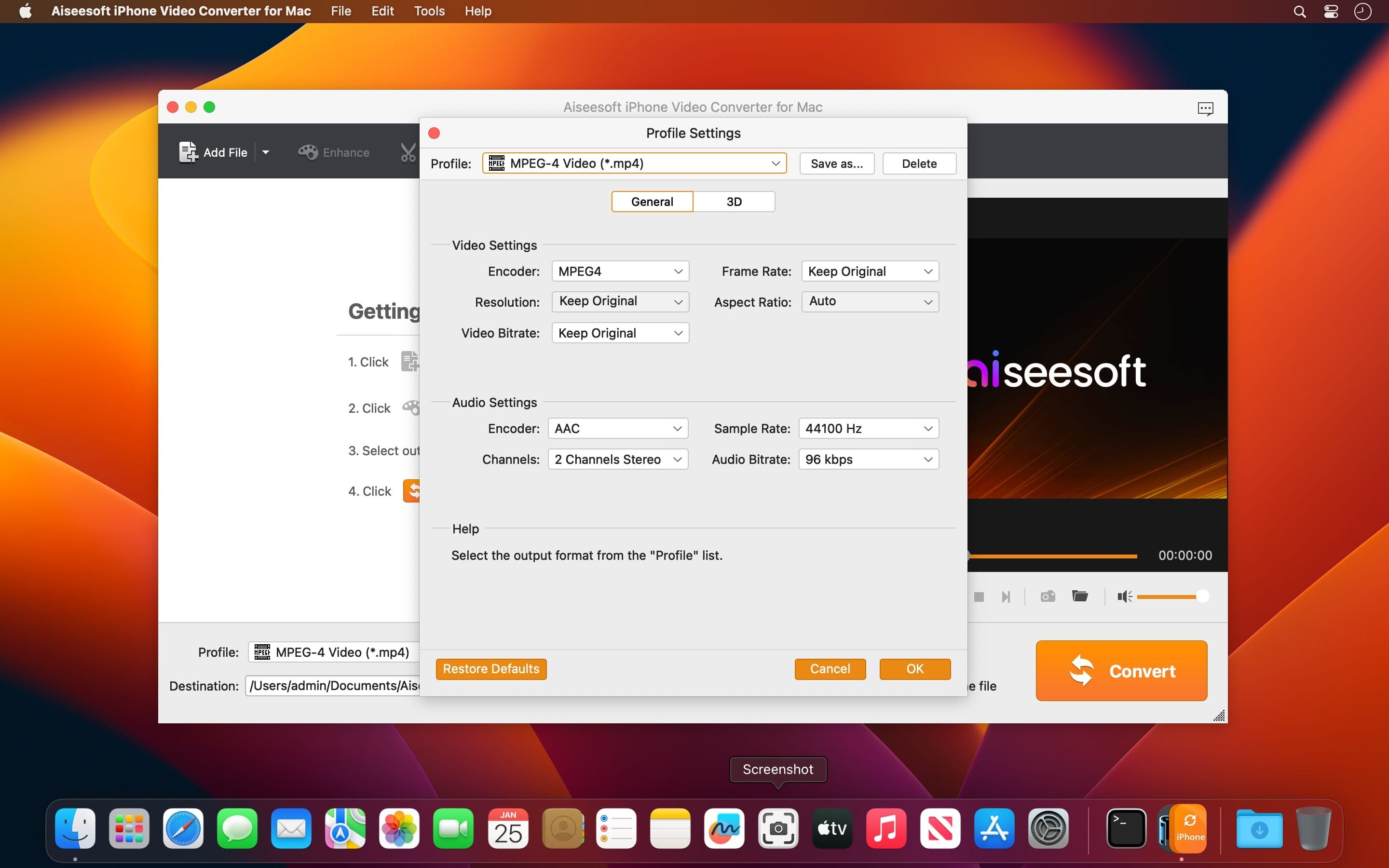
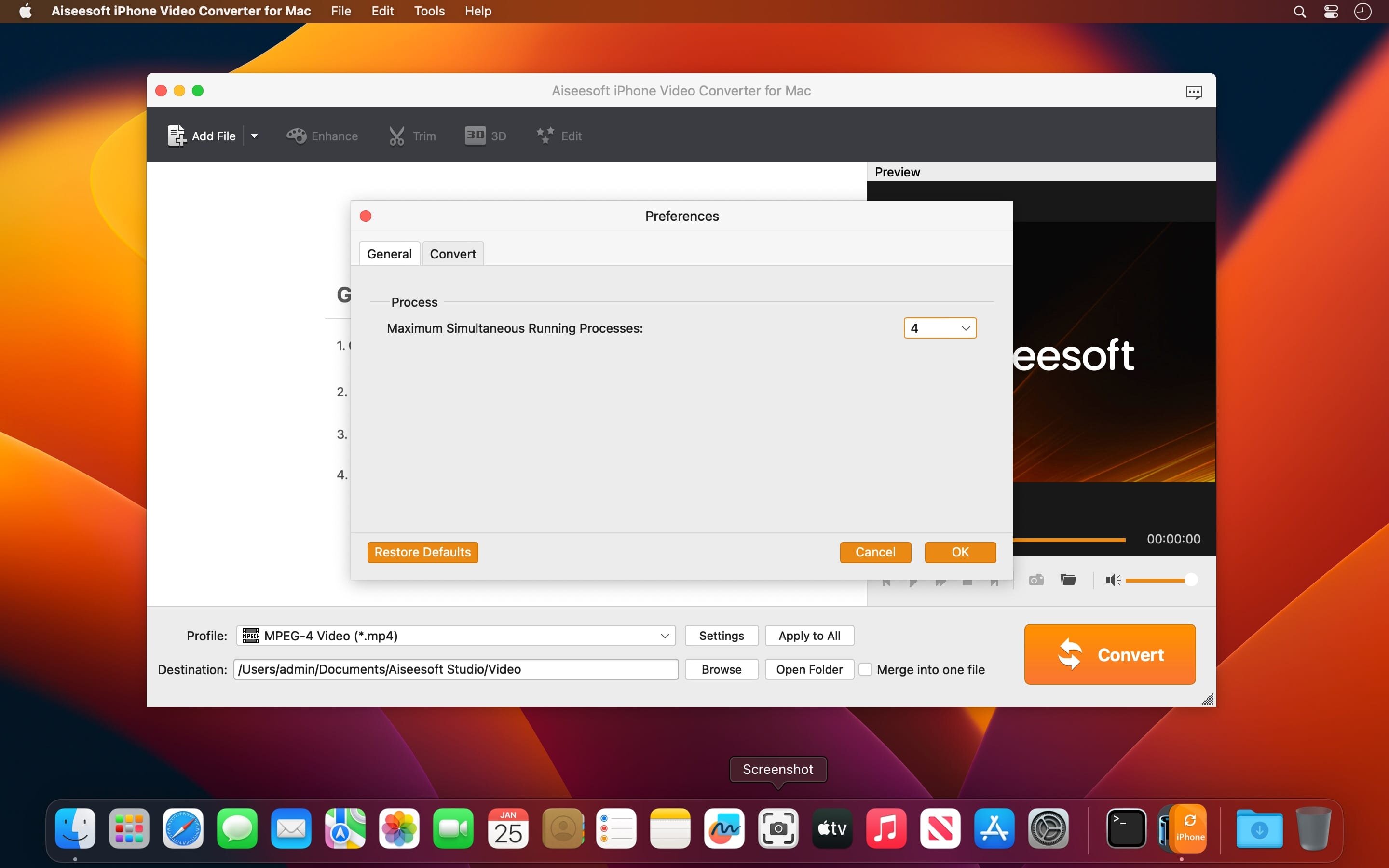
iPhone Video Converter is the professional video to iPhone converting software. It has the capability to convert any video to iPhone supported video/audio file with high image and sound quality. Moreover, it is designed with many powerful editing features to edit video, adjust effects and enhance quality.
Aiseesoft iPhone Video Converter allows you to make your own iPhone movie now. It enables you to put video in any format on iPhone, such as MPG/MPEG/MPEG 2/VOB/DAT/MP4/M4V/RM/RMVB/WMV/MKV/3GP/3G2/FLV/AVI, etc. Local movies, recorded video clips can all be converted to iPhone video. This iPhone converter can help you convert online video you have saved to iPhone video such as H.264/MPEG-4 AVC Video (*.mp4), H.264 HD Video(*.mp4) and MOV.
Version 8.1.18:
- Updates: official site does not provide any info about changes in this version
Frequently asked questions
How do I install the app?
Mount the image, drag the app into the "Applications" folder and launch it. If the system blocks the launch, allow it in "System Settings → Privacy & Security".
The app is damaged or won't launch
Reinstalling from a fresh image usually helps. Make sure your macOS version matches the one listed in the compatibility specs.
How do I update?
Download the new version from the site and install it over the current one — your settings will be preserved.
The download link doesn't work
Try a mirror or a download manager. For large files the browser often drops the connection.
How do I completely remove the app?
Use an uninstaller utility — it cleans up the service files that remain after moving the app to the trash.


Choose a download source
Aiseesoft iPhone Video Converter 8.1.18 · 55.83 MB