
GIFfun - Video,Photos to GIF 10.8.22
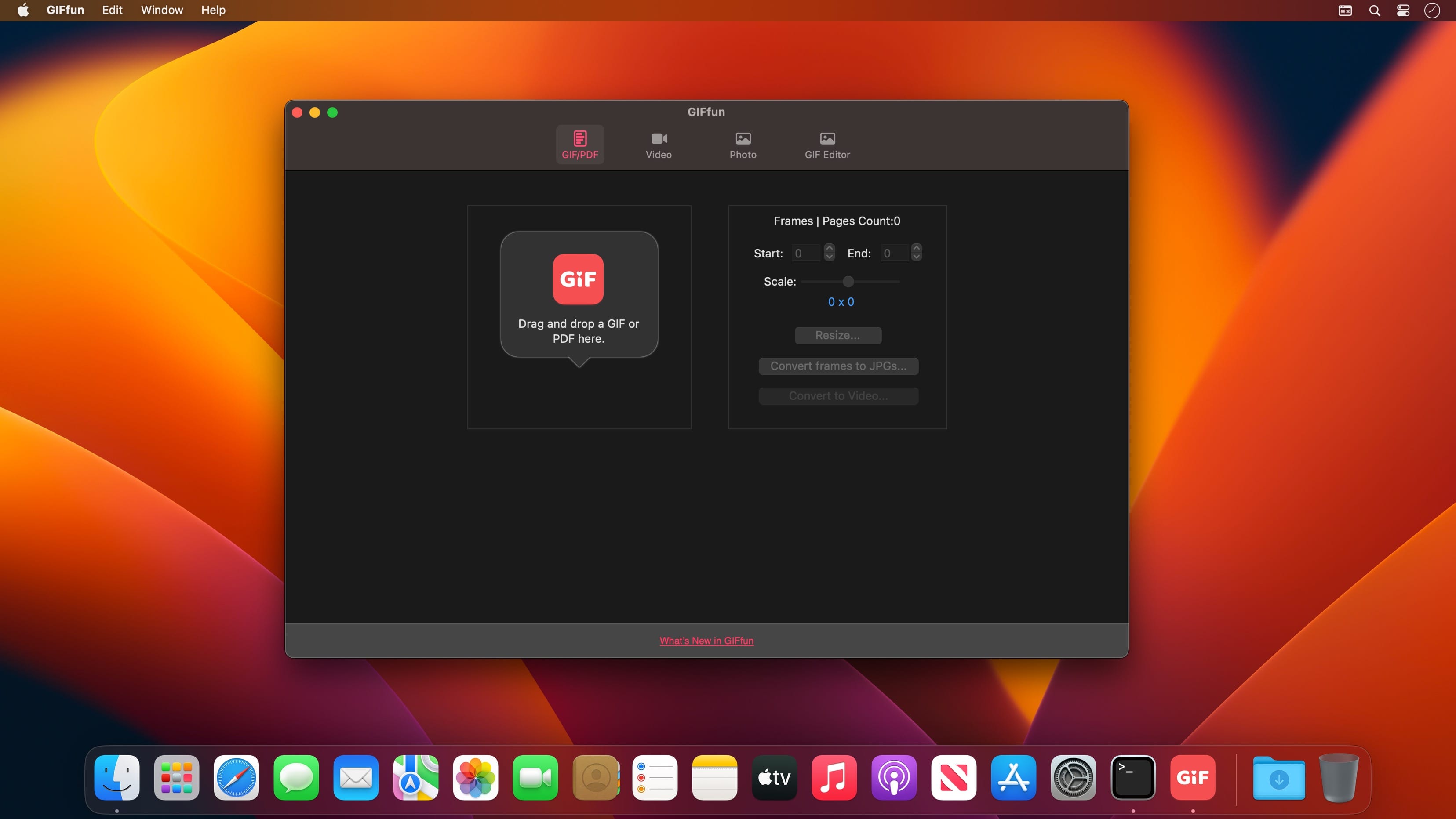
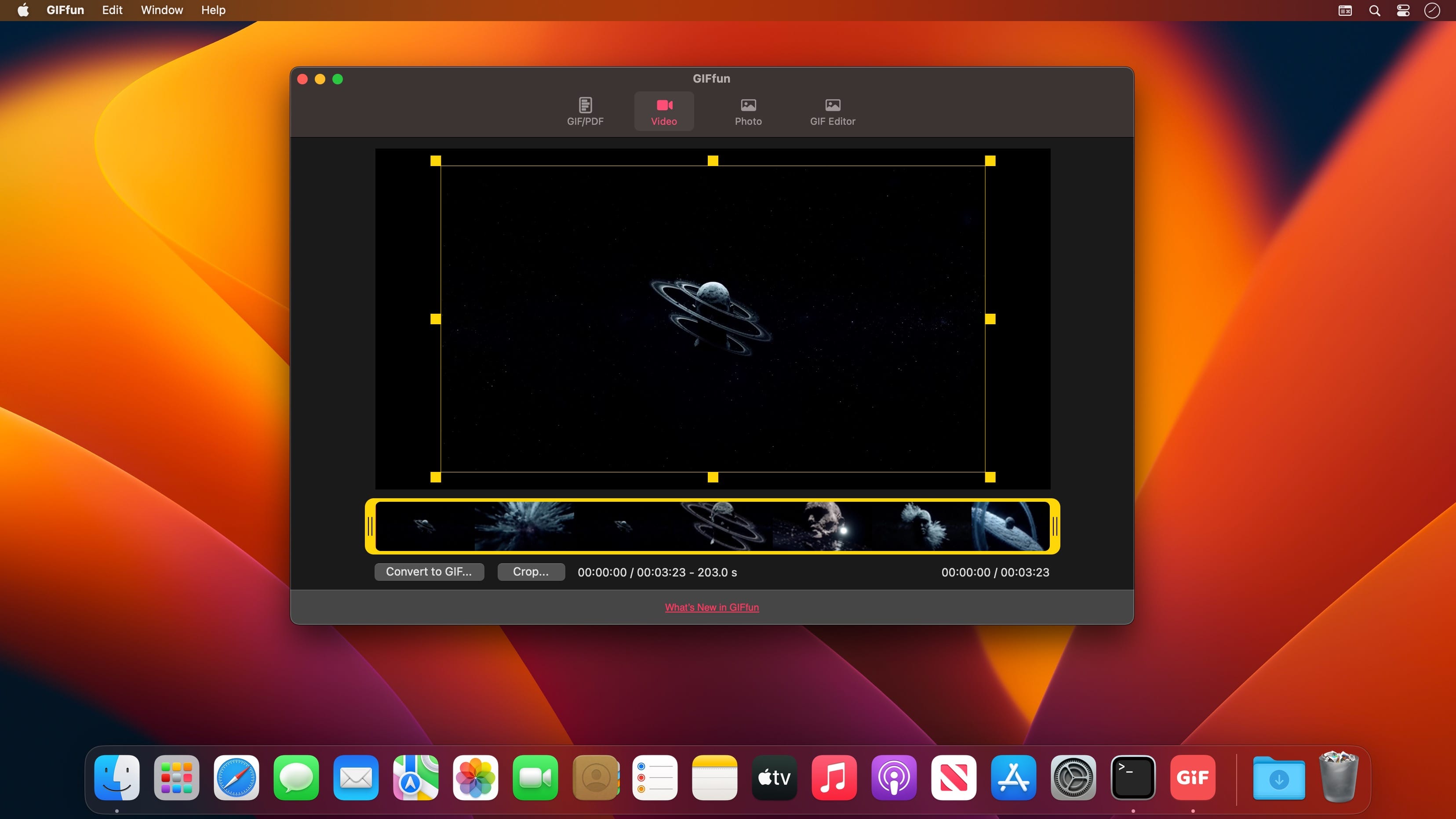
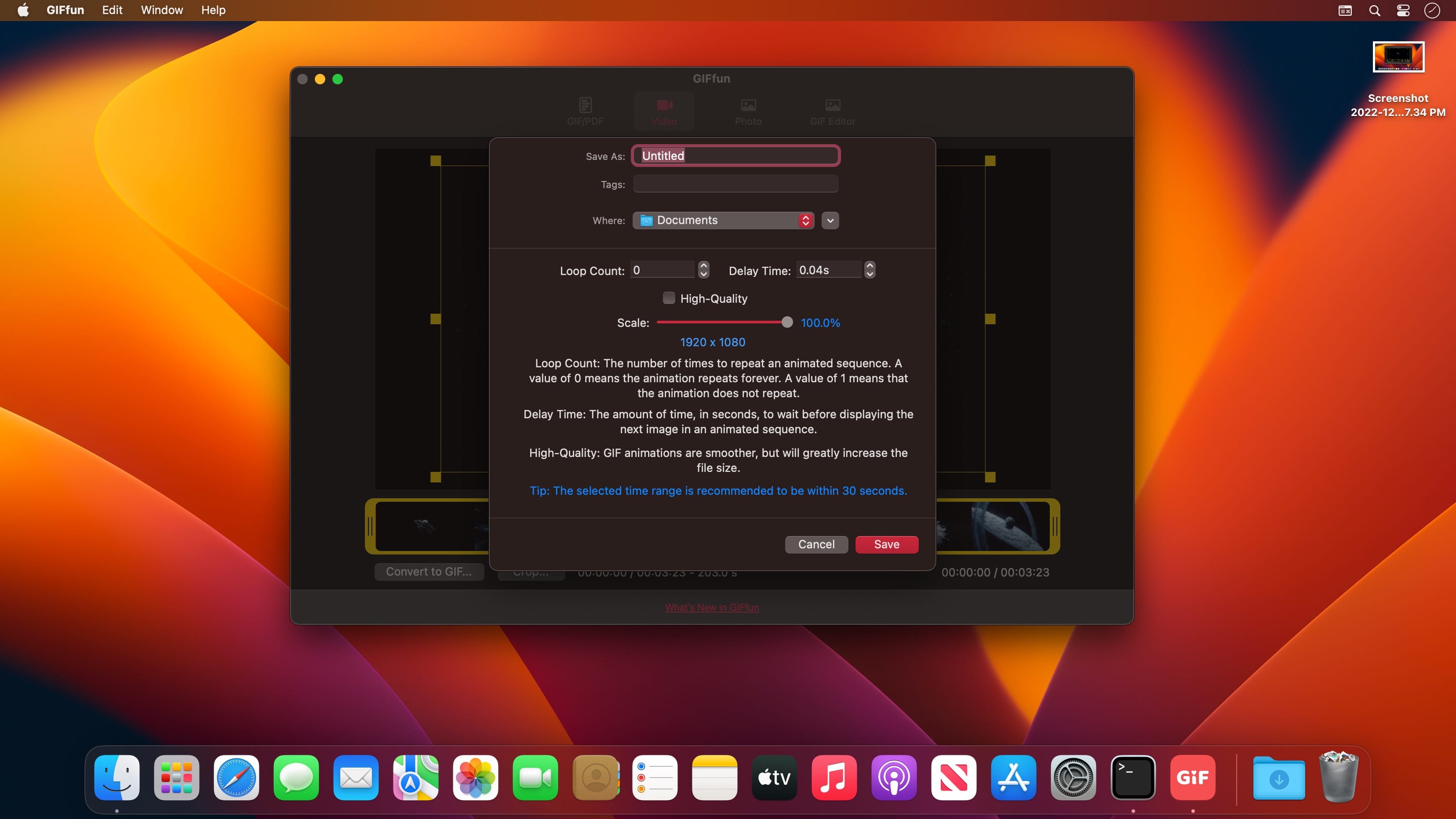
GIFfun is a GIF maker that allows you to create animated GIFs from your life photos and videos. It's the best GIF editor to animate your photos/videos in a few seconds.
Main Features
- GIF to Video
Convert gif to video. - Video to GIF
Convert video to gif. - Photos to GIF
Convert multiple pictures to gif. - Photos to Video
Convert multiple pictures to video. - GIF to JPGs
Export every frame of gif to jpgs. - Resize GIF
Change gif dimensions. - PDF to GIF
Convert pdf to gif. - PDF to JPGs
Export every page of pdf to jpgs. - Crop Video
Crop video to short video.
You need to upgrade to the professional version to unlock the following features.
- Crop Video *
- Video to GIF *
- GIF to Video *
- Pictures to Video *
Version 10.8.22
- Fixed known issues and improved stability.
- Video-to-GIF conversion now supports custom sizes.
Frequently asked questions
How do I install the app?
Mount the image, drag the app into the "Applications" folder and launch it. If the system blocks the launch, allow it in "System Settings → Privacy & Security".
The app is damaged or won't launch
Reinstalling from a fresh image usually helps. Make sure your macOS version matches the one listed in the compatibility specs.
How do I update?
Download the new version from the site and install it over the current one — your settings will be preserved.
The download link doesn't work
Try a mirror or a download manager. For large files the browser often drops the connection.
How do I completely remove the app?
Use an uninstaller utility — it cleans up the service files that remain after moving the app to the trash.





Choose a download source
GIFfun - Video,Photos to GIF 10.8.22 · 9.44 MB