
iMedia Cutter 5.6.7
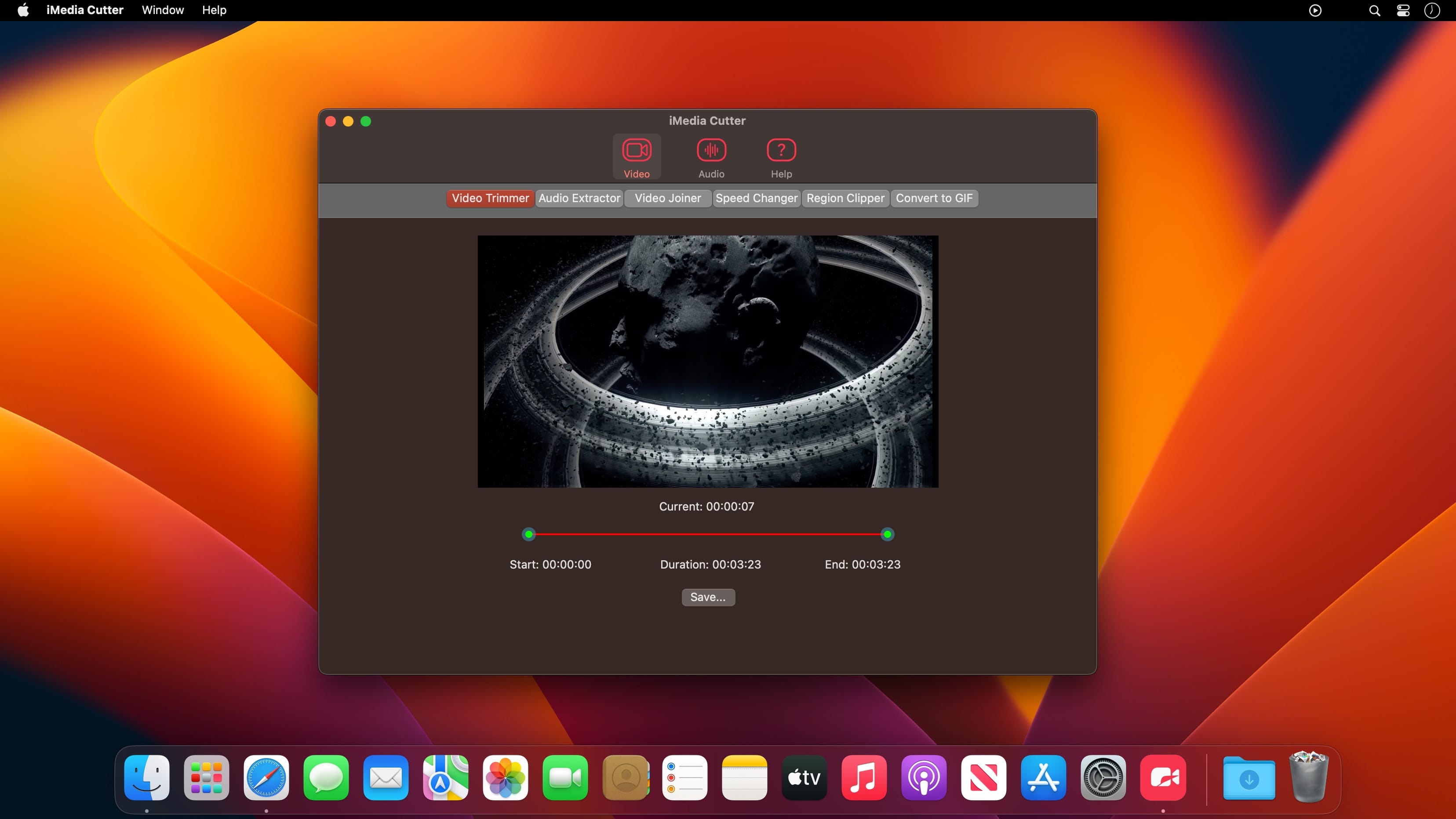
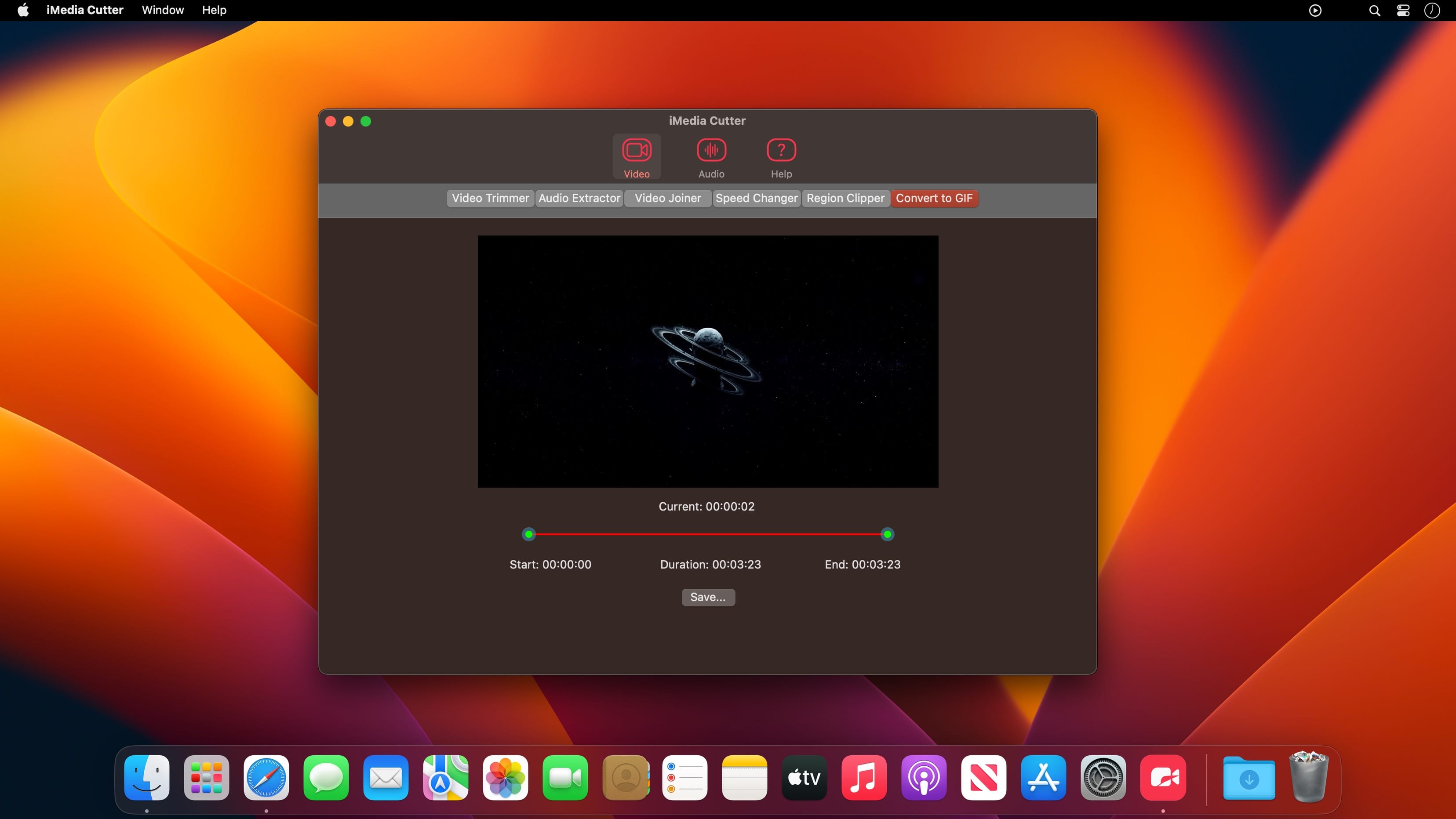

Audio & Video editing. Functions such as Voice Changer, Noise Reduction, Audio Governor, Speed Changer, Region Clipper, Convert video to GIF.
Video
- Video Trimmer - Crop video.
- Audio Extractor - Extract audio from video.
- Video Joiner - Merge multiple videos into one.
- Speed Changer - Speed up or slow down the video.
- Region Clipper - Export a region of the video as a video.
- Convert to GIF - Convert video to gif.
Audio
- Audio Trimmer - Trim audio.
- Audio Joiner - Merge multiple audios.
- Audio Mixer - Mix multiple audios.
- Voice Changer - Adjust audio tempo and pitch.
- Noise Reduction - Audio noise reduction.
- Audio Governor - Adjust audio playback speed.
Version 5.6.7
- Various bug fixes and improvements.
Frequently asked questions
How do I install the app?
Mount the image, drag the app into the "Applications" folder and launch it. If the system blocks the launch, allow it in "System Settings → Privacy & Security".
The app is damaged or won't launch
Reinstalling from a fresh image usually helps. Make sure your macOS version matches the one listed in the compatibility specs.
How do I update?
Download the new version from the site and install it over the current one — your settings will be preserved.
The download link doesn't work
Try a mirror or a download manager. For large files the browser often drops the connection.
How do I completely remove the app?
Use an uninstaller utility — it cleans up the service files that remain after moving the app to the trash.





Choose a download source
iMedia Cutter 5.6.7 · 17.5 MB