
4K Video Downloader Pro 5.0.0.5303
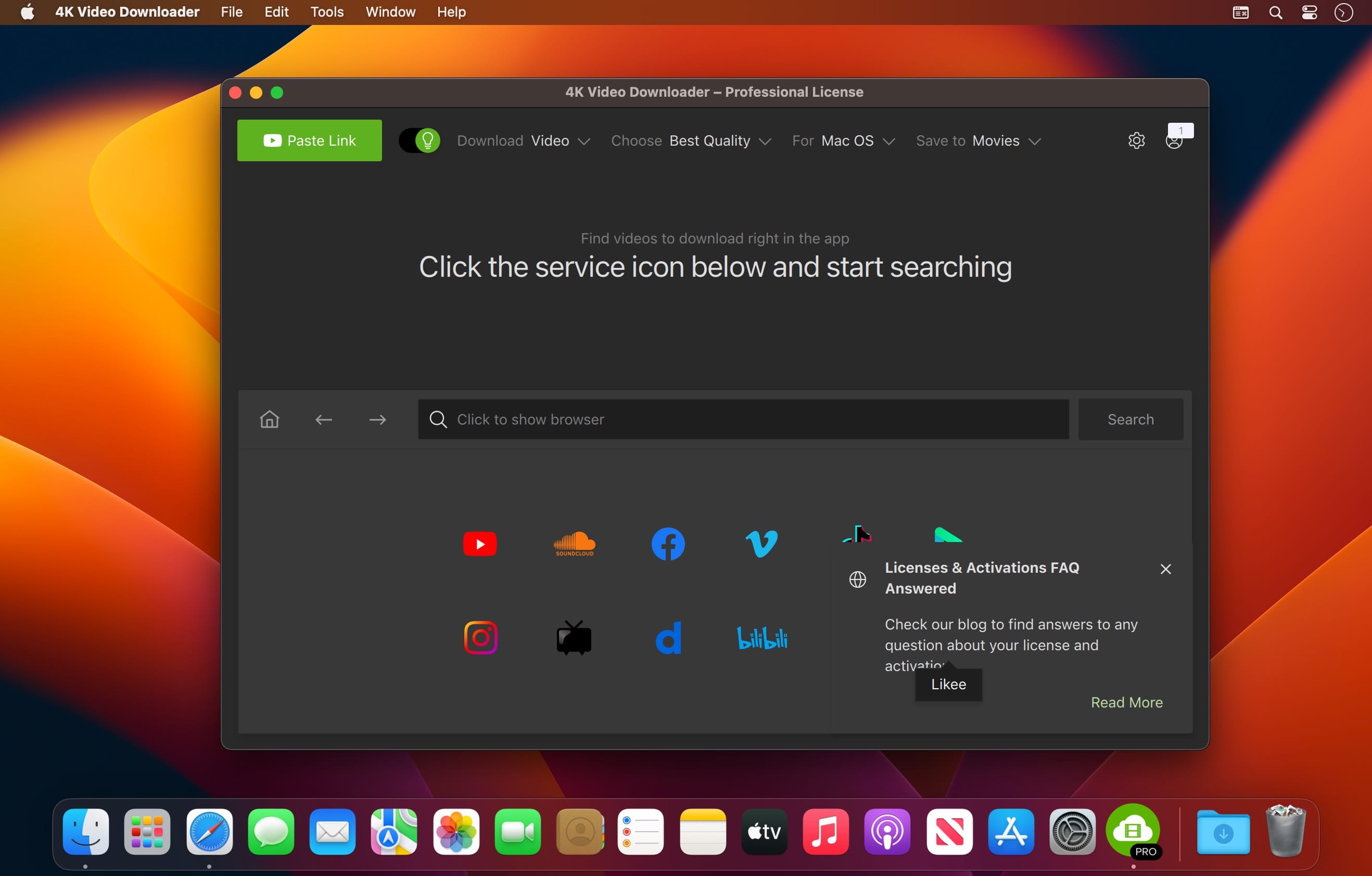
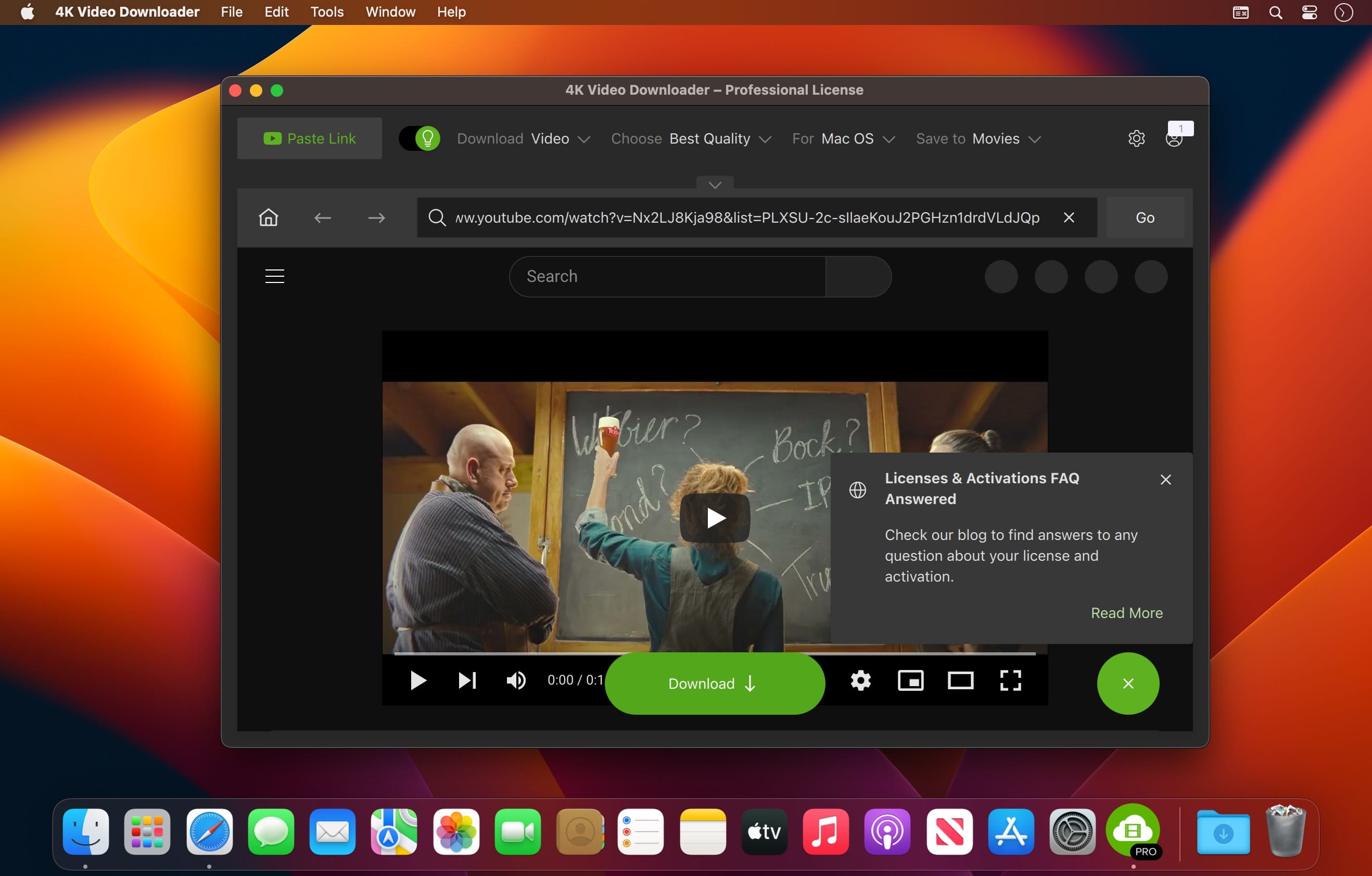
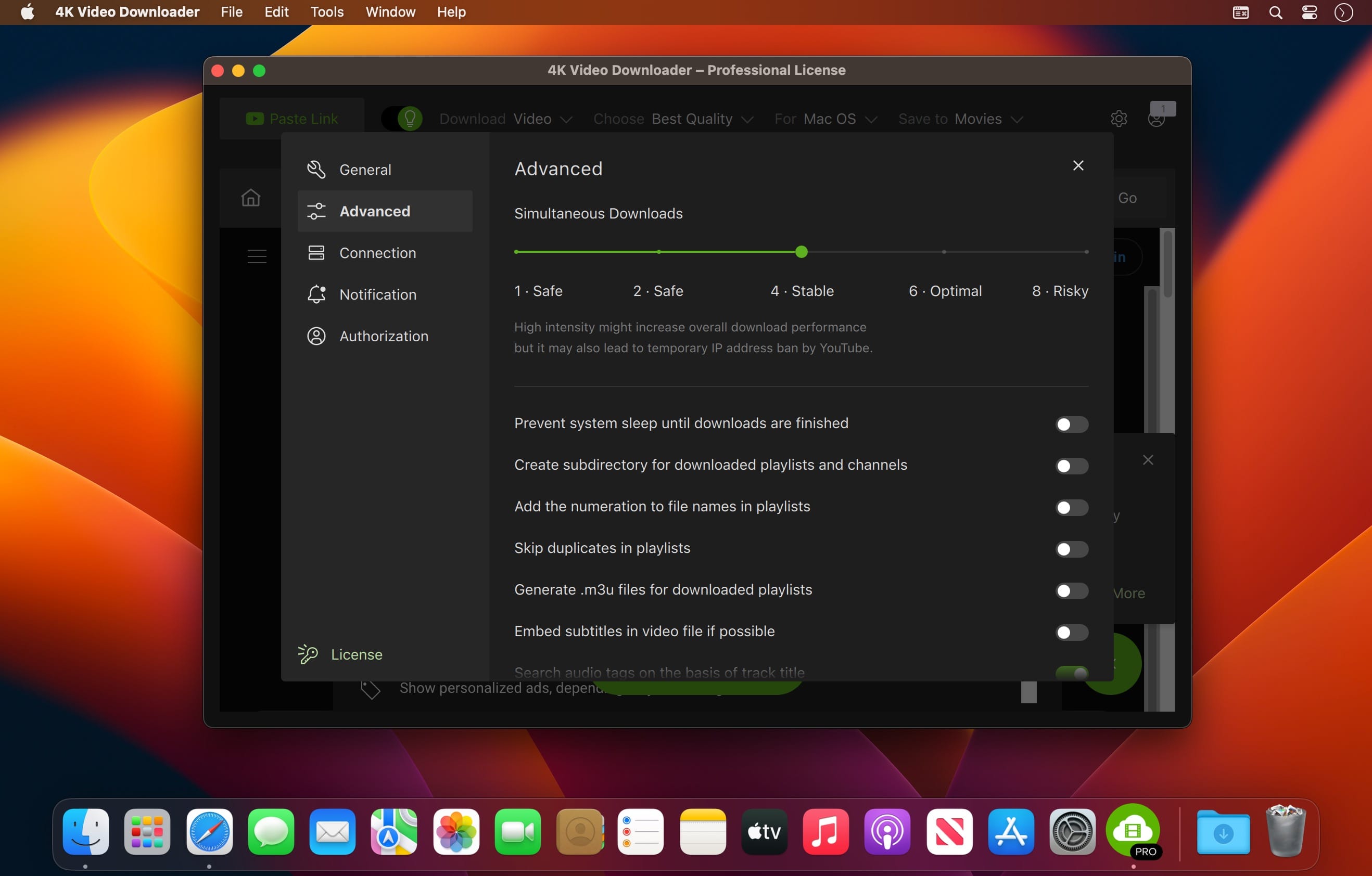
4K Video Downloader offers you the possibility to download content from popular online resources and make them compatible with other devices, such as your iPad or iPhone. The utility can work with high-quality videos, but it can also extract only the audio content.
User-friendly solution for downloading videos from online sharing services
4K Video Downloader offers you the possibility to download HD and 4K quality video content from various sharing services, such as YouTube, Vimeo, DailyMotion, Facebook, Flickr, or SoundCloud.
To get started, just paste the URL to the video page in the 4K Video Downloader main window and the utility will automatically detect the content and allow you to choose the output quality and file format.
4K Video Downloader can download videos and export them to MP4 or MKV files to a location of your choice. In addition, the app can also extract only the audio file and use the MP3, M4A, or OGG file formats for the output.
Streamline the download procedure by downloading entire YouTube playlists or channels
For your convenience, 4K Video Downloader comes with a Smart Mode that will apply the same user defined settings to all your downloads.
On the other hand, 4K Video Downloader can also process entire YouTube channels or playlist, hence eliminating the need to manually provide the link to each video.
Given that 4K Video Downloader can output the data to popular video and audio file formats, you will be able to transfer the files to other devices without having to worry about compatibility issues.
Efficient solution for downloading high-quality videos
To conclude 4K Video Downloader can be used to download video and audio content from popular media sharing websites with minimal effort.
You can apply the same settings to all your downloads to streamline the process, or you can batch download all the entries included in a playlist or published on a particular YouTube channel.
Version 5.0.0.5203:
- Release notes were unavailable when this listing was updated.
Frequently asked questions
How do I install the app?
Mount the image, drag the app into the "Applications" folder and launch it. If the system blocks the launch, allow it in "System Settings → Privacy & Security".
The app is damaged or won't launch
Reinstalling from a fresh image usually helps. Make sure your macOS version matches the one listed in the compatibility specs.
How do I update?
Download the new version from the site and install it over the current one — your settings will be preserved.
The download link doesn't work
Try a mirror or a download manager. For large files the browser often drops the connection.
How do I completely remove the app?
Use an uninstaller utility — it cleans up the service files that remain after moving the app to the trash.





Choose a download source
4K Video Downloader Pro 5.0.0.5303 · 193.85 MB