
JavaScript for Web Designers
Web designers can significantly expand their skill set and job prospects by getting comfortable with javascript. It allows you to do things with your websites that would be impossible with HTML and CSS alone. Learn some basic, real-world uses for javascript in this course with Joe Chellman. You'll find out how to work with javascript in the browser and in a code editor, add javascript to a form, read data from that form, and check input for errors. Plus, learn how to transform a long, scrolling page into a smart and stylish tabbed interface and add interactive content through APIs like Google Maps.
Topics include:
- What is javascript?
- Adding interactivity to your site
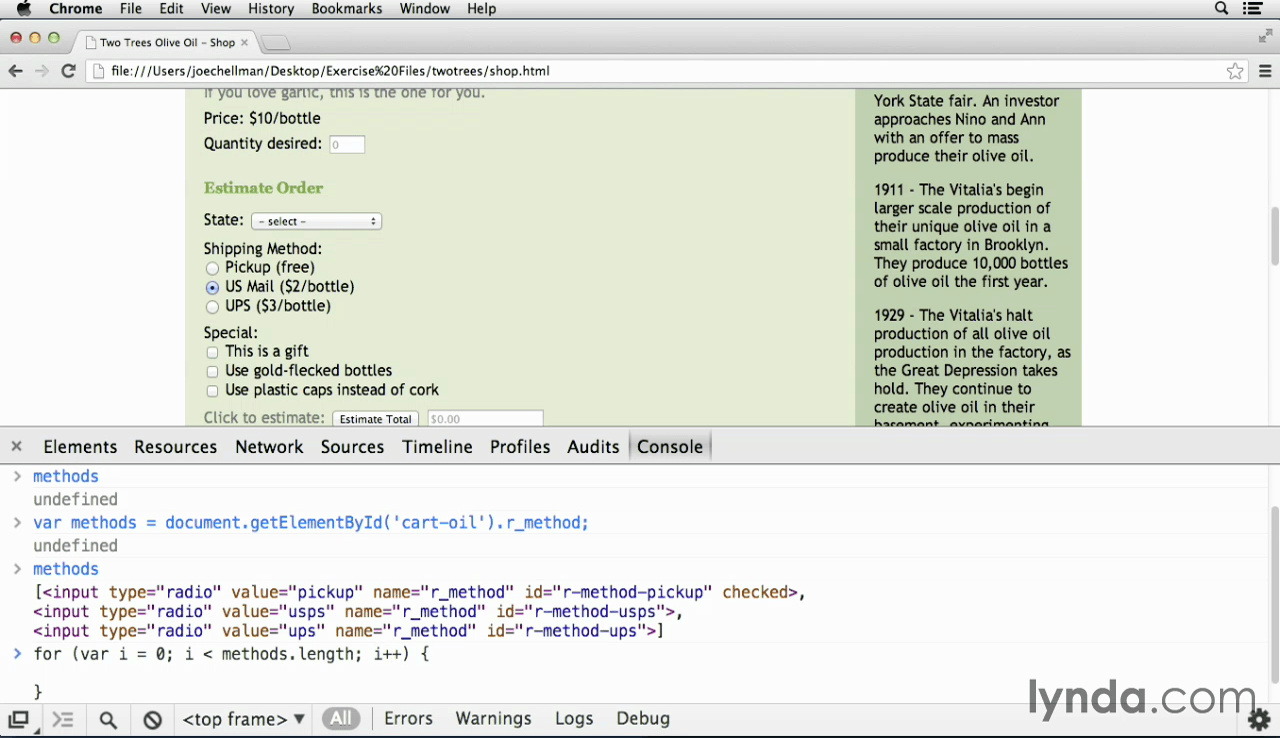
- Writing and debugging javascript
- Understanding javascript jargon
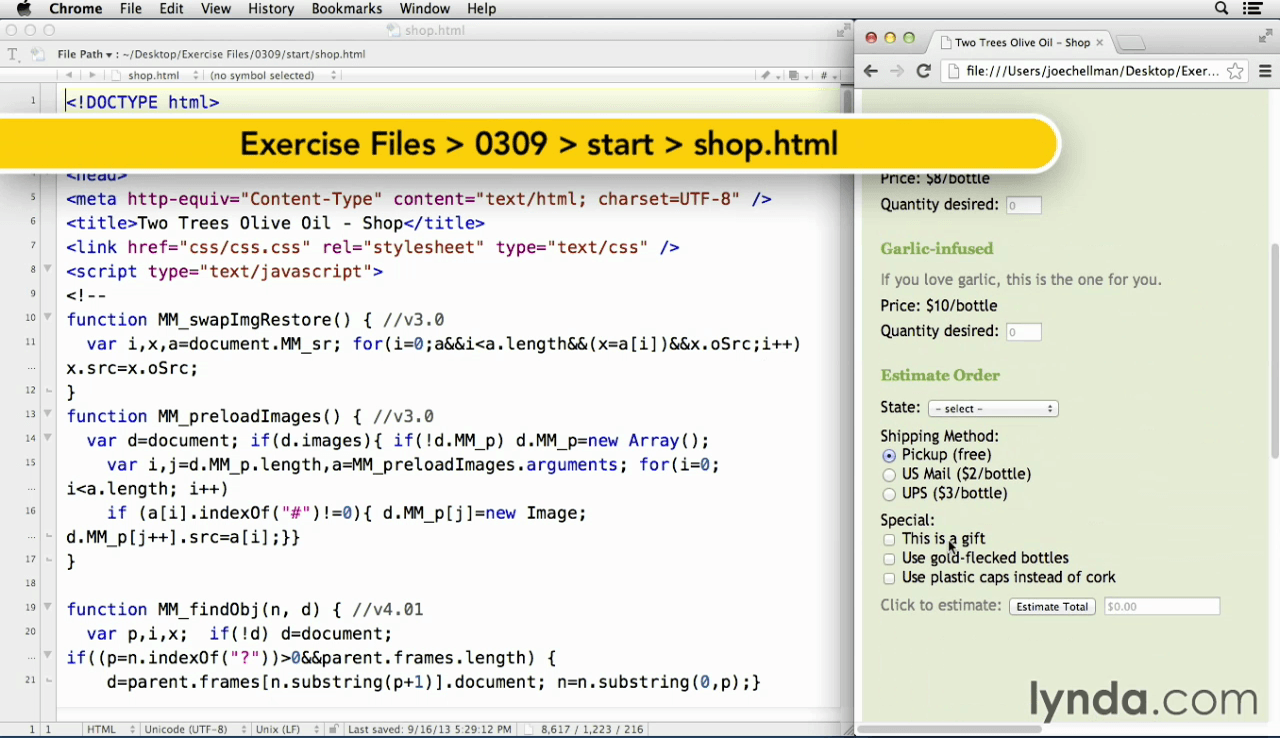
- Getting the values from form fields
- Using user input in calculations
- Creating navigation tabs with javascript
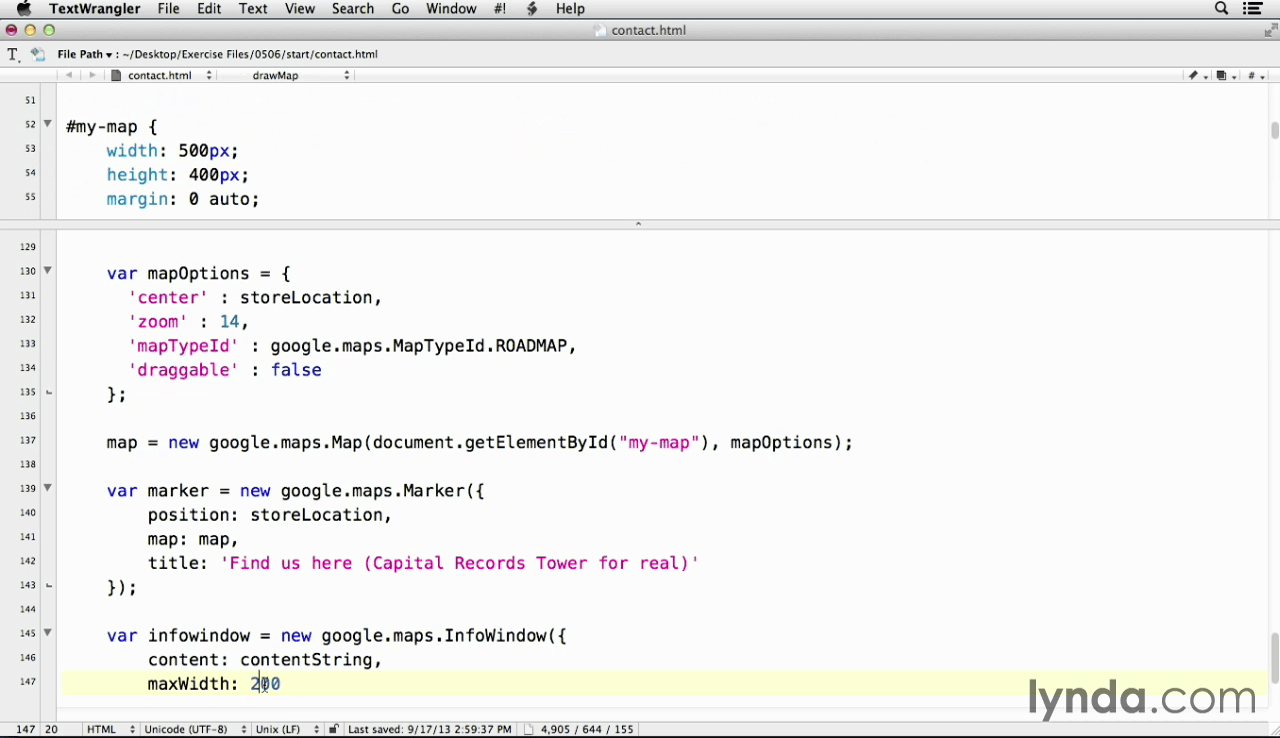
- Adding a map with the Google Maps API
Screenshots
Frequently asked questions
How do I install the app?
Mount the image, drag the app into the "Applications" folder and launch it. If the system blocks the launch, allow it in "System Settings → Privacy & Security".
The app is damaged or won't launch
Reinstalling from a fresh image usually helps. Make sure your macOS version matches the one listed in the compatibility specs.
How do I update?
Download the new version from the site and install it over the current one — your settings will be preserved.
The download link doesn't work
Try a mirror or a download manager. For large files the browser often drops the connection.
How do I completely remove the app?
Use an uninstaller utility — it cleans up the service files that remain after moving the app to the trash.
Information
Users of Guests are not allowed to comment this publication.
Choose a download source
JavaScript for Web Designers · 529.36 MB