
Perfectly Clear Video 4.6.1.2701
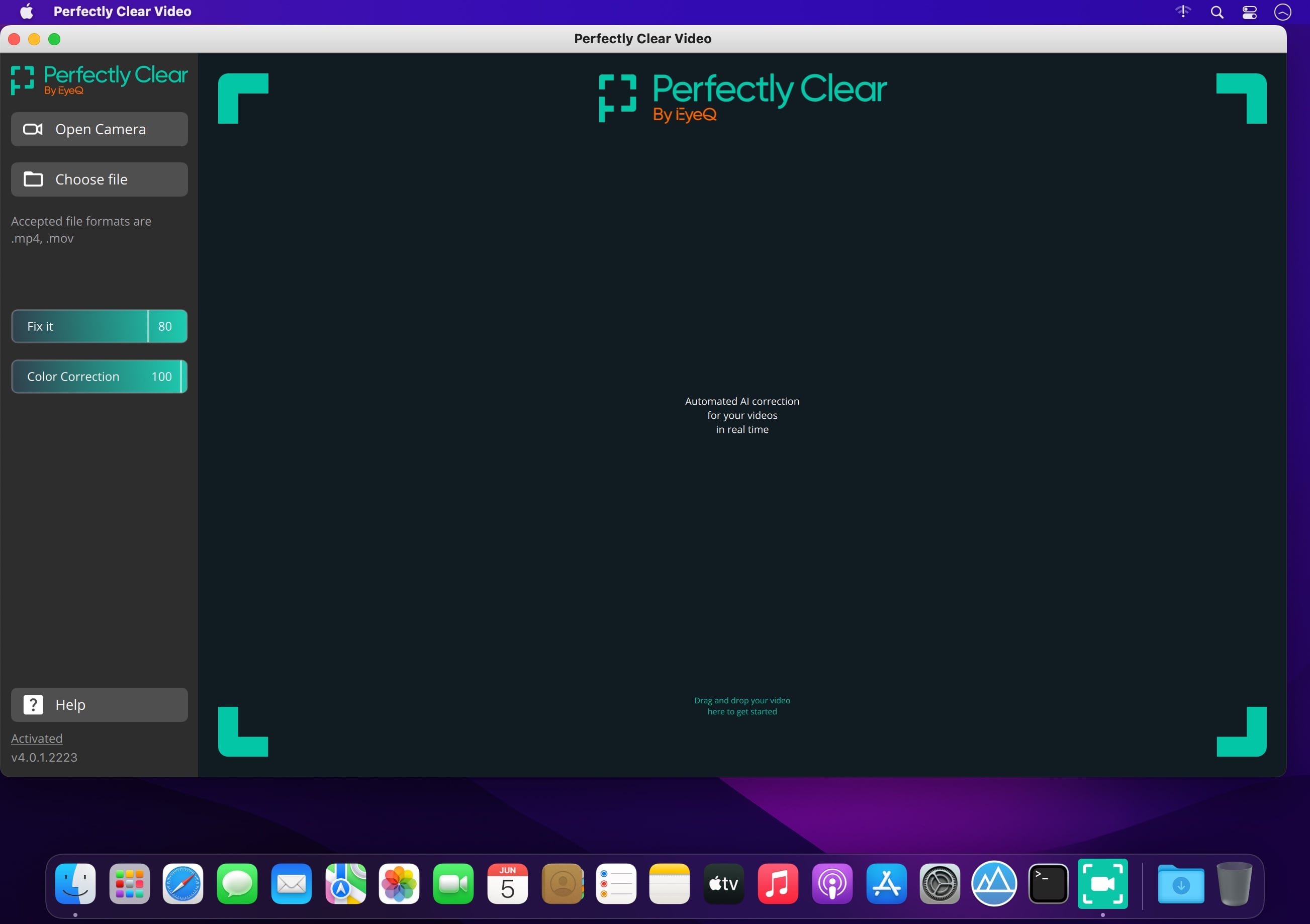
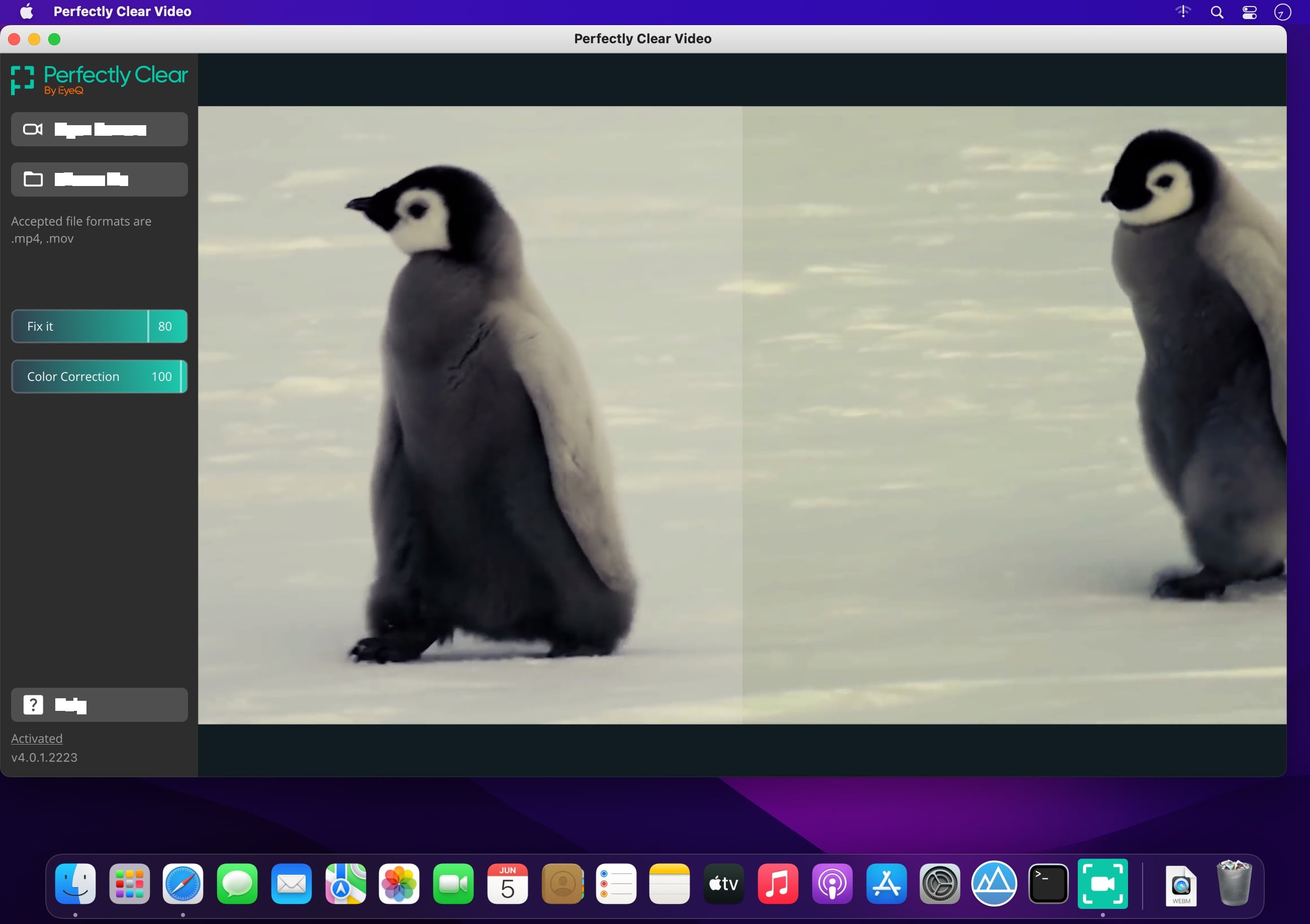

Power Your Video with Perfectly Clear’s AI Automatic Video Enhancement.
Say goodbye to camera limitations and bad lighting.
Open the possibilities of using AI enhanced video in your business. This automatic AI video enhancement technology is revolutionizing the industry by using artificial intelligence to increase the quality of your video frame by frame.
Simple, real-time automatic video enhancement
If you’re going to enhance video with AI, it needs to be done right. We took care of the complicated part so your business can benefit from a simple, easy solution.
Perfectly Clear Video will automatically
- Bring your video to life with light and color correction
- Remove tint
- Powerfully recover highlights
- Create better contour, depth, and color tone on faces
- Vividly enhance skies and foliage
- Provide an exceptional exposure correction on any backlit videos
Implement AI video enhancement anywhere
No matter what industry you’re in, businesses have one thing in common when it comes to video: it can be a challenge. The quality of video has always been reliant on lighting, until now.
Perfectly Clear Video is an automatic AI video enhancement solution that can be implemented wherever you need it. This groundbreaking technology can be used in real time or on pre recorded videos. Whether you’re looking to put video quality enhancement in your app or directly into a phone, you can with this AI video enhancer. We created Perfectly Clear Video so you can use video anywhere, any way.
What makes our AI video enhancement unique?
The AI video enhancer system uses deep learning video enhancement to reproduce the corrections that professional manual editors made. The AI technology imitates light to locally light up specific areas of the shot and adds other corrections such as color vibrancy and tint correction. These corrections are then applied to the video, resulting in an AI-enhanced video that mimics professional work.
Bye tedious editing, hello automatic!
This technology was built for your business to license to your customers. Consumers no longer have to worry about how to color grade or adjust— they just use the slider bar or an automatic button. Our AI video enhancer is simple— we make video look its best, automatically.
Version 4.6.1.2701 :
- Release notes were unavailable when this listing was updated.
Frequently asked questions
How do I install the app?
Mount the image, drag the app into the "Applications" folder and launch it. If the system blocks the launch, allow it in "System Settings → Privacy & Security".
The app is damaged or won't launch
Reinstalling from a fresh image usually helps. Make sure your macOS version matches the one listed in the compatibility specs.
How do I update?
Download the new version from the site and install it over the current one — your settings will be preserved.
The download link doesn't work
Try a mirror or a download manager. For large files the browser often drops the connection.
How do I completely remove the app?
Use an uninstaller utility — it cleans up the service files that remain after moving the app to the trash.


Choose a download source
Perfectly Clear Video 4.6.1.2701 · 78.48 MB
Previous versions
Perfectly Clear Video 4.6.1.2701
Previous versions are available to registered users.