
Vectorworks 2024 Update 4.1
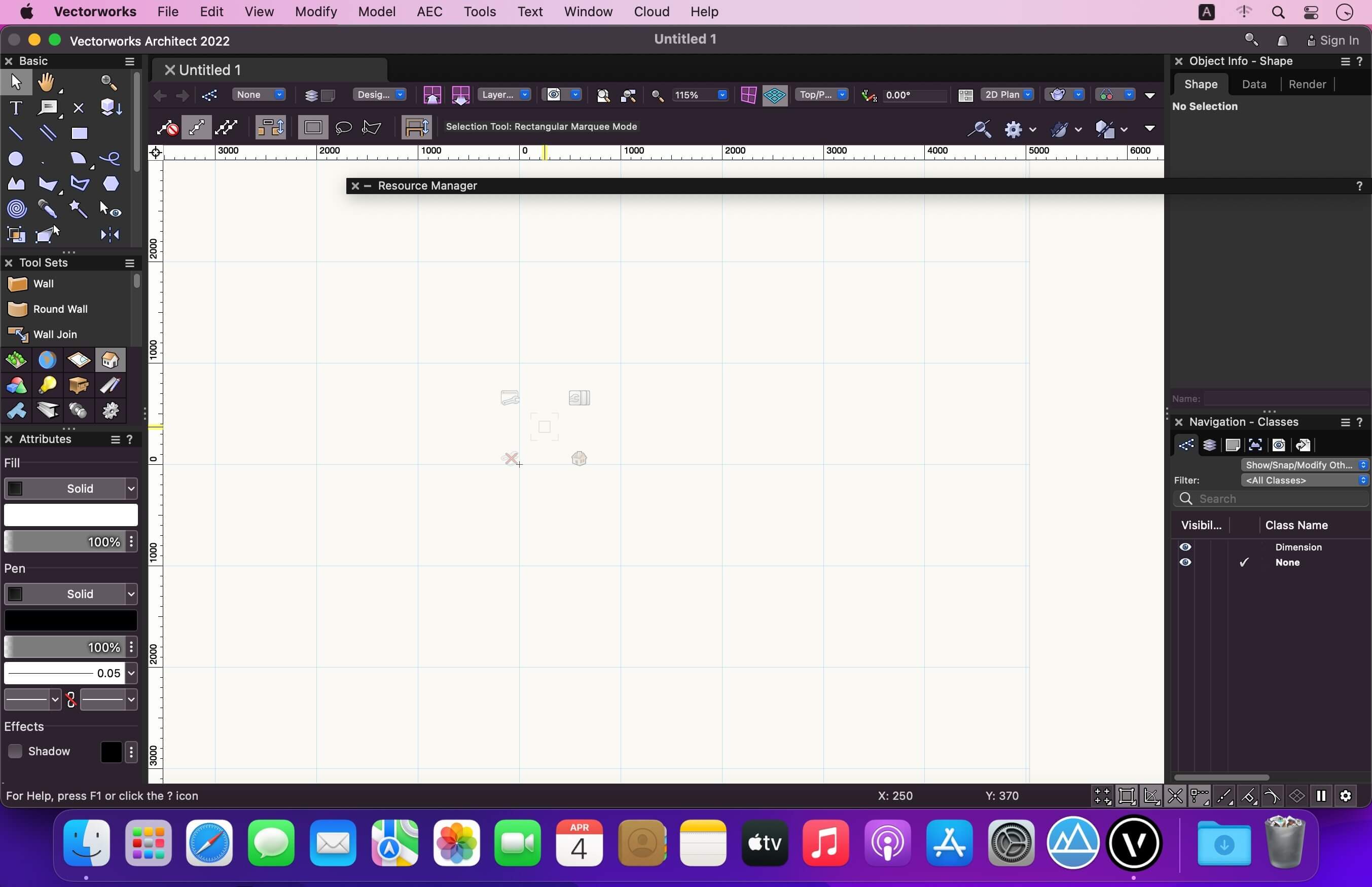

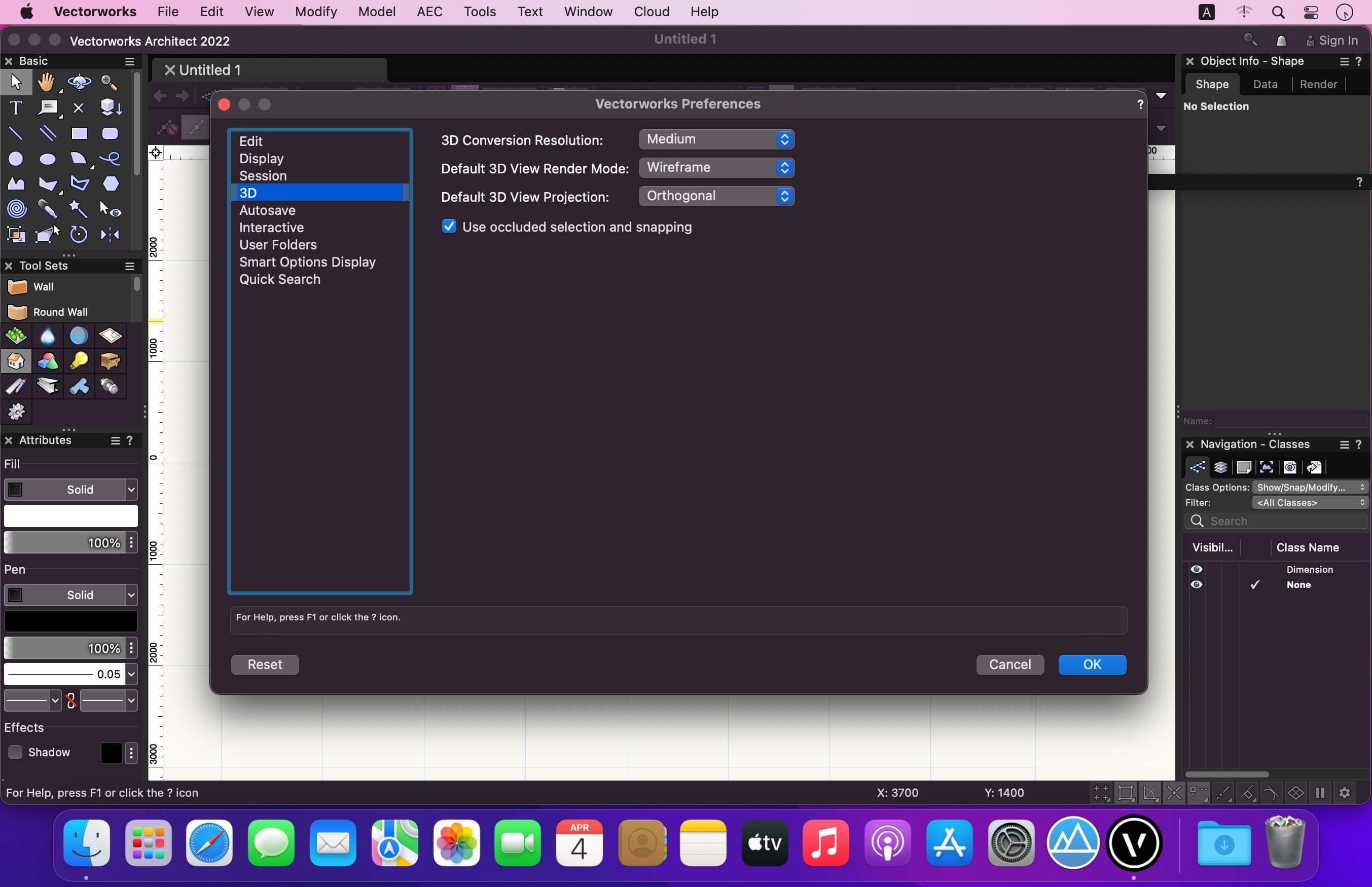
Vectorworks is a versatile, on-premise application that provides extensive 2D drafting, 3D modeling, BIM and rendering capabilities for your architectural and landscape design needs. Vectorworks is equipped with designer-focused tools and features, allowing your workflows to have great freedom, ease of use and flexibility.
The Vectorworks 2023 product line includes improvements focused on next-gen tech, 3D and BIM workflows, interoperability, landscapes and GIS and entertainment design workflows.
Global design and BIM software provider Vectorworks, Inc. has launched Vectorworks 2022 SP2.1 with a continued emphasis on improving product quality, performance and the user experience.
Frequently asked questions
How do I install the app?
Mount the image, drag the app into the "Applications" folder and launch it. If the system blocks the launch, allow it in "System Settings → Privacy & Security".
The app is damaged or won't launch
Reinstalling from a fresh image usually helps. Make sure your macOS version matches the one listed in the compatibility specs.
How do I update?
Download the new version from the site and install it over the current one — your settings will be preserved.
The download link doesn't work
Try a mirror or a download manager. For large files the browser often drops the connection.
How do I completely remove the app?
Use an uninstaller utility — it cleans up the service files that remain after moving the app to the trash.




Choose a download source
Vectorworks 2024 Update 4.1 · 6.02 GB
Previous versions
Vectorworks 2024 Update 4.1
Previous versions are available to registered users.
Comments 4